Guide · General
10 Best Self Employed Accounting Software for 2026
Compare 10 self employed accounting software options on invoicing, expense tracking, tax support and price, with listed prices and vendor sources.
By the KeenVerdict research desk · Updated November 21, 2026 · 14 min read
A freelancer bills five clients a month, photographs receipts at the till and wants every record sorted before tax time. A free plan with unlimited invoices and one bank connection covers that person exactly. It stops fitting the week a second bank account, a foreign currency or an accountant's report request arrives.
The short answer comes before the brand list: pick the category of tool before the tool.
If your month is mostly invoices and chasing payment, a billing-first product covers you. If you need reconciled books an accountant can read, a bookkeeping platform is the floor. If business and household money share one account, a combined personal-and-business app saves a second subscription.
Four points decide whether self-employed accounting software survives a full year with you. Invoicing includes the caps nobody reads on the pricing page. Expense tracking means bank feeds and receipt capture, not a category dropdown. Tax support is what the tool records, estimates and files. Price is the subscription plus payment processing plus the add-on that turns a cheap tier into an expensive one.
KeenVerdict compares documented features and published prices and does not run hands-on tests. Every price below is the vendor's published rate quoted from its pricing page, and it excludes taxes, processing fees and add-ons.
Adoption is thinner than the marketing suggests. In a September 2025 survey of 1,000 UK sole traders who were not VAT-registered, only 10% used cloud-based accounting software, 66% still used spreadsheets and 77% named comfort with existing methods as the biggest barrier (IPSE and Sage MTD report). For most sole traders, the competitor is not another product. It is the spreadsheet already open on the laptop.
Table of Contents
- 1. QuickBooks Solopreneur
- 2. FreshBooks
- 3. Zoho Books
- 4. Wave
- 5. Xero
- 6. Quicken Business & Personal
- 7. ZipBooks
- 8. Patriot Accounting
- 9. Kashoo
- 10. QuickBooks Online Simple Start
- Self employed accounting software compared by starting price, free option and best fit
- Match the Plan to Your Billing Volume and Tax Workflow
1. QuickBooks Solopreneur
Intuit positions this as the product for self-employed people and one-person businesses rather than a shrunken team ledger. Income and expense tracking, profit-and-loss reporting, invoicing, receipt capture and mileage logging sit in one account, with tax tools that sort records for filing. The fit is a solo operator who drives for work and wants mileage, receipts and invoices handled in a single account.
Intuit lists QuickBooks Solopreneur at $20 per month before promotions on the Solopreneur product page (checked 12 December 2026). A free tier and paid-plan offers are also advertised. Some tax services are sold separately, and online customer payments can carry card and bank-transfer fees, so the sticker price understates a year of real use.
What Tax Support Actually Means
Software that maps expenses to tax categories is useful. Software that satisfies a filing mandate is a different product. In the UK, sole traders and landlords with combined gross income above £50,000 from self-employment and property must use compatible software from 6 April 2026, measured on gross income before expenses rather than on profit, with the threshold set to fall in later tax years (Making Tax Digital for Income Tax guidance).
Where it breaks down: the plan stops at sole-trader scope. Feature depth, including accountant access, varies by plan, and payment processing and tax preparation add cost or conditions. A freelancer who needs a balance sheet and an accountant seat hits the ceiling early.
Ask one question before paying: does the plan store digital records and submit what the tax authority requires in your country, or does it only produce a report you retype elsewhere?
For the wider field of solo-focused options, the freelancer accounting software ranking covers the adjacent picks.
2. FreshBooks
FreshBooks leads with client-facing billing. Invoices, estimates, client records and retainers come first, with expense tracking and accounting reports behind them. Consultants, designers and writers who bill directly get a system shaped around the invoice rather than around the ledger.
FreshBooks lists Lite at $23 per month, Plus at $43 and Premium at $70 on its U.S. pricing page (checked 12 December 2026). Annual billing and promotions change the effective rate.
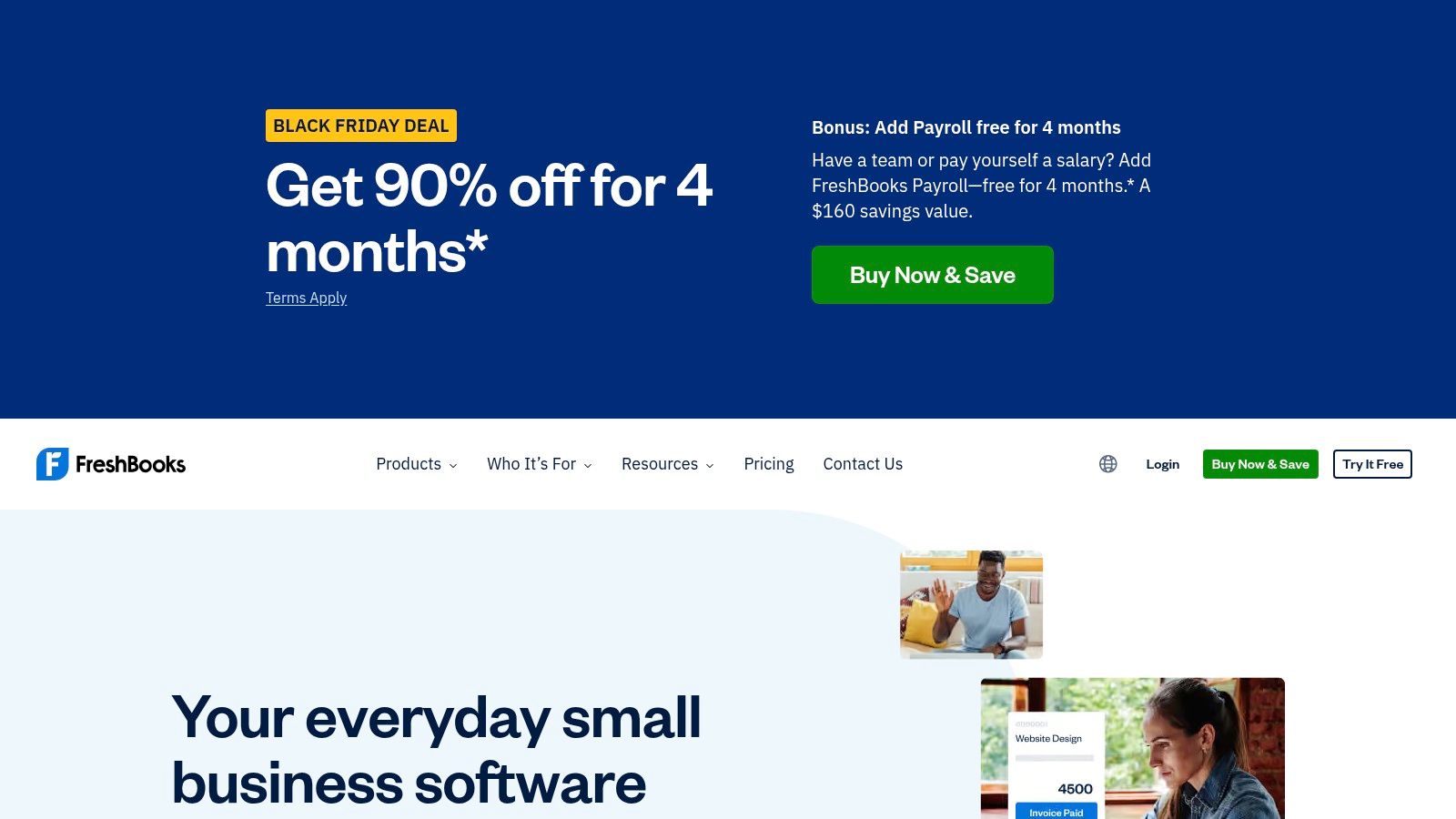
The Lite tier meets its limit twice. It caps billable clients, and several of the accounting reports a tax preparer asks for sit on higher plans. Team-member access costs extra on many plans, so a freelancer who subcontracts work pays again.
- Client cap: the entry tier restricts how many clients you can bill, which is the number that grows first for a service business.
- Reports: receipt scanning, deeper financial reporting and accountant access sit on Plus and above.
- Seats: inviting a bookkeeper is not always included in the list price.
Usability is the counterweight. In a Small Business Majority survey, 83% of small-business owners said they were satisfied with the interface and overall usability of their online accounting tool, and 64% of respondents were self-employed or ran firms with 10 or fewer employees (Open Banking report on cloud accountancy). Invoicing is where that satisfaction is won or lost, and it's why a billing-first tool can justify a higher list price than a plain ledger.
If invoices are the centre of your week, the guide to accounting for invoices covers what to keep and what to automate.
3. Zoho Books
Zoho Books starts at zero, which makes it the first serious stop for a solo operator who wants structured double-entry books without a subscription. The free plan covers invoicing, quotes, expenses, journals, mileage tracking and profit-and-loss and balance-sheet reports, and it suits very small operators whose transaction volume stays low.
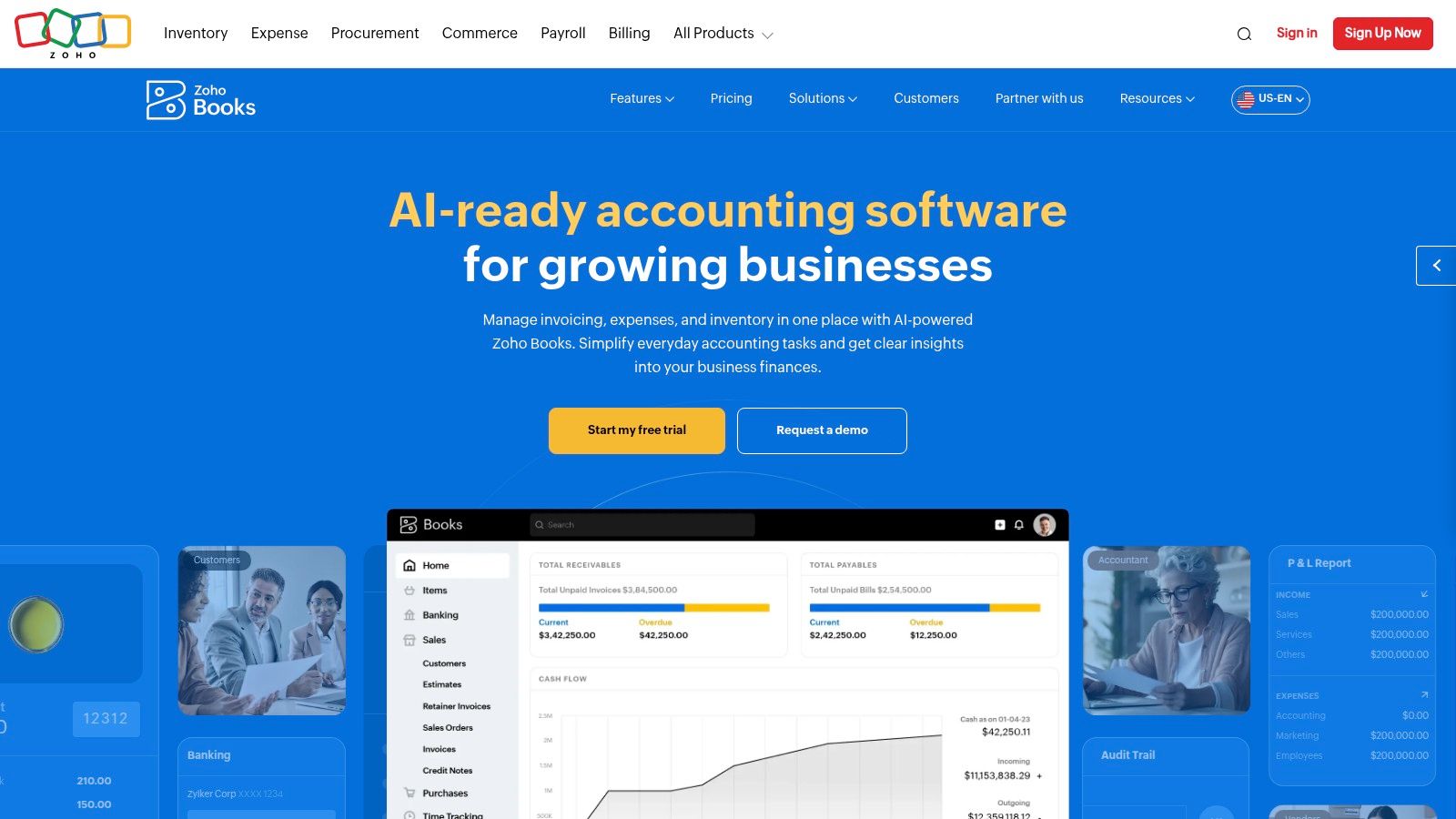
The paid ladder is where careful reading pays. Standard is listed at $20 per month, or $15 per month with annual billing, on Zoho Books pricing (checked 12 December 2026), and taxes may apply. Paid tiers add sales-tax functions, recurring expenses and custom reports, while projects, time billing, inventory and workflow rules sit higher again.
- Free-plan limits: user and feature caps mean eligibility needs checking before you build a workflow on it.
- Bank feeds: automatic transaction imports are listed for Standard, not Free. The free plan still supports bank reconciliation, but you match lines you have entered or imported yourself, so the monthly close costs time rather than money.
- The ladder: an automation you wanted can sit three tiers above where you started.
That manual reconciliation is the actual price of the free tier.
HMRC's population data shows how widely software uptake varies by income. Among 7.0 million individuals in Income Tax Self Assessment with sole-trader or rental activity, 45% of those with qualifying income up to £10,000 used software to submit a return, against 63% of businesses with qualifying income above £50,000 (HMRC Making Tax Digital business population statistics).
4. Wave
Wave's pitch is a free Starter plan with invoicing, estimates and bookkeeping records, then a Pro tier at $19 per month or $190 per year in the U.S. on Wave's pricing page (checked 12 December 2026). Payment processing is a separate line on your statement.
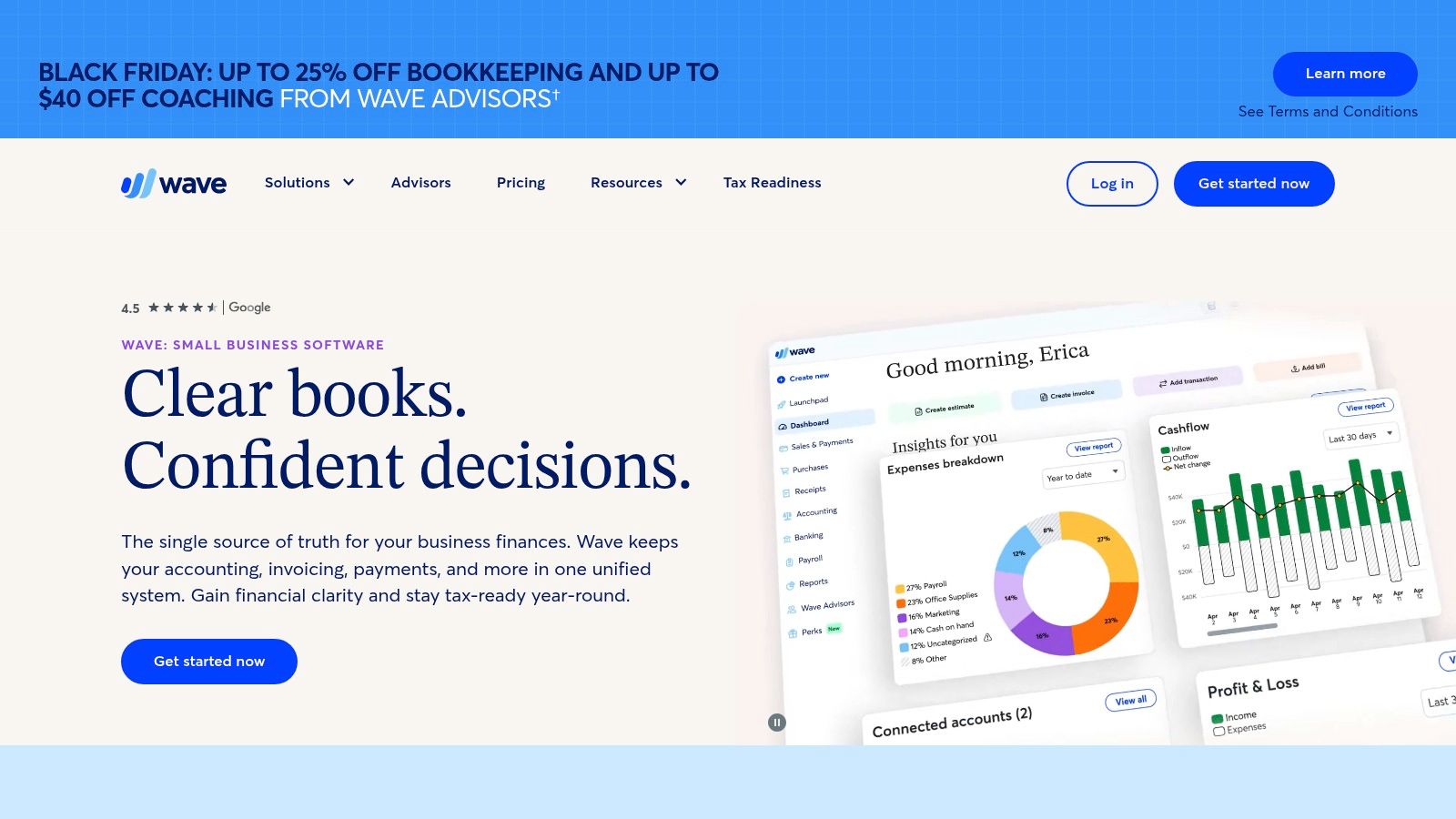
The free tier is manual by design. Automatic bank transaction imports and transaction categorisation sit in Pro, beside support conveniences. Receipt capture, mobile access and profit-and-loss and balance-sheet reporting are part of the package.
Where it breaks down: a solo operator running several businesses needs separate subscriptions, and the subscription isn't the whole bill. Card processing fees apply on top of every invoice you collect online.
The manual-data question sharpens if you file quarterly. For UK taxpayers entering Making Tax Digital on 6 April 2026, HMRC's published schedule sets quarterly update deadlines of 7 August 2026, 7 November 2026, 7 February 2027 and 7 May 2027, with the Self Assessment return due 31 January 2028 (UK government announcement). The updates are light-touch summaries of income and expenses, but digital records must be maintained through the year, so bank feeds, categorised transactions and period-based reporting stop being optional.
If licence cost is the deciding factor, the open source accounting software guide covers the alternatives to a freemium tier.
5. Xero
Xero is the pick when the job is a full accounting file: bank connections and reconciliation, real-time reports, invoices, quotes and bills, sales-tax features, W-9 and 1099 management, and an accountant working in the same file.
U.S. list prices are Early at $27 per month, Growing at $59 and Established at $97 on Xero's U.S. pricing page (checked 12 December 2026), before taxes and optional add-ons. Xero's list prices change over time, so check the current pricing page before comparing against older posts.

The fit is a solo operator who already hands books to an accountant and wants one ledger from quote to reconciliation. The constraint is plan shape: Early caps invoices and bills each month, so an active freelancer can outgrow the cheapest tier fast. Payment fees and add-ons sit on top of the plan, which makes the actual monthly cost the tier plus collections.
The Compliance Test
HMRC reported that more than 7 million people, about 87% of Self Assessment filers, were submitting returns online, and that roughly 2 million small businesses, landlords and self-employed people already used software to manage tax affairs (HMRC Making Tax Digital evidence). Digital filing spread long before mandates forced it.
That history sets the test for any self-employed operator: can the platform produce the records and submissions your tax authority accepts, or does it only produce bookkeeping output you then move somewhere else?
6. Quicken Business & Personal
Quicken Business & Personal fits a one-person business whose money starts mixed: rent, groceries, client invoices and Schedule C costs in the same lane. It puts business income and expense tracking beside personal budgeting in one cloud app, with invoicing, business cash-flow reporting, tax-oriented support for Schedules C, E and F, and web and mobile access.
The vendor lists a promotional $4.99 per month billed annually and a regular $8.99 per month on the Quicken Business & Personal page (checked 12 December 2026). That's the lowest paid entry on this list, and the cheapest tier is also the narrowest. Price it after any add-ons and payment costs, not from the promo sticker.
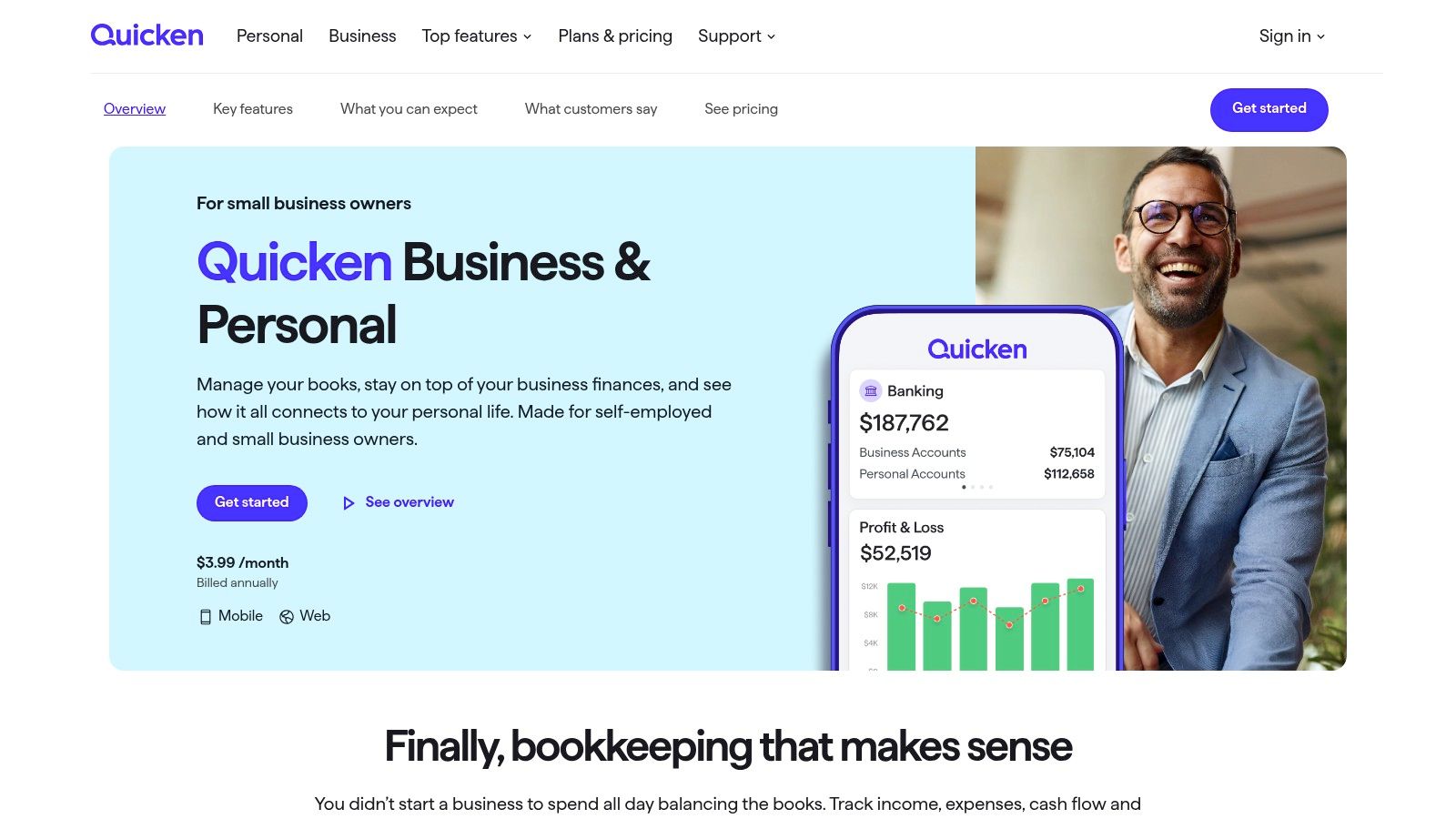
The fit is narrow by design. It suits a freelancer who wants one dashboard and simple tax categories; it breaks down for complex inventory, larger teams and advanced accounting operations. The blended view also creates work when a preparer wants a clean business-only export, and owners who want strict separation will end up splitting transactions by habit rather than by software.
Practical rule: combined personal and business tracking saves a subscription, not the discipline of keeping one card for business spending.
Tax support is the deciding factor. Around 1.018 million taxpayers expected to enter Making Tax Digital are not represented by an agent, and 83% of that group don't currently use software to file Self Assessment (Accountancy Age report). A transaction log helps only if it still tells you what to reserve when income swings; confirm that before the first quarter closes.
7. ZipBooks
ZipBooks' free tier is built around invoicing volume. Starter includes unlimited invoices, customers and vendors plus one connected bank account at no charge, with Smarter at $15 per month and Advanced at $35 per month on ZipBooks' site (checked 12 December 2026).
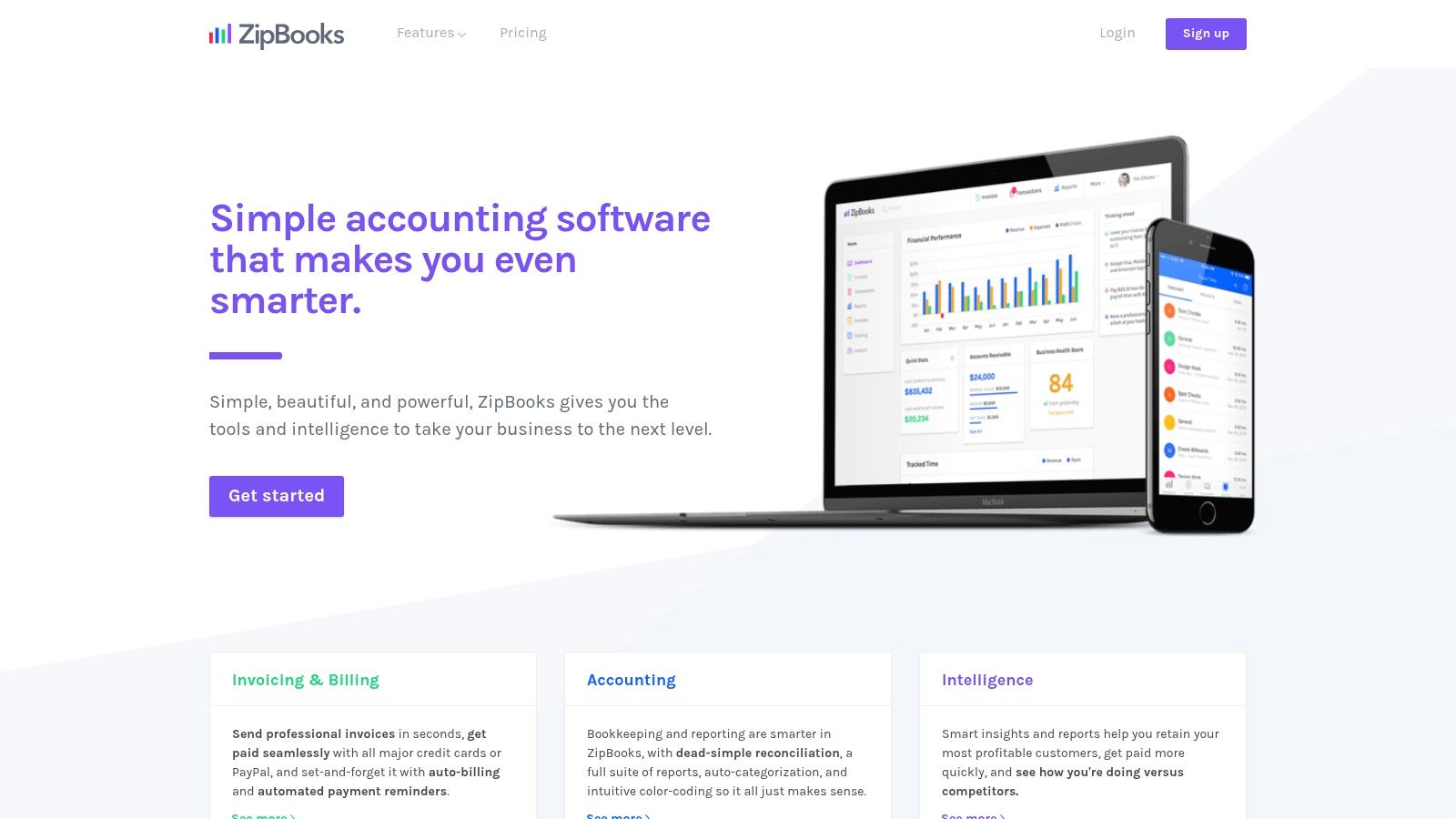
Paid tiers add recurring invoices, reminders and time tracking, then reconciliation, book locking and deeper reporting at the top. Expense tracking and some 1099-related workflows are included, which covers the basic solo workflow: bill clients, log costs, hand the records to a tax preparer at year end.
The limit is the single bank connection. A freelancer running a business checking account, a credit card and a payment processor hits that wall in the first month, and reconciliation sits behind the paid plans. Free means free at a specific level of complexity: one account, one income stream, nothing to match across feeds.
That setup describes a large share of the market. In 2024, 53% of UK businesses with no employees used technology or web-based software to sell to customers or manage the business (Longitudinal Small Business Survey 2024). For an owner whose finances fit inside one bank feed, Starter costs nothing and covers the invoicing core. The moment a second account enters the picture, the price becomes $15 or $35 a month.
8. Patriot Accounting
Patriot sells a clear two-tier structure. Accounting Basic covers automatic bank imports, income and expense tracking and unlimited customers and invoices at $20 per month. Premium at $30 per month adds estimates, recurring invoices, reminders and receipt and document management, at standard rates on Patriot's accounting pricing (checked 12 December 2026). Unlimited users are included according to the vendor's pricing information.
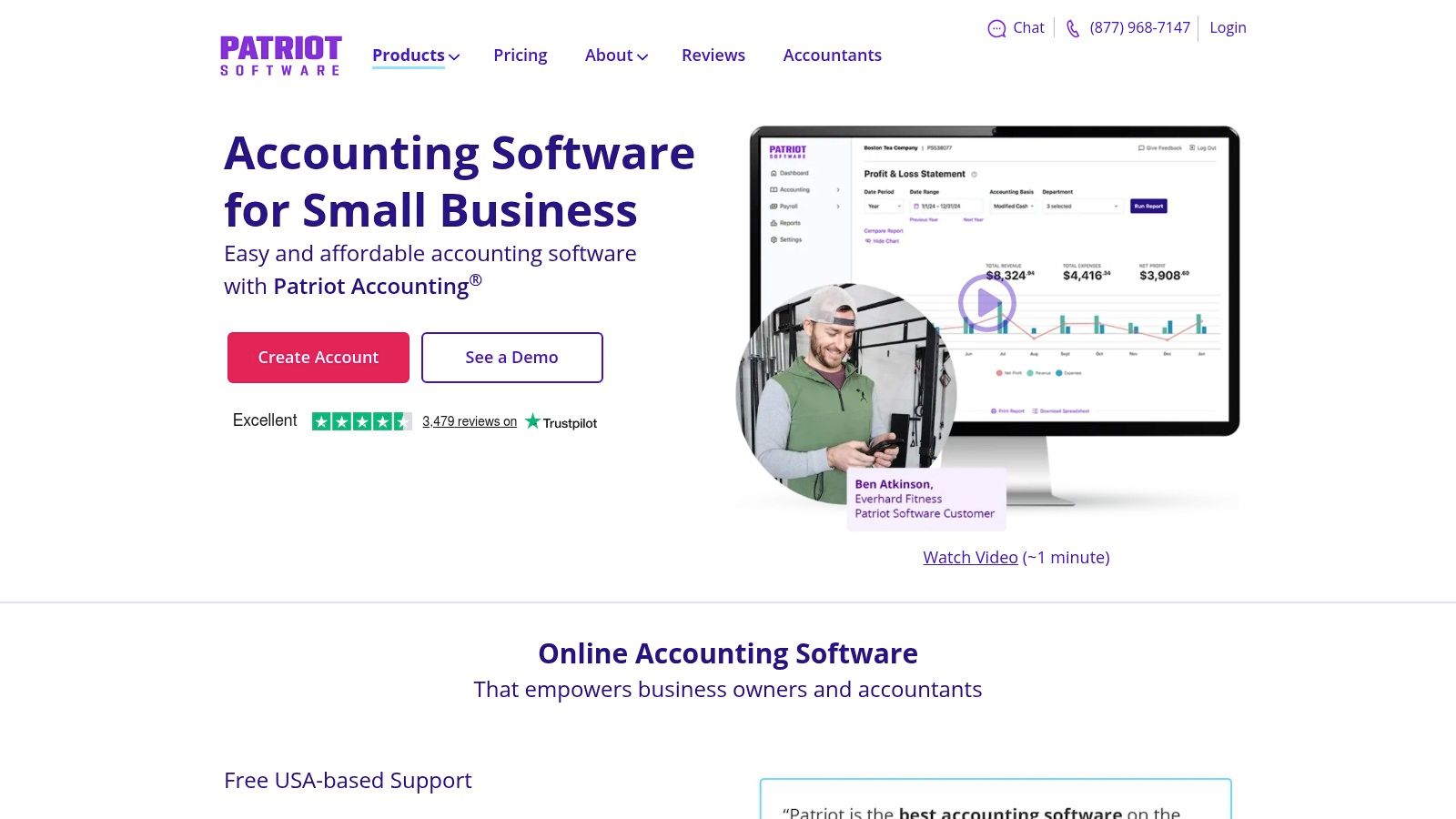
The reason to pick Patriot isn't the ledger, it's the exit ramp. Payroll is a separate Patriot product, so an owner who hires a first employee or starts paying contractors stays inside one vendor relationship.
Where it breaks down: several invoicing and organisation features sit behind Premium, so the $20 headline becomes $30 for anyone sending recurring invoices with reminders. Payroll adds cost on top, and a solo business with simple needs pays for capability it won't use.
Employer status is the dividing line. In 2024, 65% of UK SME employers used record-keeping software, up from 61% in 2023 (Longitudinal Small Business Survey 2024, businesses with employees). Add staff and the case for a fuller system gets stronger than it was the year before.
9. Kashoo
One plan, one price. Kashoo puts invoicing, online payments, expenses and bills, bank feeds, sales-tax tracking and a double-entry ledger into a single package at $30 per month, with a 14-day trial that doesn't require a credit card, on Kashoo's site (checked 12 December 2026).
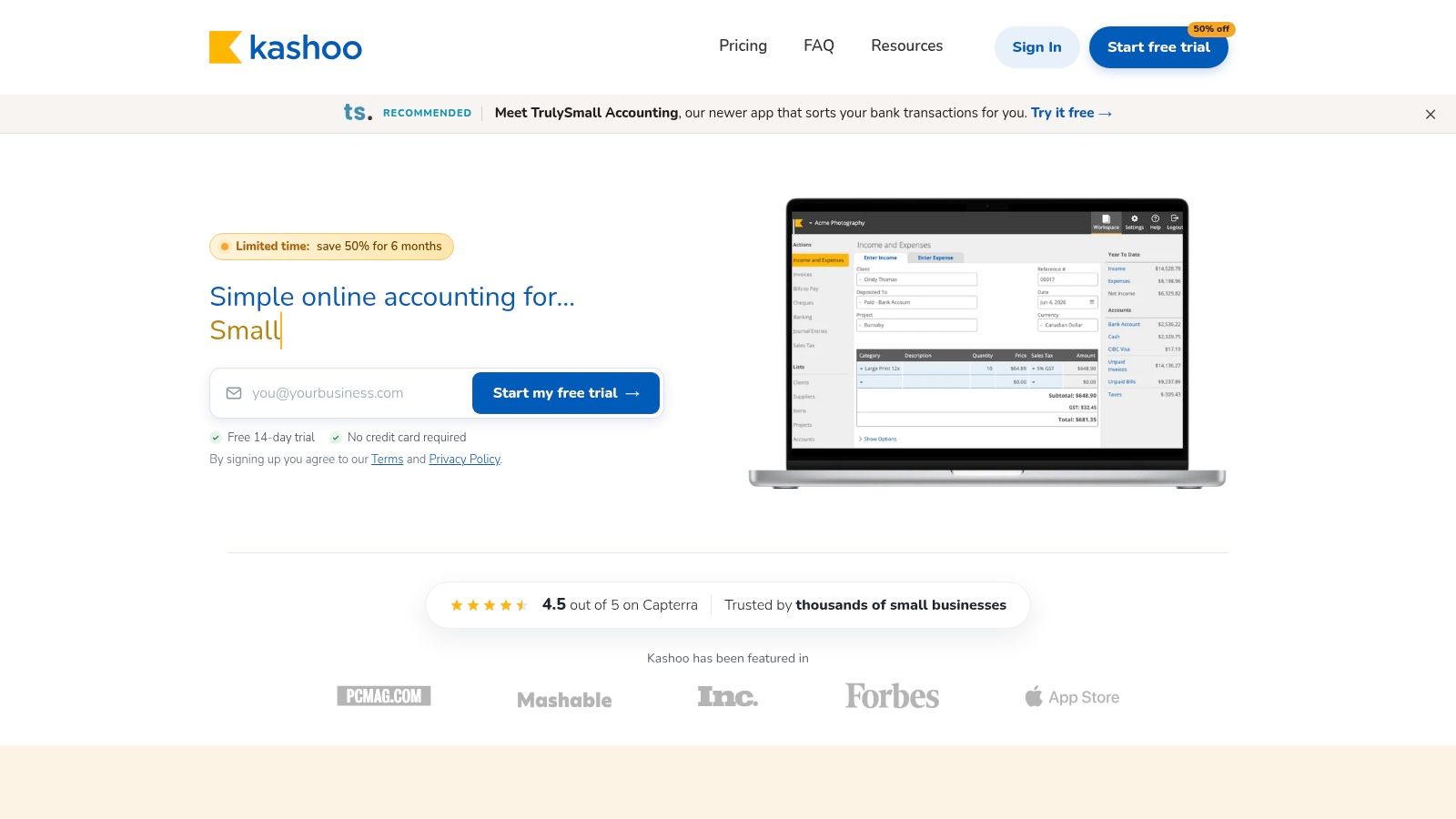
Multi-currency support, inventory tracking and unlimited users are included, which is unusual at that price. A self-employed operator with a small team, or one invoicing overseas clients, gets capability that costs more elsewhere.
Decision shortcut: if comparing plan tiers would cost more than an hour a month, a single-plan product is worth a small premium.
Where it breaks down: $30 per month is more than several plans here that do the same job for one person. One plan also means no cheaper route if you only need invoices and expenses. Check integrations against the tools you already run before committing, because a single tier makes a mismatch expensive to fix.
10. QuickBooks Online Simple Start
Simple Start is a general small-business accounting plan, not a bigger version of Solopreneur. Intuit lists it at $38 per month before promotions on QuickBooks pricing (checked 12 December 2026). Introductory offers change the displayed number, so confirm the post-promotion rate before budgeting.
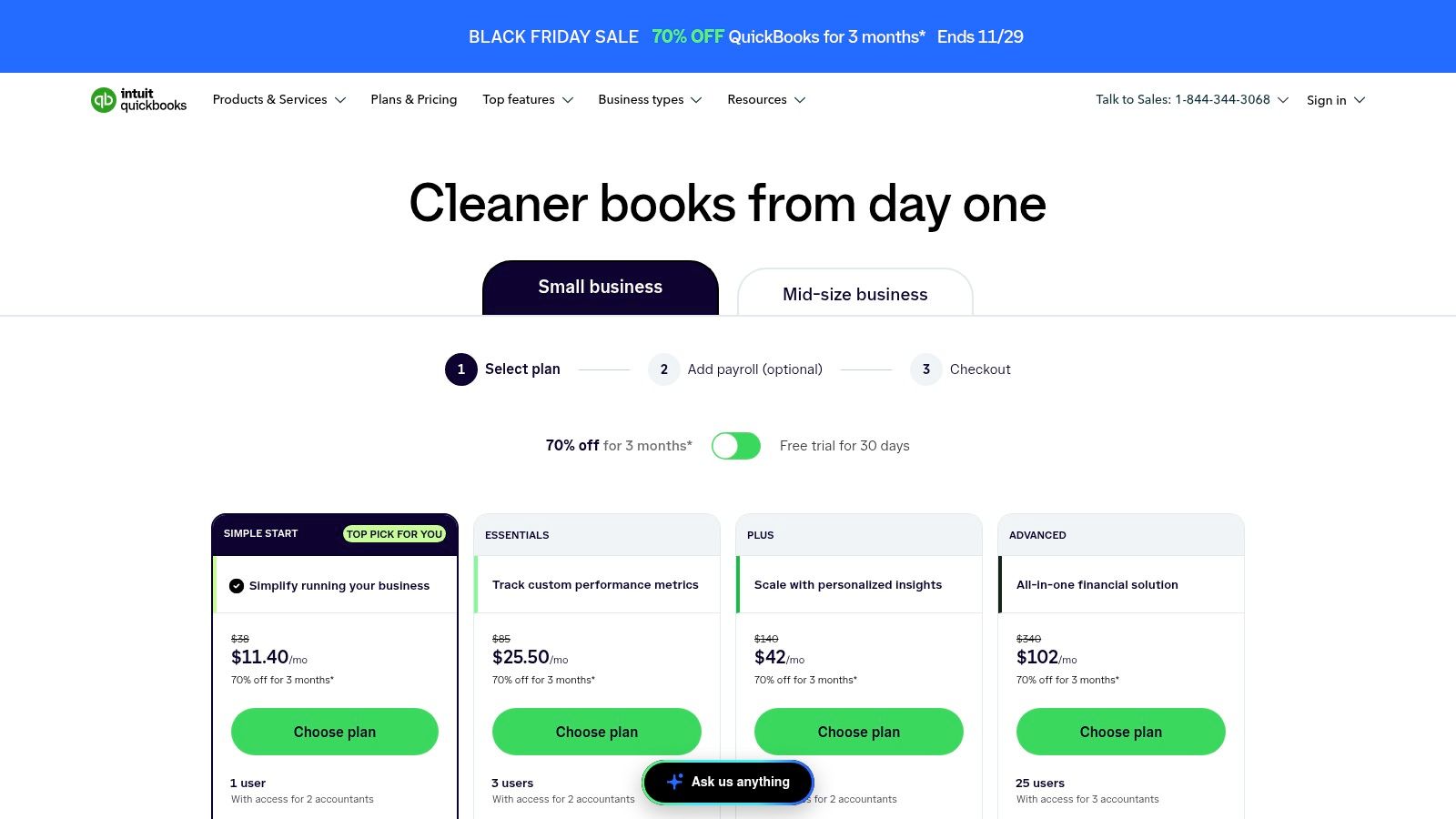
It carries standard accounting, invoicing and financial reporting, online access with guided setup, and the wider QuickBooks ecosystem. Higher plans add users and features, so an owner whose needs will develop gets a migration path inside one product family.
Where it breaks down: more capability and more cost than many solo operators need. It sits well above several entries here, and it must be compared directly with Solopreneur, because the two are different products with different limits.
The Switching Question
The start date for Making Tax Digital is tied to the qualifying income on a return you've already filed, and qualifying income means gross income from self-employment and property before expenses or allowances (Use Making Tax Digital for Income Tax). A plan picked today can become non-compliant a year after income rises, so choose a product with a real upgrade path rather than the cheapest tier that works this month.
Self employed accounting software compared by starting price, free option and best fit
| Item | Listed starting price | Free option | Best for |
|---|---|---|---|
| QuickBooks Solopreneur | $20/month | Free tier advertised | Freelancers and sole proprietors wanting tax-focused tracking |
| FreshBooks | $23/month | No free option listed | Service providers who bill clients directly |
| Zoho Books | $0; Standard from $20/month | Free plan for qualifying businesses | Cost-conscious small businesses wanting room to grow |
| Wave | $0; Pro from $19/month | Free Starter plan | Solo businesses needing basic invoicing and bookkeeping |
| Xero | $27/month | No free option listed | Self-employed businesses needing broader accounting tools |
| Quicken Business & Personal | $4.99/month billed annually (promotional) | No free option listed | Self-employed owners combining business and personal finances |
| ZipBooks | $0; paid plans from $15/month | Free Starter plan | Solo operators starting with invoicing and basic bookkeeping |
| Patriot Accounting | $20/month | No free option listed | Small businesses that may use Patriot payroll |
| Kashoo | $30/month | 14-day free trial | Owners wanting conventional accounting in one main plan |
| QuickBooks Online Simple Start | $38/month | No free option listed | Businesses needing general-purpose online accounting |
Match the Plan to Your Billing Volume and Tax Workflow
Four checks settle the purchase, and all four take under an hour with last month's paperwork in front of you.
- Invoice and client caps: count the invoices you sent and the clients you billed last month. If either number sits close to a plan's cap, buy above it or pick a plan without one.
- Bank feeds and sales tax inside your tier: these are the two features vendors move upmarket. A plan that imports transactions only on the second tier costs more than the pricing page suggests.
- The reports your preparer asks for: request the exact list, profit and loss, balance sheet, general ledger and transaction detail, then confirm the plan you're buying produces them.
- What payment processing adds: card and bank-transfer fees sit on top of every subscription here. Model them on your real monthly invoicing, not on the vendor's example.
Then test. Run a real month of invoices and expenses through the free or trial tier, export your data to confirm you can leave with your records intact, and write down the price and the date you checked it. Prices move, and a tier that costs $19 today can be $30 after the next round of increases.
The short answer holds. Start with the lowest tier that covers your invoicing and your tax records, and move up only when a specific limit blocks work you do. Most solo operators hit a bank-feed or client cap long before they need multi-entity accounting, inventory or a forecasting module.
That's where sourcing matters. KeenVerdict publishes comparisons that quote each vendor's price and record the date it was checked, and it states any financial relationship with a covered product on the entry itself. A price you can verify against the vendor's own page beats a star rating with no date attached.
Put the numbers in writing before you buy: the plan name, the price, the date you checked it and the page it came from. That note settles the argument later, and KeenVerdict's software and app reviews follow the same practice, naming the tier rather than a headline price that expires.
Then run the trial with real work. Import last month's invoices and expenses, export your data to prove you can leave, and check whether the tier you're paying for clears the four tests above. If it does, stop comparing and put the saved subscription money into your tax reserve.
Cite this page
KeenVerdict. 10 Best Self Employed Accounting Software for 2026. Updated November 21, 2026. https://keenverdict.com/self-employed-accounting-software
Questions or corrections: editorial@keenverdict.com