Guide · General
Accounting Software Open Source: 10 Free Picks for 2026
Compare 10 accounting software open source options by features, hosting, support and cost, with honest trade-offs for small businesses. Find the right fit.
By the KeenVerdict research desk · Updated November 8, 2026 · 13 min read
Free accounting software isn't automatically safer or cheaper, and that's the point most roundups skip. Recent open-source security evidence reported by SC Media found that 86% of audited commercial codebases contained at least one vulnerability. For books that hold payroll, tax and payment data, the license fee is only one line in the total cost.
The short answer is simple. Choose ERPNext for integrated operations, GnuCash for straightforward local books, and Beancount or Ledger for plain-text control. Frappe Books, FrontAccounting, Dolibarr and Tryton sit between those poles, with different amounts of server work.
This guide judges accounting software open source on documented features, vendor pages and published license terms, not hands-on testing. Open source means the source code is available under an OSI-approved license that permits use, study, modification and redistribution. It doesn't mean every download called free qualifies.
Practical rule: Read the license before the feature list. A Business Source License is source-available, not the same thing as a standard open-source license.
Hosting, setup, updates, backups and support still cost money or staff time. The right pick depends less on the longest feature list and more on who will run the system every month.
Table of Contents
- 1. ERPNext
- 2. GnuCash
- 3. Frappe Books
- 4. FrontAccounting
- 5. Dolibarr
- 6. Tryton
- 7. Akaunting
- 8. Beancount
- 9. Ledger
- 10. KMyMoney
- Open source accounting software compared
- How to Choose and Roll Out Your Pick
1. ERPNext
ERPNext isn't a standalone ledger. It's a full business platform where accounting connects to sales, purchasing, inventory, projects, HR and manufacturing.
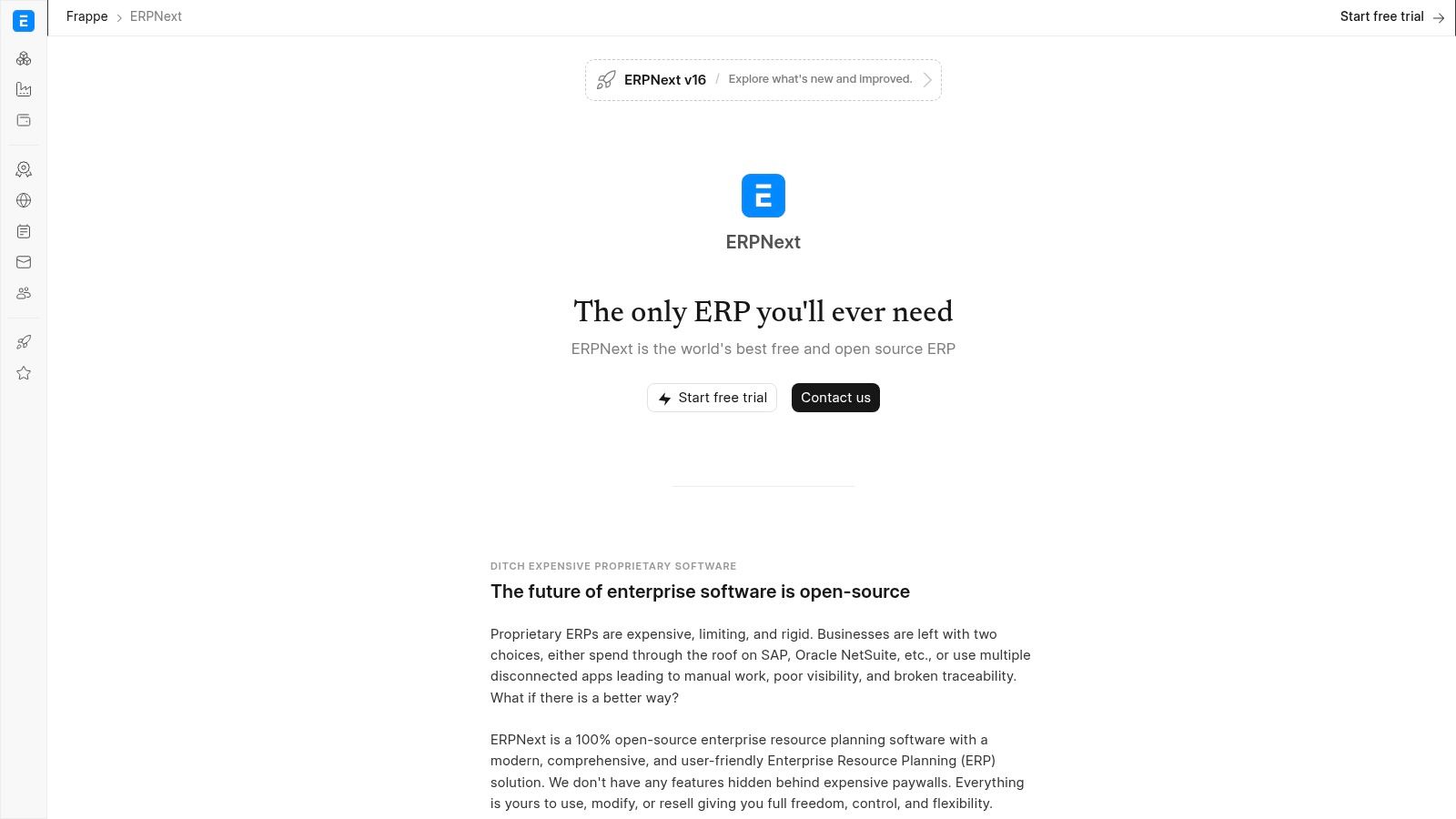
That scope explains its history. According to the ERPNext history on Wikipedia, the project originated in 2008 and its first public release followed in 2010. Later releases added multi-currency accounting, multi-company consolidation, exchange-rate revaluation and payment ledgers, which is a different class of work from basic invoicing.
What stands out
- General ledger and reports: Core double-entry books sit inside the wider system at ERPNext.
- Connected operations: Sales, purchasing and inventory entries feed finance without re-keying.
- Asset management: Assets, depreciation and related workflows are part of the platform.
- No per-user license fee: The open-source edition runs under GPLv3, so cost shifts to hosting and implementation.
Pros: Extensive accounting and operational coverage. Finance data connects directly to daily workflows. There's no per-user software license fee for the open-source edition.
Cons: Setup takes more work than a basic bookkeeping app. Hosting, implementation and support can add real cost. U.S.-specific tax and filing needs should be verified before migration, just as they should when comparing any platform in a guide to the best ERP software.
2. GnuCash
Some businesses don't want a server at all. GnuCash fits that case. It's a desktop application that keeps the books on a local machine, with proper double-entry registers underneath a familiar checkbook style.
Development began in 1997, and the first stable release appeared in 1998, according to the GnuCash history on Wikipedia. Small-business features were added in 2001. That long run matters because the file formats, reports and community answers have had time to mature.
Where it works best
- Double-entry registers: Reconciliation, scheduled transactions and split entries are built in at GnuCash.
- Standard reports: Balance sheet and profit and loss statements cover year-end review.
- Customers and vendors: Invoicing and bill tracking handle simple receivables and payables.
- Multiple currencies: Useful for a sole operator with occasional foreign transactions.
Pros: Free to download under the GNU General Public License. It runs on Windows, macOS and Linux. Data stays local, which suits a single bookkeeper.
Cons: The desktop workflow feels less modern than browser-based tools. Collaboration isn't its focus, and simultaneous multiuser work is awkward. Payroll and local tax filing usually need separate tools, a trade-off also worth weighing against options in a roundup of accounting software for freelancers.
3. Frappe Books
Frappe Books started as a desktop app. It now runs on a Frappe server and is used in a browser, so buyers should ignore older reviews that describe a simple local install. The legacy desktop edition is no longer supported.
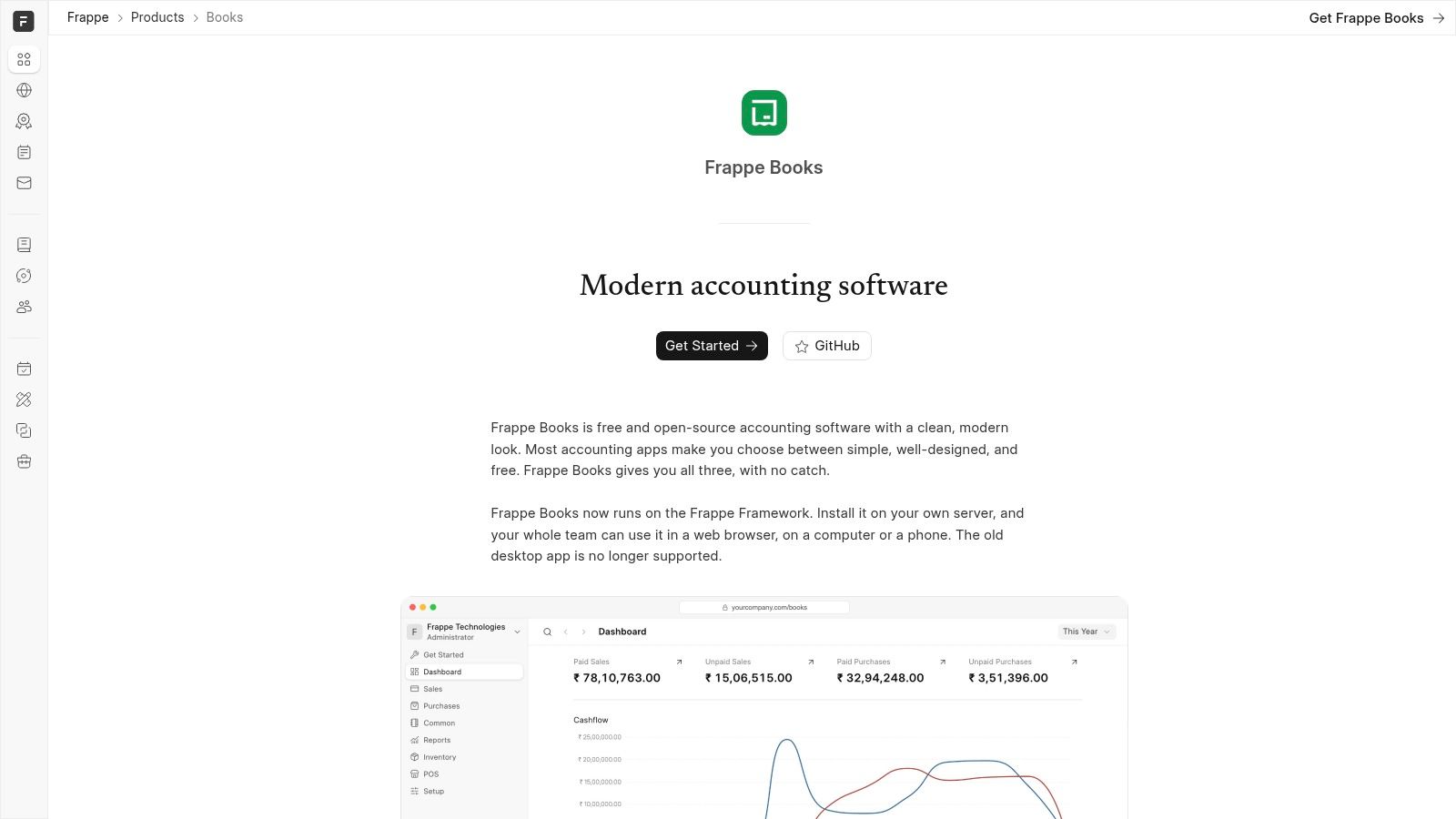
The current shape suits a small business that wants a cleaner interface than a traditional ERP, without giving up double-entry discipline. Quotes, invoices, bills and payments sit beside the ledger at Frappe Books, so everyday documents and reports stay in one place.
The practical trade-offs
- Double-entry core: Standard financial statements come from a proper ledger, not a cash list.
- Sales and purchasing: Quotes, invoices, bills and payments cover the routine cycle.
- Inventory and point of sale: Stock and counter sales extend it beyond service businesses.
- User roles: Browser access makes shared work easier than passing a desktop file around.
Pros: No subscription for the core software. The browser interface looks modern. It covers more than basic bookkeeping.
Cons: A server installation now requires installation, updates and backups. Country-specific tax coverage should be checked carefully. Anyone still holding data in the old desktop app needs a migration plan before support gaps become a problem.
4. FrontAccounting
FrontAccounting is the traditional option on this list. It's a GPL-licensed web application for small companies that need accounting connected to orders, stock and manufacturing style workflows, and it doesn't try to hide its age.
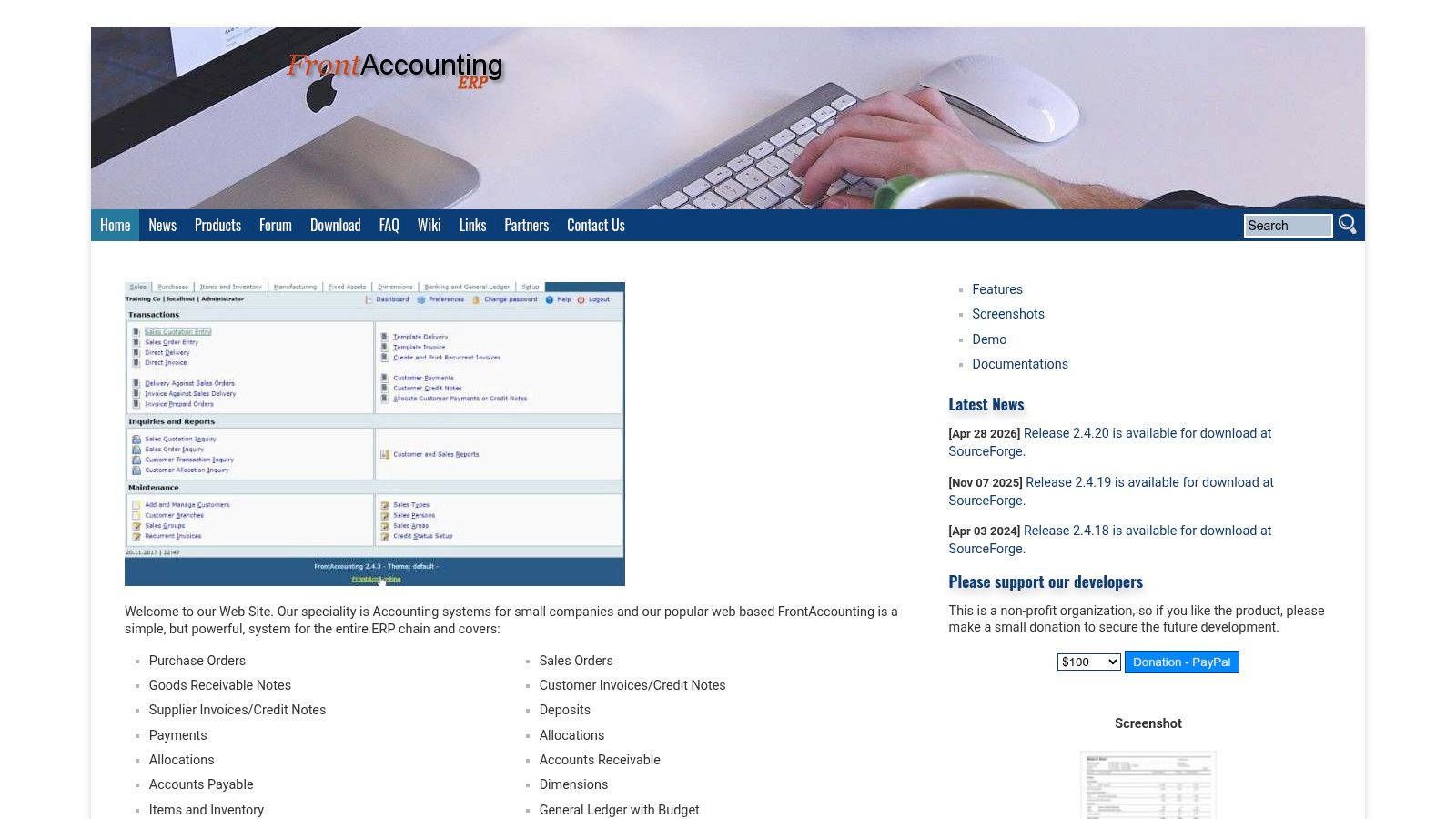
That traditional design has a benefit. The module boundaries are clear, and an experienced administrator can see how a sales order becomes a receivable. Details are published at FrontAccounting.
Licensing discipline still applies when a business republishes or modifies such software. The Free Software Foundation text of AGPLv3 states that recipients must receive the license and that copyright notices must remain intact. The exact duty depends on the program license, but preserving notices and license text is basic governance for any redistribution.
- General ledger and budgets: Core books plus planned spending.
- Receivables and payables: Customer and supplier balances are tracked separately.
- Orders and inventory: Purchasing, sales orders and fixed assets sit in one system.
- Multiple currencies and companies: Helpful for a small group with shared administration.
Pros: Broad coverage with no license fee. Multiple companies are supported.
Cons: Self-hosting needs technical setup. The interface may feel dated, and support and update cadence should be assessed before committing live books.
5. Dolibarr
Dolibarr takes a modular route. A business can start with CRM and invoicing, then switch on more ERP functions over time, while the double-entry accounting module moves recorded activity into the ledger.
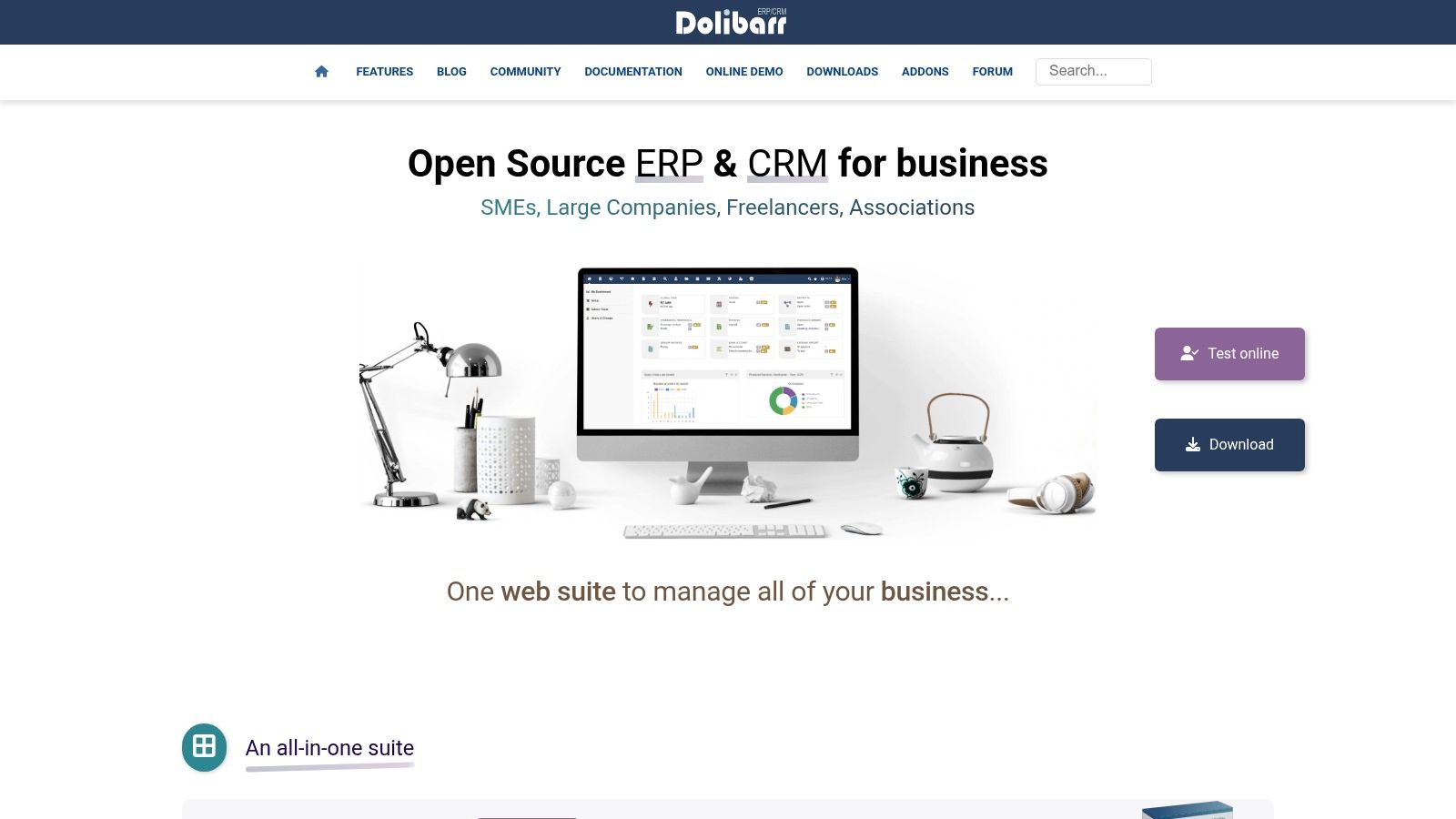
That staged adoption is its main appeal. Sales, purchases, bank transactions and expenses can be transferred into ledger tables, then exported in supported formats for an external accountant. The project is documented at Dolibarr.
Module choices affect license duties too. The Free Software Foundation GNU Licenses FAQ states that AGPLv3 requires a program to offer its source code to every user who interacts with it remotely through a computer network. A hosted and modified accounting portal therefore needs a source-code process, not just a login page.
- Double-entry accounting: Chart-of-accounts setup and ledger reports are included.
- Operational records: Sales and purchase documents feed the books.
- Ledger export: Records can leave the system in supported formats.
- Modular growth: ERP and CRM functions can be added as needs expand.
Pros: Core software is free. Entries connect to operational records. Modules allow gradual adoption.
Cons: Configuration takes time to understand. Ledger export isn't complete tax filing, and jurisdiction fit must be verified.
6. Tryton
Tryton is the pick for organizations that want a structured, modular platform and will accept real configuration work to get it. Its financial accounting modules cover ledgers, reconciliation, taxes, invoices and payments, with extensions for assets and budgets.
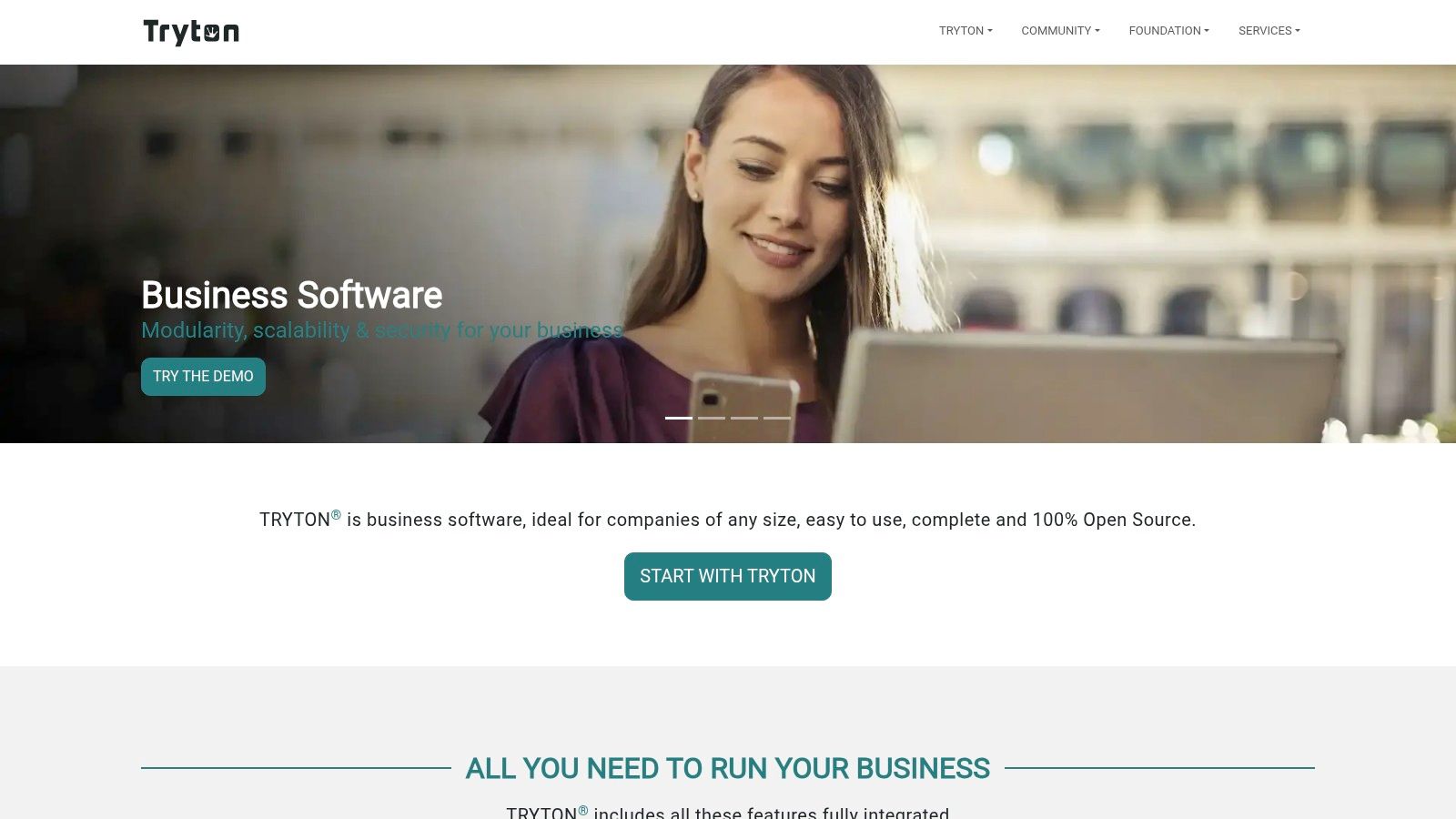
The trade-off is hosting burden. Tryton runs as a server application, so installation, updates and module management sit with the operator rather than a vendor. That suits a team with technical capacity in-house. It will frustrate a bookkeeper who only wants a desktop ledger.
Module quality deserves the same scrutiny as the core. Open-source components in audited codebases often lag several years behind current releases, and an abandoned tax or reporting module creates the same practical risk even when the core ledger is sound. The module list and each module's maintenance status are published at Tryton.
Before migrating, test VAT or GST treatment, fiscal-year rules, invoice numbering, audit trails and accountant exports with real transactions.
- Core statements: General ledger, balance sheet and income statement are central.
- Reconciliation: Account matching supports a disciplined month-end close.
- Invoices: Customer and supplier documents connect to payments.
- Optional modules: Assets, budgets, bank-statement imports and regional localization extend the base.
Pros: Detailed accounting structure. Modular design with published modules. Reporting and localization options exist.
Cons: Server installation and maintenance add hosting burden. Experienced help may be needed. Local compliance coverage should be proven with test transactions, not assumed from a feature list.
7. Akaunting
Akaunting is the closest thing on this list to a polished SaaS product you can run on your own server. Invoices, bills and expenses sit behind a browser interface that non-technical staff can learn quickly, and self-hosting keeps data location under business control.
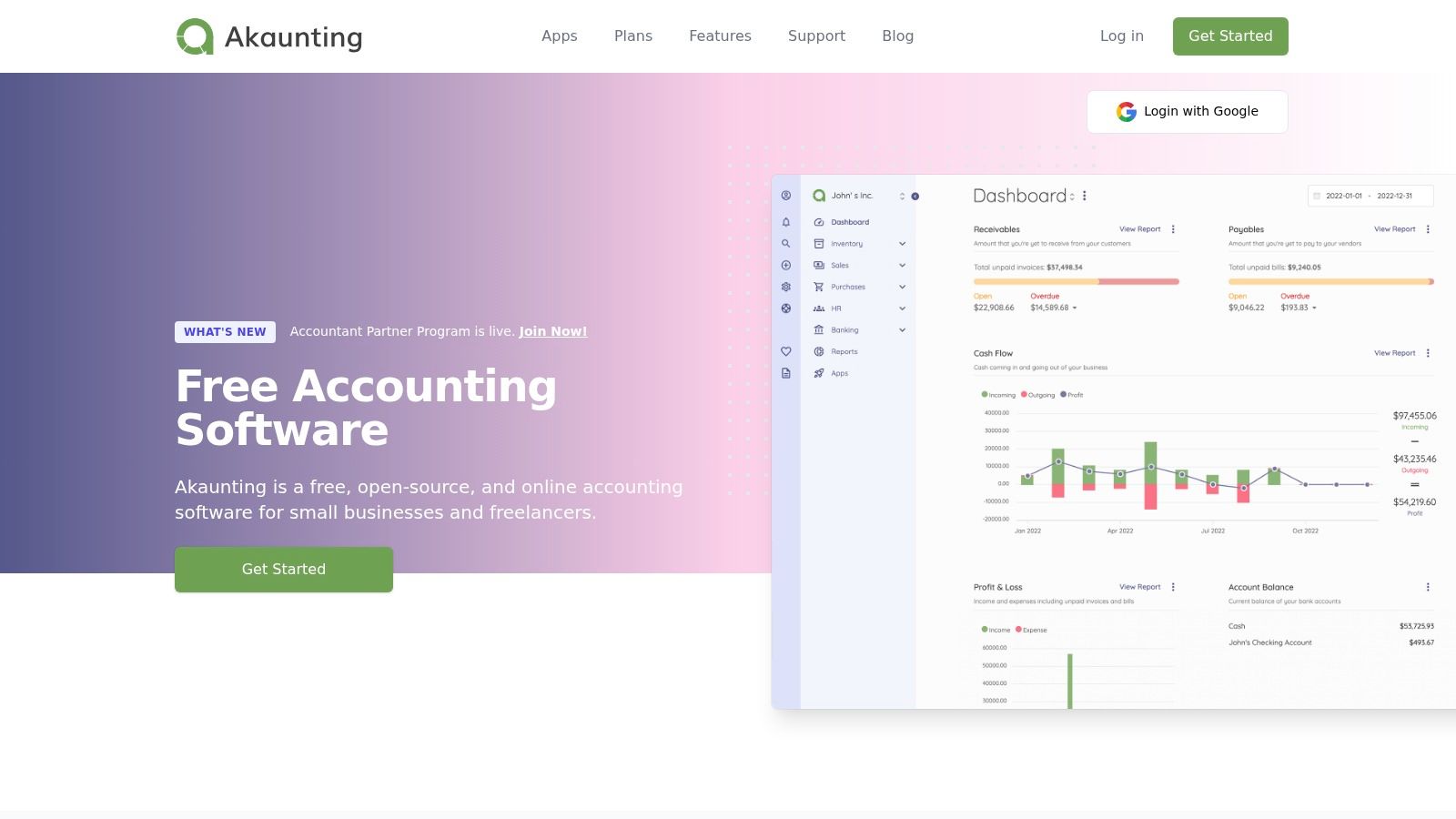
The license is where the open-source label breaks down. The vendor describes the product as open source, but the current repository lists the Business Source License, which is not an OSI-approved open-source license. Buyers who need unrestricted open-source rights should read the terms at Akaunting before building processes around the tool.
A free self-hosted plan and open source are two different claims. The first is a pricing offer. The second is a legal status.
Feature limits deserve the same scrutiny as the license. Some capabilities are sold as paid apps or plan tiers, so user counts and feature gates should be checked on the vendor's current plan page rather than assumed from the free tier. That plan-versus-price discipline is the same kind of weighing buyers do in small business accounting statistics.
- Invoices and bills: Routine receivables and payables are covered.
- Expense tracking: Costs can be categorized for review.
- Multiple currencies: Customer and vendor records support cross-border trade.
- Self-hosting: Data location can stay under business control.
Pros: Familiar browser workflow. Self-hosting is available. The vendor lists a free Standard self-hosted plan.
Cons: BSL licensing differs from standard copyleft or permissive terms. Paid apps and plan tiers mean user and feature limits need checking before migration.
8. Beancount
Beancount removes the database interface most bookkeepers expect. Books live in a plain-text double-entry ledger that's checked by command-line tools and can be read, diffed and version-controlled like source code.
That design gives technical users unusual control. A transaction can be reviewed line by line, corrected with a visible history, and processed by scripts for custom reports. Documentation is available at Beancount. Web-interface projects such as Fava make the results easier to browse, but they don't turn it into turnkey small-business software.
Who should consider it
- Plain-text ledger: Records stay portable and readable outside the tool.
- Validation tools: Errors in account names and balances can be caught systematically.
- Scriptable data: Imports and reports can be automated.
- Version control: Changes gain a clear history when the ledger is managed carefully.
Pros: Free and open source. Books are portable. Version control can support a strong audit trail.
Cons: It requires comfort with text files and accounting concepts. Setup and imports take work. It isn't a payroll or tax-filing solution, and staff who expect forms and buttons will need training or a different tool.
9. Ledger
Ledger follows the same plain-text philosophy with an even stricter rule. The command-line program reads a journal and produces reports without modifying the underlying data file, so the journal remains the record.
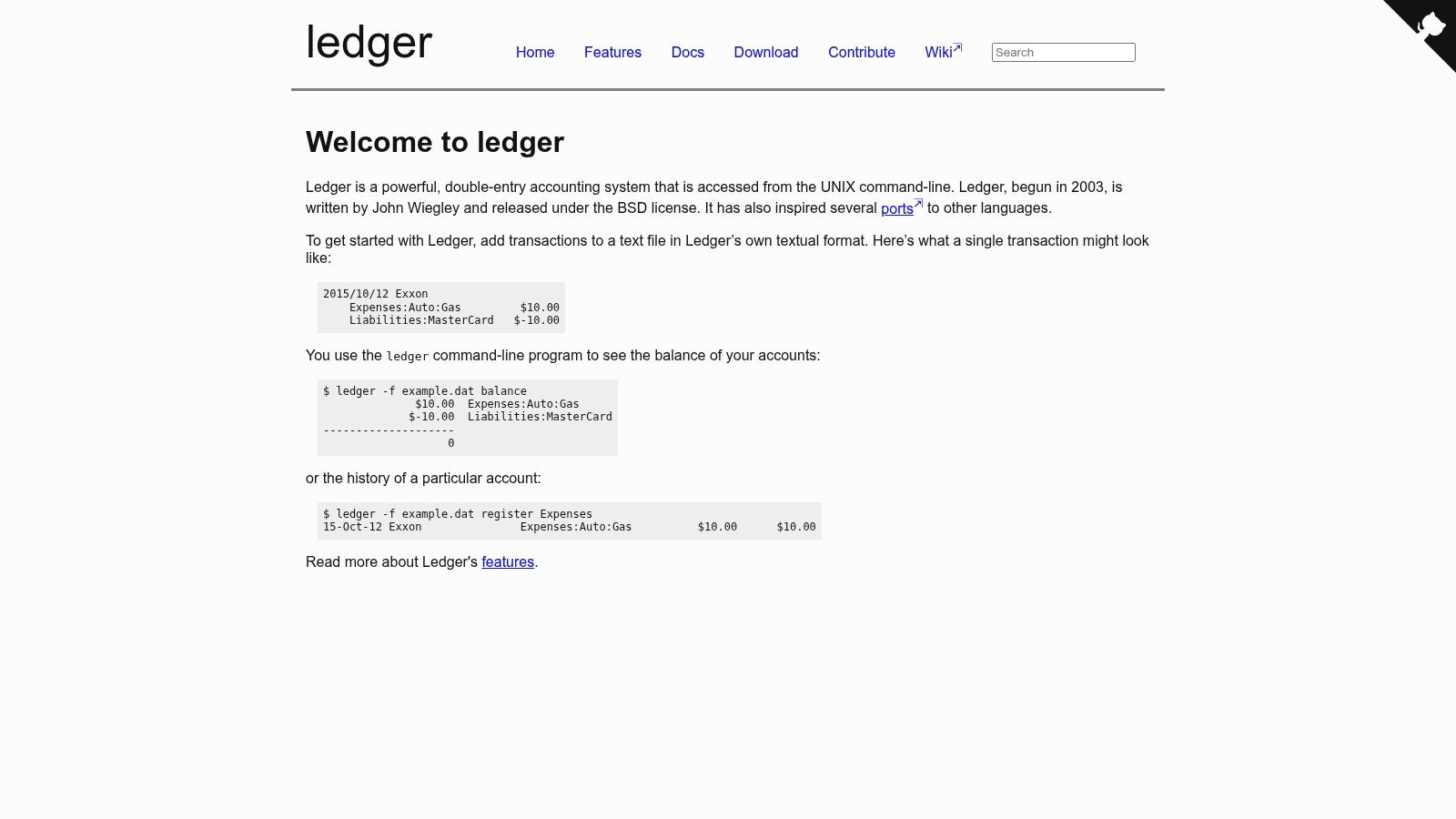
That separation appeals to users who don't trust a proprietary database. Entries can be edited with ordinary text tools, and reports can be reproduced from the same file. The project is documented at Ledger.
Network use still matters if a business wraps tools like this in a hosted service. The Google Open Source Programs Office AGPL policy explains that an AGPL obligation can apply when a product or service is accessible through a remote network interface, and that actual distribution is not required. License review should cover linked components, not only the main accounting program.
- Double-entry journal: Debits and credits stay explicit in text.
- Command-line reports: Balances and registers can be generated on demand.
- Portable records: Files can be copied, archived and inspected easily.
- Custom reporting: Queries can be customized without waiting for a vendor feature.
Pros: Free, open source and portable. Reporting is reproducible.
Cons: The learning curve is steep for nontechnical users. Entry and maintenance may be manual or need custom tooling. It isn't a full small-business suite with payroll, invoicing portals or guided filing.
10. KMyMoney
KMyMoney belongs at the personal end of the list. It's a cross-platform finance manager based on double-entry principles, designed mainly for household money rather than company books.
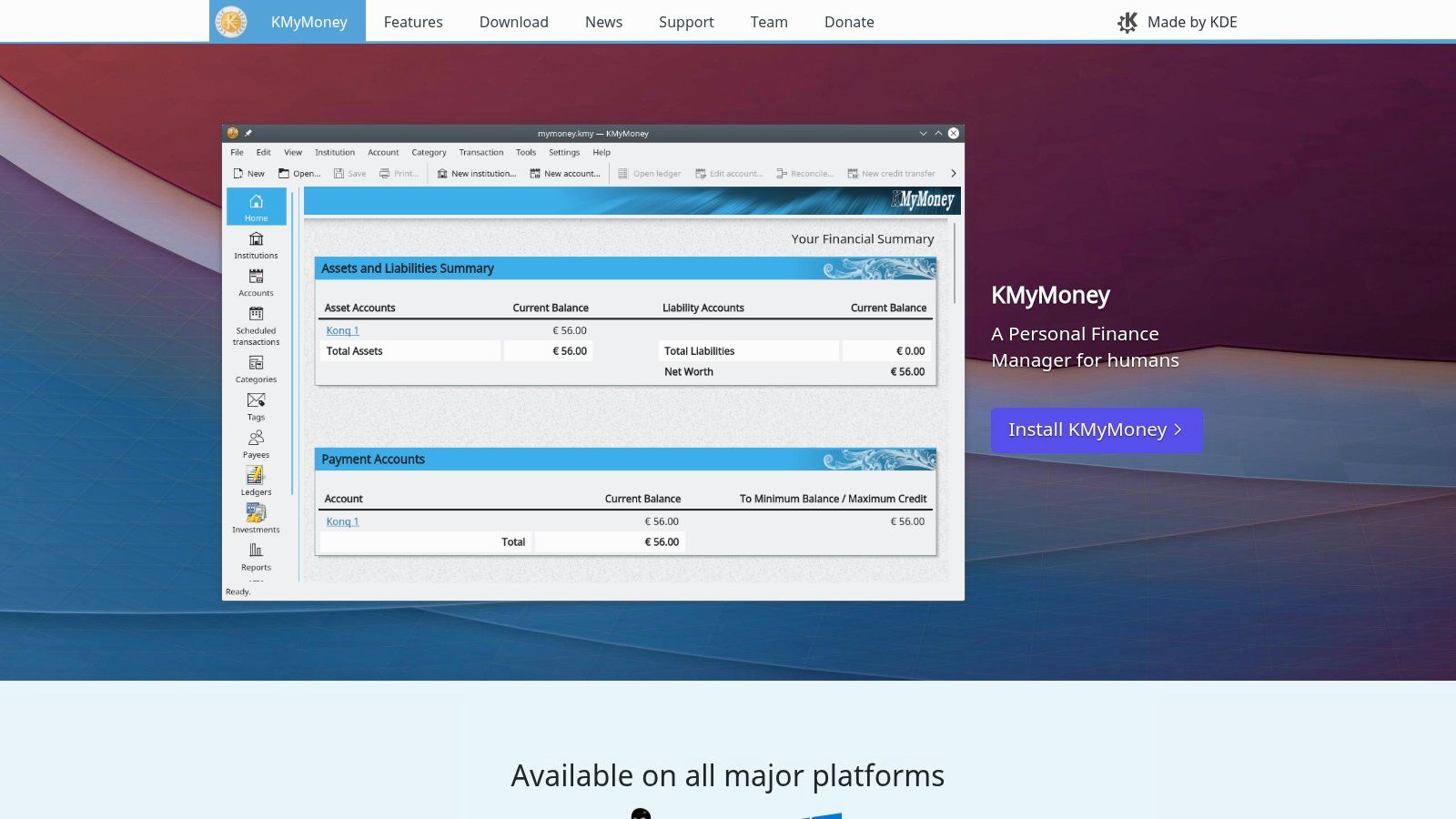
That focus can still help a sole proprietor with modest needs. Income, expenses, budgets and reports are easier to follow than a spreadsheet, and the double-entry structure teaches sound habits. Downloads and documentation are at KMyMoney.
The boundary matters. Once a business needs formal receivables, inventory, payroll, multiuser access or tax-specific reports, personal-finance software becomes a workaround. At that point GnuCash is usually the cleaner local step, and ERPNext or Tryton is the server-based step.
- Double-entry personal accounts: Transactions balance across accounts.
- Income and expense tracking: Categories support monthly review.
- Budgeting and reports: Household planning is a central function.
- Desktop access: Availability spans major platforms, with variation by system.
Pros: Free to download and use. It aims to be accessible to nontechnical users. Documentation and community support are available.
Cons: The personal-finance focus limits business suitability. Features vary by operating system. Business tax and payroll coverage isn't guaranteed, so it shouldn't be treated as a substitute for dedicated business accounting software.
Open source accounting software compared
These tools fall into three practical groups: full ERP platforms, small-business web suites, and plain-text or command-line systems. Hosting demands and license terms separate them as much as their features do. Check the license before choosing a deployment model, and confirm the project's own documentation for the terms that apply to your version.
| Type | License | Hosting | Best for |
|---|---|---|---|
| ERPNext, ERP and accounting | GPLv3 | Self-hosted or managed | Businesses integrating accounting with operations |
| GnuCash, desktop accounting | GPL-licensed | Desktop, locally managed | Individuals and small businesses managing books locally |
| Frappe Books, accounting software | AGPLv3 | Self-hosted on a Frappe server | Users wanting browser-based accounting with business features |
| FrontAccounting, accounting and business management | GPL-licensed | Self-hosted web application | Small companies comfortable maintaining a web server |
| Dolibarr, ERP and CRM with accounting | AGPLv3 | Self-hosted or hosted | Businesses connecting financial records with ERP and CRM workflows |
| Tryton, modular business platform | GPL-3.0-or-later | Self-hosted or managed | Businesses needing configurable accounting workflows |
| Akaunting, invoicing and bookkeeping | Business Source License (BSL) | Browser-based; self-hosting available | Users wanting browser-based bookkeeping with hosting control |
| Beancount, plain-text accounting | GPL-2.0 | Local tools; optional web interface | Technical users seeking scriptable, portable accounting |
| Ledger, command-line accounting | BSD-3-Clause | Local command-line software | Technical users who prefer text-based accounting |
| KMyMoney, personal finance software | GPL-2.0-or-later | Desktop | Individuals managing household finances |
The ERP group connects accounting to wider business processes, but typically brings more setup and administration. Small-business web suites offer browser-based workflows, with hosting responsibility depending on whether the service is managed or self-hosted. Plain-text and command-line tools reduce reliance on a web platform, but suit users comfortable working with files and technical workflows.
License labels matter in practice. AGPLv3 applies to Dolibarr, while Akaunting's Business Source License is not the same as a conventional OSI-approved open-source license. Check each project's license terms before modifying or hosting it, and confirm that any modules you need carry compatible terms.
How to Choose and Roll Out Your Pick
Start with four ownership questions. Who keeps the books, who hosts and patches the system, which country's tax rules apply, and is the license OSI-approved. A tool that fails one of those questions can have excellent reports and still be the wrong purchase.
Research supports treating this as a requirements-fit decision. A 2016 peer-reviewed study in the International Journal of Business Information Systems examined six open-source accounting software systems against SME requirements. Its value is the framing: source availability alone doesn't prove functional fit, support quality or regulatory readiness.
A short decision checklist
- Bookkeeping owner: Name the person who reconciles accounts, closes periods and corrects errors.
- Technical owner: Name the person who installs updates, tests backups, rotates credentials and monitors vulnerabilities.
- Country readiness: Test tax rates, invoice numbering, fiscal periods, currency revaluation, audit trails and accountant exports.
- License status: Confirm whether the core license and required modules allow the planned hosting and modification model.
- Exit route: Export a full ledger, attachments and reports before going live, then confirm another tool can read the result.
Run the trial on real data, not sample transactions. Use one closed month, include the staff who will enter bills and approve payments, and compare the trial balance with the existing books. Migration work should cover opening balances, customer and vendor records, unpaid invoices, bank rules and historical reporting needs.
Budget carefully. A zero license fee can still require hosting, domain and certificate management, implementation help, training, integrations, backup storage and support. For a very small business with no technical administrator, a paid hosted product can cost less in total and reduce security responsibility. That isn't a failure of open source. It's the correct accounting for labor and risk.
Payroll and local tax compliance are the limits buyers most often underestimate. A general ledger can record payroll results without calculating withholding correctly, and a sales invoice can look valid without meeting electronic invoicing or retention rules. Local professional review is therefore part of implementation, especially for regulated reporting.
KeenVerdict publishes sourced buyer statistics and verdicts using one published scoring method: features 40%, ease of use 30% and value 30%. KeenVerdict quotes every price word for word from the vendor with the date checked. That method keeps a free license from hiding weak usability or high operating cost.
Pick one finalist from each realistic category, run the same closed month through each, and make the hosting and compliance owners sign off before migrating live books. Then choose the system that produces correct local records with the least ongoing burden, not the one with the longest module list.
Questions or corrections: editorial@keenverdict.com