Guide · General
Best HR Software for 2026: 7 Tools Compared
Best HR software for 2026, ranked on features (40%), ease of use (30%) and value (30%). Compare 7 HR platforms by team size, payroll and pricing.
By the KeenVerdict research desk · Updated November 19, 2026 · 12 min read
Almost every employer now runs some form of HR software. What far fewer have is an HR system that shares data cleanly with payroll, benefits and time tracking. Guardian Life's employer technology research puts the share of employers using a technology system for at least one HR or benefits function at 98% in 2023, up from 70% in 2017, yet only slightly more than half had core HR and benefits systems that were at least partially integrated that year. Adoption is close to universal. Integration isn't.
That gap is where budgets leak. Most buyers don't need the largest HR suite. They need the smallest system that handles employee records, hiring, time off and pay runs without forcing them to buy modules they won't use. KeenVerdict scores each platform on features (40%), ease of use (30%) and value (30%), and this roundup applies that method to seven tools, sorted by the job you need done rather than by who has the longest feature list. Each entry names the fit and the point where the headline price stops being the full cost.
Table of Contents
- 1. BambooHR
- 2. Gusto
- 3. Rippling
- 4. Zoho People
- 5. Deel
- 6. Eddy
- 7. RUN Powered by ADP
- How the seven HR platforms differ on best fit, payroll scope and pricing model
- How to Shortlist Without Overpaying
1. BambooHR
Choose BambooHR when the job is a clean HR home base. It gives a small or midsize company one record for employee files, hiring, onboarding, time off and approvals, so a manager can check a start date, approve a request and pull a headcount report without asking HR to export anything. Payroll-led teams should start elsewhere.
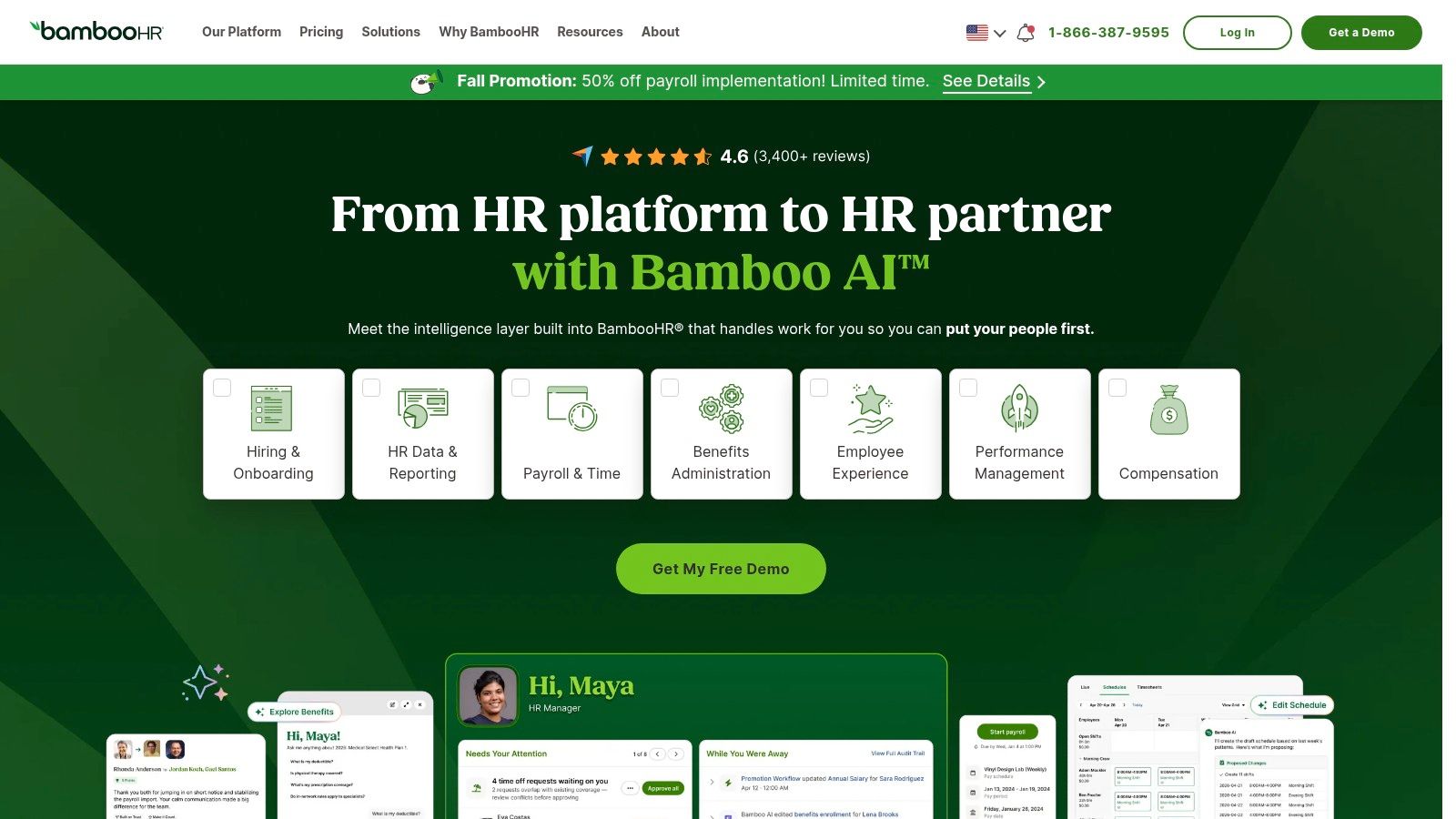
A system only earns its keep if managers use it without help. Capterra's HR technology research found that 47% of HR leaders identify effective software implementation as a challenge and 48% cite training new users as their main software concern. BambooHR's advantage is ordinary work done quickly: employee changes, documents, approvals and time-off requests stay in one place instead of spreading across inboxes.
Where it stops and payroll begins
Records and reporting. Custom fields, document storage, org charts and approval workflows for leave and job changes.
Hiring and onboarding. An applicant tracking module and onboarding checklists feed the same employee record.
Integrations. BambooHR lists more than 150 integration partners, which matters because payroll usually sits outside the core HRIS.
Treat the HRIS quote as the starting line. Payroll, benefits administration and reporting upgrades can price separately or through partners, so compare the full stack rather than the per-employee platform rate. If you want wider market context before setting budget, KeenVerdict's HR technology statistics page collects the figures buyers usually ask for.
Practical rule: if payroll and tax filing eat more than a third of your HR week, price a payroll-led platform first and keep the HRIS decision second.
2. Gusto
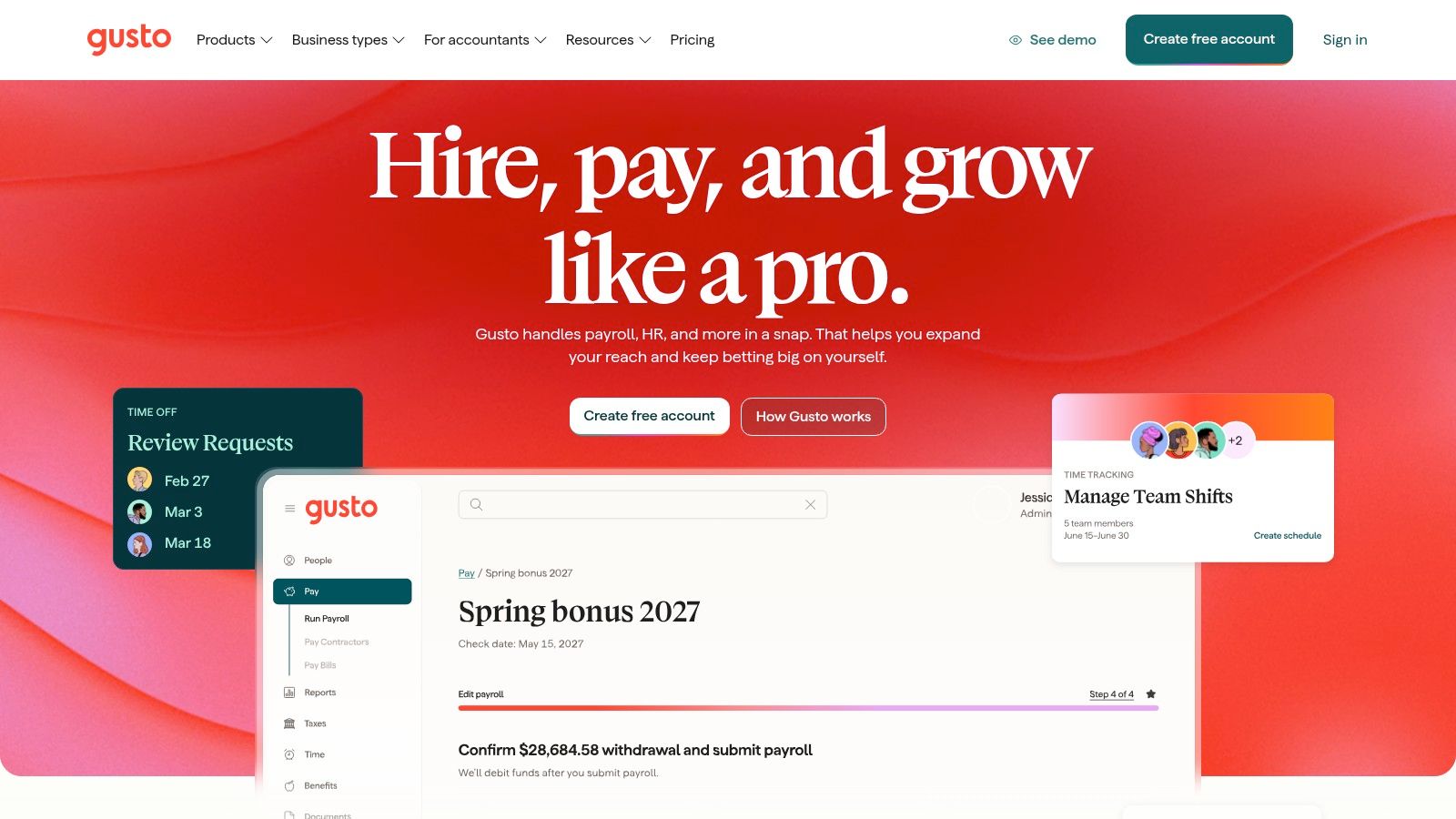
If pay runs are the center of gravity, start here. Gusto is a payroll-first platform for U.S. small businesses: it calculates and files payroll taxes, runs pay, and attaches onboarding, employee self-service and benefits to the same employee record. A team that wants to pay people correctly and stop reconciling spreadsheets is the target buyer.
Cost decides most purchases at this size, and the deciding number isn't the payroll plan's sticker. The BLR HR Decision-Maker Survey reported in 2024 that 60% of organizations using software for HR automation named cost as the main obstacle, even though 74% had automated between 26% and 75% of their HR tasks. Automation is normal. The invoice is where the argument happens.
What the plans actually split on
Payroll and tax. Full-service payroll with federal, state and local filing. This is the product. Onboarding and self-service. New hires complete their own paperwork and update their details without HR rekeying anything. Benefits and time tracking. Available on applicable plans, not every plan. HR tools and support. Higher tiers add the HR layer. Payroll-only buyers can skip it entirely.
Two additions move the total without touching the base rate: headcount growth and any feature that sits one tier up. On Gusto's plans, the per-person structure rewards small teams and penalizes hiring. Model the cost at your headcount twelve months out rather than today's, and price the benefits module at contract stage if you expect to need it in month nine.
It's built for U.S. payroll. Employ anyone outside the country and this is the wrong core system, however good the onboarding flow looks in a demo.
3. Rippling
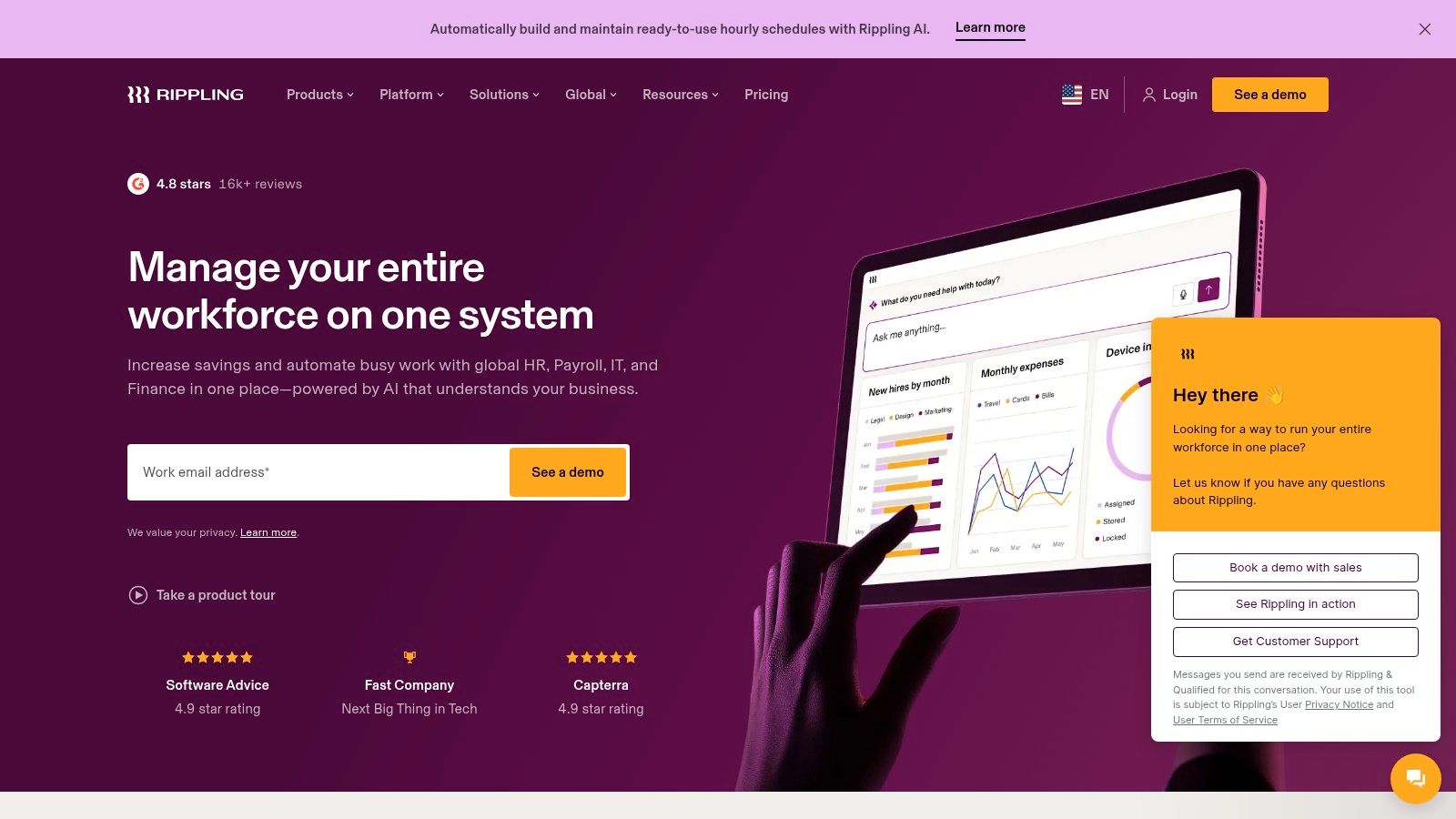
Rippling sells consolidation. One employee record drives payroll, benefits, device setup, app access and approvals, so a hire's start date can trigger a laptop order and a payroll change from the same action. Buyers tired of reconciling four systems find that persuasive, and the 2025 direction of travel supports it: Mercer's HR Tech Confidence Check recorded a 53% year-over-year increase in HR teams deploying cutting-edge technology, while teams actively modifying system configurations fell 14%. Fewer bespoke workflows, more standard ones.
That's the argument for a modular platform. The counterargument arrives with the quote.
Buying modules, not a suite
Pick the products. HR, payroll, benefits, device management and spend are separate modules at separate prices. Automate on the record. Workflows fire on employee events such as a role change, a transfer or a termination. Add as you grow. There's no requirement to buy the whole catalogue on day one, and most buyers don't.
There is no single public all-in price. That's not a scandal, it's the model, and it means two companies of identical headcount can pay very different amounts. Ask for the module list in writing with a per-module price, then ask what happens to the rate when you add a module mid-term. The total depends on the quote and the modules selected, so the only useful comparison is quote against quote.
For a 15-person company that needs records and PTO, this is more platform than the job requires and the pricing will show it. It earns its money at the crossover point, where IT provisioning, app access and payroll all sit on the same employee data and the admin hours saved start covering the modules.
Watch the seam: module pricing is where a modular platform stops being cheap. Compare the three-module quote, not the entry price from the sales page.
If the problem is answering employee questions rather than storing their data, a dedicated HR help desk system is the cheaper fix.
4. Zoho People
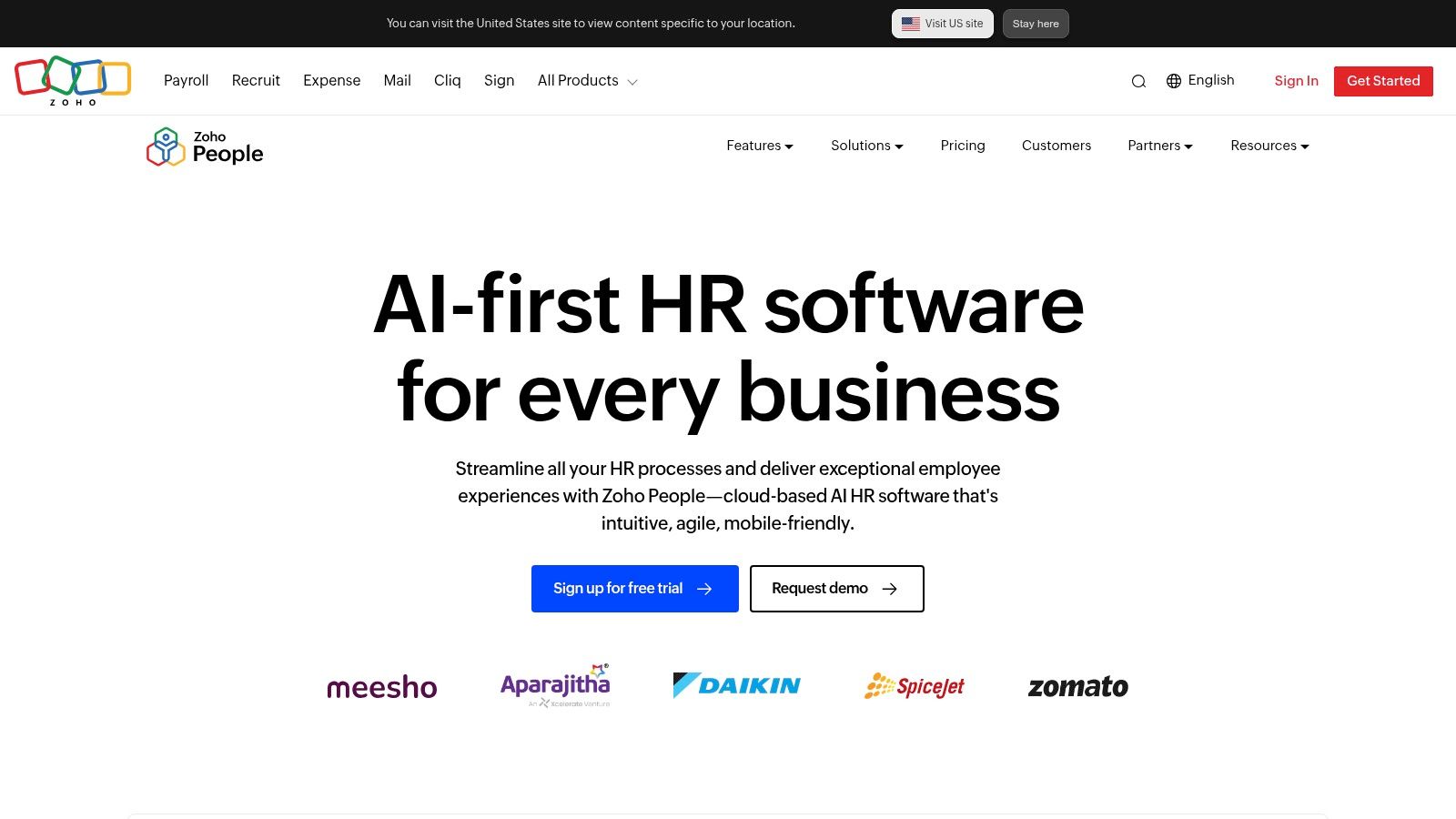
Zoho People is the lowest-cost route to a structured employee database on this list, and it doesn't pretend otherwise. A free edition covers up to five users, paid tiers add attendance, timesheets, performance and engagement, and Zoho People's plan comparison publishes the differences instead of hiding them behind a quote. For a team that mainly needs records, documents and time off in one place, it clears the bar at a fraction of a suite.
The trap for cost-conscious buyers is paying for capability nobody will operate. Sapient Insights' 2024 survey found that 8% of small and midsize businesses used AI features embedded in HR technology, against 32% of enterprise organizations, and that while 43% of organizations had a defined HR-technology role, 58% of the people in those roles had fewer than three years of experience. A two-person HR team can't run what an enterprise centre of excellence runs.
What's in the core. Employee records, documents, time-off workflows and an org view. This is the part most buyers use daily.
What moves up the tiers. Onboarding and offboarding first, then attendance, timesheets and rostering, then performance and engagement.
What sits outside the box. Hiring and payroll are separate Zoho products, so neither ships with a People subscription.
Two things to check before signing. Published starting prices assume annual billing, so the monthly figure on the page isn't what a month-to-month buyer pays. And the cheapest tiers are narrower than a full HR suite, which is fine if you plan for it and irritating if you discover it during onboarding.
Where Zoho People wins is discipline. It doesn't market itself as a payroll system, doesn't price like one, and leaves the payroll decision to a specialist.
5. Deel
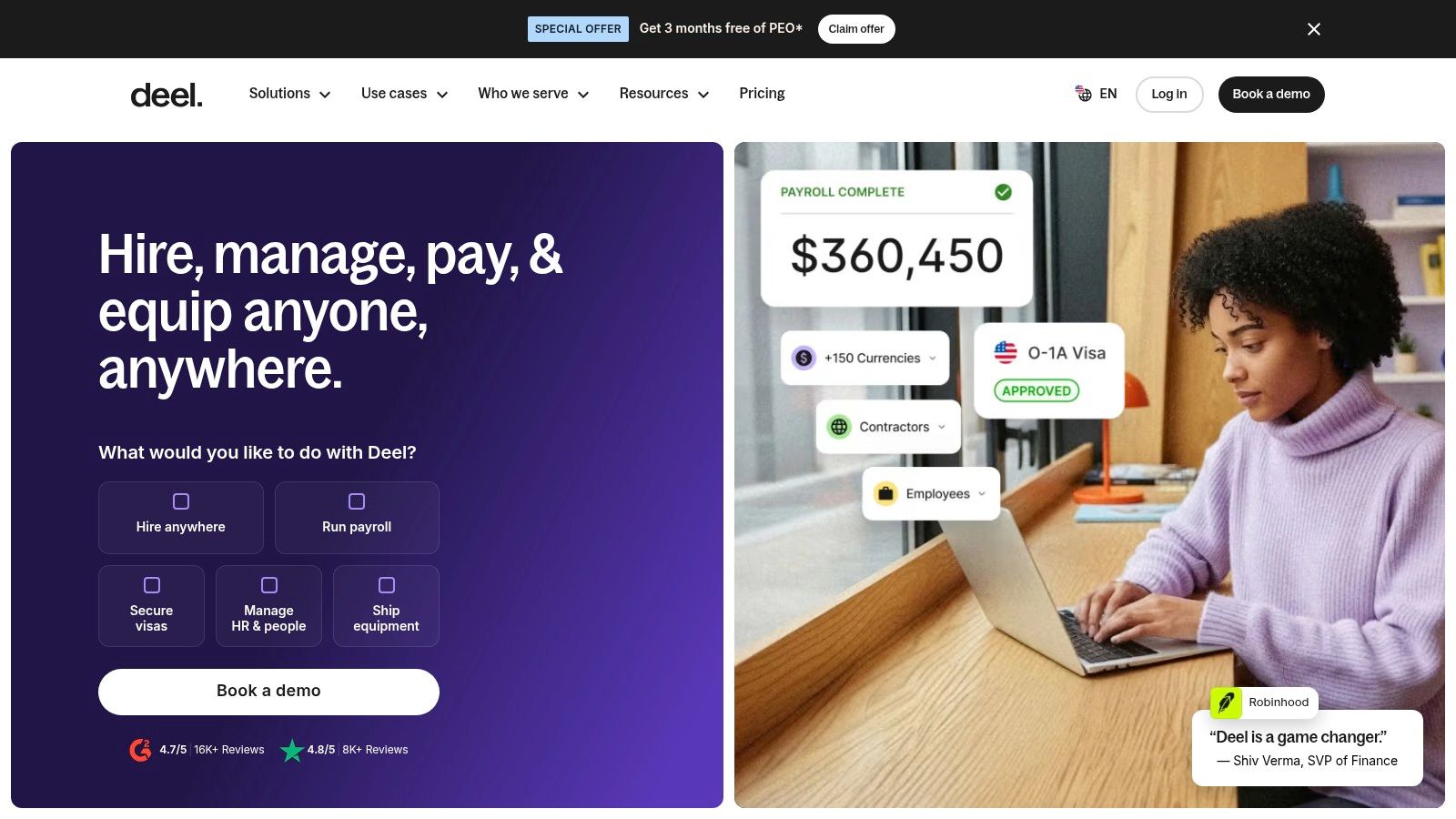
Deel is the pick when the people you need to pay sit in countries where you have no legal entity. HR Core handles employee and contractor records, documents, time off, workflows, time tracking and reporting, and Deel's international employment services sit alongside it rather than inside it. Keeping those two apart is the first step before comparing any numbers.
Generic rankings fall apart on cross-border payroll. The Global Payroll Association's 2025 survey found that 57% of respondents ranked ensuring local compliance as their biggest global-payroll challenge, that 44% of organizations used API connectivity, and that 21% already used AI in payroll with another 30% planning to. The question to put to any vendor claiming international coverage is who owns compliance.
Three products, three price lines
| Product | What it covers | How it's sold |
|---|---|---|
| HR Core | Records, documents, time off, workflows, time tracking and reporting | Priced and published as an HR system, so it's comparable with the other tools here |
| Contractor management | Engaging and paying freelancers across borders, with local paperwork handled | A separate price line from the HRIS |
| Employer of record | The provider employs the worker locally on your behalf | Costs substantially more than the HRIS, sold as a service |
The cost trap is reading the HRIS tier price as the cost of international employment. Comparing Deel to BambooHR compares HR system to HR system. Comparing it to six local payroll bureaus compares a platform to a service, and the numbers look nothing alike.
If you'd rather use an intermediary than open an entity, judge employer of record providers on their own terms before you weigh them against an HRIS.
Ask who is legally the employer. With an employer of record, the provider is. With an HRIS, you are, and the compliance work stays in your building.
For a U.S.-only team of 30, this is heavy machinery. For a team paying staff in four countries, it's the shortest path to a compliant payroll.
6. Eddy
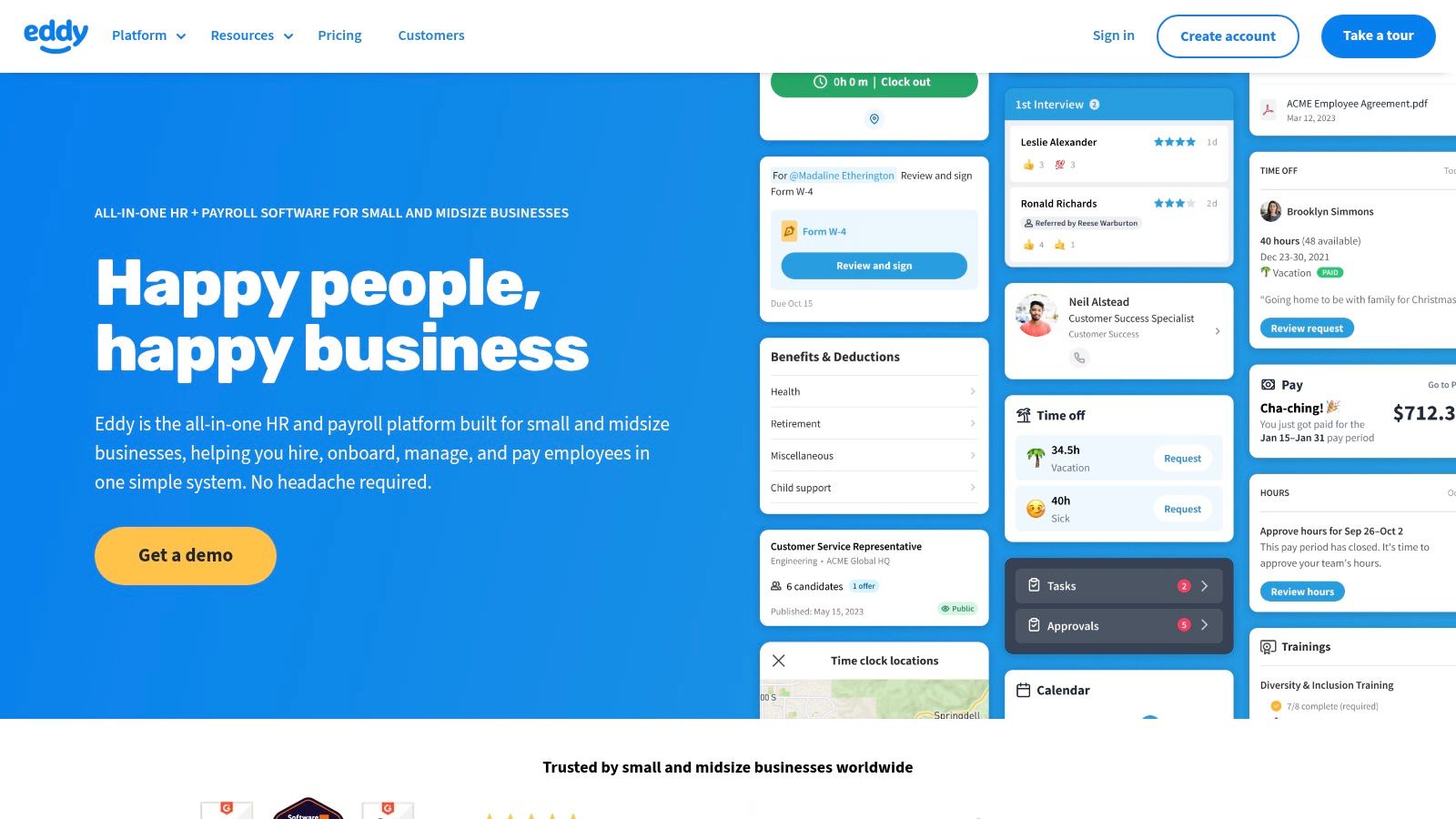
Published prices are rare in this category. Eddy publishes its starting rates, which puts it ahead of every quote-based vendor here for a first comparison, and payroll is an optional add-on rather than a requirement. If you want employee files, documents, onboarding and PTO in one system and will buy payroll separately when you need it, that structure suits you.
Pricing structure is the whole story at this level, so read Eddy's pricing page closely. A monthly base fee applies on top of the per-person rate, which means the cost for a 12-person team isn't the advertised starting number. Add payroll and hiring and it climbs again. Premium packages are quoted, so the configuration you can price online and the one a growing company ends up on aren't always the same product.
Core HR. Employee records, document storage, benefits tracking and an org view. Hiring and onboarding. New-hire workflows that write into the same record rather than a second system. Time tracking and PTO. Requests, approvals and balances, the daily-use features for most small teams. Optional payroll. Priced separately when you add it, which is why it belongs in the quote from day one.
Eddy earns its place with the team that has been running HR from a shared drive and a spreadsheet. Scope is small, so the implementation load is light, and the published prices make the first comparison honest in a way a sales call isn't.
The constraint isn't the feature list. It's that the base fee, the per-person rate and the add-ons stack, and the premium tier is quoted. Ask for the price of the configuration you'll need in twelve months, not the one on the homepage.
7. RUN Powered by ADP
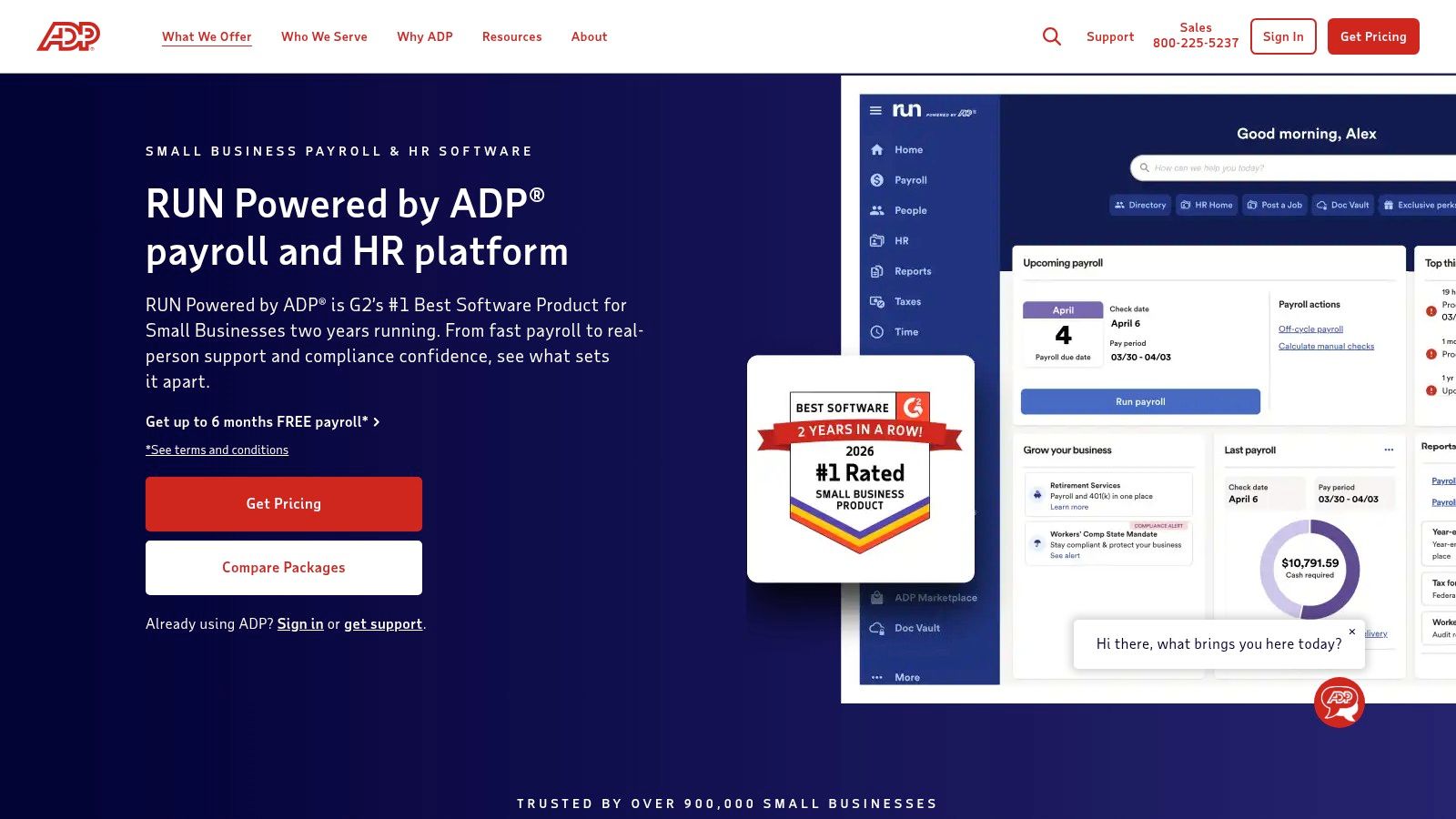
Some buyers want software. Some want someone to answer the phone when a pay run goes wrong. RUN Powered by ADP is built for the second group: payroll processing and tax filing at the core, with higher packages adding HR support, hiring tools and training. If the deciding factor is access to live payroll or HR help, this is the model that provides it.
Handing payroll to a provider doesn't hand over the legal duty. The UK Information Commissioner's Office states that outsourcing employment records doesn't remove the employer's ultimate responsibility for compliant processing, and that employers must identify a lawful basis and explain retention periods, data sharing and workers' rights. The processor runs the mechanics. You own the compliance, wherever you operate.
What to ask a payroll provider
Where the data sits. Which systems hold employee records, and which of them act as processors on your instruction. How long it's kept. Retention periods by record type, and who has authority to delete what. What you can audit. Access logs, permission changes and export rights for your own data. Who answers for an error. The contractual owner of a filing mistake or a missed deduction, and the response time attached to it.
The cost trap is quote-based pricing. RUN Powered by ADP isn't sold at a single public rate, and the total moves with workforce size, pay frequency, state registrations and whichever support package you take. That's workable when you request a written quote on actual headcount. It's unworkable when you sign on an entry package and add registrations later.
Get the service level into the quote. Payroll support is the product here. Ask what response time is contractual and what is a courtesy.
For a five-person team with simple payroll in one state, this is more service than the job needs. For a team that has already paid for a missed filing, the service is the point.
How the seven HR platforms differ on best fit, payroll scope and pricing model
| Item | Best fit | Payroll | Pricing model |
|---|---|---|---|
| BambooHR | Small and midsize organizations needing a central HR platform | Available at extra cost | Modular plans; payroll and other capabilities may cost extra |
| Gusto | U.S. small businesses prioritizing payroll and tax administration | Full-service payroll and tax filing | Base price plus per-person charges; some features cost extra |
| Rippling | Businesses seeking modular HR and workforce automation | Available as an option | Custom quote based on selected products |
| Zoho People | Cost-conscious teams and existing Zoho customers | Separate Zoho product | Free tier for up to five users; paid tiers, with published prices based on annual billing |
| Deel | Organizations managing employees and contractors across countries | Separate international payroll services | Published HRIS tier prices; other services priced separately |
| Eddy | Businesses combining employee records, onboarding, time tracking, and time off | Optional add-on | Base fee plus per-person pricing; premium pricing is custom |
| RUN Powered by ADP | Small businesses wanting payroll with optional HR support | Payroll processing and tax filing | Quote-based; varies by workforce needs and add-ons |
How to Shortlist Without Overpaying
Shortlist no more than three platforms, then ask each vendor for a written quote based on your exact headcount, including payroll, hiring and any add-on you expect to need within a year. Check whether the price is per person per month, billed annually or quote-based, because that structure changes the total more than the headline rate does.
Hold vendors to outcomes rather than features. ISG's 2025 survey of more than 200 global HR-technology decision-makers found that 69% of organizations already used SaaS or hybrid-cloud HR architectures, but only 52% reported quantifiable value from HR technology. Ask each finalist for evidence on time-to-productivity, payroll error rates, self-service adoption, support-ticket deflection and integration uptime. A vendor that can't supply numbers for its own reference customers won't supply them for you.
Arrive with a specification, because the market isn't getting cheaper. TD Cowen's 2025 survey of 4,670 organizations found that 37% expected to increase HR technology spending over the next 12 months, against 7% expecting a decrease. Rising demand weakens the buyer who turns up without a requirement list and a deadline.
Two practical checks settle most decisions. First, price the platform that covers your current HR work and nothing more, then add payroll or international services only when a real process demands them. Second, ask what the exit looks like: how employee records leave the system, in what format, and at what cost.
KeenVerdict publishes software rankings and sourced buying statistics, and every price and figure on its pages links to the page it came from. That makes it a reasonable starting point before a demo.
Write down the five HR tasks your team repeats every week, price the platform that covers exactly those, and compare the twelve-month totals from your two finalists side by side. Choose the system your managers will still open in week three, and put the rest of the budget into implementation.
Cite this page
KeenVerdict. Best HR Software for 2026: 7 Tools Compared. Updated November 19, 2026. https://keenverdict.com/best-hr-software
Questions or corrections: editorial@keenverdict.com