Guide · General
Website Builder Open Source: 10 Tools Compared for 2026
Compare the top website builder open source options by customization, hosting, ease of use and cost, and find the right fit for your project.
By the KeenVerdict research desk · Updated November 20, 2026 · 14 min read
Open-source website software isn't a niche alternative to commercial builders. WordPress grew from 23.3% of all websites in January 2015 to 43.2% in January 2022, according to historical W3Techs data summarized in its WordPress technology profile. That scale matters because choosing open source doesn't require choosing an obscure platform.
Most general-purpose sites should start with WordPress.org. Publishing-focused projects fit Ghost, while lightweight content sites fit Grav or Publii. Drupal CMS belongs on the shortlist when structured content and editorial governance matter more than a quick launch.
The practical website builder open source comparison isn't about which download offers the longest feature list. It's about customization depth, hosting and maintenance burden, ease of use, and where costs appear. A visual editor can simplify page design without simplifying server administration.
- Customization: Can the team change layouts, content structures, integrations, and functionality without rebuilding?
- Maintenance: Who handles updates, backups, security alerts, and failed deployments?
- Ease of use: Can the actual editor publish confidently, not just the developer?
- Real costs: What will hosting, domains, extensions, implementation, and staff time require?
Open source changes where the bill appears. It doesn't remove the work, and paying for managed hosting doesn't surrender the benefits of open-source software.
Table of Contents
- 1. WordPress.org
- 2. Joomla!
- 3. Drupal CMS
- 4. Webstudio
- 5. Silex
- 6. Microweber
- 7. Concrete CMS
- 8. Ghost
- 9. Grav
- 10. Publii
- Open source website builders at a glance
- How to Choose and What It Will Really Cost
1. WordPress.org
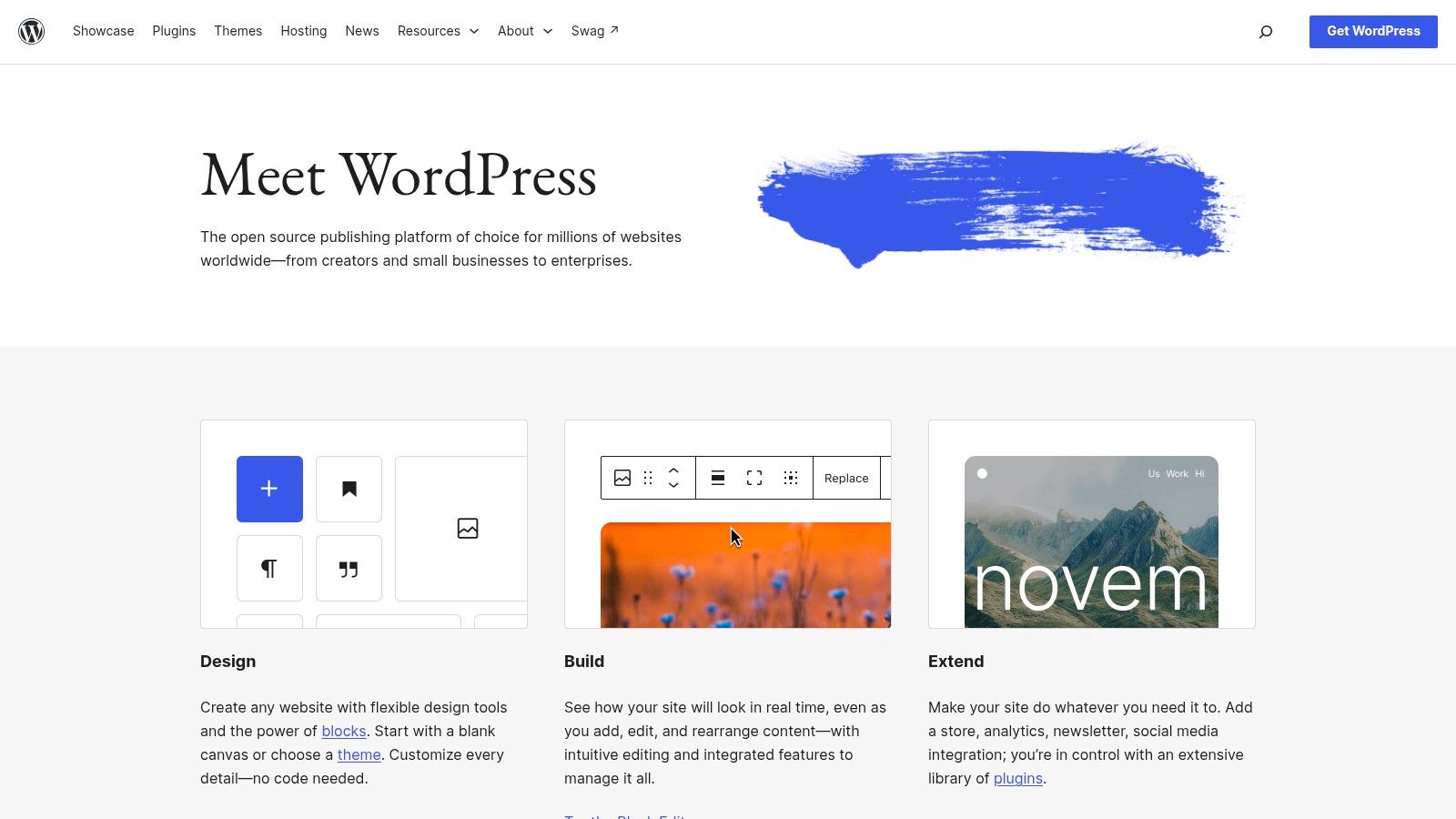
Best for most business websites, blogs, portfolios, and mixed-purpose sites. WordPress.org provides the self-hosted software, rather than an all-inclusive hosting subscription. Its block editor, site-editing tools, themes, and plugins support projects that need both regular publishing and room to expand.
A service business can start with pages, contact forms, and articles, then add booking or commerce functionality through extensions. Posts, pages, media management, user roles, and publishing controls provide a familiar editorial foundation. The large community and documentation base also make finding implementation help easier.
The trade-off is extension management
Customization is broad, but maintenance grows with the installation. Themes and plugins vary in quality, and overlapping extensions can complicate updates, troubleshooting, and performance.
- Ease of use: The block editor suits routine content changes, but selecting themes and configuring plugins takes time.
- Hosting burden: The owner needs hosting, backups, security monitoring, updates, and a recovery process.
- Actual costs: Domains, premium extensions, custom development, and administration sit outside the core software.
Recommendation: Choose WordPress.org unless a more specialized tool clearly matches the site's purpose. Start with a restrained extension list and managed hosting when nobody on staff owns server operations.
KeenVerdict's website builder cost guide helps separate the initial build from recurring expenses. Budget for the maintained website, not merely the installation.
2. Joomla!
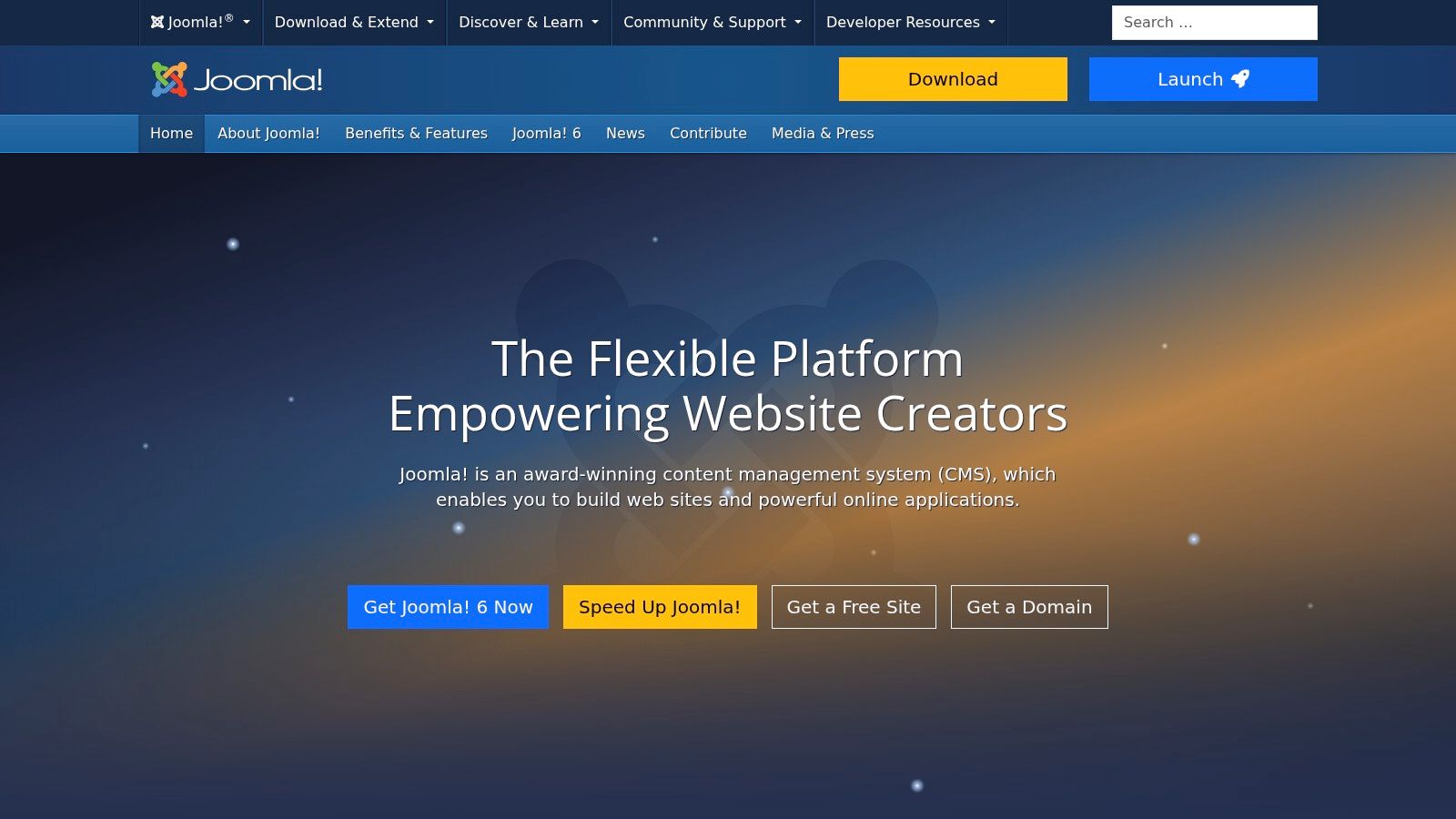
A multilingual association website with different contributor groups needs more than an attractive homepage. Joomla! is a strong fit when permissions, user groups, and multilingual publishing belong in the foundation. Its GPL-licensed CMS supports business websites and more involved portals.
Articles, menus, templates, frontend editing, and extensions provide the main building blocks. Access control lists let administrators distinguish what different groups can view or manage, while SEO-friendly URL options support understandable site addresses.
Strong controls, more configuration
Joomla offers meaningful customization through templates, extensions, and administrative settings. Its trade-off is the time required to understand how those pieces connect, particularly for editors arriving from a simple hosted builder.
- Customization: A good match for multilingual structures and sites serving distinct user groups.
- Ease of use: Routine editing becomes more approachable after the menu, category, and permission structure is settled.
- Maintenance and costs: Self-hosting requires a host, technical upkeep, backups, and attention to extension compatibility. Templates, extensions, and implementation help can add expenses.
The project also offers a hosted starting route through Launch.joomla.org, subject to its terms. That provides a way to explore the CMS, not a reason to skip production planning.
Recommendation: Choose Joomla when its built-in organizational controls solve an actual requirement. For a straightforward brochure site with a single editor, those controls add configuration without providing much benefit.
3. Drupal CMS
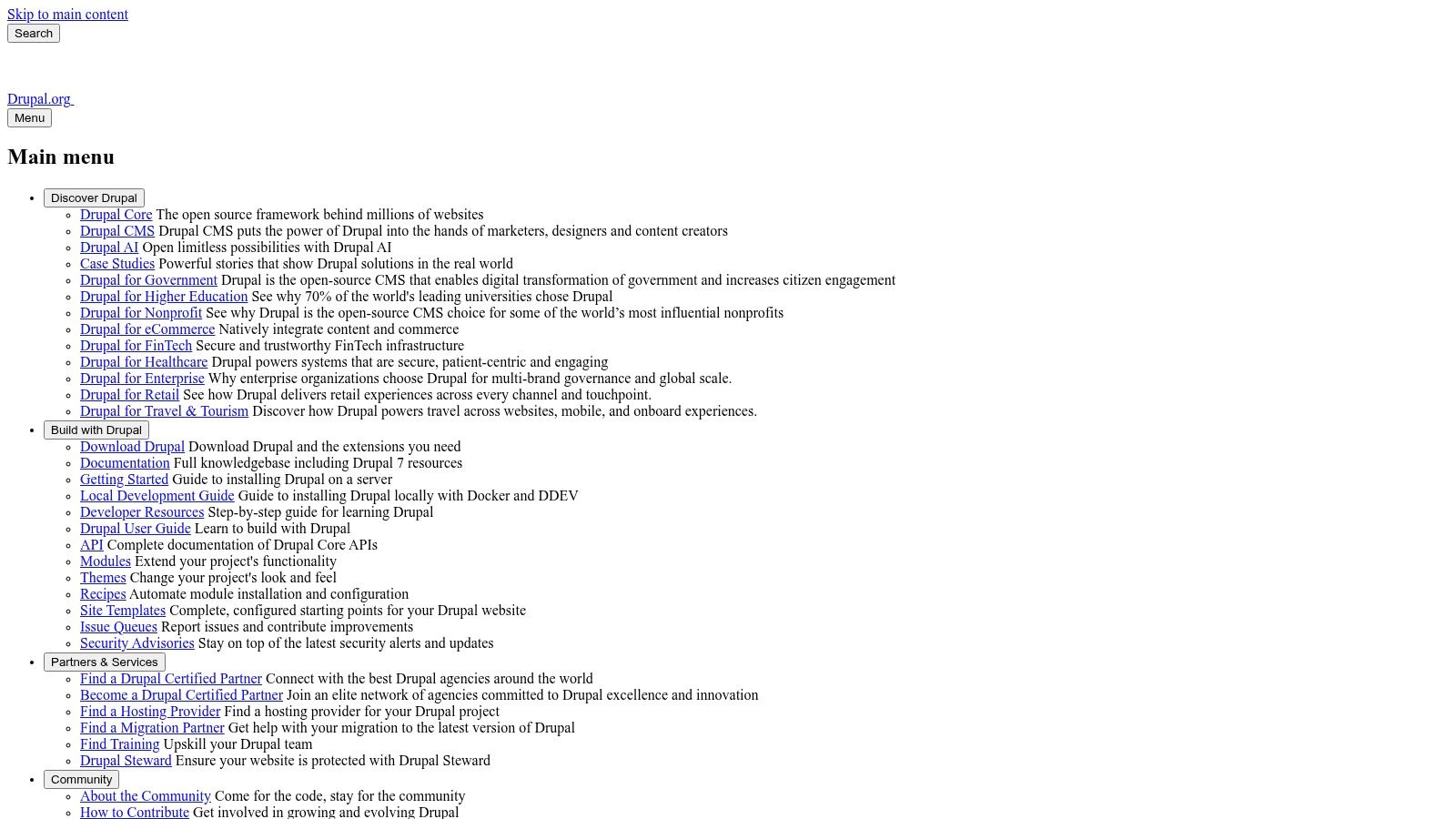
Choose Drupal CMS for structured content, editorial governance, and complex organizational websites. It provides a ready-to-use route into the Drupal ecosystem, while Drupal core remains a flexible foundation for more customized implementations.
The distinction matters during procurement. Drupal CMS offers templates, prepackaged recipes, and a visual site-building route, including Drupal Canvas for page composition. Drupal core suits projects whose developers need to assemble the foundation more deliberately.
Model the content before designing pages
Drupal supports content types, workflows, granular permissions, multilingual publishing, modules, themes, and API-first integration options. A university department, for example, can treat staff profiles, courses, and news as distinct content structures instead of manually recreating their layouts.
Practical rule: Choose Drupal for requirements that need governance, not simply because the project might become large.
Customization depth is high, but implementation and maintenance require deliberate ownership. Visual tools reduce some page-building friction; they don't remove architectural decisions, module compatibility work, or the need for specialist support.
Hosting, implementation, custom development, updates, and ongoing administration are the main cost areas. The open-source software license doesn't make a complex content migration or integration inexpensive.
Recommendation: Select Drupal CMS when editors need a more prepared starting point. Select Drupal core when an experienced development team needs deeper control. For a small site without complex content relationships, WordPress or a lighter CMS is a more proportionate choice.
4. Webstudio
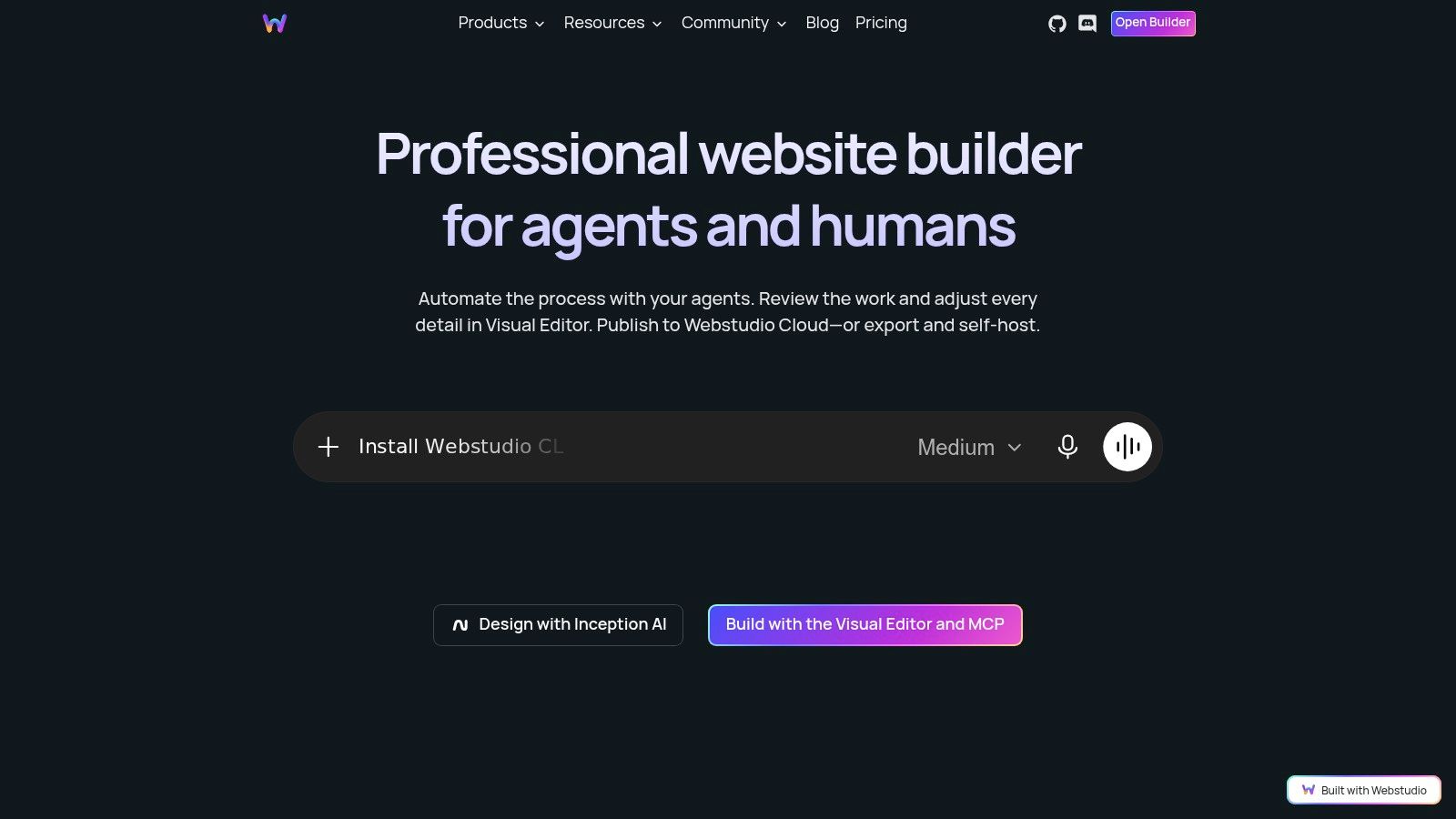
Webstudio suits designers who want visual editing with CSS-level control. It isn't a template selector, and it shouldn't be evaluated as one. Its appeal is detailed styling alongside connections to headless content management systems.
The core uses the AGPL license, and export options provide alternatives to keeping every project with a single hosted provider. Open-source builder code and generated-site code give technically capable teams more control over their workflow.
Separate the builder from the published site
Hosting a generated website and operating the builder itself are different jobs. A team choosing Webstudio for portability needs to confirm which export route supports its intended functionality, especially when a separate CMS supplies content.
- Customization: Strong visual control for designer-led marketing sites and headless projects.
- Ease of use: More approachable for someone who understands layout and CSS than for someone expecting a simplified drag-and-drop canvas.
- Maintenance: Production self-hosting of the builder involves more operational work than publishing generated files.
- Costs: Hosting, external CMS services, implementation, and features tied to paid plans can all matter.
Recommendation: Choose Webstudio when design precision and deployment flexibility justify a more technical workflow. Keep the hosted builder option on the shortlist unless the team has a concrete reason and the skills to operate its own instance.
Before committing, validate the complete publishing path, not merely the appearance of a sample page.
5. Silex
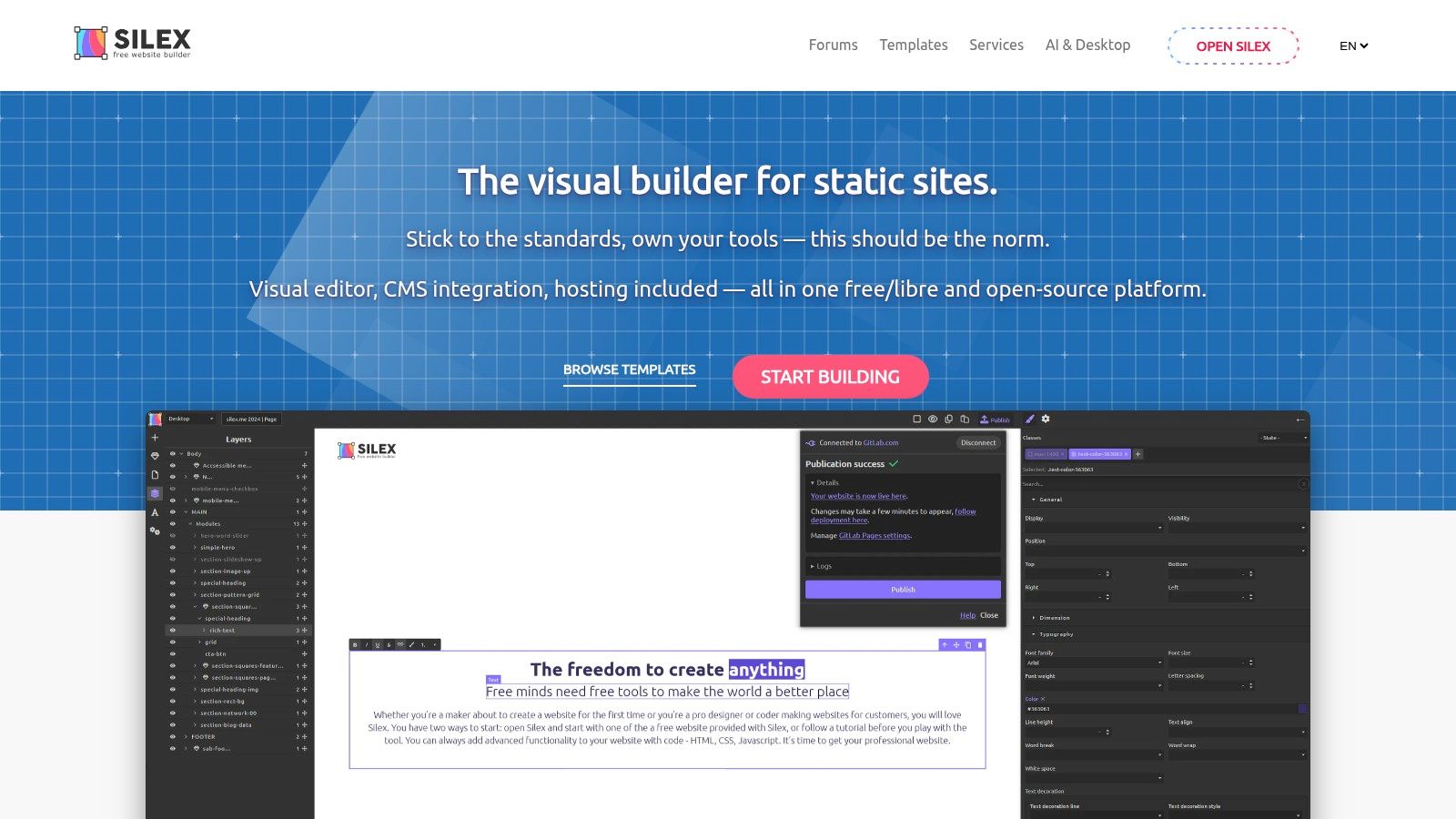
Portable HTML and CSS are the reason to consider Silex. Its visual editing workflow suits owners who want control over the resulting website without tying publication to a proprietary runtime.
Silex offers a cloud option with GitLab-based storage and hosting, plus a desktop application for offline work and user-managed deployment. Its documentation describes the software as free to use without a paid feature tier. That removes a software-access barrier, not the need to plan hosting and site operations.
A visual editor isn't an all-in-one service
Customization centers on layouts and transferable web output. The desktop route gives the owner deployment control, but that owner must also handle publishing credentials, backups, hosting, and the working project files.
A portable website still needs a repeatable publishing process. Exporting files isn't a substitute for knowing how the next edit reaches production.
Ease of use depends on the whole workflow. Designing visually can be straightforward while deployment, CMS integration, or collaboration introduces technical work. Teams needing shared editing or managed business features should verify those requirements against the current documentation before choosing Silex.
Costs appear in hosting, domains, design work, integrations, and maintenance time rather than a paid feature ladder.
Recommendation: Choose Silex for visually designed, portable sites with a clear deployment owner. Readers prioritizing a guided setup over infrastructure control can compare the best website builders for beginners before committing.
6. Microweber
Microweber combines visual page editing, blogging, and store functionality. It belongs on the shortlist for a small business that prefers an integrated editing environment over assembling separate publishing and commerce tools.
Drag-and-drop and real-time editing handle page changes. Blogging includes categories, tags, and comments, while store tools cover product management, coupons, and payment options. Themes, extensions, and multilingual support provide additional customization.
Evaluate the store workflow, not just the editor
A small retailer needs to check product setup, payment configuration, order handling, and content editing together. An appealing page editor doesn't establish that the commerce workflow fits the business.
- Customization: Themes and extensions support changes beyond the initial design, but the ecosystem is smaller than WordPress's.
- Ease of use: Visual editing reduces the need to assemble a separate page-building setup.
- Maintenance: The downloadable, self-hosted route still requires installation, updates, backups, and security work.
- Costs: Core software is available without a purchase charge, while some templates, commercial licenses, and hosted services cost extra.
Microweber also describes a hosted service. The useful comparison is therefore between the full hosted arrangement and the total responsibility of running the open-source installation independently.
Recommendation: Choose Microweber when its combined site, blog, and store workflow matches the business. Confirm required payment options and template licensing before investing in design work, and don't assume every advertised capability comes with every deployment route.
7. Concrete CMS
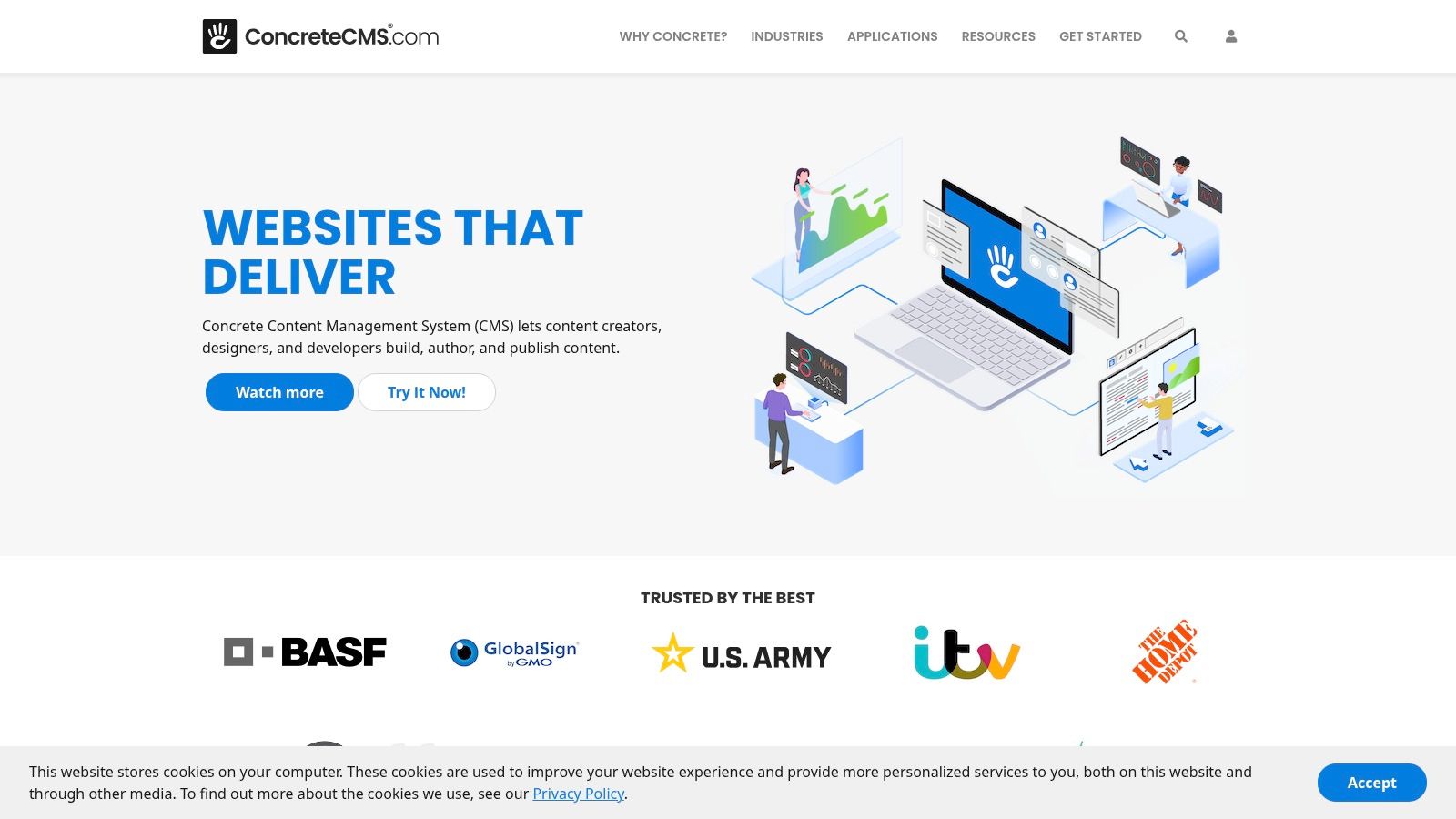
For a marketing coordinator changing opening hours or updating a service page, editing in context can matter more than extensive configuration options. Concrete CMS centers its approach on working directly with website pages rather than managing everything through a separate content database interface.
Its WYSIWYG editor, drag-and-drop content, and page layouts make routine updates more approachable. Drafts, version management, and reusable content tools support team workflows beyond basic page replacement.
Plan for the editor and the administrator
Concrete CMS offers customization through themes, marketplace add-ons, and implementation work. That provides room to adapt the site while keeping everyday editing relatively close to the finished page.
The operational split remains important:
- Editors: Update page content, review drafts, and manage approved changes.
- Administrators: Maintain hosting, updates, permissions, backups, and add-on compatibility.
- Budget owners: Account for hosting, themes, marketplace purchases, and technical support.
Version support deserves specific attention. Concrete CMS states that version 8 has ended security support and recommends upgrading to version 9, so an inherited installation needs a support-status review before cosmetic improvements.
Recommendation: Choose Concrete CMS when non-developer editors need approachable on-page content management alongside team publishing features. Use its hosted service options when the organization wants that editing model without independently handling every hosting task.
Before selection, have the intended editor work through a draft, review, and publication scenario. The relevant question is whether the workflow fits the team.
8. Ghost

For a publication, newsletter, or paid membership business, choose Ghost ahead of a general-purpose CMS. Publishing and audience relationships are central features rather than an assortment of extensions added afterward.
Ghost combines web publishing, email newsletters, memberships, protected content, and paid subscriptions connected to Stripe. A specialist publication can manage public articles and subscriber offerings within the same publishing environment.
Specialization is the advantage and the limit
Customization works best when the project remains a publication. Ghost is less appropriate for an operational portal or a highly customized business application whose main purpose isn't publishing.
The hosting decision is straightforward. Self-hosting provides operational independence, while Ghost(Pro) offers the project's managed hosting service. Running the software independently means accepting responsibility for server operations, maintenance, backups, and the supporting delivery setup.
Budget check: A publishing business should account for the website, subscriber operations, and email delivery together, rather than comparing server costs alone.
Ghost(Pro) is paid, and its plan limits need to match expected audience growth. Self-hosting has its own infrastructure and administration costs, even without a managed-service subscription.
Recommendation: Choose Ghost when articles, newsletters, and memberships define the business. Choose WordPress when publishing is only part of a broader website requirement.
KeenVerdict's Ghost review examines that publishing-focused fit and its trade-offs in more detail.
9. Grav
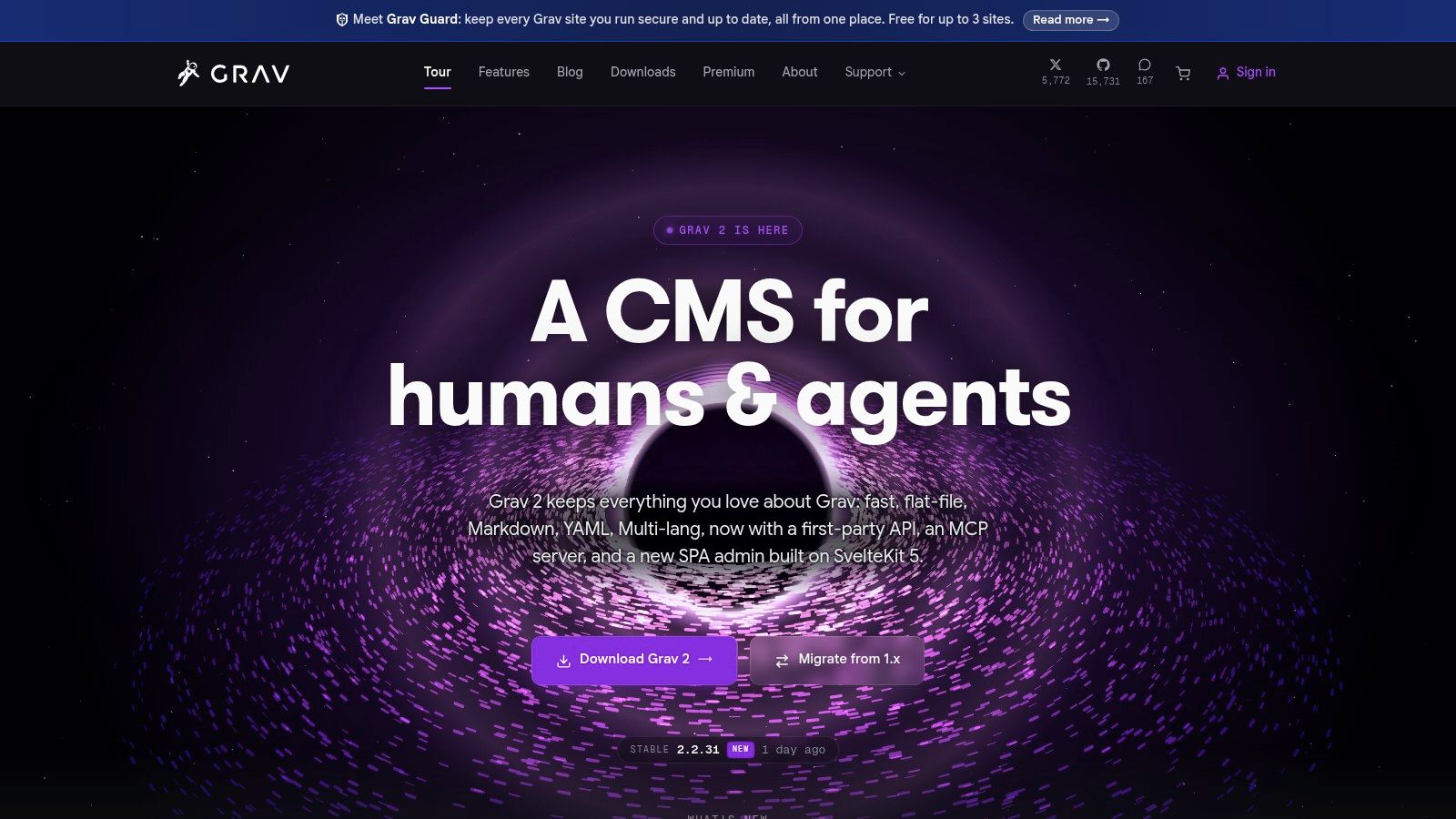
Grav removes the database, not the need for administration. Its flat-file architecture stores content in files, making it a practical choice for documentation, smaller websites, and straightforward content projects.
Markdown-based content and file-based configuration suit owners comfortable working with files. Themes, plugins, and a package manager provide customization, while the Core + Admin installation adds an optional administrative interface for editors who don't want to manage everything directly.
Lightweight structure, technical ownership
The benefit is a content structure that doesn't require database setup. Content remains portable as files, although the complete site still depends on its configuration, themes, plugins, and compatible hosting.
- Customization: Suitable for focused content structures, documentation layouts, and theme-level changes.
- Ease of use: Comfortable for Markdown users, less immediately familiar for editors accustomed to conventional CMS dashboards.
- Maintenance: Hosting compatibility, updates, plugin support, access controls, and backups remain the owner's responsibility.
- Costs: Hosting, domains, implementation help, and premium themes or plugins can add expenses.
A documentation site maintained by a technically capable owner is a better fit than a busy editorial operation expecting an entirely managed collaborative workspace. Installing the Admin panel can improve content editing, but it doesn't transfer operational responsibility.
Recommendation: Choose Grav for a lightweight content site when somebody can own the server and file-based workflow. Choose Publii instead when desktop editing and static publication better match the owner's skills.
10. Publii
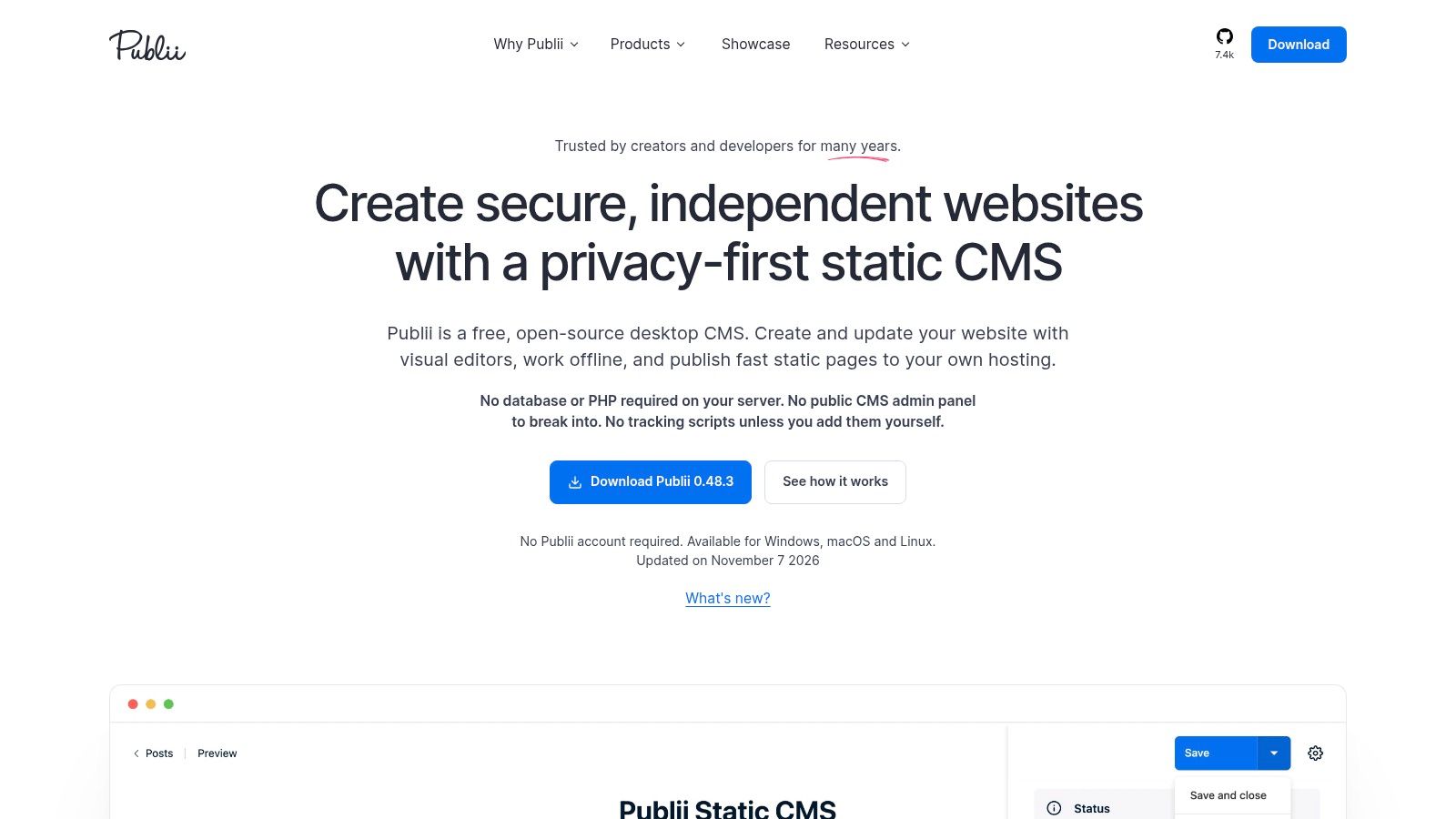
Publii moves the CMS onto the owner's computer. Available for Windows, macOS, and Linux, it lets users create and preview content locally, then publish a generated static website to compatible hosting.
The output includes HTML, CSS, JavaScript, and media files. The published site doesn't require Publii's application, a live CMS database, or a server-side administration panel. Publishing methods include FTP and SFTP, alongside other supported hosting connections.
A simpler published site, a different workflow
Themes, plugins, and custom theme development provide customization. Local editing also gives the owner direct control of site data, but that makes backing up the working project important, not just copying the published files.
The main compromise is collaboration. Publii isn't a browser-based shared editorial workspace, and dynamic features such as user accounts or interactive commerce require external services or custom integration.
- Ease of use: A good fit for an individual who prefers desktop content editing and previews.
- Maintenance: No live CMS database to administer on the host, but local software, backups, and publishing credentials still need care.
- Costs: Core software is free, including for commercial use; hosting, domains, and some themes or plugins remain separate.
Recommendation: Choose Publii for a portfolio, blog, or lightweight business content site maintained through a desktop workflow. Avoid it when simultaneous web-based editing or integrated application features are central requirements.
Open source website builders at a glance
| Tool | Type | Hosting needs | Best for | License |
|---|---|---|---|---|
| WordPress.org | Self-hosted publishing platform | Separate hosting and domain; ongoing administration | Blogs and a wide range of business or publishing sites | Free, open source |
| Joomla! | Content management system | Self-hosting or hosted Launch.joomla.org option | Multilingual sites and sites with varied user permissions | GPL |
| Drupal CMS | Content management system | Separate hosting and implementation | Complex content, editorial workflows, and organizational sites | Free, open source |
| Webstudio | Visual website builder | Hosted service or alternative hosting; builder self-hosting is more involved | Designer-led sites needing detailed styling and CMS connections | AGPL |
| Silex | Visual website builder | Cloud option or desktop app; desktop sites need separate deployment and hosting | Portable HTML and CSS sites built visually | Free, open source |
| Microweber | CMS and drag-and-drop site builder | Self-hosting or hosted service | Sites combining visual editing, blogging, and basic commerce | Free, open-source core |
| Concrete CMS | Content management system | Self-hosting or hosted service | Teams wanting in-context page editing and content workflows | Open source |
| Ghost | Publishing platform | Self-hosting or paid Ghost(Pro) hosting | Blogs, newsletters, memberships, and paid subscriptions | Open source |
| Grav | Flat-file CMS | Compatible hosting; no database required | Smaller content sites and documentation | Free, open source |
| Publii | Desktop static-site CMS | Desktop app plus separate hosting for the published site | Static sites managed locally with a choice of host | Free, open source |
How to Choose and What It Will Really Cost
Choose the tool that matches the site and the person maintaining it. WordPress.org is the default for a general business website; Ghost fits a publication; Grav fits a technically maintained lightweight site; Publii fits desktop editing and static publication. Joomla and Drupal CMS make more sense when permissions, multilingual content, or structured publishing justify the additional configuration.
Design-led teams should compare Webstudio and Silex. Businesses seeking integrated visual editing can consider Microweber, while Concrete CMS suits organizations that prioritize approachable on-page updates. None of those choices removes the need to assign technical responsibility.
Budget beyond the download
The recurring expenses are hosting, domains, themes, add-ons, maintenance time, and specialist help. Depending on the site, email delivery, external CMS services, payment processing, and other integrations also belong in the operating budget.
Security is an ownership question, not merely a platform feature. Colorlib's CMS market-share coverage reports 11,334 WordPress vulnerabilities in 2025, with 91% found in plugins. Those ecosystem figures aren't a site's breach probability, but they make extension governance a practical buying criterion.
Managed hosting changes who performs some operational work. It doesn't automatically cover every plugin, custom integration, recovery task, or unsupported extension. A small business can run open-source software without employing a developer, but only when someone explicitly owns those responsibilities.
A first-week setup checklist
- Build a representative page: Include real navigation, images, forms, and mobile layouts rather than judging an empty template.
- Assign maintenance ownership: Name who handles updates, security alerts, hosting access, and urgent repairs.
- Configure recovery: Automate backups, keep an independent copy, and test restoring the site before launch.
- Restrict access: Give editors only the permissions needed and protect administrative accounts with strong authentication.
- Validate integrations: Submit forms, check delivery, and test payment or membership flows where applicable.
- Record dependencies: Document themes, extensions, licenses, renewal obligations, and deployment instructions.
KeenVerdict's review desk compares documented features, vendor documentation, and published prices with dated sources. These recommendations don't claim hands-on testing. Readers who decide that open source requires more administration than their business can support should consider Wix, KeenVerdict's pick in its Best Website Builders verdict.
Shortlist the builder that fits the actual publishing workflow, build a representative page, and confirm the maintenance owner before purchasing hosting or extensions. Report changed prices, errors, or broken sources to editorial@keenverdict.com. KeenVerdict checks every report, corrects affected pages, and updates their dates.
Cite this page
KeenVerdict. Website Builder Open Source: 10 Tools Compared for 2026. Updated November 20, 2026. https://keenverdict.com/website-builder-open-source
Questions or corrections: editorial@keenverdict.com