Guide · General
Best Website Builders for Beginners: Top 7 in 2026
Compare the best website builders for beginners on ease of use, templates, features and pricing, with plan costs and renewal rates for 2026.
By the KeenVerdict research desk · Updated November 14, 2026 · 11 min read
Most beginners choose a website builder based on its first-month price, then encounter the bill in year two. A business site itself is no longer unusual: in 2025, 83% of U.S. small businesses had a website, according to Clutch's survey of 406 small-business owners, reported by Digitaltreed. The harder decision is picking a builder that stays affordable after launch.
Wix is the best all-round starting point for most beginners, combining a free plan, a large template library, and drag-and-drop editing. Squarespace suits design-led sites where visual consistency matters most. Shopify fits businesses that mainly sell products, while WordPress.com fits blogs and publishing.
KeenVerdict scores each verdict on features at 40%, ease of use at 30%, and value at 30%. Those lenses guide this comparison of the best website builders for beginners, with the weight on what each pick costs once promotional pricing ends: renewal rates versus entry prices, free-plan limits versus trial lengths, and the editor control each tool gives up for simplicity.
The prices below are the vendors' listed rates for this 2026 comparison, and where a renewal rate is not published it is treated as unconfirmed.
Table of Contents
- 1. Wix
- 2. Squarespace
- 3. Hostinger AI Builder
- 4. Shopify
- 5. WordPress.com
- 6. GoDaddy Website Builder
- 7. Weebly
- How the seven beginner website builders compare on entry price, free options and best use
- Pick the Builder You Can Still Afford in Year Two
1. Wix
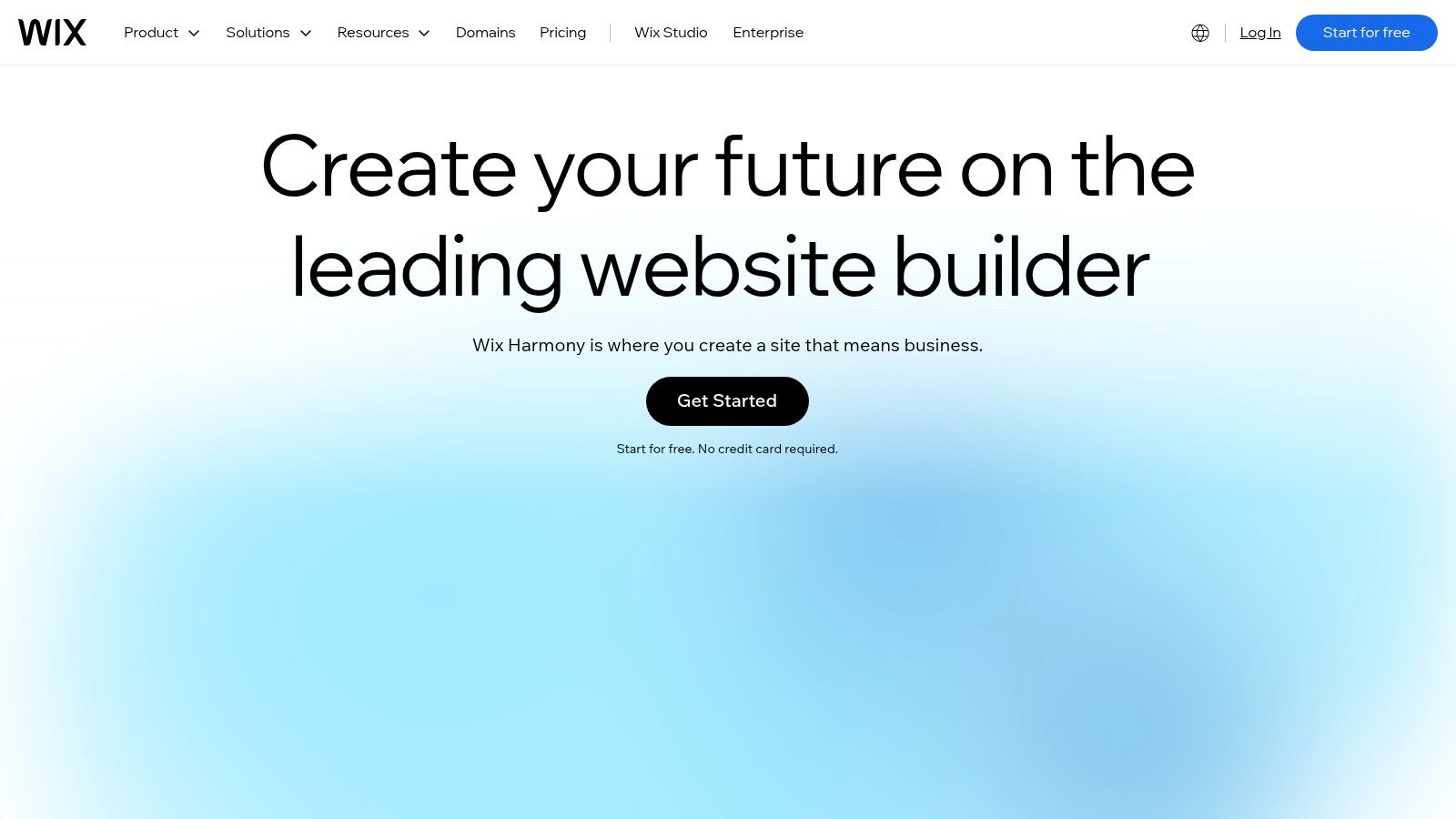
Best for beginners who need flexibility without coding. Wix suits portfolios, local-business sites, blogs, booking pages, and online stores. Its visual editor gives owners substantial control over page layouts, while AI-assisted creation provides a starting draft.
For this 2026 comparison, Wix lists more than 2,000 templates, Light at $17/month, and Core at $29/month with annual billing, with annual subscriptions paid upfront. Those are Wix's listed annual-billing rates, so confirm the renewal terms on its pricing page before paying.
Flexibility brings more decisions
Wix bundles hosting with SEO, blogging, marketing, and booking tools. Ecommerce and payment acceptance require a qualifying paid plan, so a service brochure and a working store shouldn't be budgeted as the same purchase. A free-plan site can grow into a portfolio or booking page on its own, but accepting payments pushes it into a paid tier. That paid tier is the figure to compare against year two, since the free plan's limits arrive long before any renewal does.
- Main advantage: The free plan lets beginners explore the editor before subscribing.
- Main limitation: Free sites carry Wix branding and use a Wix subdomain.
- Editor trade-off: Extensive layout control creates more opportunities for inconsistent spacing, typography, and mobile layouts.
A useful trial project is a service page with a contact form and a mobile-friendly navigation menu. That reveals more about everyday editing than browsing templates alone.
Buying rule: A free editor trial is useful only if the required business workflow can also be checked before payment.
Year-two verdict: Wix is a sensible default, but the budget should include the appropriate business plan and any separately billed services. Confirm the renewal terms on Wix's pricing page before paying, so the year-two bill is a known quantity.
2. Squarespace
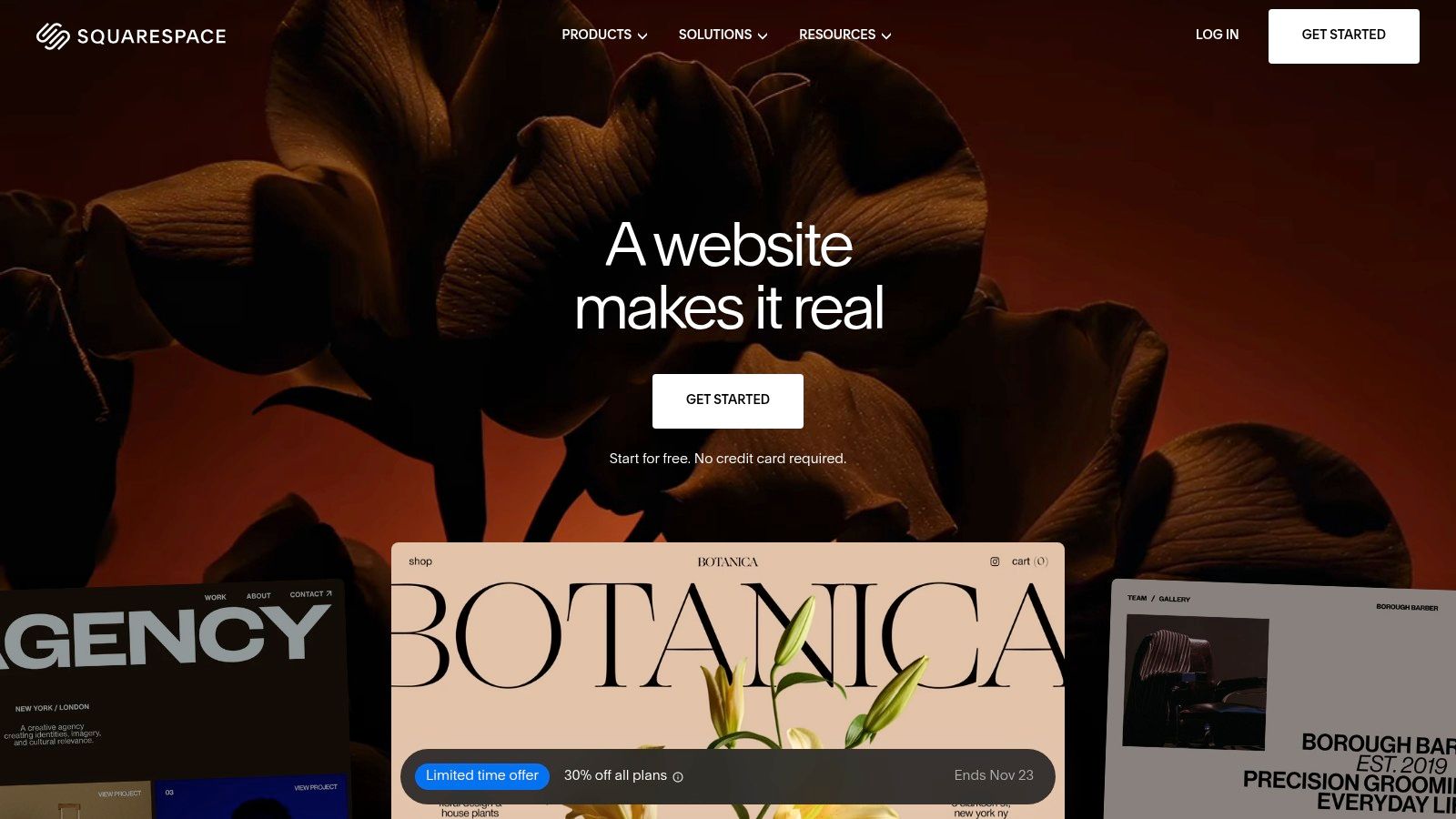
A photographer or consultant may benefit more from consistent design than unrestricted positioning. Squarespace's structured editor suits that requirement, helping beginners keep pages visually coherent without making every layout decision independently.
For this 2026 comparison, Squarespace lists Basic at $19/month with annual billing or $25/month with monthly billing, plus a 14-day trial; eligible annual plans include one year of domain registration. The trial is time-limited, not a permanent free published-site plan.
Hosting, AI tools, SEO features, and mobile-optimized templates are bundled into website plans. Selling products and services is supported, but commerce capabilities and transaction fees depend on the chosen plan.
Budget beyond the included domain
The included registration period shouldn't be mistaken for permanently free domain ownership. The later budget needs room for domain renewal, alongside any commerce fees or additional services.
The website-builder cost guide provides a useful framework for separating subscriptions from domain and business-tool expenses.
- What works: Templates help portfolios and personal brands maintain a cohesive appearance.
- What doesn't: Owners seeking highly unrestricted layouts may find the structure limiting.
- What needs checking: The actual selling workflow, including fees, should be evaluated during the trial.
Year-two verdict: Squarespace makes sense when design consistency reduces ongoing editing work. Its listed billing options aren't evidence of a promotional renewal increase, and no separate renewal subscription rate is documented here.
3. Hostinger AI Builder
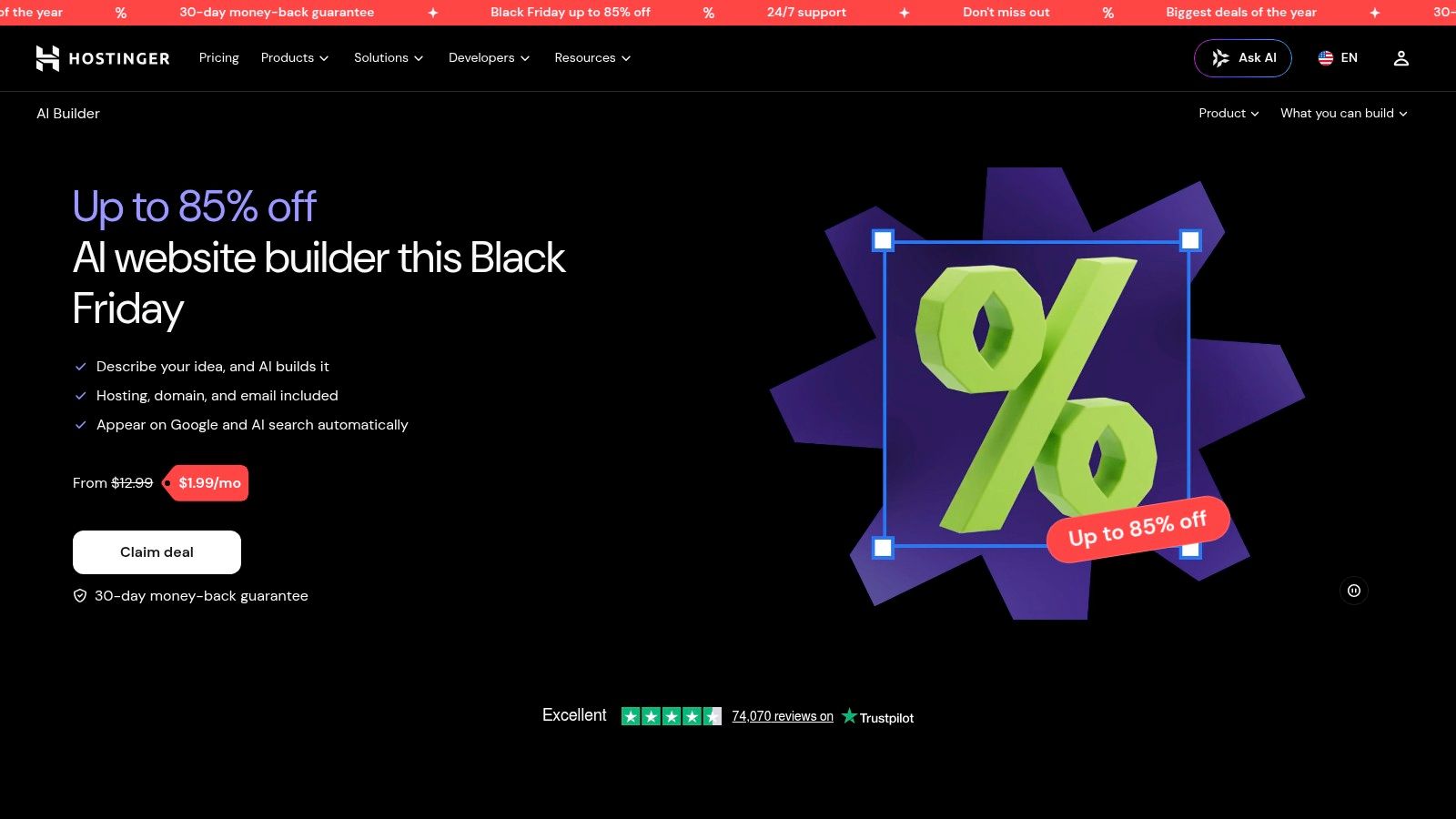
Hostinger's low entry rate comes with a long commitment. Its AI-generated drafts and manual drag-and-drop editor suit small-business sites, portfolios, and blogs whose owners want help getting an initial structure in place.
For this 2026 comparison, Hostinger AI Builder lists Premium at a promotional $2.99/month for a 48-month term, paid upfront, renewing at $10.99/month. That distinction matters: the renewal increase follows the initial term, not automatically the first anniversary.
Hosting, SSL, and templates are included. Eligible terms offer a free domain, while ecommerce requires a qualifying plan; AI credits and available features also vary by subscription.
A long introductory term can keep the effective subscription rate low during the following year while still requiring a substantial commitment at signup.
AI should produce a draft, not the final decision
Manual and conversational editing offer different ways to revise the generated site. Beginners should check whether they can change navigation, replace sections, and correct mobile layouts without repeatedly regenerating the whole design.
- Useful shortcut: AI can suggest a page structure when the owner doesn't know where to start.
- Important limit: Generated copy still needs accurate services, contact details, and business-specific wording.
- Cost concern: Credit allowances and the eventual renewal rate deserve attention before prepayment.
The best AI website builders comparison helps distinguish generation features from ongoing editing tools.
Year-two verdict: Hostinger can suit a stable, straightforward project. Its lower promotional rate is less attractive when the business may need to change platforms before the prepaid term ends.
4. Shopify

Choose Shopify when the website's main job is selling products. Product records, orders, inventory, and checkout belong in the same operational workflow. Shopify is more appropriate for that requirement than for a simple informational site.
For this 2026 comparison, Shopify lists Basic at $29/month with annual billing or $39/month when billed monthly. These are billing-frequency options, not a documented introductory-to-renewal price change.
Its themes provide the storefront, while commerce tools support online selling, in-person transactions, social channels, and marketplaces. An AI assistant supports commerce tasks on eligible plans.
Compare the store's operating cost
The subscription isn't the complete selling budget. Payment processing, applicable third-party transaction fees, apps, and any higher-tier requirements can change the ongoing cost.
- Main strength: Store management and checkout are integrated.
- Main compromise: The platform prioritizes commerce rather than unrestricted general-purpose site design.
- Upgrade risk: Required staff access and advanced functions should be checked before choosing a tier.
For a beginner store, the practical evaluation should follow a product from creation through checkout, order handling, and inventory adjustment. A visually appealing homepage doesn't establish whether that process fits the business.
The best ecommerce platforms comparison is relevant when selling requirements matter more than page-building preferences.
Year-two verdict: Shopify earns its place when integrated commerce replaces fragmented manual work. For a consultant who only needs service descriptions and enquiries, that operational depth may be unnecessary expense and complexity.
5. WordPress.com
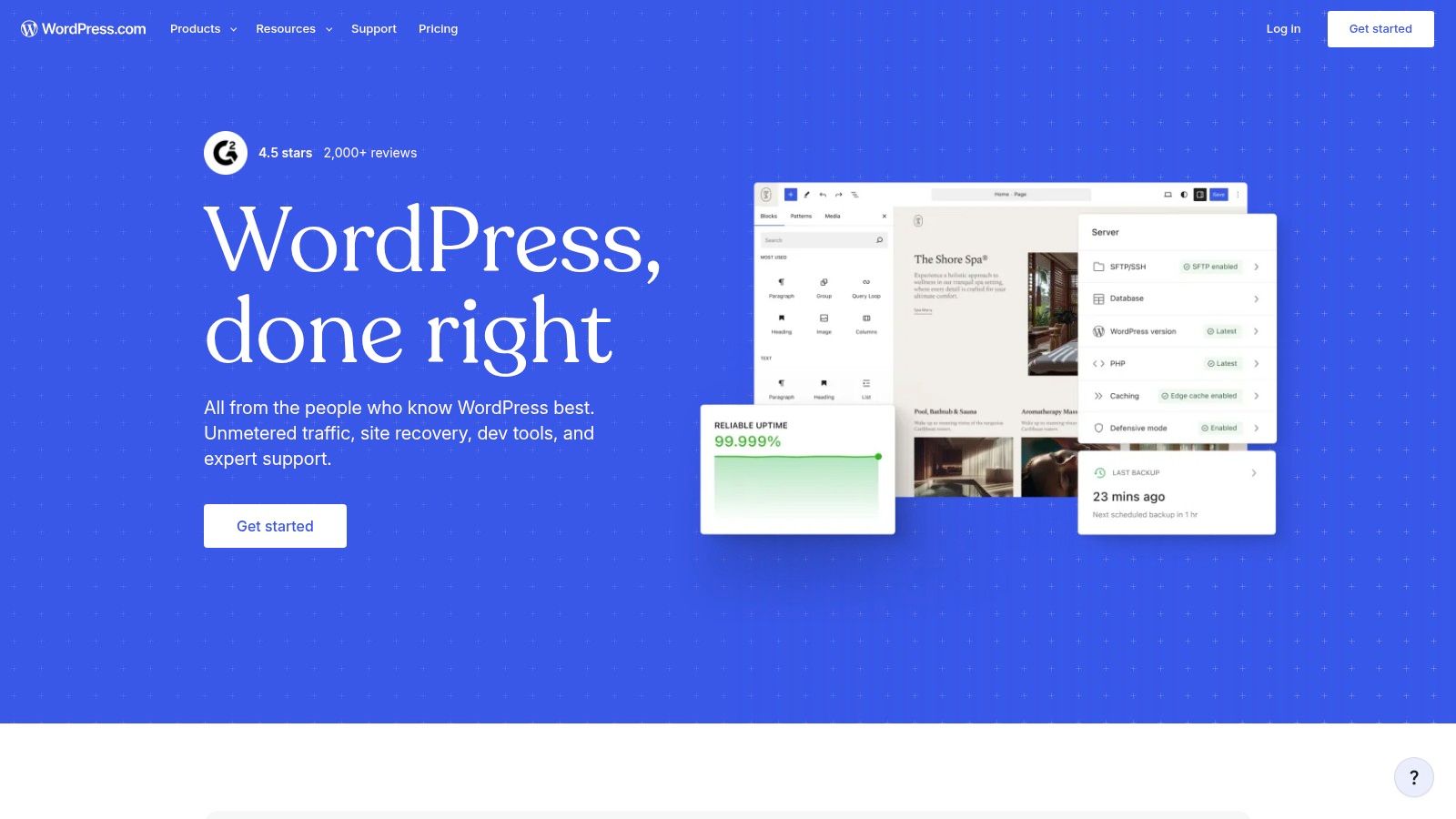
A growing publication needs more than an attractive landing page. WordPress.com is the strongest fit here for blogs and expanding content libraries, with tools organized around posts, pages, and regular publishing.
For this 2026 comparison, WordPress.com lists a free plan, Personal at $4/month, and Premium at $8/month when billed annually. Those annual-billing figures shouldn't be treated as confirmed monthly-billing or renewal quotes.
The hosted service includes hosting and automatic updates, plus guided setup with an AI-assisted builder. Paid plans add capabilities such as a custom domain, ad removal, and access to WordPress plugins and themes, with specific entitlements depending on the plan.
Publishing flexibility has a learning cost
WordPress.com differs from a purely visual, drag-and-drop starting point. Beginners need to understand how themes, page layouts, posts, and plugins fit together.
- Best use: A blog, newsletter-focused site, or business publishing an ongoing library of articles.
- Growth advantage: Paid-plan plugin access provides ways to extend functionality.
- Practical drawback: Additional options introduce more configuration decisions and potential paid extras.
A useful evaluation is to draft an article, assign its category, add an image, and revise the navigation. That exposes the work a regular publisher will repeat.
Portability matters: Before committing to any builder, the owner should establish what content can be exported and what would need rebuilding elsewhere.
Year-two verdict: WordPress.com is a reasonable choice when publishing is central. The ongoing budget should reflect the required plan and any premium extensions, rather than assuming the entry subscription covers every future requirement.
6. GoDaddy Website Builder
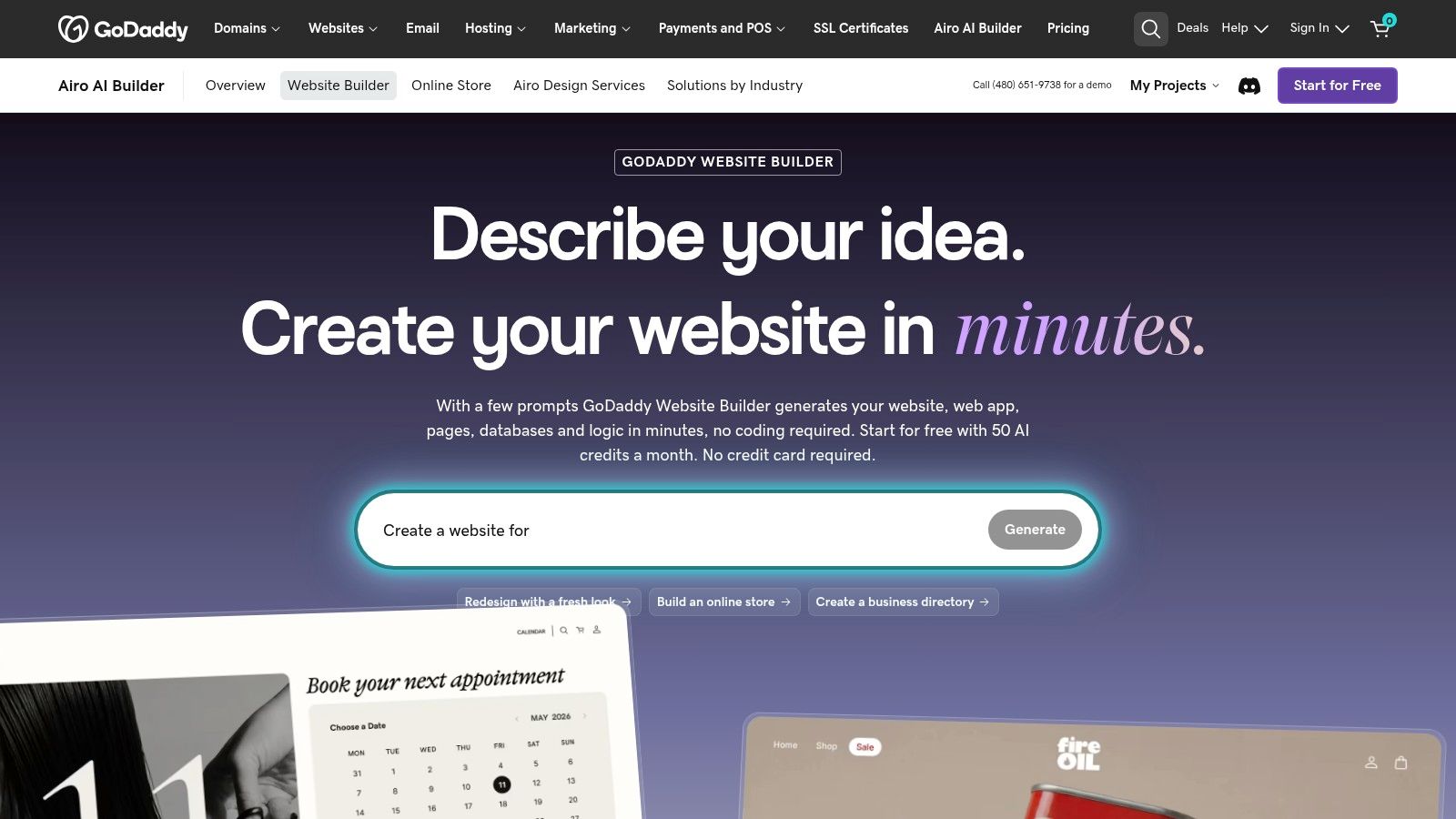
GoDaddy suits a straightforward business presence with limited setup. A solo operator who needs service information, contact details, and basic marketing tools may prefer a guided builder over extensive design controls.
For this 2026 comparison, GoDaddy Website Builder lists a free plan and Starter at $9.99/month billed annually. A separate renewal rate isn't documented here, so that listed entry price shouldn't be presented as a guaranteed continuing rate.
AI-assisted creation and included AI credits help with initial setup. Free previews provide a way to explore the service, while paid plans include a custom domain and tools for marketing and selling.
Keep the scope deliberately small
The attraction is managing site building and related GoDaddy services in the same account. The compromise is less extensive design control, alongside tier-specific features and limits on AI credits.
- Good fit: A local service business with a clear, compact set of pages.
- Less suitable: A project requiring highly customized layouts or complex commerce.
- Before subscribing: The owner should distinguish preview access from the publishing capabilities needed for the finished site.
A simple editor still needs accessible output. The W3C WCAG-EM methodology recommends defining an evaluation's scope and checking representative pages and complete processes, rather than judging a homepage alone.
That means checking keyboard navigation and form completion, not just visual appearance. Year-two verdict: GoDaddy is practical when its included functions cover the job, but required upgrades and renewal terms need confirmation before an annual commitment.
7. Weebly
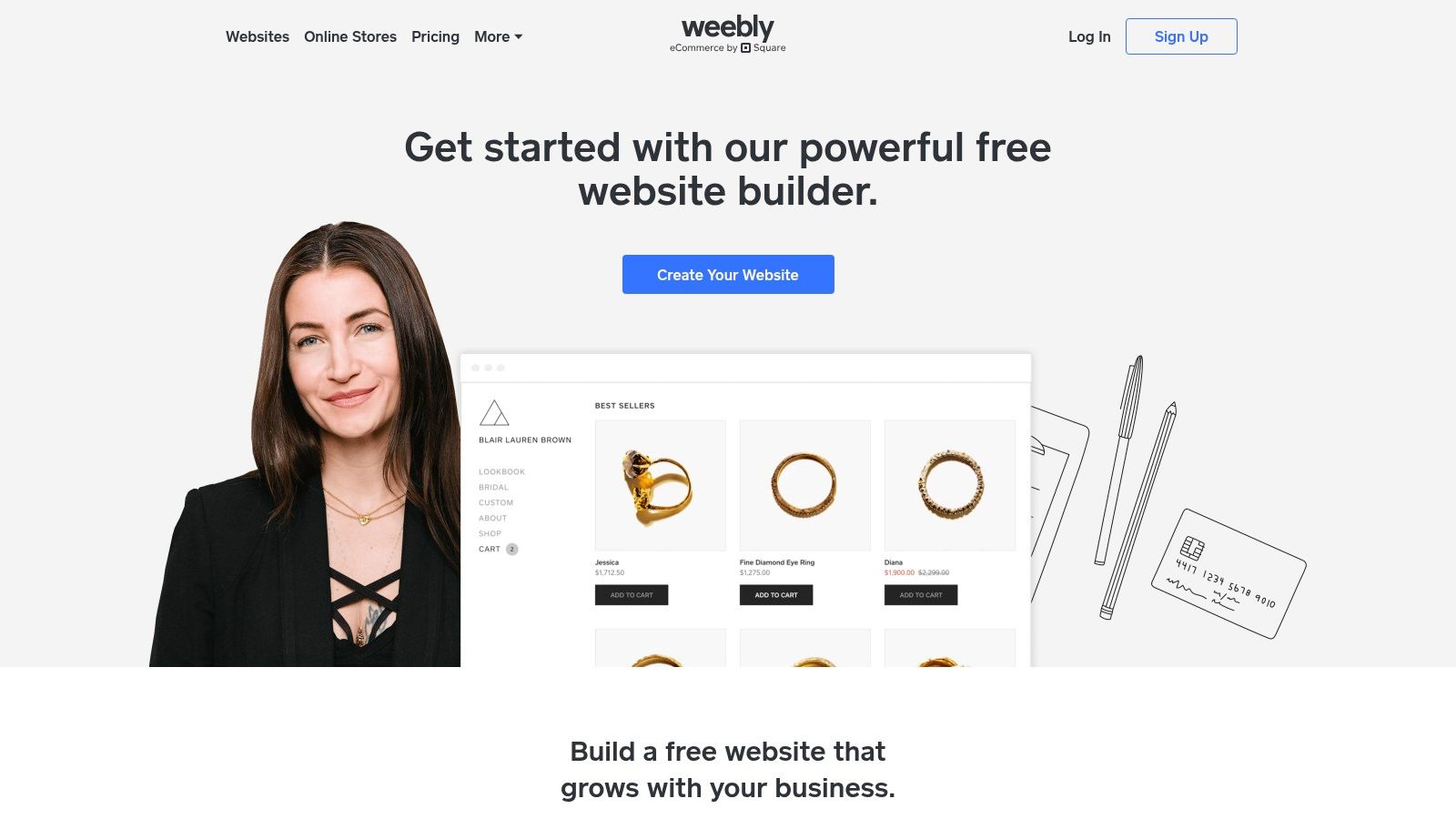
Weebly favors low complexity over extensive customization. Its straightforward approach can suit a personal site or a small business that doesn't need elaborate layouts.
For this 2026 comparison, Weebly lists Free at $0/month, Personal at $13/month, Professional at $15/month, and Performance at $32/month, with the paid figures billed annually. No separate introductory and renewal rates are documented here.
The listed plans include SSL security. Paid upgrades provide custom-domain connection and additional capabilities, with higher tiers adding features such as site statistics and ecommerce functions.
Simpler is useful only when the limits fit
A restrained editor can reduce unnecessary design decisions. It becomes a drawback when the owner needs a layout or business function that the platform doesn't accommodate.
- Reason to start: The free option allows exploration without a subscription.
- Reason to upgrade: A custom domain and additional functionality require a paid plan.
- Reason to pause: Current ecommerce and support details should be confirmed before the business depends on them.
The platform-branded free experience is a meaningful distinction for a business-facing site. A free subscription doesn't necessarily provide the presentation or capabilities needed for launch.
Accessibility controls also deserve inspection. W3C's WCAG 2.2 standard requires text alternatives for non-text content, so the owner should verify that meaningful image descriptions can be entered and maintained.
Year-two verdict: Weebly is worth considering for a basic site with stable requirements. The relevant paid tier matters more than the availability of a free starting point.
How the seven beginner website builders compare on entry price, free options and best use
| Item | Listed entry price | Free option | Best for |
|---|---|---|---|
| Wix | $17/month with annual billing | Free plan with Wix branding and subdomain | Flexible sites for beginners |
| Squarespace | $19/month with annual billing | 14-day trial; no permanent free plan | Design-focused portfolios and small businesses |
| Hostinger AI Builder | $2.99/month promotional rate for a 48-month term, paid upfront | No free plan specified | Quickly launching a small-business site, blog, or portfolio |
| Shopify | $29/month with annual billing | No free plan specified | Beginners focused on ecommerce |
| WordPress.com | $4/month with annual billing | Free plan available | Blogs, newsletters, and growing content sites |
| GoDaddy Website Builder | Free plan available; Starter is $9.99/month with annual billing | Free tier for experimenting and preview sites | Straightforward local-business sites |
| Weebly | Free plan available; paid plans start at $13/month with annual billing | Free plan for basic use | Basic personal or small-business sites |
Pick the Builder You Can Still Afford in Year Two
Choose by site type before comparing headline prices. Wix fits general-purpose sites, Squarespace suits design-led brands, Shopify fits stores, and WordPress.com suits blogs. Weebly or GoDaddy can work for basic, lower-complexity sites, while Hostinger deserves consideration when a long prepaid term suits the project.
KeenVerdict's Best Website Builders verdict names Wix as its pick, making it the default starting point for most beginners. That doesn't make it the right purchase for every business. A store owner should prioritize checkout and inventory, while a publisher should prioritize repeatable content workflows.
Separate subscription price from ownership cost
The next-year budget should include domain renewal, paid extensions, email services, payment fees, and any necessary plan upgrade. Several offers can become more expensive after an introductory term or included benefit ends, but only Hostinger has an explicit subscription renewal increase documented in this comparison.
- Confirm the billing commitment: An advertised monthly equivalent may require annual or longer prepayment.
- Confirm continuing costs: Domain offers, promotional subscriptions, and paid add-ons need separate attention.
- Confirm the exit route: Content export, domain control, redirects, and rebuilding work affect the cost of leaving.
The easiest builder to start with isn't necessarily the least work to maintain.
A useful evaluation includes the site's real content, navigation, contact process, and mobile layout. AI-generated drafts and attractive templates shouldn't substitute for checking whether the owner can maintain those elements independently.
Before committing, prospective buyers should confirm current prices and renewal terms on each vendor's pricing page, because listed prices change. They should then build a representative page and complete the site's main workflow in the free plan or trial. The practical next step is to shortlist Wix and the strongest specialist alternative, then compare the full continuing cost before paying.
Questions or corrections: editorial@keenverdict.com