Guide · General
Password Manager Most Secure: 2026 Expert Picks
Which password manager is most secure in 2026? See our password manager most secure rankings, comparing encryption, authentication and audit results across
By the KeenVerdict research desk · Updated November 10, 2026 · 12 min read
Even a password manager's breach warnings can miss compromised credentials. A 2024 ACM-published analysis of password-checkup tools found that no manager tested identified every known compromised password. No single password manager is objectively the most secure, because security depends on encryption design, authentication, transparency, and whether people use it.
Zero-knowledge architecture means the provider designs the service so it cannot read the encrypted vault. Key derivation turns an account password into cryptographic key material while making repeated password guesses more expensive. Neither label, by itself, proves that recovery, sharing, browser extensions, and device access are equally well protected.
For anyone asking which password manager is most secure, 1Password is the leading paid shortlist choice for its additional Secret Key, while Bitwarden and Proton Pass merit attention for open-source transparency. KeePass suits people prepared to manage their own database and backups.
A secure vault that someone cannot use daily is less safe than a good vault they actually fill.
These comparisons assess documented features and published vendor information, not hands-on testing. The deciding trade-off is protection that remains workable during everyday use and account recovery.
Table of Contents
- 1. 1Password
- 2. Bitwarden
- 3. Proton Pass
- 4. Keeper
- 5. Dashlane
- 6. NordPass
- 7. KeePass
- Seven password managers compared on encryption, transparency, free plan and best use
- How to Pick and Set Up Your Secure Vault
1. 1Password
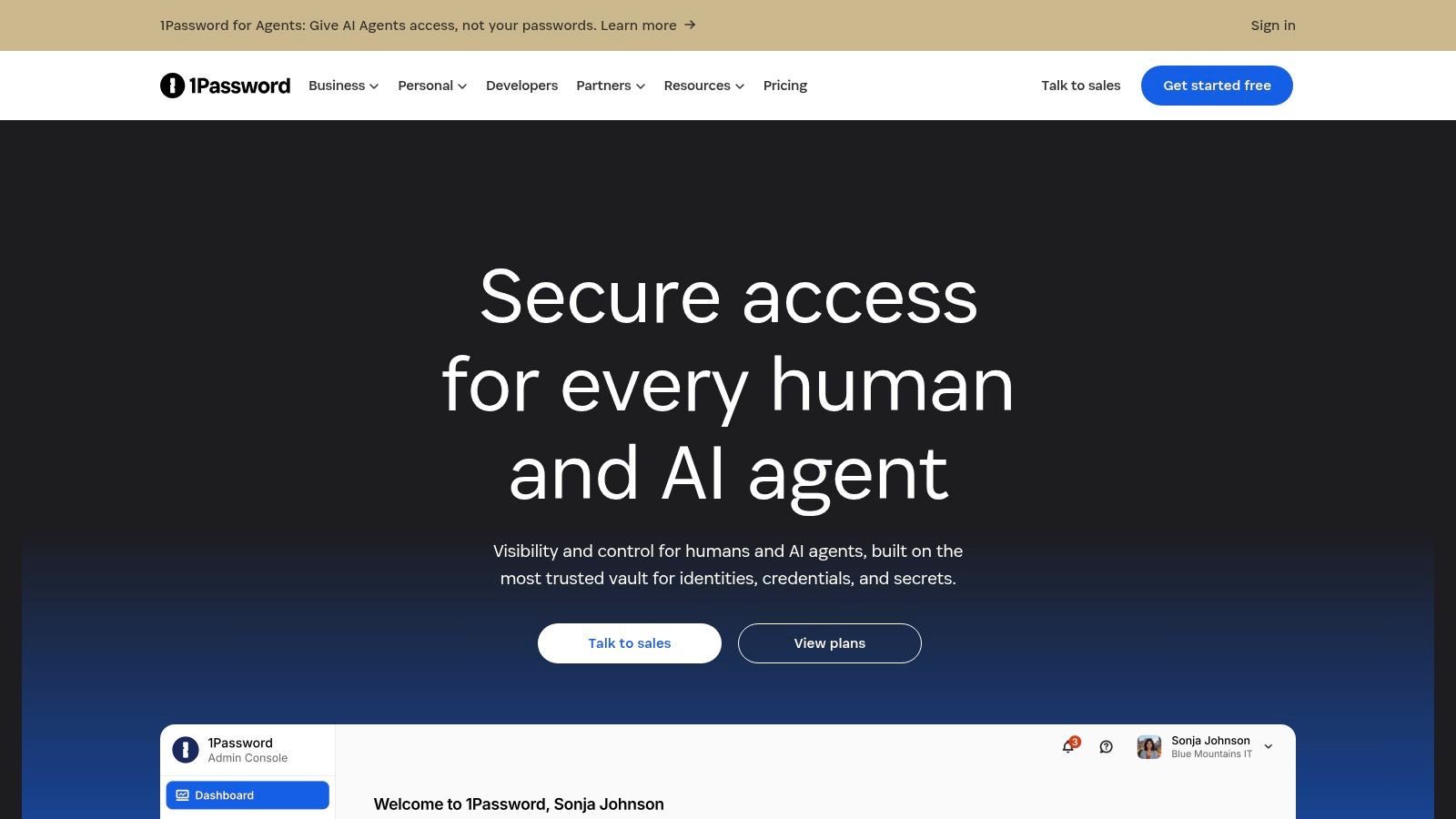
1Password stands out for separating protection from the account password alone. Its device-generated Secret Key combines with that password to protect vault access, adding secret material that a person doesn't have to invent or memorize.
1Password documents end-to-end encryption covering vault information, including website addresses and item titles, alongside independent security assessments and a public bug-bounty program; it offers a 14-day trial, rather than a permanent free plan. Its individual, family, and business options make it relevant to both personal accounts and shared organizational credentials.
Where the Security Model Helps
The Secret Key is the meaningful distinction, not another dashboard feature. It adds protection beyond a master password alone, but it isn't interchangeable with phishing-resistant multifactor authentication, which should still be enabled separately.
- Everyday checks: Watchtower flags weak or reused passwords and breached websites, helping users prioritize credential changes.
- Travel controls: Travel Mode can remove selected vaults from devices during travel, provided the user configures it beforehand.
- Sharing: Shared vaults let households or teams distribute credentials without turning a single personal vault into a communal account.
The practical cost is recovery discipline. Users need to protect their Secret Key and recovery information somewhere accessible without relying entirely on the vault itself.
KeenVerdict's sourced password-habit statistics provide context for why replacing reused credentials matters. For buyers considering 1Password, the central question is whether the additional secret and subscription fit daily routines, not whether Watchtower can replace careful account security.
2. Bitwarden
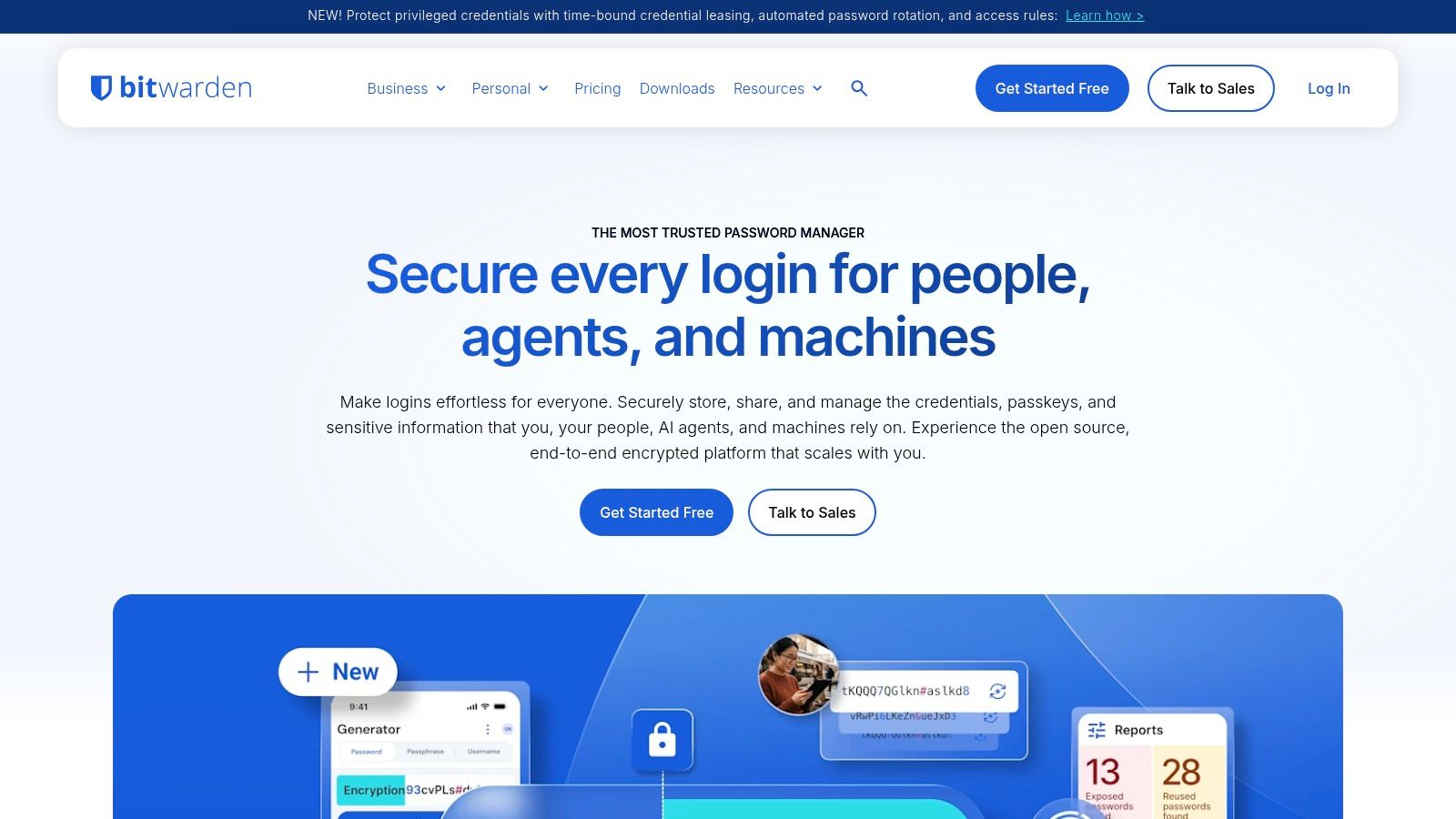
A free plan doesn't have to mean accepting an opaque vault design. Bitwarden's appeal is the combination of open-source applications, public security documentation, and configurable key derivation.
Bitwarden describes client-side, end-to-end encryption with a zero-knowledge model and offers unlimited passwords across unlimited devices on its free personal plan. Its documented options include Argon2id key derivation, passkey management, password generation, autofill, and optional self-hosting.
That makes it a strong candidate for buyers who want to examine how the product works rather than rely on an encryption slogan. Open code permits inspection, although its availability doesn't establish that every component has been independently reviewed.
Configuration Is Part of the Purchase
Bitwarden's advanced controls are useful only when someone maintains them. Self-hosting transfers responsibility for infrastructure, updates, availability, and backups to the operator; it doesn't automatically make a deployment safer.
Practical rule: Choose self-hosting only when someone can maintain the server more reliably than the organization would maintain an ordinary cloud subscription.
Paid options add capabilities such as an integrated authenticator, emergency access, and encrypted file storage. KeenVerdict's free versus paid password-manager guide helps distinguish essential vault functions from useful subscription extras.
The usability trade-off is more configuration and potentially less intuitive onboarding than some paid alternatives. Its zero-knowledge design also means Bitwarden cannot retrieve a forgotten master password, so users should understand their chosen recovery arrangements before importing critical accounts.
Best fit: Individuals and teams that value inspectable software and can handle a deliberate setup process.
3. Proton Pass
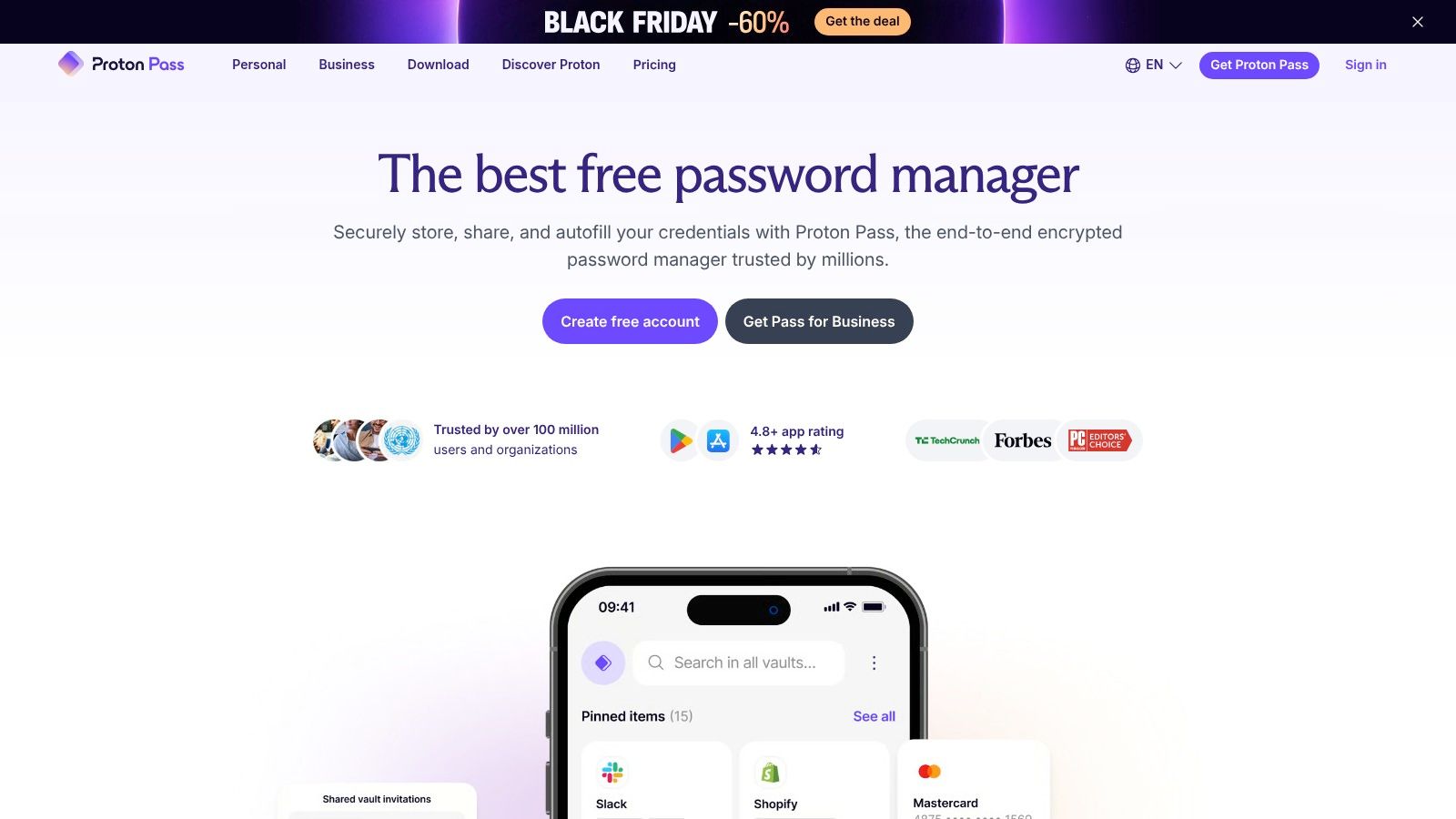
Proton Pass combines credential protection with email-identity separation. Someone registering for shopping sites and newsletters can use aliases rather than disclose the same personal email address everywhere, while keeping the associated logins in an encrypted vault.
Proton Pass documents end-to-end encryption for passwords and saved fields, including usernames and website addresses, with open-source applications, published audit information, and a public bug-bounty program. Its free plan includes unlimited logins across unlimited devices.
The important distinction is encryption coverage. Website addresses and usernames can reveal sensitive information even without the passwords, so their inclusion deserves attention alongside the vault's headline security claims.
Privacy Features and Recovery Trade-Offs
Proton Pass supports passkeys, password-health alerts, aliases, and secure sharing. Paid options include an integrated authenticator, expanded sharing, emergency access, and Proton Sentinel account protection.
- Transparency: Open applications and published audit information offer material for evaluating implementation, rather than just accepting a vendor's promise.
- Authentication: Buyers should distinguish protecting the Proton account from generating authentication codes for other websites inside the vault.
- Recovery: Account recovery and recovery of encrypted vault contents should be evaluated separately before the service becomes the sole home for important credentials.
KeenVerdict's privacy-focused email comparison is relevant for readers considering aliases alongside a broader email strategy. An alias can reduce exposure of a primary address, but it doesn't replace unique passwords or stronger sign-in methods.
Best fit: Users seeking a capable free vault with privacy features. Those who only need password storage should judge Proton Pass on that task, rather than assuming the broader Proton ecosystem is necessary.
4. Keeper
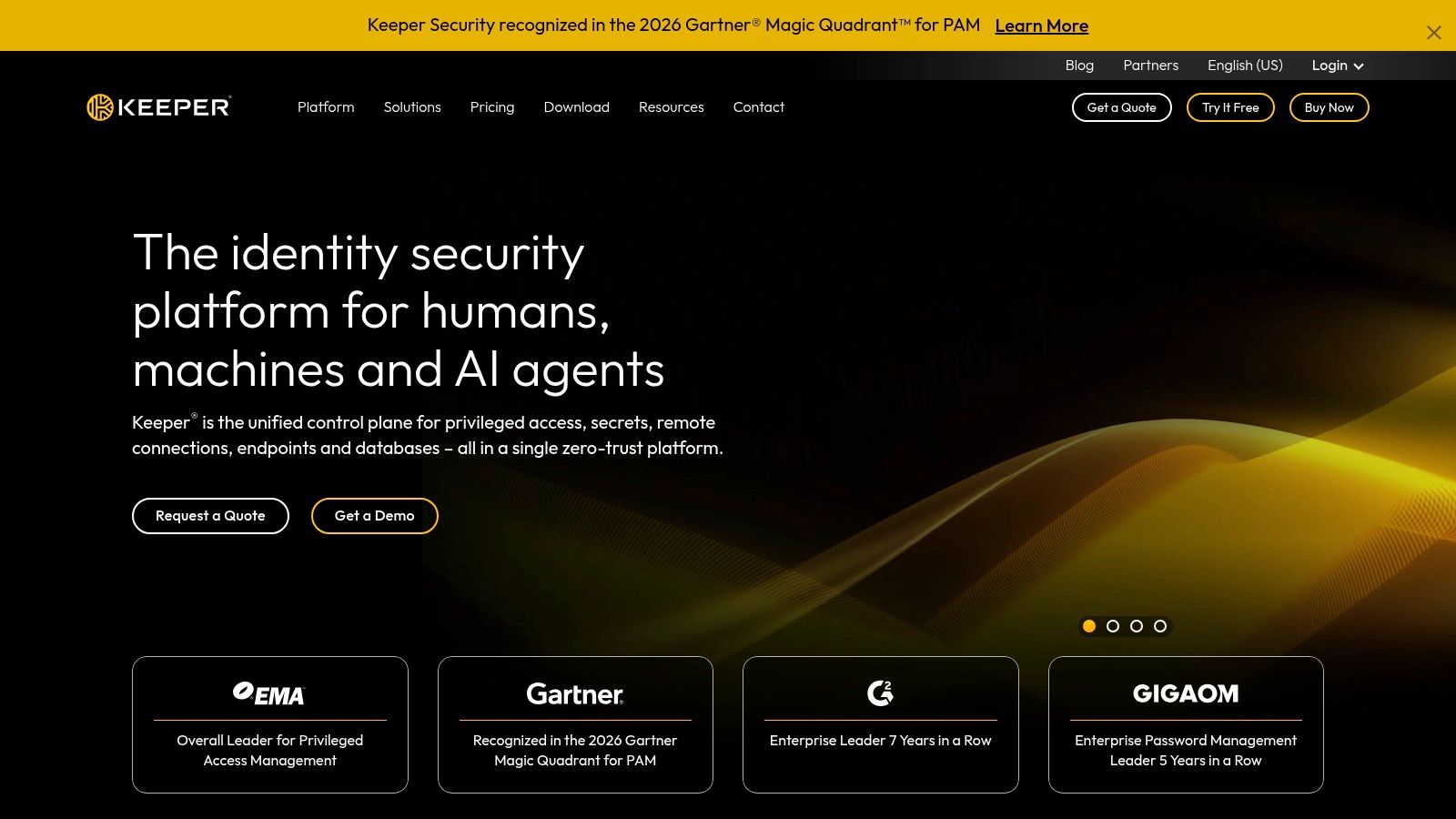
For a small business, controlled sharing can matter as much as individual password generation. Keeper deserves consideration when separate private vaults, shared records, and administrative access controls are central requirements.
Keeper describes client-side encryption, a zero-knowledge architecture, and AES-256 encryption, alongside record-level controls, secure sharing, and business access-management options; its personal-plan information also lists 24/7 support. Family plans provide separate private vaults with shared access rather than requiring everyone to use one account.
Evaluate the Whole Access Path
The encryption scheme is a starting point, not a complete procurement decision. Buyers should examine how keys are derived, which authentication methods apply to their selected plan, and what administrators can do during recovery.
A useful evaluation separates the purchase into distinct requirements:
- Core vault: Confirm the required sharing permissions and platform support before adding optional services.
- Monitoring and storage: BreachWatch and secure file storage may involve additional charges, depending on the plan.
- Transparency: Review published security documentation and independent assessment scope, especially for sharing and organizational recovery.
This is important because a cipher name doesn't explain who can authorize access. Record sharing, administrator privileges, and recovery can change the practical boundaries of an otherwise encrypted system.
Keeper's range of personal, family, business, and enterprise options can help match different access needs, but it also complicates cost comparisons. Buyers should compare the complete configuration they need, rather than a base subscription against a competitor's feature bundle.
Best fit: Households and organizations prioritizing structured sharing. The operational trade-off is spending more time evaluating permissions, add-ons, and recovery authority before rollout.
5. Dashlane
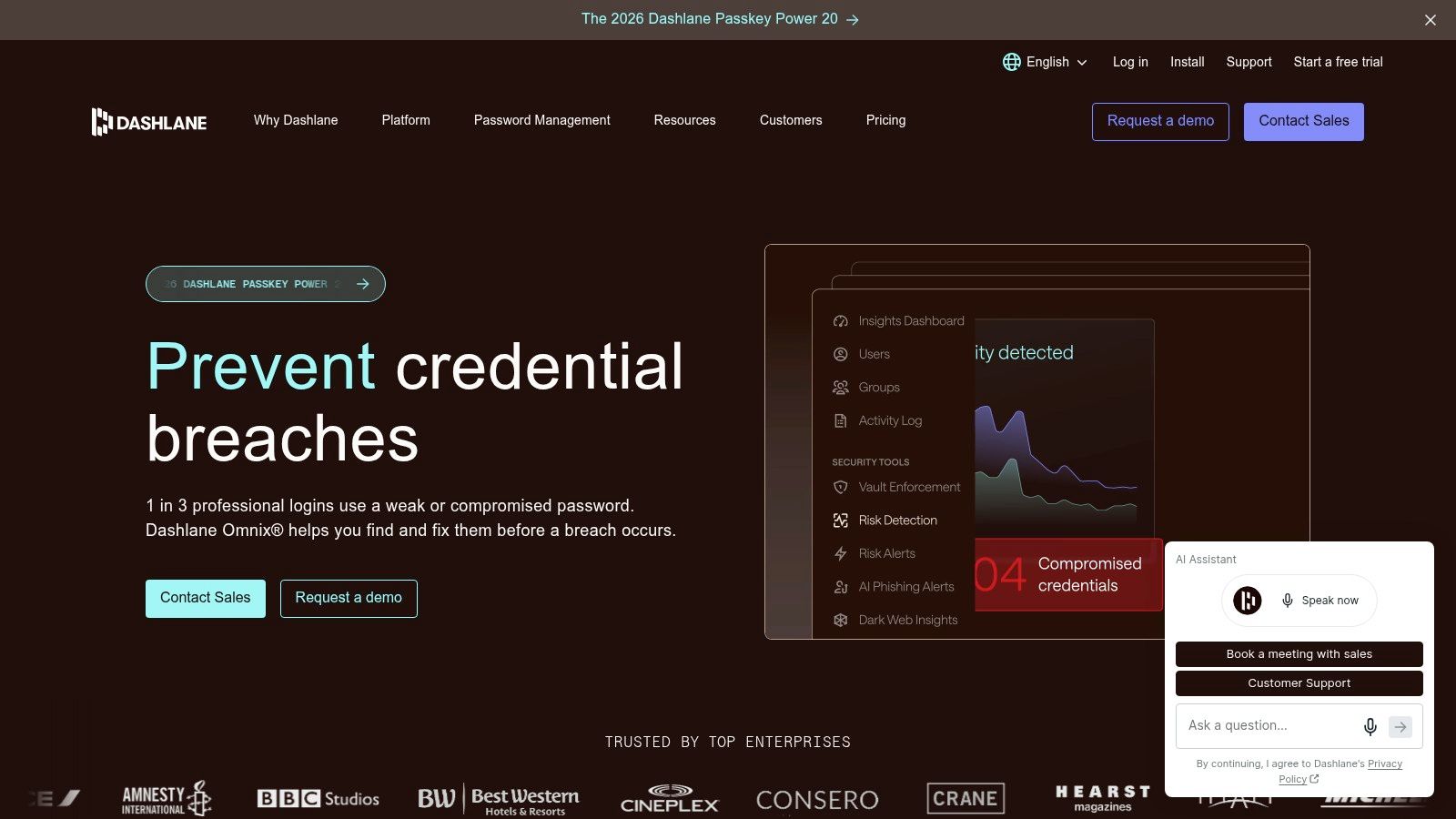
Dashlane emphasizes assistance around the vault, including monitoring, phishing alerts, and personalized security notifications. Those features can help someone decide which account needs attention, but they shouldn't determine the security ranking on their own.
Dashlane describes a zero-knowledge architecture with client-side vault encryption, password and passkey storage, autofill, secure sharing, and personal plans with unlimited passwords and devices; its Friends & Family option supports up to 10 members. Premium also lists a VPN for Wi-Fi protection.
The distinction for buyers is between protecting stored credentials and warning about surrounding threats. Both are useful, but a monitoring alert doesn't establish that key derivation or recovery is stronger than a competitor's.
Judge Alerts Separately From Encryption
Dashlane's dark-web monitoring and real-time phishing alerts may suit users who want account-security guidance alongside autofill. Buyers who already have other security tools should decide whether bundled extras justify the subscription.
Monitoring can prompt a password change. It cannot make a reused password safe before the warning arrives.
Authentication deserves its own review: account sign-in, device access, and credentials saved for other websites are different security functions. Published architecture and assessment documents should also be checked for their coverage of sharing and recovery, rather than treated as blanket approval.
Incident claims require the same discipline. A claim that encrypted vaults were downloaded should be evaluated against a primary disclosure identifying the affected service, exposed information, and remediation; without that evidence, it shouldn't drive a ranking.
Best fit: Users who value monitoring and guidance as part of daily password management. The trade-off is paying for a bundle whose extras may not all be necessary.
6. NordPass
A different cipher isn't proof of a safer password manager. NordPass is distinctive for its encryption choice, but buyers still need to examine authentication, recovery, transparency, and the friction of using it across devices.
NordPass documents an XChaCha20-encrypted vault, cross-platform applications, password generation, autofill, and passkey support; its family plan provides six accounts. Paid plans add password-health checks, data-breach scanning, and secure sharing.
Those features make it relevant to individuals and households seeking a conventional synchronized vault. Password-health tools are most useful when users act on them by replacing weak or duplicated credentials, rather than merely checking a dashboard.
Where Transparency Changes the Decision
NordPass is closed-source, so users cannot inspect its application code in the same way as open-source alternatives. That doesn't establish insecurity, but it makes published architecture, independent assessment scope, and clear vulnerability disclosures particularly important.
- Encryption: Assess the documented vault design, not whether the cipher name sounds newer.
- Authentication: Check the available account-protection methods and how access works after device loss.
- Usability: Review free-plan restrictions, including simultaneous-session limits, against actual daily device use.
A free plan lets prospective users assess the workflow before upgrading. However, a restriction that repeatedly interrupts access can encourage workarounds, such as copying credentials into less protected locations.
Promotional terms also deserve scrutiny: buyers should compare renewal conditions and checkout terms rather than assume the displayed introductory offer represents the ongoing cost. No precise price comparison is warranted without dated vendor pricing.
Best fit: Users who want synchronized password management with paid health checks and breach scanning, and who are comfortable evaluating a closed-source service through its published documentation.
7. KeePass
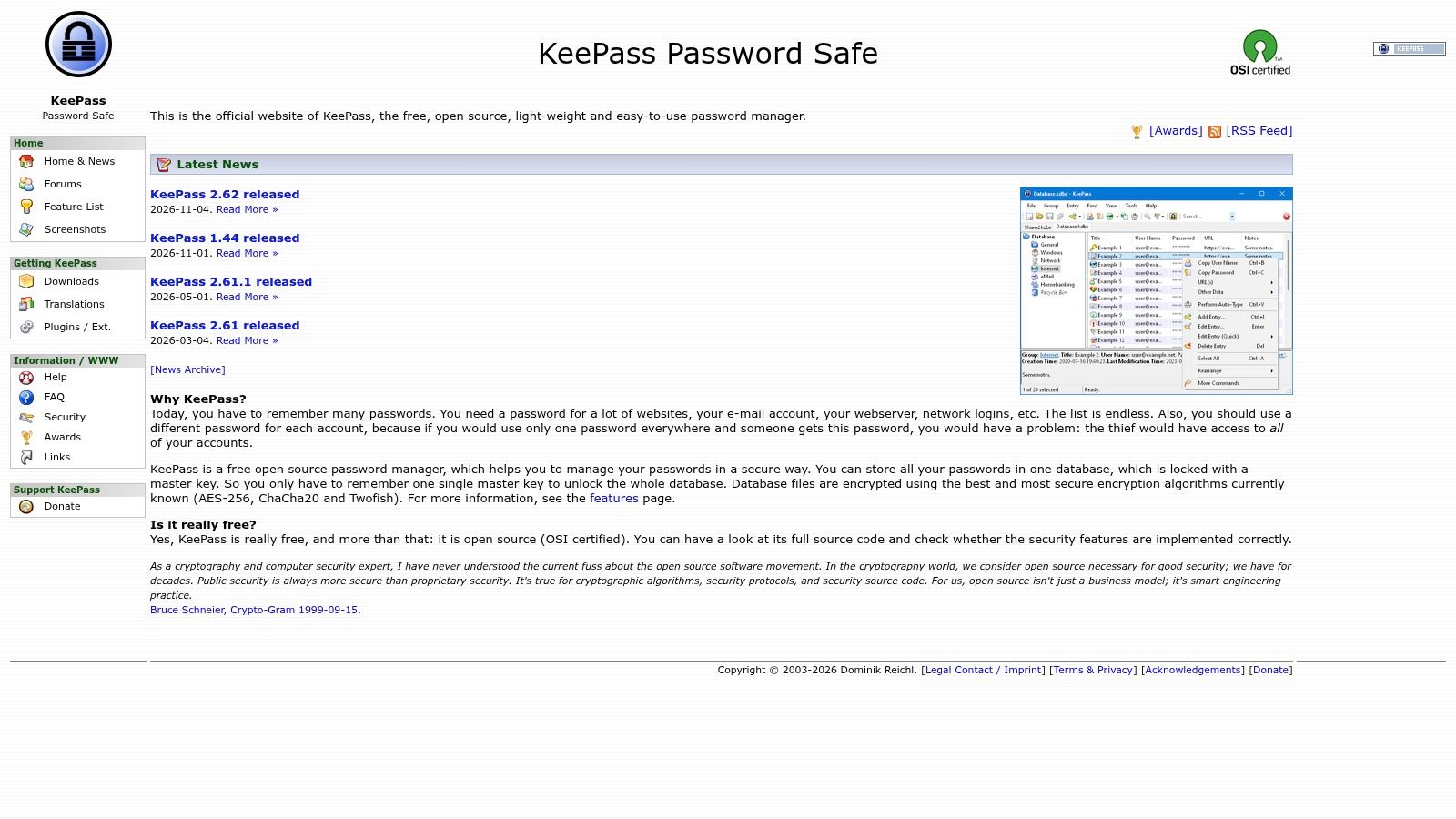
KeePass gives users custody of an encrypted database instead of requiring a password-manager cloud account. That changes the responsibility boundary: the user chooses where the file lives, how it synchronizes, and how it survives a lost computer.
KeePass is free and open source; KeePass 2.x supports AES-256 and ChaCha20 encryption, with Argon2 key derivation available. A portable Windows version is also available, while applications for other platforms are separate projects.
Local custody can suit someone who wants direct control over storage. It doesn't eliminate attacks against the computer, weak master credentials, or mistakes when copying and backing up the database.
Full Control Includes the Failure Path
KeePass requires a more deliberate operating routine than a service with built-in cloud synchronization. Before storing essential credentials, users should decide how they will restore the database after losing their primary device.
- Backups: Keep a protected backup separately from the working computer and verify that it opens.
- Synchronization: Choose a method that avoids conflicting database copies and unintended plaintext exports.
- Extensions: Evaluate plugins and third-party applications independently, because they aren't automatically covered by the official program's security properties.
Transparency is a strength, but maintenance remains the user's job. Public code allows inspection; it doesn't guarantee that a chosen plugin, mobile companion, or synchronization setup has equivalent scrutiny.
KeePass is therefore a strong local-control option, not a universal recommendation for less technical households or busy teams. Its practical security depends on someone consistently maintaining the database, backups, software, and access instructions.
Best fit: Users prepared to trade turnkey synchronization and recovery assistance for direct control over their encrypted vault file.
Seven password managers compared on encryption, transparency, free plan and best use
The grid compresses the four documented security dimensions into one view: encryption and account model, transparency record, free-plan terms, and the workload each design hands to the user.
| Encryption scheme | Transparency | Free plan | Best for |
|---|---|---|---|
| 1Password, End-to-end encryption; account password plus device-generated Secret Key | Independent security assessments and public bug-bounty program | No permanent free plan; 14-day trial | Individuals, families, and businesses seeking shared vaults and security extras |
| Bitwarden, End-to-end, zero-knowledge encryption; optional Argon2id | Open-source apps and published security documentation | Yes; unlimited passwords and devices | Budget-conscious users who value open source and customization |
| Proton Pass, End-to-end encryption for passwords and other saved fields | Open-source apps, published audit information, and public bug-bounty program | Yes; unlimited logins and devices | Everyday users who want email aliases alongside password management |
| Keeper, Client-side encryption; zero-knowledge architecture and AES-256 | Closed-source apps; SOC 2 and ISO 27001 certifications plus a public bug-bounty program | No permanent free plan; 30-day trial | Families and organizations needing sharing and access-management tools |
| Dashlane, Client-side vault encryption; zero-knowledge architecture | Published security white paper and public bug-bounty program | Yes; limited to one device and 25 stored passwords | Users who want password management with monitoring and phishing alerts |
| NordPass, XChaCha20-encrypted vault | Closed-source | Yes; some capabilities are restricted | Users seeking a cross-platform manager with paid breach scanning |
| KeePass, Encrypted database with AES-256 or ChaCha20; Argon2 available | Free and open-source | Yes; free software | Users who want local file control and are comfortable managing backups and sync |
The account model separates this list more cleanly than the license does. Bitwarden, Proton Pass, and KeePass publish code, while Keeper and Dashlane answer the same transparency question with certifications, white papers, and bounty programs. Encryption strength stays fairly even across all seven; the trade is between 1Password's second secret, KeePass's removed provider, and the provider-hosted convenience in between.
How to Pick and Set Up Your Secure Vault
Choose 1Password if a paid subscription fits your budget and you want the Secret Key, which adds secret material beyond the account password. Treat that Secret Key as extra protection for the vault, and keep separate account MFA enabled.
Pick Bitwarden or Proton Pass when open-source transparency and a capable free plan matter more than paid extras. Pick KeePass when local file control is the priority and someone will own backups and synchronization. Keeper, Dashlane, and NordPass still make sense when sharing controls, monitoring, or household workflows fit better than the alternatives.
The NIST Digital Identity Guidelines FAQ supports password managers for unique credentials while emphasizing a strong master passphrase, MFA, and caution around master-password recovery. Recovery is the pressure point: a reset path that is too easy can bypass the encryption model that made the vault attractive.
The Setup Checklist
- Enable a second factor immediately: Prefer a phishing-resistant security key where supported, with a separately protected fallback.
- Review key derivation: Select Argon2id where available, or the strongest supported configuration appropriate to the manager and devices. The OWASP Password Storage Cheat Sheet explains password-hardening recommendations, but those aren't proof of a particular vault's implementation.
- Store recovery information offline: Protect recovery codes, required secrets, and clear instructions outside the vault.
- Run a two-week trial with real logins: Treat this as an evaluation period, not a security benchmark. Include mobile autofill, shared access, passkeys, and recovery before paying.
- Replace reused passwords: Start with primary email, financial services, and business administrator accounts, then work through the remaining vault.
KeenVerdict's Best Password Managers verdict names 1Password as its pick; the published list scoring weights features at 40%, ease of use at 30%, and value at 30%, so read it as a buying judgment, separate from a cryptographic certification.
Before purchasing, shortlist one vault and test everyday access and recovery. Readers seeking the full ranking and attributed password-habit statistics can visit KeenVerdict, then use the checklist to turn a subscription into distinct, protected credentials.
Questions or corrections: editorial@keenverdict.com