Guide · General
The Best Email for Privacy: 7 Services Compared in 2026
The best email for privacy in 2026: Proton Mail, Tuta, StartMail and four more, compared on encryption, data practices, pricing and plan limits.
By the KeenVerdict research desk · Updated November 9, 2026 · 9 min read
Popular advice treats end-to-end encryption as the whole answer. It's not. A provider can encrypt message bodies and still expose metadata, retain logs, or make recovery so fragile that a lost key ends access. The short verdict is clear. Proton Mail is the default starting point for most readers seeking the best email for privacy, Tuta Mail suits readers who want stronger built-in encryption across mail, contacts, and calendars, and Fastmail fits only readers who prefer a conventional paid inbox without end-to-end encryption.
This comparison scores each service on encryption model, data practices, usability, and plan limits, using documented features and vendor pricing pages rather than hands-on testing. Services are ordered by encryption approach, beginning with managed zero-access models, moving through user-managed PGP and S/MIME, and ending with connection-only protection.
Table of Contents
- 1. Proton Mail
- 2. Tuta Mail
- 3. StartMail
- 4. Mailfence
- 5. mailbox.org
- 6. Posteo
- 7. Fastmail
- Privacy email services compared
- Choosing Between Managed and User-Managed Encryption
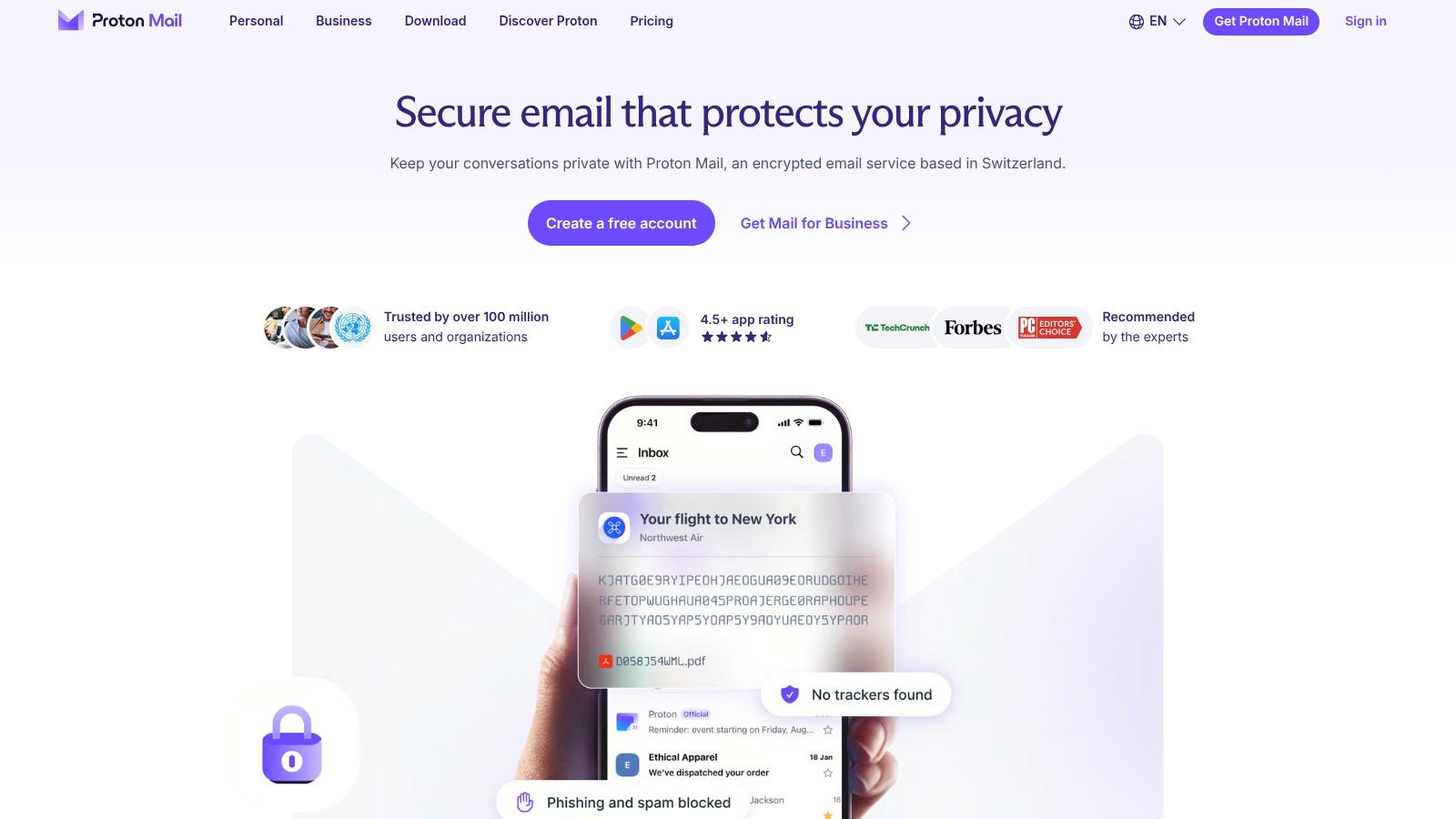
1. Proton Mail
Verdict: Proton Mail is the most balanced starting point for general use. Proton states that stored inbox data uses zero-access encryption, and messages between Proton users are end-to-end encrypted. A password-protected option covers external recipients, although ordinary mail to another provider isn't automatically end-to-end encrypted.
The boundary matters. A documented comparison notes in Vertex Frontier's Proton, Tuta, and Mailfence comparison that end-to-end protection can break when either party sends to Gmail or Outlook, because the receiving provider may receive the message in readable form. The same comparison cautions that metadata such as IP addresses, timestamps, and routing information isn't eliminated.
Plans and practical limits
- Free plan: Provides a low-cost entry point for basic private mail.
- Mail Plus and Proton Unlimited: Paid tiers add custom domains and hide-my-email aliases, while Unlimited bundles other Proton privacy products.
- External mail: Password protection adds a step for recipients outside Proton.
Readers evaluating the wider bundle can consult KeenVerdict's Proton VPN review before paying for Unlimited. Proton Mail suits individuals and small teams that want managed encryption without handling PGP keys directly. The trade-off is dependence on Proton's system for the strongest protection, plus paid-plan requirements for custom-domain use.
2. Tuta Mail
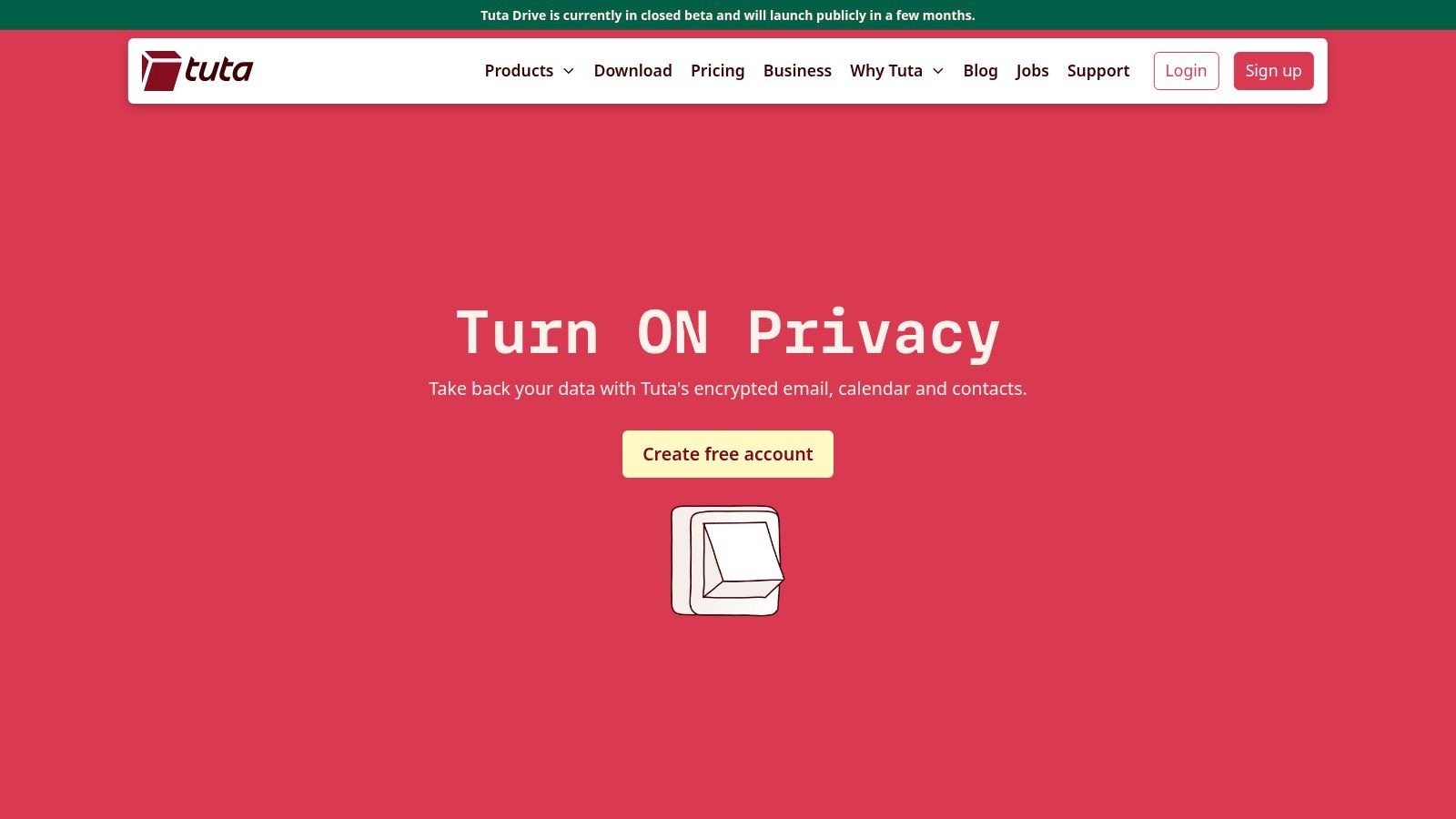
Encryption breadth is the reason Tuta Mail ranks second rather than serving as a cheaper Proton alternative. Tuta presents encrypted email, calendars, and contacts as one system, and states that it has introduced post-quantum cryptography. That design targets readers who want the provider to manage encryption across everyday data, not only message bodies.
Metadata still requires separate scrutiny. Guidance summarized by DualMedia on email as a privacy layer notes that email can't generally conceal metadata and that encryption doesn't hide who communicates with whom or when. Communication patterns can reveal relationships, locations, and organizational structures even when message content stays unreadable.
Plans and practical limits
- Free plan: Includes 1 GB of storage, which suits light personal use.
- Paid plans: Add storage, extra addresses, and custom-domain support.
- External recipients: Protected messages require a shared password.
Practical rule: Tuta makes most sense when regular correspondents accept password-protected threads or also use Tuta.
The workflow may feel less familiar than mainstream mail, and the free tier's storage ceiling arrives quickly for attachment-heavy accounts. For readers prioritizing built-in encryption over conventional client flexibility, Tuta is the stronger managed model.
3. StartMail
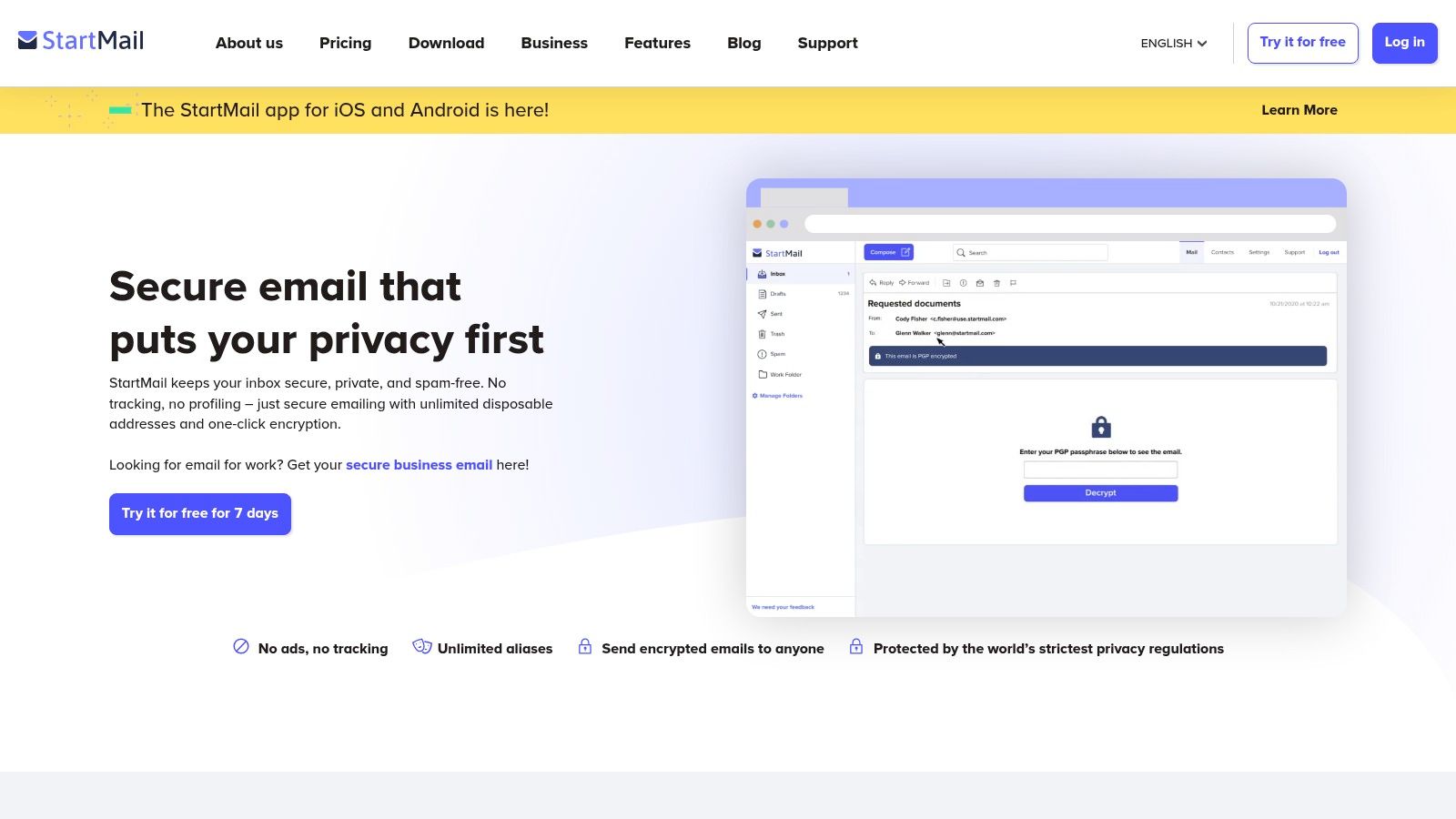
StartMail takes a different route. The paid service centers on unlimited aliases, encrypted-message options, and a business model without a permanent free tier. Separate aliases let a reader give banks, retailers, newsletters, and temporary registrations different addresses, then disable an address that attracts spam or appears in a breach.
The alias case is supported by breach exposure data. In the Federal Trade Commission study of 431 email addresses, 302 addresses, 70% of the sample, had appeared in at least one breach, and the average address was associated with 5.12 breaches. KeenVerdict's data breach statistics provide further context for separating high-risk registrations.
Plans and practical limits
- Personal plan: Supports one custom domain and lists 20 GB of storage.
- Business plan: Supports multiple domains.
- Trial and payment: Listed plans include a seven-day trial, and annual plans can be paid for with Bitcoin, according to StartMail's pricing page.
StartMail states that the service has no ads or tracking. Its Android app is identified, while iOS is listed as coming soon. Readers who value aliases more than a free tier get a clear proposition, but storage on Personal trails some higher competitor tiers.
4. Mailfence
Mailfence is the clearest user-managed PGP option in this list: OpenPGP stays under the reader's control while specified plans bundle calendar, contacts and document storage. That suits technically confident users who want encrypted mail to interoperate beyond one provider instead of only working inside a closed system.
The trade-off is exposure and effort. Privacy Guides' email guidance says PGP generally leaves the subject line plus sender and recipient headers unencrypted, so a network observer can learn participants and possibly topic while the body stays unreadable. Setup also asks more of both ends, because correspondents need compatible keys and consistent habits.
Plans and practical limits
The free plan is an entry point rather than a long-term ceiling, paid tiers add storage and aliases with different allowances, and key handling remains more involved than managed encryption inside one service. Check Mailfence's pricing page for current paid-tier prices and allowances before subscribing.
A reused or weak password can still expose the mailbox even when message bodies are encrypted, and KeenVerdict's best password managers ranking names 1Password as its pick. Choose Mailfence when key control and standards matter more than automatic protection.
5. mailbox.org
For readers who refuse to abandon conventional mail apps, mailbox.org is the pragmatic middle option. The German provider supports IMAP, POP3, and webmail, reducing disruption for individuals and small businesses with established desktop and mobile workflows. The provider states that its data centers are in Germany.
Its webmail provides PGP and S/MIME tools, while specified paid plans add aliases, custom domains, calendars, contacts, and office tools. The history explains the usability problem. In the academic study summarized by Mailwarm's email encryption history, only 5.46% of users ever sent an email using S/MIME or PGP, and just 0.06% of all messages were encrypted.
Fit and friction
- Standard clients: IMAP and POP3 make switching less disruptive.
- Groupware: Calendar, contacts, and office tools support broader business use.
- Encryption burden: PGP and S/MIME require configuration and key understanding.
Interoperability is useful only when correspondents can complete the same encryption steps consistently.
mailbox.org isn't a free service, and its trial is time-limited. The broader suite may also be unnecessary for a reader who needs only a simple inbox. Its strength is flexibility, not automatic privacy.
6. Posteo
Posteo is the minimalist entry in this list: a paid, ad-free account stripped down to email, calendar and address-book features, standard mail-protocol support, and optional encryption tools.
Scope is the trade-off. There is no productivity bundle attached, and that narrower model matches what privacy-conscious readers tend to ask for first: transparency about data collection and limits on third-party sharing. A paid account removes dependence on a free, ad-supported tier, though price alone says nothing about how data is handled. Encryption sits in the user-managed camp: the tools exist, but protection depends on the account holder configuring them rather than arriving as automatic zero-access.
Plans and practical limits
- Paid only: Posteo offers no permanent free plan, so every account carries a cost.
- Standard protocols: Mail-protocol support lets readers keep a familiar desktop or mobile client instead of moving to a web-only inbox.
- Optional encryption: Features may need configuration, which puts the setup burden on the account holder.
Posteo has historically been positioned as a low-cost option. Plans and feature limits change, so compare Posteo's current plans and prices on its pricing page before subscribing. The service suits an individual who wants a simple, ad-free account, accepts a paid-only model, and treats built-in end-to-end encryption as an extra rather than the deciding factor.
7. Fastmail
Fastmail is included as a control case. It offers a polished, conventional paid inbox with custom domains, shared addresses, calendars, contacts, scheduled send, snooze, private message memos, and third-party app compatibility. Those features do not make it an end-to-end encrypted service.
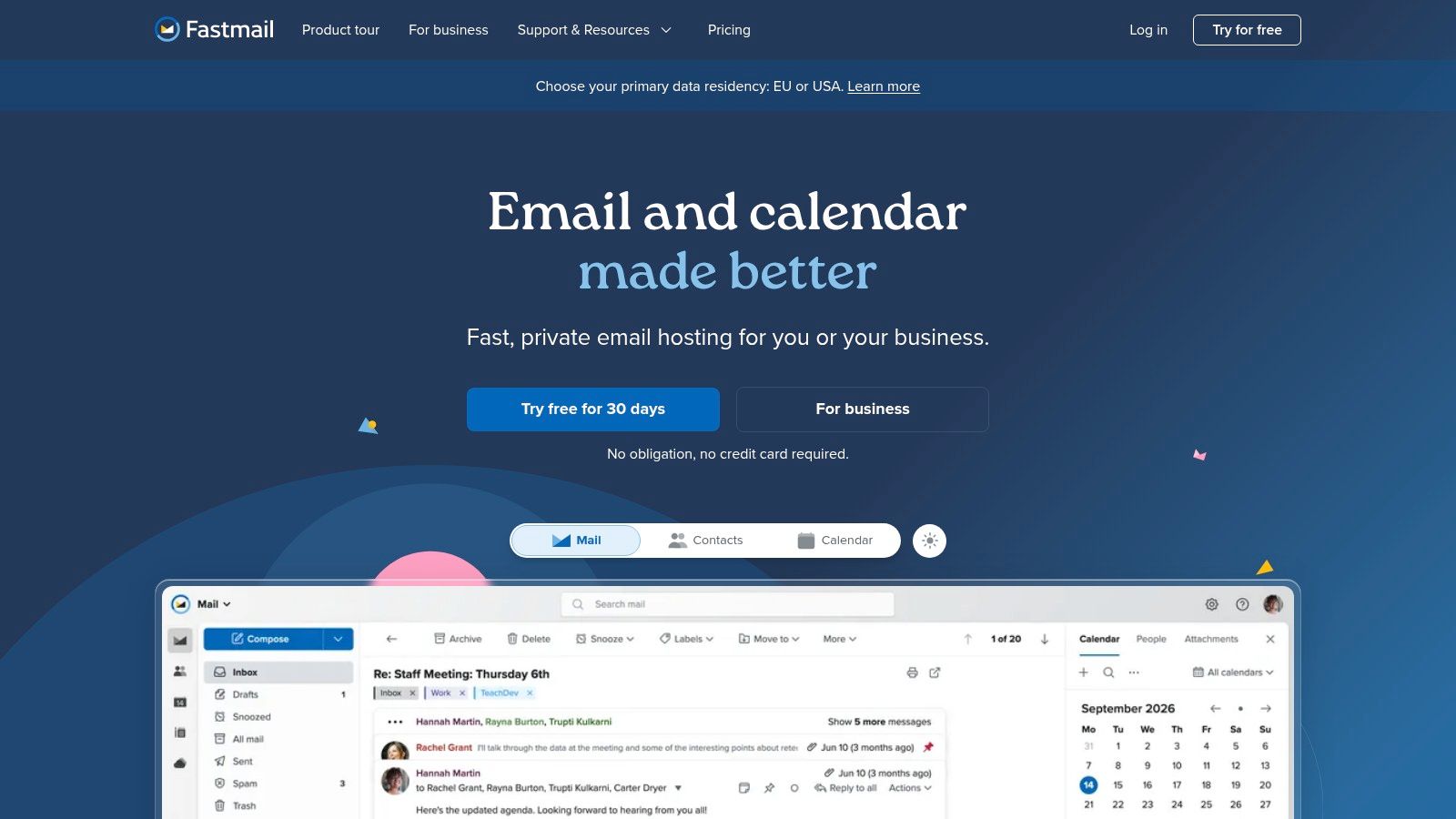
The distinction is technical. Google's encryption FAQs explain that TLS encrypts email in transit, while data at rest remains outside TLS protection. Fastmail's documented protection for connections and storage therefore shouldn't be treated as a zero-access model.
Retention also needs review. Fastmail's archived July 2025 privacy policy states that IP logs may be retained for up to one year and email addresses for six months after closure, with longer retention possible for legal, regulatory, or dispute purposes.
Plans and practical limits
- Trial: Listed plans offer a trial of up to 30 days.
- Business use: Custom domains and shared addresses support teams.
- Pricing structure: No permanent free plan is listed, and per-user pricing can accumulate.
Fastmail fits readers who value a familiar workflow, offline access, and broad client support more than provider-inaccessible message content.
Privacy email services compared
Encryption model separates these services more than any feature list. Managed zero-access, user-managed PGP, and connection-only protection each leave a different party able to read stored mail, so the first column carries the most weight.
| Encryption approach | Free plan | Custom domain | Trial or limits |
|---|---|---|---|
| Proton Mail: zero-access encryption for stored inbox data; end-to-end encryption between Proton users; password-protected messages for external recipients | Yes | Paid plans | External email is not automatically end-to-end encrypted |
| Tuta Mail: encrypted email and calendar; password-protected messages for external recipients; post-quantum cryptography | Yes, 1 GB storage | Paid plans | Free plan has limited storage and features |
| StartMail: encrypted-message options for external recipients | No | Personal plan supports one; Business supports multiple | Seven-day trial; unlimited aliases on listed plans |
| Mailfence: OpenPGP-based email encryption | Yes | Paid plans | Free tier with restrictive limits; paid tiers add storage and aliases |
| mailbox.org: PGP and S/MIME tools in webmail | No | Specified plans | Time-limited trial; encryption tools require configuration |
| Posteo: Optional encryption features reported by independent sources | No | No | Paid account only; no free plan |
| Fastmail: Protects email connections and storage; not end-to-end encrypted | No | Yes, on paid plans | Trial of up to 30 days; no permanent free plan |
Three of the seven offer a permanent free plan: Proton Mail, Tuta Mail, and Mailfence. Custom domain support is near-universal among paid options, with Posteo the sole exception, so anyone needing a branded address can eliminate it early. Trials cover most of the paid-only field: StartMail lists seven days, mailbox.org a time-limited trial, and Fastmail up to 30 days. Posteo stands alone with no free entry point at all.
Choosing Between Managed and User-Managed Encryption
The decision starts with the correspondents, not the marketing label. Proton Mail and Tuta Mail fit readers who want managed encryption and a free entry point. Proton offers the broader general-purpose path, while Tuta places more emphasis on encryption across mail, calendars, and contacts. Neither option makes ordinary external email private without an added password step or a recipient inside the same protected system.
Mailfence and mailbox.org fit readers who value interoperable PGP or S/MIME and can manage keys, certificates, and correspondent setup. That control can survive a provider change, but subject lines and routing metadata remain exposed, and unused encryption provides no protection. StartMail is the alias-led paid option for separating registrations. Posteo suits a simple ad-free account. Fastmail belongs on the shortlist only when a familiar, feature-rich workflow matters more than end-to-end encryption.
Transport controls deserve a final check. In the longitudinal study available through CISPA's Extended Hello research paper, approximately 68,000 domains had an MTA-STS record, and 29.6% were incorrectly configured. TLS support alone is therefore an incomplete buying specification, and it doesn't replace end-to-end encryption after a provider accepts a message.
Consumer tolerance also varies. In the 2025 Software & Information Industry Association survey reported by Yahoo Finance, 25% of surveyed consumers said they would choose a paid email service costing $5 per month that does not scan email content, while 47% preferred a free, ad-supported service that scans email. Readers should confirm current prices and plan limits on each vendor's pricing page before subscribing, since this comparison uses documented features and published prices rather than hands-on testing.
Choose the encryption model first, then compare storage, domains, aliases, client access, and recovery terms within that model. Readers building a wider privacy setup can use KeenVerdict's other security and privacy rankings, which apply the same documented-features approach and score every product on features, ease of use, and value.
Questions or corrections: editorial@keenverdict.com