Guide · General
Best Project Management Tools for 2026: 7 Ranked by Fit
The best project management tools for 2026, ranked on features (40%), ease of use (30%) and value (30%), with fit notes for each type of team.
By the KeenVerdict research desk · Updated November 22, 2026 · 12 min read
Fewer than half of projects counted as successful in PMI's 2024 global research, according to Teamhood's project failure statistics, which reports a success rate of 48%. That doesn't mean software alone can fix delivery, but it does explain why a shared task list isn't enough. Teams need clear ownership, workable schedules, and visibility into blocked work.
KeenVerdict's top pick for project management software is Asana, with a score of 8.6, but the best choice depends on team size, workflow style, and budget. Asana suits cross-functional coordination, monday work management suits visual workflows, and ClickUp suits teams consolidating tasks and documents. Jira fits software delivery, Smartsheet fits spreadsheet-led operations, Wrike fits more involved scheduling, and Basecamp fits straightforward project communication.
This ranking uses KeenVerdict's published method: features 40%, ease of use 30%, and value 30%. Scores reflect documented features and published pricing, not hands-on testing. The best project management tools aren't interchangeable, and a free plan's collaborator cap can matter more than its feature list. Each recommendation below identifies the plan restriction or purchasing condition most likely to change the decision. Current vendor plan details should be confirmed before purchase.
Table of Contents
- 1. Asana
- 2. monday work management
- 3. ClickUp
- 4. Jira
- 5. Smartsheet
- 6. Wrike
- 7. Basecamp
- How the seven project management tools compare on plan limits, paid features and fit
- Pick the Tool Your Team Will Actually Use Each Week
1. Asana
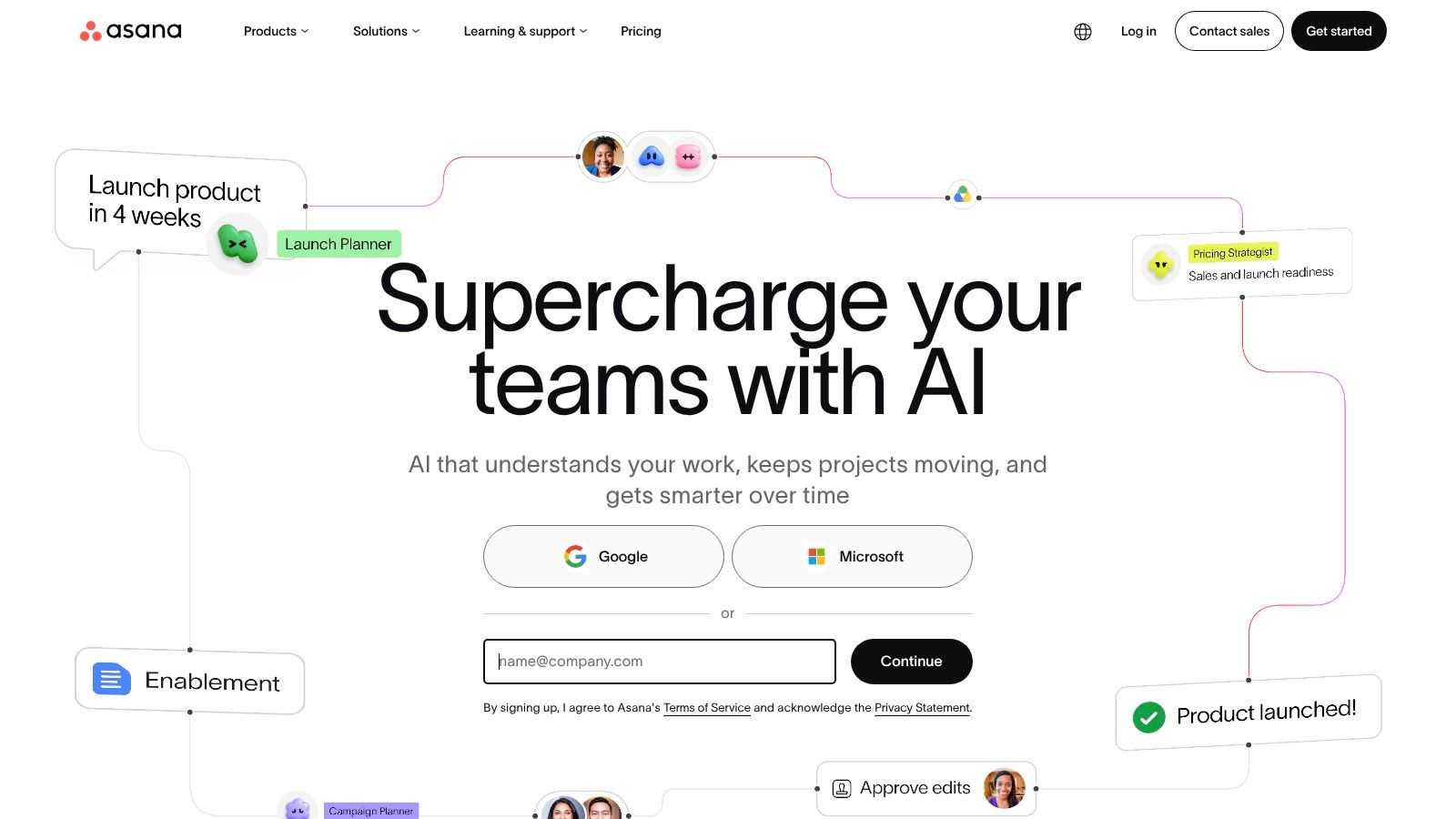
Best for small and midsize teams coordinating work across departments. Asana offers a useful middle ground between a basic task board and a configurable work-management system. Marketing, operations, and HR teams can organize tasks around owners and deadlines without making every project resemble a software backlog.
The main buying constraint is headcount. Asana's documented Personal plan supports up to two users, while paid subscriptions start at two seats, so a solo buyer can't purchase a single paid seat. Personal includes unlimited tasks and projects, but teams needing more collaborators should evaluate the paid workflow rather than assume the free plan will support deployment.
Where the paid upgrade matters
Starter adds timelines, Gantt views, reporting dashboards, forms, custom fields, and automation. Those features become useful when managers need to collect requests consistently, compare progress, or coordinate a handoff rather than assign a task.
- Strongest advantage: List, board, calendar, timeline, and Gantt views let different departments work from the same underlying plan, depending on the subscription.
- Collaboration benefit: Free guest access on Starter can help include clients and contractors without treating every external participant as an employee.
- Main trade-off: Portfolios, goals, and resource management require Advanced, making the required management tier more important than the entry plan.
Slack, Google Drive, and Zoom integrations help keep supporting conversations and files connected to work. Still, teams should define which updates belong in Asana and which belong in chat, or they'll create competing records.
For managers considering whether better coordination justifies adoption, KeenVerdict's project management statistics provide broader context. Asana makes the most sense when clear handoffs and cross-project visibility justify more structure than a shared checklist.
2. monday work management
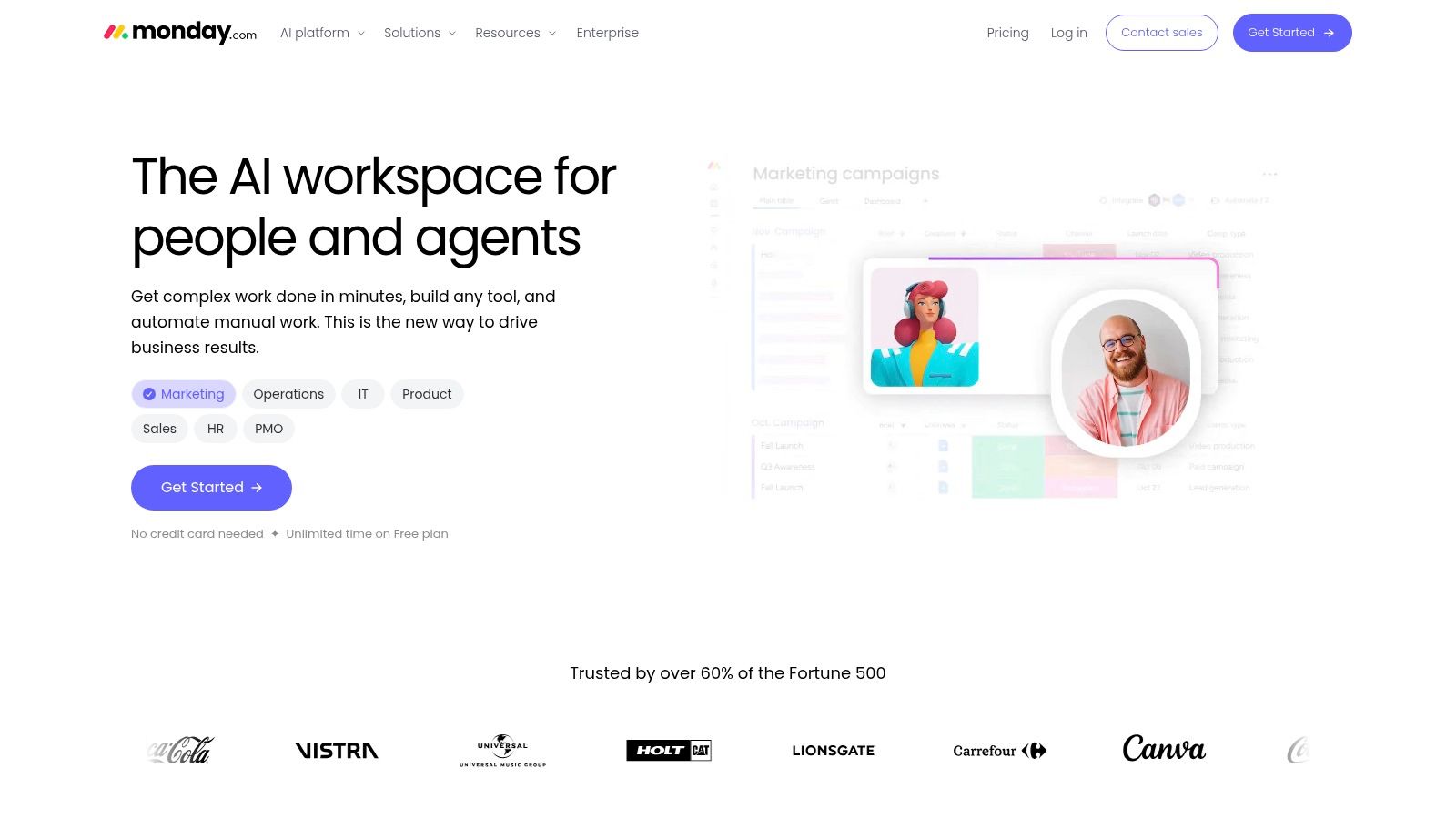
Best for teams that want visual boards adapted to their processes. A marketing department might track campaign requests, production stages, and approvals, while operations might organize recurring work around locations or suppliers. monday work management's customizable boards suit that variation better than a rigid project template.
The flexibility requires restraint. A board with a field for every possible exception becomes difficult to maintain, so teams should begin with the information needed to assign work, identify blockers, and approve completion.
Practical rule: Customization should remove ambiguity, not give every department a different meaning for the same status.
The board and automation limits to check
The monday work management website lists a free plan limited to two seats and three boards. That makes it a small-team starting point, not a substitute for evaluating paid deployment across a department.
Paid tiers add Timeline, Gantt, and Calendar views, with automation and integrations subject to plan-dependent action limits. A team that automatically assigns incoming requests and sends status notifications should map those actions before choosing a tier.
Pro includes portfolio and resource management for coordinating work across projects. The practical question is whether those capabilities meet the department's planning needs without requiring separate trackers.
The strongest advantage is adaptable visual organization. Boards, documents, and templates can support project delivery and recurring operational workflows within the same product. The disadvantage is that someone must maintain a consistent structure as teams add boards.
Checkout cost also depends on team size and billing choice, so the displayed entry tier shouldn't stand in for a complete purchasing estimate. monday work management fits teams willing to appoint a workspace owner and standardize their board conventions. Teams wanting a more guided task-management structure should compare Asana closely.
3. ClickUp
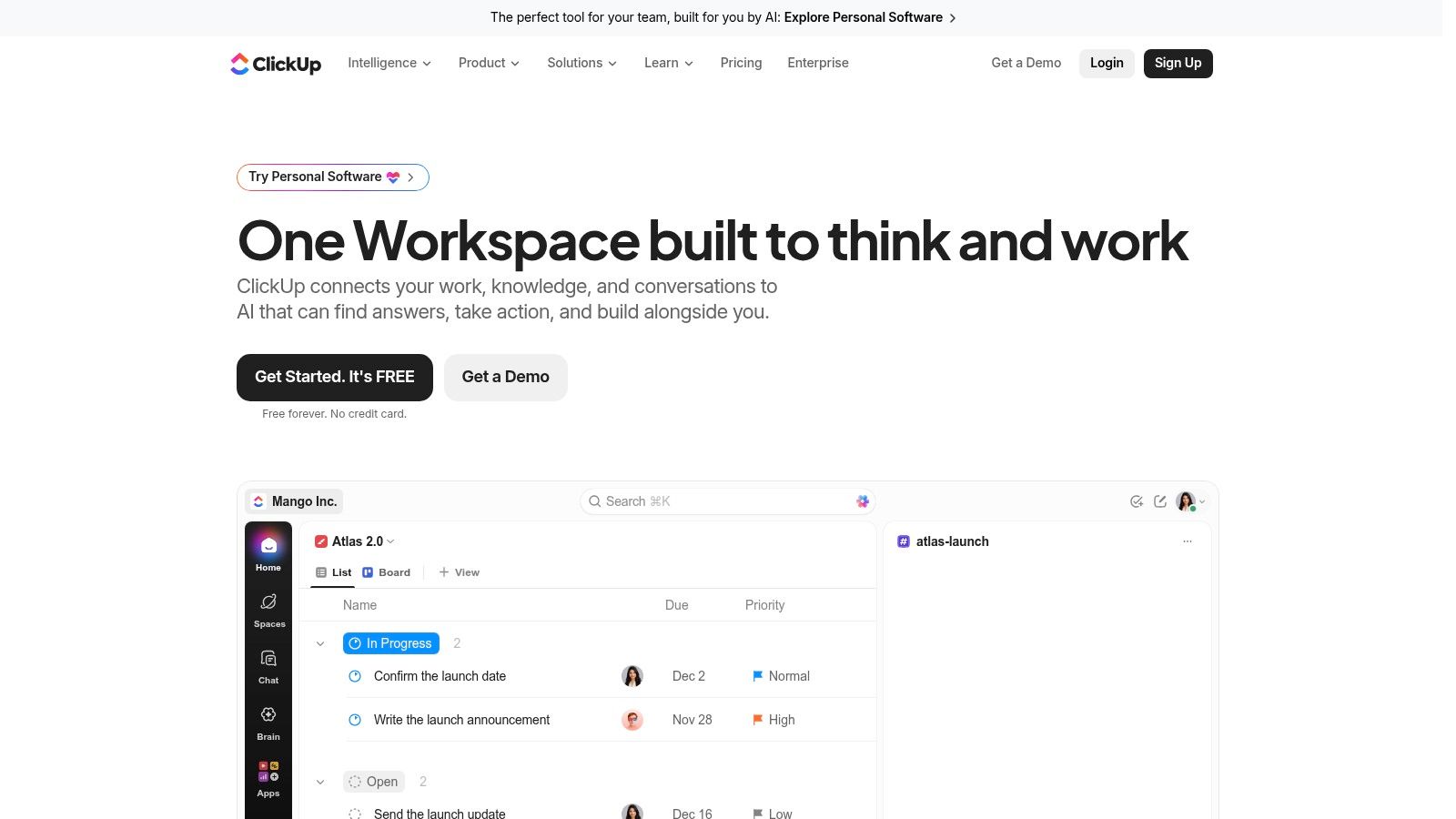
Best for teams consolidating project work, documentation, and collaboration. ClickUp combines tasks, Docs, Kanban boards, calendars, and sprint management, with paid plans extending into Gantt charts, time tracking, goals, and portfolio management. Its appeal is the ability to keep related work together rather than maintain separate applications for every function.
The same breadth creates setup work. Someone must decide how spaces, projects, statuses, and documents relate, and which views the team needs.
Unlimited participation isn't unlimited capacity
ClickUp's documented Free Forever plan includes unlimited tasks and members, but its 60 MB storage limit can change the decision for teams attaching project files. A workspace organized around linked cloud documents has different needs from one storing creative assets directly.
- Useful upgrade: Unlimited adds Gantt charts, time tracking, and integrations, making it relevant when the team needs more than task assignment.
- Management consideration: Dashboards, workload tools, and automation depend on higher-tier entitlements.
- Governance consideration: Enterprise options include permissions, audit logs, and single sign-on.
ClickUp works best when consolidation has a clear purpose. Replacing scattered project notes with linked Docs is a defined improvement; enabling every available feature without a workflow owner isn't.
Some AI capabilities are priced separately from standard project-management tiers. Teams considering them should compare the intended task, approval controls, and additional cost, rather than treating AI availability as automatic value. KeenVerdict's best AI project management tools comparison addresses that separate buying decision.
The recommendation is conditional on administrative discipline. ClickUp can support a broad workspace, but a team that only needs owners, dates, and a board may prefer a narrower product. During evaluation, a routine handoff should be easy to follow without requiring colleagues to understand the entire configuration.
4. Jira
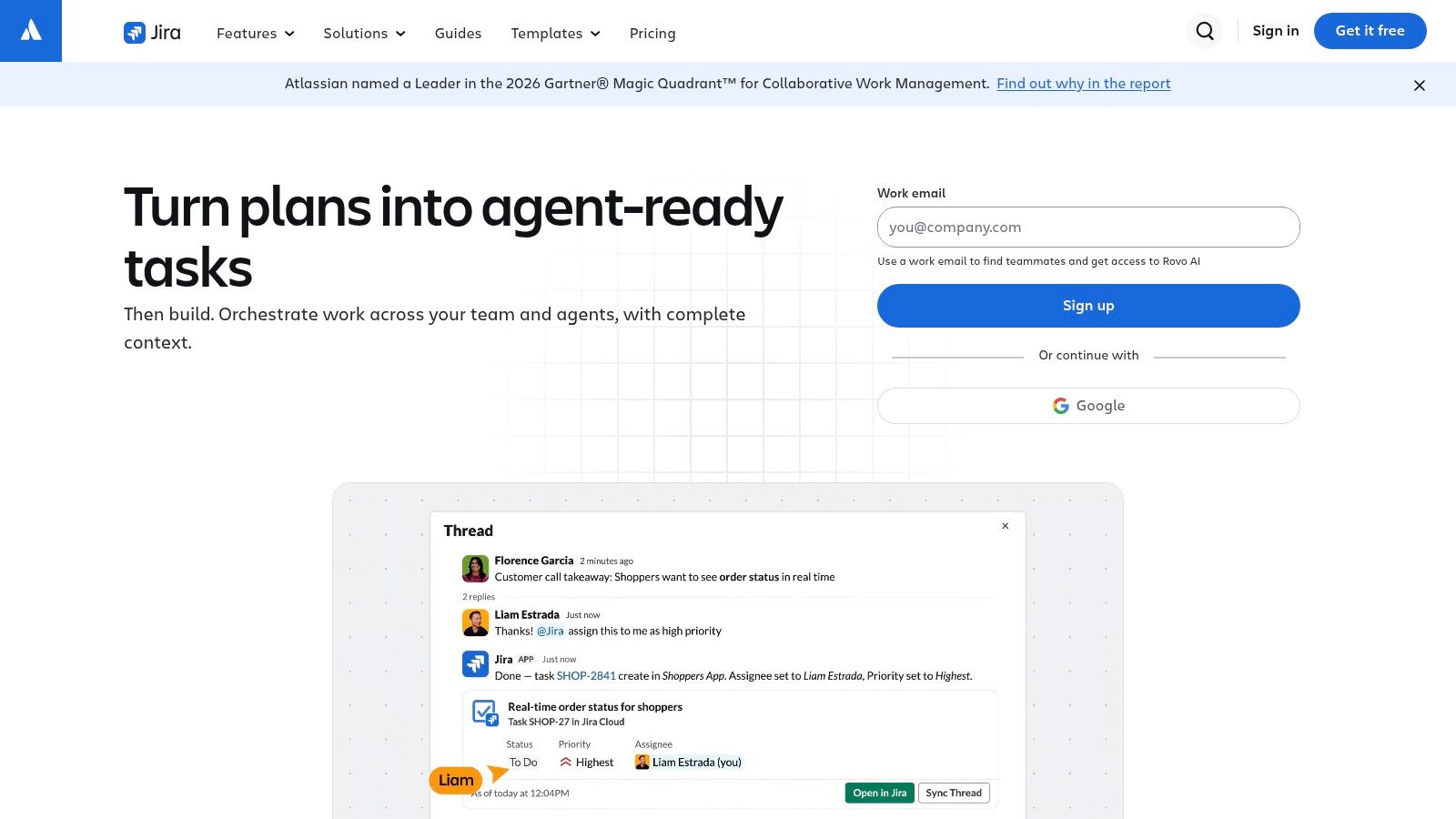
Best for software and product teams running Scrum or Kanban. Jira's backlogs, work items, and agile boards align with teams that plan development, prioritize defects, and move work through defined delivery stages. That fit matters more than its position in a general-purpose ranking.
For a small development team, the free plan offers meaningful room to start. Capterra's 2026 pricing guide reports that Jira Free supports up to 10 users with 2 GB of storage.
A development team should evaluate Jira around backlog refinement, sprint planning, and release coordination, not merely whether its board looks familiar.
When Premium becomes relevant
Jira's product website documents list, timeline, calendar, and board views alongside automation and Atlassian ecosystem integrations. Premium adds cross-team planning and dependency management, which matter when delivery spans multiple teams rather than a single backlog.
The principal trade-off is the issue-centric workflow. An engineering department may benefit from explicit work types and transitions, while a small administrative team may find the same structure unnecessary.
Core agile planning tools are included across plans, but advanced planning and enterprise controls require higher tiers. Free-plan storage and support also deserve attention before the team treats an initial workspace as its long-term operating environment.
Jira is the specialist choice, not the default choice for every department. A useful evaluation includes a requirement change, a blocked issue, and a dependency between teams. Managers should check whether each participant can understand the current state without an administrator explaining it.
For teams billing development work, time capture should be evaluated separately from issue tracking. KeenVerdict's best time tracking software comparison can help distinguish project workflow needs from timesheet, reporting, and billing requirements.
5. Smartsheet
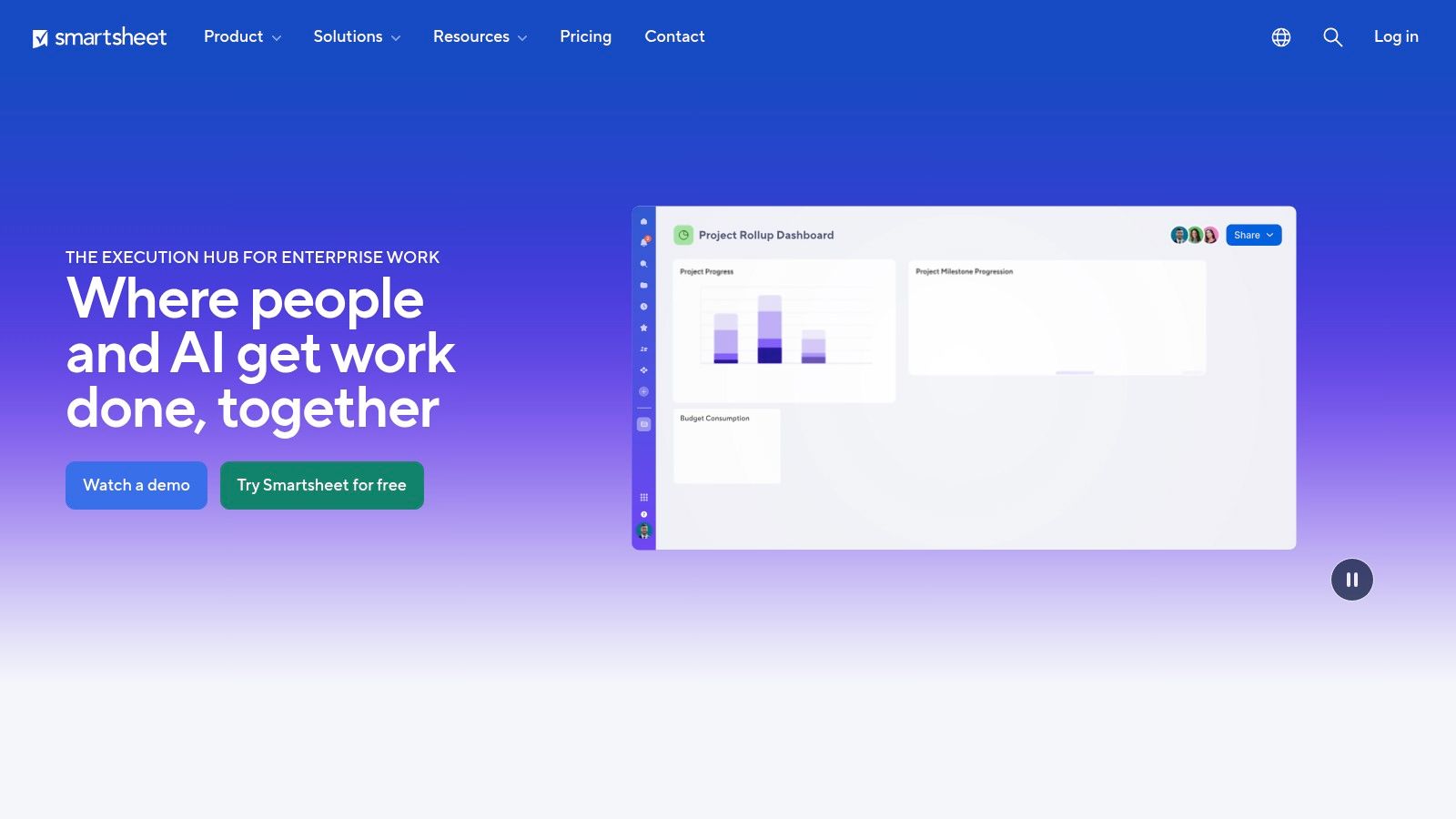
Best for operations teams moving beyond spreadsheet trackers. Smartsheet retains a rows-and-columns structure while adding forms, reports, automation, and project views. Teams that already organize work through structured sheets may find that approach more suitable than rebuilding every process around task cards.
Familiarity doesn't eliminate the need for design. Teams still need consistent field names, clear ownership, and rules for changing shared formulas or reports.
Contributor access changes the purchasing discussion
Smartsheet's documented plans include unlimited free Contributors on Pro, while Pro and Business have member-count requirements or limits. The important distinction is between people who need member capabilities and those whose participation fits the Contributor role.
- Core project tools: Gantt, table, board, and calendar views support different ways of reviewing the same work.
- Operational tools: Forms, formulas, reports, and automations help turn manual trackers into repeatable processes.
- Higher-tier requirement: Business adds workload tracking and unlimited automations; portfolio features and advanced planning sit within Enterprise and Advanced Work Management.
The buying risk is assuming that a familiar spreadsheet interface makes every advanced capability part of the entry plan. Custom-priced portfolio features and advanced controls should be separated from the initial departmental use case.
Smartsheet is particularly relevant when managers need structured intake and reporting across related work. A useful evaluation starts with an existing tracker and checks whether submitted requests, schedule changes, and reporting remain connected without manual copying.
The trade-off is interface preference. Teams comfortable with formulas and structured records may value the approach, while teams wanting a guided daily task list may prefer Asana or Basecamp. Smartsheet should replace manual reconciliation, not merely move an untidy spreadsheet into a different application.
6. Wrike
Best for growing teams with involved schedules and configurable workflows. Wrike supports project tracking across departments, with interactive Gantt charts and shareable dashboards on Team. Business adds templates and broader workflow configuration, while Pinnacle extends into resource and capacity planning, time tracking, and budgeting.
The purchasing detail that deserves early attention is seat packaging. Wrike's documented plan ranges place Team at 2 to 15 users and Business at 5 to 200 users, with subscriptions sold in seat groups. Buyers may therefore pay for more capacity than their exact headcount requires.
Match the tier to the management job
A department needing shared schedules and project dashboards should evaluate Team against that defined requirement. A department needing capacity planning and budgeting should evaluate the relevant higher tier directly, rather than assume those capabilities arrive with any paid subscription.
That distinction matters for managers coordinating specialists across concurrent projects. Assigning a task and understanding a person's available capacity are different management activities.
Buying caution: A scheduling purchase becomes a different investment when the required outcome includes capacity planning, time tracking, and budgeting.
Wrike's advantage is its progression from basic project visibility to more involved planning. Its disadvantage is that the purchasing decision requires careful attention to tier boundaries and seat groups, not just the presence of a free plan.
An effective evaluation should include a changed deadline, a shared specialist, and a revised workload. Managers should check whether the resulting schedule and reports remain understandable to both project owners and department leads.
Wrike fits teams prepared to define their planning requirements before choosing a package. For a small group managing straightforward to-dos, that depth may be unnecessary. For cross-department work, the relevant comparison is whether the selected tier replaces the separate scheduling and reporting processes the team currently maintains.
7. Basecamp
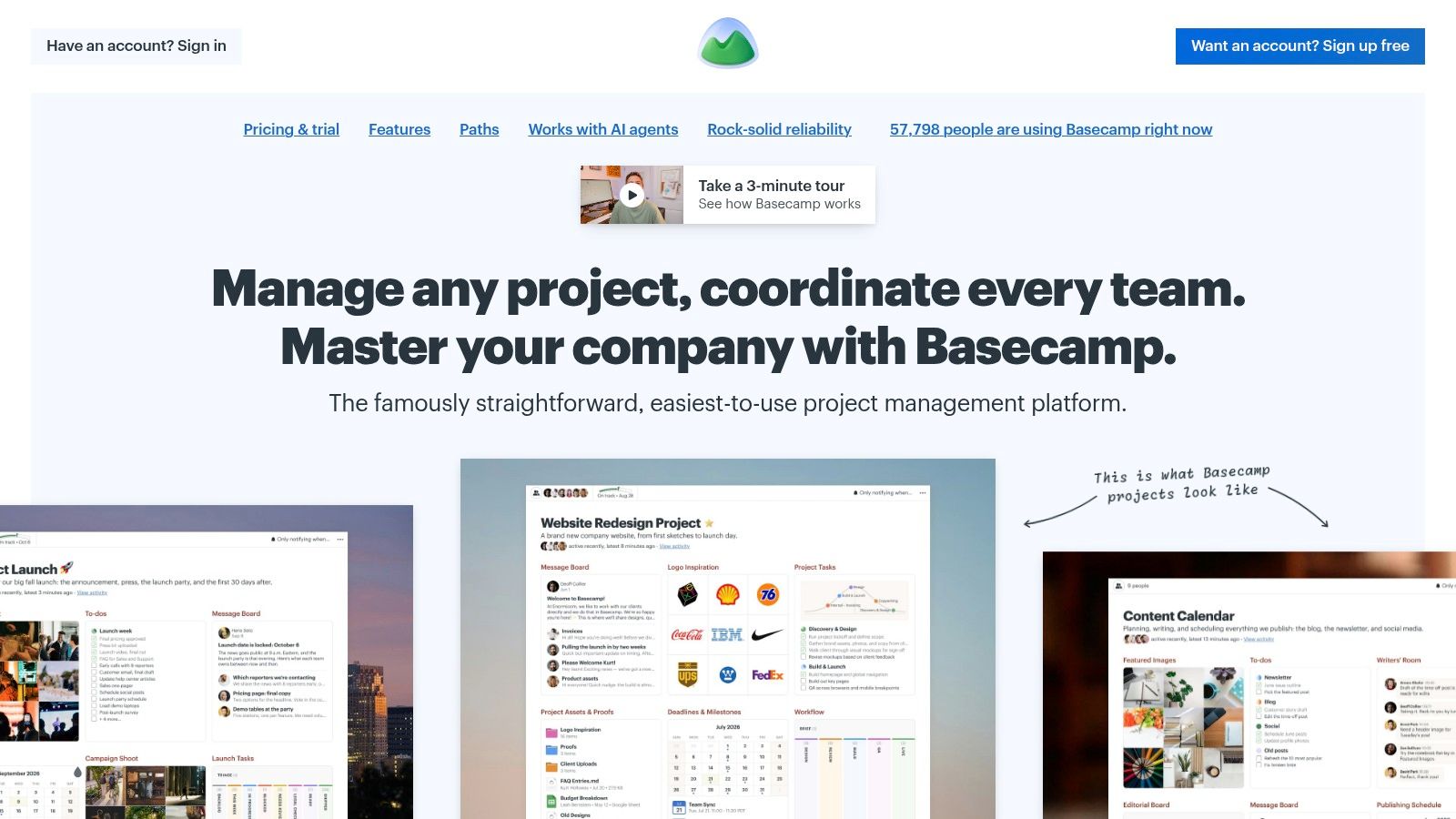
Best for small businesses and client-service teams prioritizing project communication. Basecamp brings to-dos, message boards, and chat into project spaces. Its strongest fit is a team that needs decisions, discussions, and assigned work kept together without building an elaborate management system.
The free starting point is deliberately limited. Basecamp's documented Personal plan allows one project, up to three users, and 1 GB of storage. That can support a contained collaboration, but it isn't the right basis for budgeting ongoing work across multiple clients.
Predictable participation versus advanced planning
Paid packages bundle collaboration tools, with reusable project and to-do list templates helping teams repeat established work. Pro Plus and Pro Unlimited include time tracking, while Pro Unlimited offers unlimited projects and people for a flat price.
- Strongest advantage: Fixed-fee options can make purchasing easier to evaluate when many colleagues or clients need access.
- Main plan constraint: Lower paid tiers cap active projects and users, so the package must match actual participation.
- Functional trade-off: Teams needing extensive portfolio, resource, or dependency planning should examine the feature set carefully.
A client-service business might value a project space where scope discussions remain separate from casual chat and assigned work has a clear home. That is a different requirement from forecasting specialist availability across a portfolio.
Basecamp's straightforward approach works when the team agrees where decisions belong. If approvals remain in private email and only selected tasks reach the project, the software won't provide a complete record.
Basecamp is the communication-first recommendation. It deserves a place on the shortlist when predictable collaboration matters more than advanced scheduling. Teams with detailed dependency chains or resource forecasts should compare those requirements explicitly against Wrike, Smartsheet, or Jira before choosing it.
How the seven project management tools compare on plan limits, paid features and fit
| Item | Free plan | Key paid feature | Best for | Main drawback |
|---|---|---|---|---|
| Asana | Up to 2 users; unlimited tasks and projects | Timelines, Gantt views, dashboards, and automations on Starter | Small and midsize teams needing project structure and visibility | Paid plans require at least 2 seats |
| monday work management | Up to 2 seats and 3 boards | Timeline, Gantt, and Calendar views, plus automations | Teams wanting customizable project tracking | Automation and integration usage is limited by plan |
| ClickUp | Unlimited tasks and members; 60 MB storage limit | Gantt charts and time tracking on Unlimited | Teams seeking a configurable, feature-rich workspace | Broad feature set can take time to configure |
| Jira | Up to 10 users | Cross-team planning and dependency management on Premium | Software and product teams using Scrum or Kanban | Issue-centric workflows may not suit general-purpose project tracking |
| Smartsheet | Free-plan details not specified | Workload tracking and unlimited automations on Business | Teams moving from spreadsheets or manual trackers | Spreadsheet-style interface may feel less intuitive |
| Wrike | Free plan available; features not specified | Resource planning, time tracking, and budgeting on Pinnacle | Growing teams with complex scheduling or workflows | Seat-group pricing may require buying more seats than needed |
| Basecamp | 1 project, up to 3 users, and 1 GB of storage | Unlimited projects and users for a flat price with Pro Unlimited | Small businesses and client-service teams prioritizing communication | Limited portfolio, resource, and dependency planning |
Pick the Tool Your Team Will Actually Use Each Week
The shortlist should contain no more than three tools matched to the team's headcount and workflow. Asana is the starting recommendation for cross-functional coordination, monday work management for adaptable visual boards, and ClickUp for consolidating work and documentation. Jira, Smartsheet, Wrike, and Basecamp become stronger candidates when agile delivery, spreadsheet-led operations, involved scheduling, or communication defines the requirement.
Each candidate should run on a real project with the people who will use it daily. A useful evaluation includes an incoming request, assigned work, a changed deadline, an approval, and a management update. The question isn't whether an administrator can configure the workflow; it's whether colleagues can keep it current while doing their jobs.
Compare the operating cost, not just the subscription
The cost assessment should include onboarding, migration, administration, integrations, guest access, required upgrades, and eventual export. A lower subscription can be poor value if managers must rebuild reports or reconcile project information elsewhere.
The architecture also deserves attention. The Project Group's November 2024 survey of 183 PMO and project-portfolio-management practitioners found that only 12% were very satisfied and saw no need for change in their multi-project environment. Buyers should therefore check whether status, resource, and schedule information remains consistent across projects, rather than evaluating attractive boards in isolation.
AI should face the same practical scrutiny. A summary is useful only if colleagues can verify its inputs, correct mistakes, and prevent inappropriate changes. Optional AI features shouldn't determine the purchase unless the team has a defined use for them.
Before approval, the buyer should confirm current limits and prices on each vendor's pricing page on the decision date and record that date alongside the chosen tier. Seat rules, billing commitments, feature entitlements, and export options belong in the purchasing record.
The next step is a live-project comparison: the team lead should select the closest-fit candidates, assign a project owner, and have daily users complete the same work in each. The final choice should be the tool that keeps ownership clear, makes changes visible, and produces usable status information without a parallel spreadsheet.
Cite this page
KeenVerdict. Best Project Management Tools for 2026: 7 Ranked by Fit. Updated November 22, 2026. https://keenverdict.com/best-project-management-tools
Questions or corrections: editorial@keenverdict.com