Guide · General
7 Good Antivirus Softwares: Price and Protection
We compare 7 good antivirus softwares on protection, usability, compatibility and cost, with lab scores from AV-TEST and AV-Comparatives and dated prices.
By the KeenVerdict research desk · Updated November 26, 2026 · 14 min read
Microsoft Defender is enough for a single supported Windows 11 device at no extra cost. For households covering several devices and platforms, Bitdefender Total Security is the strongest paid pick.
The audience for paid protection is substantial, but adoption alone does not establish need. Roughly 121 million U.S. adults used third-party antivirus on at least one device in 2024, according to Security.org's 2024 consumer antivirus study. Microsoft's 2024 Digital Defense Report recorded malware traffic rising from fewer than 1 million events in 2021 to approximately 2 million in 2023. That growth makes protection important, but does not establish that every Windows user needs another subscription.
The seven products below use the same weighting: features 40%, ease of use 30%, value 30%. Scores reflect documented features and published prices, not hands-on testing. AV-TEST's April 2026 Windows 11 results and AV-Comparatives' 2025 consumer results provide the lab context; platform coverage and renewal pricing determine whether a suite fits your household.
The distinction that decides most purchases: free protection and an introductory subscription price have different long-term costs. Compare the renewal price with the coverage you actually need, rather than choosing by feature count.
Table of Contents
- 1. Bitdefender Total Security
- 2. Norton 360 Deluxe
- 3. ESET HOME Security
- 4. Microsoft Defender Antivirus
- 5. Avast Free Antivirus
- 6. AVG AntiVirus Free
- 7. Trend Micro Maximum Security
- How the seven antivirus options compare on cost, coverage and free access
- Choose by What You Actually Use, Not by Feature Count
1. Bitdefender Total Security
Bitdefender Total Security is the paid pick for a mixed household, where one subscription has to cover Windows laptops, a Mac, Android phones and iPads. It earns that place through coverage and documented lab results, not claims of first-hand testing. In AV-TEST's October 2025 Windows 11 home-user evaluation, Bitdefender Total Security recorded 6.0 for protection, 5.5 for performance and 6.0 for usability on a six-point scale. AV-Comparatives handed it a Top-Rated award in its 2025 consumer program.
The April 2026 Windows 11 round returned the maximum 18/18. That result matters, but it does not make the suite necessary for every device. A single supported Windows 11 machine is better served by built-in protection at no extra cost. The case for Bitdefender gets stronger when the same subscription has to protect several devices and platforms.
What the licence covers:
- Real-time protection against malware, ransomware, spyware and adware, using behaviour monitoring alongside signature matching.
- Phishing and fake-shop detection, which matters more than file scanning once a convincing copy of a familiar storefront becomes the delivery route.
- Password manager, breach detection and parental controls inside the same subscription.
- Five devices on the individual plan, across Windows, macOS, Android and iOS.
Two limits shape the value calculation. The bundled VPN allows 200 MB per day per device, so it works as a safety net rather than a replacement for a paid VPN. The suite also carries far more than someone with one Windows laptop will ever open, which is the argument for the built-in option further down this list.
The listed first-year price was $59.99 for up to five devices, with a 30-day trial. KeenVerdict's best antivirus software ranking scores the same products on features, ease of use and value. Plan details are on Bitdefender's Total Security page.
2. Norton 360 Deluxe
Norton lands in the top protection band, and the renewal price is what separates a first-year bargain from a long-term cost.
In AV-Comparatives' July to October 2025 Real-World Protection Test, which used 428 internet-borne threat cases drawn from ordinary web use, Norton blocked all 428 for a 100% protection rate. AV-TEST's April 2026 Windows 11 round scored the suite 18/18, and AV-Comparatives named it a Top-Rated product in 2025.
Where the money actually goes after year one
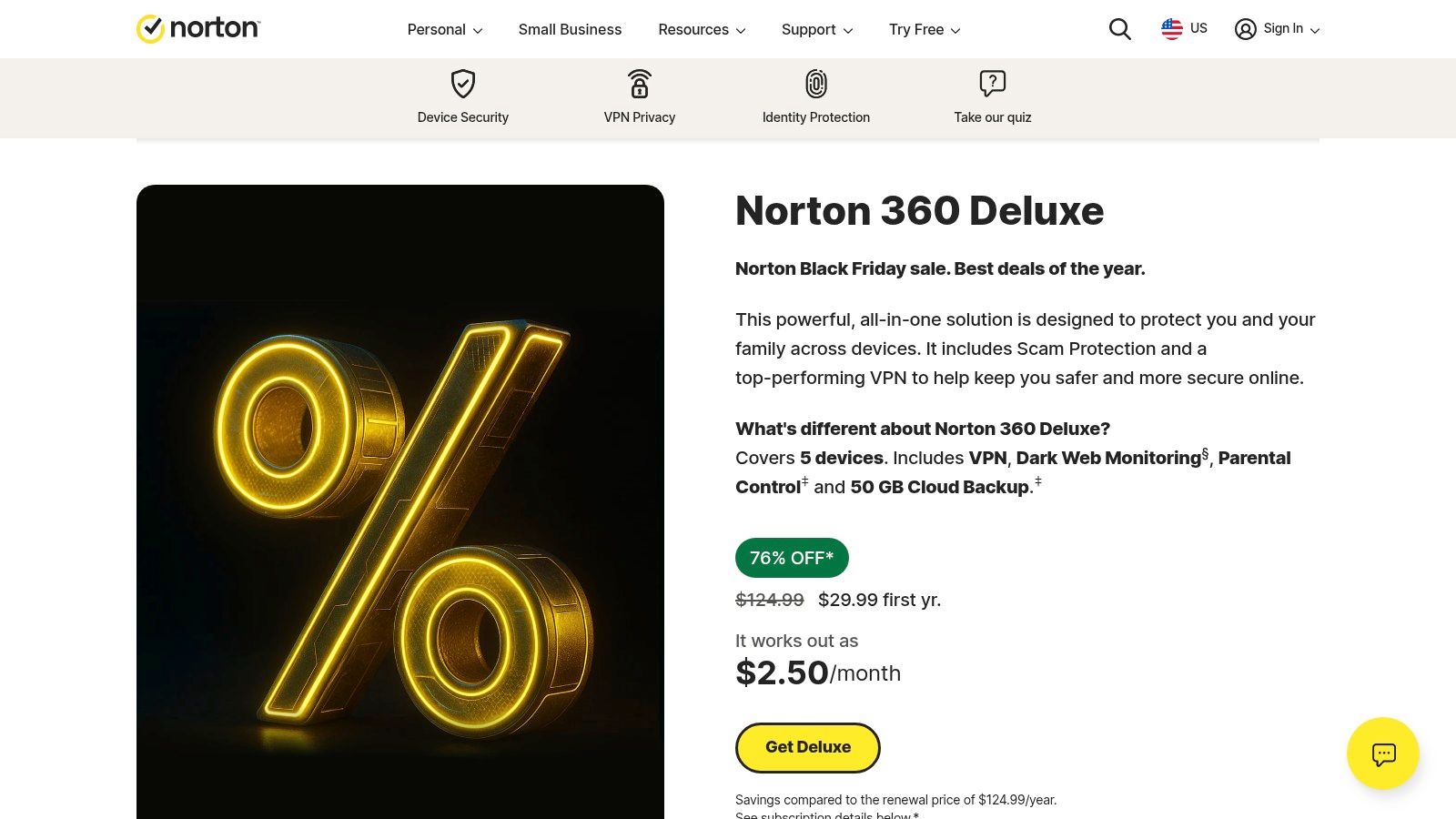
The bundle is broad: antivirus, malware and ransomware protection, a VPN, a password manager, 50 GB of cloud backup, dark-web monitoring, parental controls and Privacy Monitor, across five PCs, Macs, tablets or phones.
The first-year price was $49.99. The listed annual renewal was $124.99. That gap is the most useful pair of numbers on this page for anyone who keeps a subscription for three or four years, because the value score has to survive the renewal, not the promotion.
A five-device suite quoted at one price and billed at another isn't dishonest, but it does mean the comparison has to be made on the renewal figure. Line up every candidate on the second-year number and the ranking changes.
For a household that will use the VPN, the backup and the parental controls, the bundle earns its place. For someone who wants malware protection and nothing else, the add-ons are weight. Full plan details at Norton 360 Deluxe.
3. ESET HOME Security
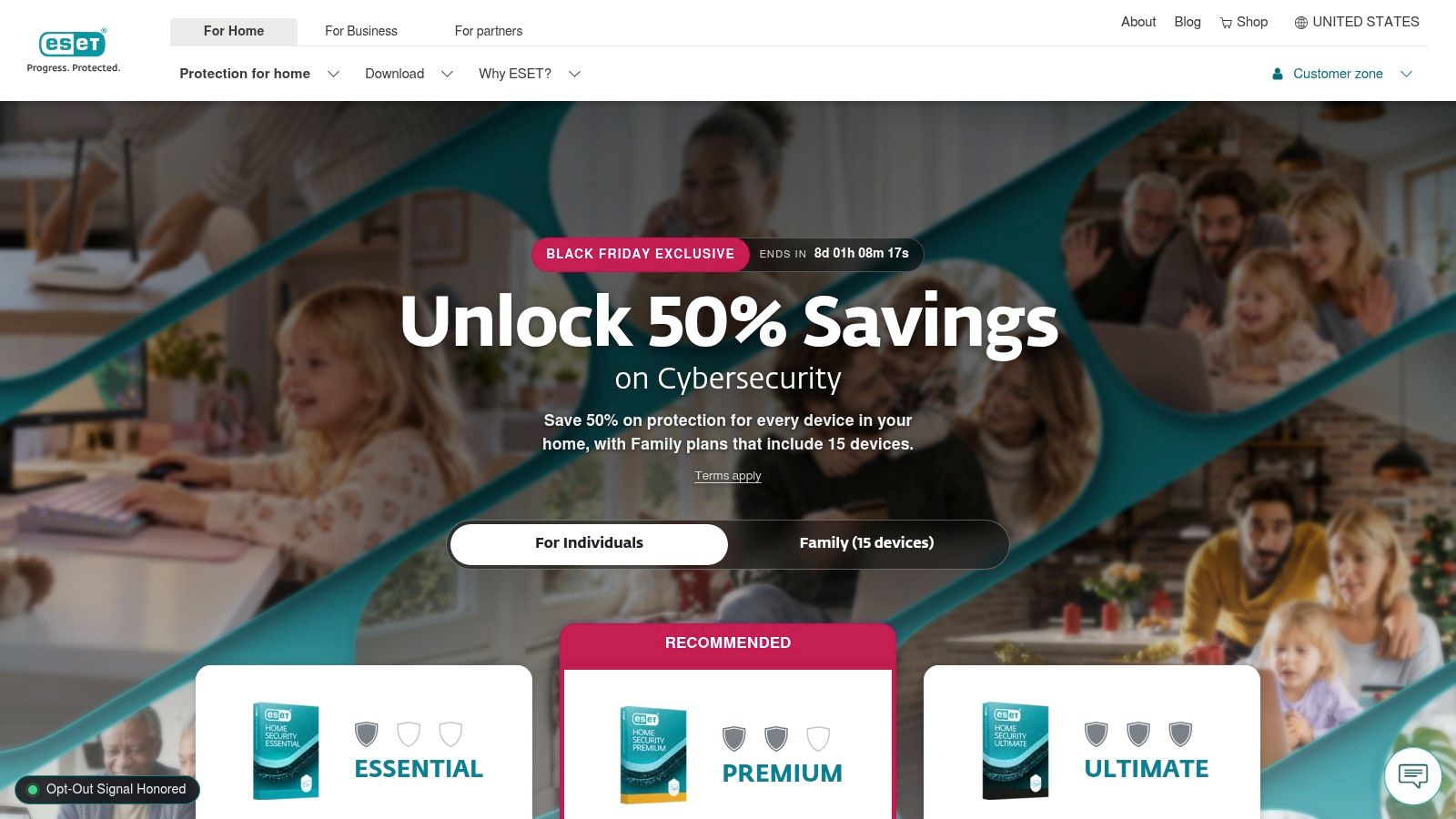
ESET sells a platform rather than a single box. Buyers choose a tier and a device count through the ESET HOME dashboard, and higher tiers add VPN and identity protection on top of core malware defence.
The lab record holds up. Independent testing through 2025 and into 2026 placed ESET near the top of the Windows field, with detection results close to the maximum in both AV-Comparatives and AV-TEST rounds. The pattern matters more than any single figure: ESET lands within a small, measurable margin of the best score, test after test. In a list weighted 40% on features, 30% on ease of use and 30% on value, that consistency means ESET's ranking is decided by what the tiers include and what they cost, because the detection question is already answered.
Read the test method, not just the headline
ESET's heritage is corporate, and the way labs test for business explains why detection percentages need context. AV-TEST's Windows 11 endpoint evaluation ran more than 20,000 malware samples, including nearly 1,400 zero-day samples and almost 19,000 samples from a reference set, and ten products detected 100% in both parts of the protection test. A perfect score in a field where half the products also score perfectly tells you the floor is high. It does not tell you which suite fits a household.
What buyers get:
- Malware and ransomware protection, with anti-phishing and payment protection on the relevant tiers.
- Central subscription and device management through ESET HOME, useful once a household has more than two machines.
- A 30-day free trial and a 30-day return policy, a better evaluation window than most of this list offers. Sixty days of combined trial and refund cover is enough time to run ESET on the slowest machine in the house and see whether performance holds.
The catch is plan complexity. Tier names and included features have changed repeatedly, and the feature set differs between Windows, macOS, Android and iOS, so compare the current tier pages line by line rather than trusting an older review. Because pricing scales with both tier and device count, two households can pay very different amounts for the same brand, and the only number worth comparing is the cost of the exact configuration you would run, worked out at ESET's protection plans page. A buyer covering one Windows laptop shops a different product than a buyer covering five mixed devices, even though both boxes say ESET.
4. Microsoft Defender Antivirus
Defender is the answer for most readers of this page, and the test record makes the case without sentiment. In AV-TEST's November and December 2025 Windows 11 assessment, Microsoft Defender Antivirus took a full 6.0 out of 6.0 for protection under default settings, the same settings a machine ships with.
The scoring structure is the part worth internalising. AV-TEST caps Protection, Performance and Usability at six points each, so no product buys an overall win with detection alone. A tool that catches everything but slows a laptop to a crawl or floods the screen with alerts loses points where daily use hurts.
If a paid suite and a built-in tool both score 18/18 on the same test in the same month, the paid suite has to justify itself with something other than detection.
For Defender, that something is convenience and reach inside Windows. It arrives already installed, updates through the operating system and asks for no account, no licence key and no renewal decision.
- Included with supported Windows 11 and Windows 10 devices enrolled in Extended Security Updates.
- Real-time protection and on-demand scanning with no separate antivirus subscription.
- No cross-platform story. It's a Windows tool, so it won't cover a household's phones and Macs under one plan.
- No bundled extras such as a multi-device VPN or identity monitoring.
That last pair of bullets is the dividing line on this list. A single Windows laptop used for browsing, email and documents gains little from a paid suite. A family mixing Windows PCs, iPhones and a MacBook does, because Defender isn't present on most of those devices.
Small businesses running standard Windows fleets get a defensible baseline here, provided they pair it with patching, browser protection and multifactor authentication. Anyone weighing how little a security product can cost a machine will find the lightweight antivirus picks useful alongside it. Details at Microsoft's security page.
5. Avast Free Antivirus
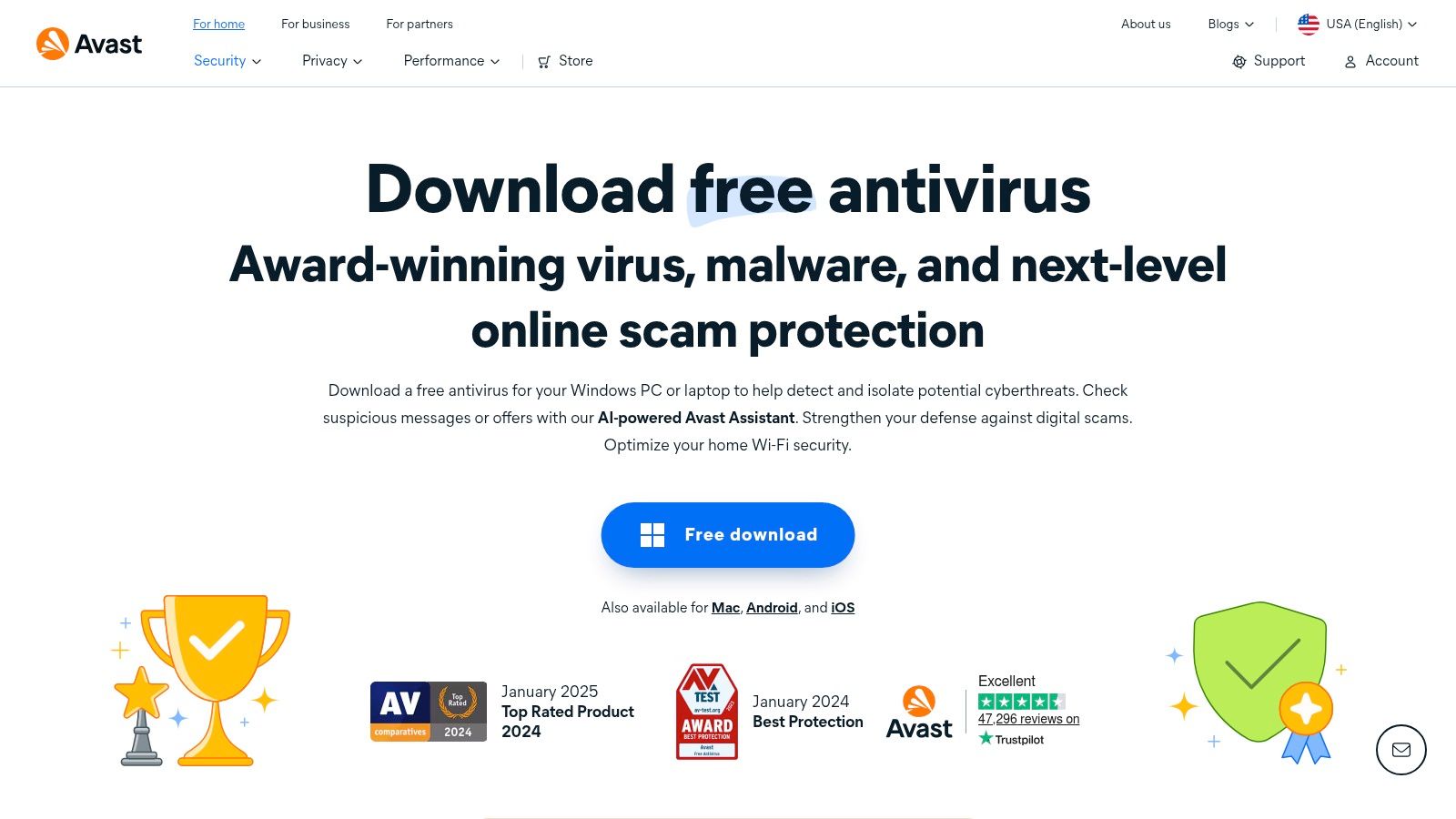
Avast Free Antivirus is the rare free product that doesn't ask for a handicap on protection. In AV-TEST's November and December 2025 Windows 11 consumer evaluation, 15 home-user products ran on their default settings, and Avast Free Antivirus scored 6 out of 6 for protection, level with Microsoft Defender, AVG Internet Security, Avira Internet Security and Bitdefender Total Security. Performance and usability scores are where those products separated.
That default-settings detail matters more than it looks. Many users never change a security setting, so a score earned on defaults reflects real use. AV-TEST's business evaluations use vendor-supplied configurations instead, which is a different test condition and shouldn't be read across to a home laptop.
What's included at no cost:
- Real-time file and behaviour monitoring.
- Smart, full, targeted and boot-time scans, the last of which runs before Windows loads and catches infections that resist removal from inside the operating system.
- Windows and Mac coverage, with paid upgrades for extra tools.
One thing to watch is the app itself. Avast One presents paid options throughout the interface, so check which features sit behind the paywall before deciding the free tier covers everything. Anyone moving up to a paid bundle should price it against the suites on this list rather than against the free version. Available from Avast's free antivirus page.
6. AVG AntiVirus Free
AVG AntiVirus Free earns its place on detection strength alone, and it costs nothing. Independent lab results for the AVG engine in recent Windows evaluations have been consistently strong, so detection is settled ground. The question worth asking is what happens after something slips past the screen.
Ransomware is why that question carries a price. Verizon's 2025 Data Breach Investigations Report found ransomware in 44% of the breaches it reviewed, up from 32% in the previous report, a 37% year-over-year increase. The same report's small and medium business snapshot puts social attacks at about 18% of SMB incidents, almost exclusively phishing.
A scanner stops the file. It can't stop a staff member approving a fake invoice, and it can't restore encrypted files. That gap defines the entire free-versus-paid decision for AVG: the free tier covers the blocking side well, and the paid tiers only justify their cost if you need the recovery and coverage side too.
Practical rule: judge a free antivirus on what it blocks, and judge the paid tier above it on what it can undo. Rollback, backup compatibility and central administration are the features that turn an incident into an afternoon instead of a week.
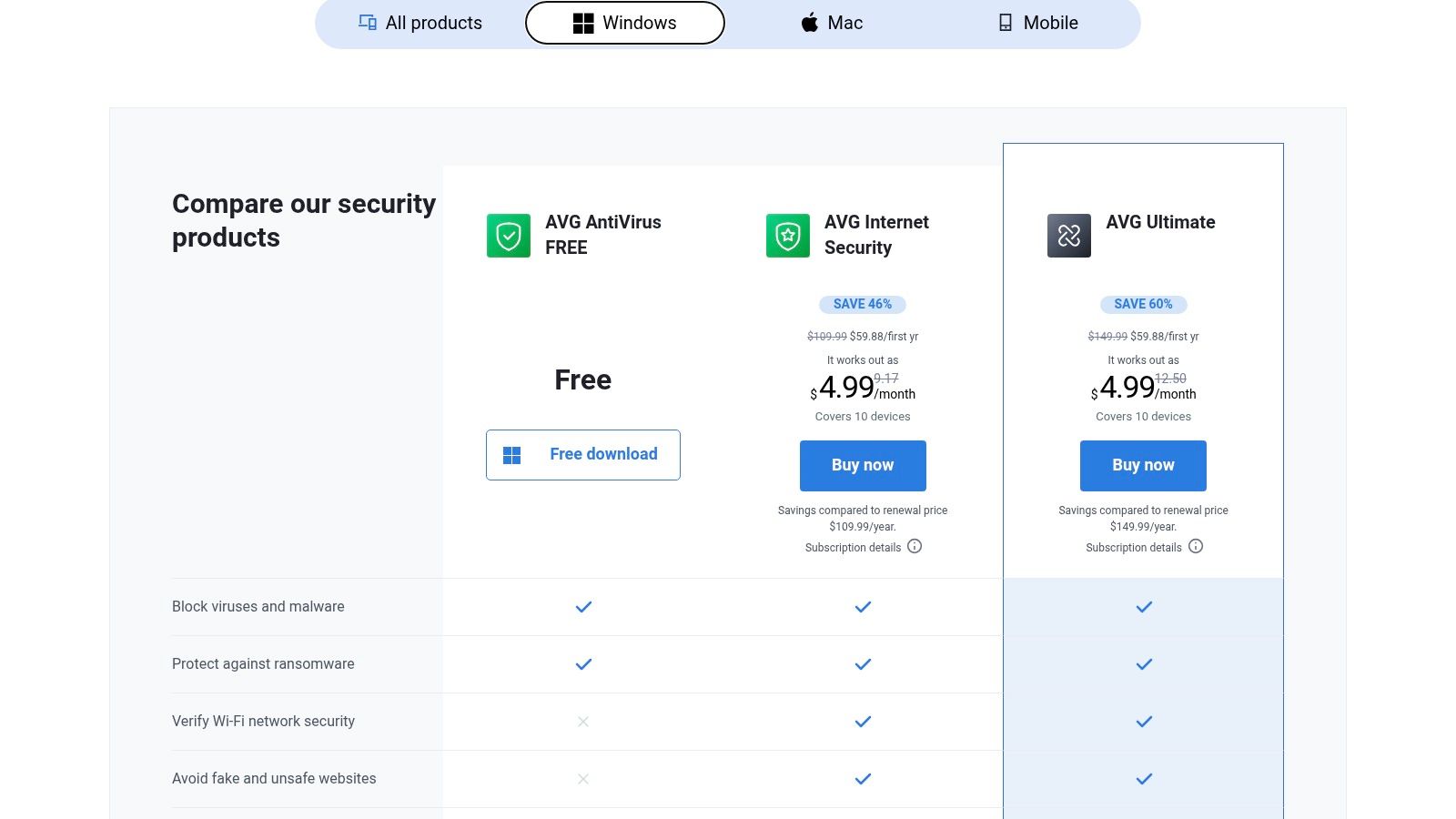
What the tiers look like:
- The free download covers core antivirus protection, enough for a single careful user whose main exposure is malicious files.
- Internet Security adds protection beyond the free tier, aimed at the threats detection alone can't reverse.
- AVG Ultimate bundles security, privacy and performance tools with multi-device coverage, the tier that makes sense for a household spreading protection across several machines.
The structure mirrors the split running through this list. If built-in Windows protection already covers your situation, the free download adds a second scanner at no cost and little friction. If several devices or ransomware exposure are in the picture, the free tier is a starting point rather than an answer.
Introductory discounts and renewal prices differ, so check both before choosing a tier. Plans are listed at AVG's store.
7. Trend Micro Maximum Security
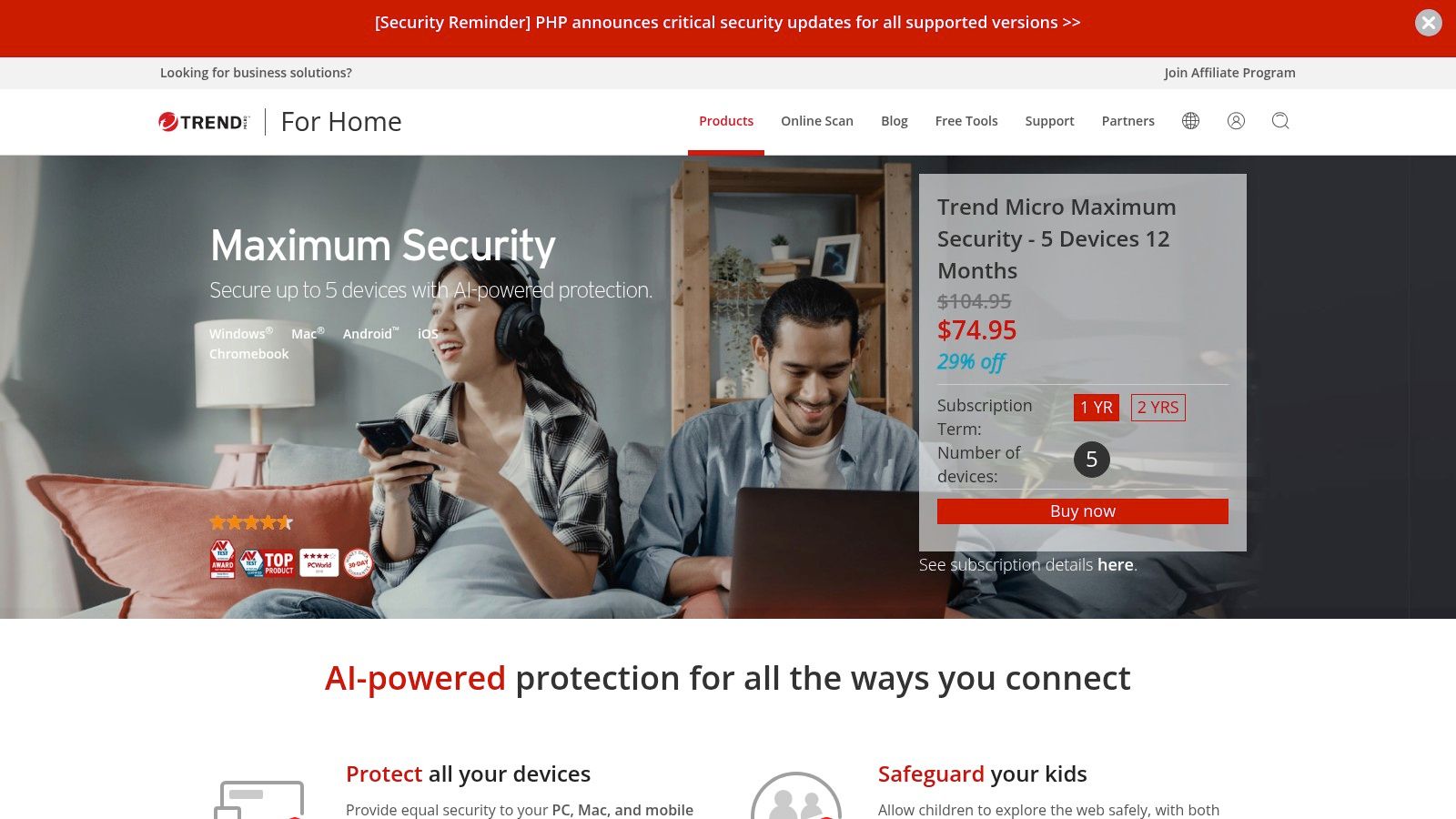
Trend Micro Maximum Security is the only five-device plan on this list that lists Chromebook support next to Windows, Mac, Android and iOS. That single line decides it for households with a school-issued Chromebook in the mix.
The case for a broader suite rests on how attacks arrive now. Kaspersky reported in early 2025 that nearly 8,500 SMB users encountered attacks in which malicious or unwanted software was disguised as popular productivity tools, while attacks mimicking ChatGPT rose 115%. Malwarebytes researchers concluded that generative AI mainly gave attackers limited, incremental help with research, writing, coding and infrastructure rather than new capabilities, which is a useful corrective: the deception is old, the packaging is new.
For a buyer, that means phishing and web protection carry as much weight as the scanner. Trend Micro bundles antivirus with broader online-security protection, and its lineup runs from a Windows-only antivirus tier to a 10-device Premium Security Suite, so the entry point is cheaper than the headline plan.
The listed annual price for Maximum Security was $74.95, with a promotional store price also shown, so the checkout total may differ from the page figure. It costs more than the free options here, and feature availability shifts between operating systems and tiers, so check the feature table for every device in the house. KeenVerdict's internet security suites comparison covers how bundles like this one score on value. Plans are on Trend Micro's Maximum Security page.
How the seven antivirus options compare on cost, coverage and free access
| Item | Listed Price | Devices Covered | Free Option | Best For |
|---|---|---|---|---|
| Bitdefender Total Security | $59.99 first year | Up to 5 | 30-day trial | Multi-device protection with extra privacy and family tools |
| Norton 360 Deluxe | $49.99 first year; $124.99 annual renewal | Up to 5 | No free option listed | A broad security and family-feature bundle |
| ESET HOME Security | $49.99 first year | Up to 3 | 30-day trial | Customizable plans and device counts |
| Microsoft Defender Antivirus | No separate subscription required | Supported Windows devices | Included with supported Windows devices | Core antivirus protection for Windows |
| Avast Free Antivirus | Free | Windows and Mac | Free antivirus version | Free protection with multiple scan options |
| AVG AntiVirus Free | Free | Windows, Mac, Android and iOS | Free antivirus version | Free protection with optional upgrades |
| Trend Micro Maximum Security | $74.95 annually; promotional price may vary | Up to 5 | No free option listed | Multi-platform protection across five devices |
The cost split is clear. Microsoft Defender, Avast Free Antivirus and AVG AntiVirus Free cover the basic case without a separate subscription, while Bitdefender, Norton, ESET and Trend Micro sell broader five-device or multi-platform packages. That matters because the useful comparison is not feature count. It is whether the buyer needs core Windows protection, free scanning across common platforms, or a paid suite that extends coverage across several devices.
The paid options separate on renewal economics and breadth. Norton starts at $49.99 for the first year, then $124.99 annually, so the second year changes its value calculation. Bitdefender Total Security sits at $59.99 for the first year with up to five devices, and Trend Micro Maximum Security is listed at $74.95 annually for up to five devices. ESET HOME Security is listed at $49.99 for the first year with up to three devices, making it narrower in device count than the other paid suites here.
Free access has limits that are easy to miss. Defender is included with supported Windows devices, which fits users who stay inside that environment. Avast Free Antivirus lists Windows and Mac, while AVG AntiVirus Free lists Windows, Mac, Android and iOS. Those options answer different needs: Avast suits desktop-only households, and AVG fits buyers who want one free brand across phones and computers.
Trials occupy a middle position. Bitdefender and ESET list 30-day trials, which give access to the paid experience before renewal pricing applies. Norton and Trend Micro list no free option, so they ask for a firmer commitment up front. The non-obvious conclusion is that the best value depends on household shape. A supported Windows-only device set can stay with Defender. A mixed household should compare the five-device renewal costs before paying for extra features.
Choose by What You Actually Use, Not by Feature Count
The decision rule is short. If everyone in the household runs a supported Windows device, use the built-in protection and spend nothing. If the household covers a mix of phones, Macs and PCs, compare the five-device plans on renewal price rather than the first-year offer, because that's the number that repeats.
Three steps make it concrete:
- Count the devices you own, including the tablet in a drawer and the phone you'll replace this year. A three-device household paying for five is common.
- Divide the renewal price by that device count. A $124.99 renewal across five devices and a $59.99 first year across five devices aren't competing quotes until both sit on the same per-device line.
- Confirm the features on each platform you use. Parental controls, VPN data allowances and identity monitoring are routinely limited on mobile, and the antivirus engine is often the only part that behaves identically everywhere.
Then add the layers a scanner can't provide. The FBI's 2024 Internet Crime Report recorded 859,532 complaints and reported losses exceeding $16 billion, a 33% increase from 2023, with phishing and spoofing among the three most reported categories and more than $70 million in reported phishing and spoofing losses for the year. No product on this list stops someone from typing a password into a convincing fake site. Multifactor authentication, a password manager, backups and a phone call before any payment change do.
Choosing among good antivirus softwares comes down to that arithmetic, not to feature counts. KeenVerdict scores every product on the same three criteria, features at 40%, ease of use at 30% and value at 30%, and compares documented features and published prices rather than running its own tests. Check the dated pricing pages and lab reports linked above before buying, since renewal terms and plan names change more often than detection quality does.
Start with the device count, not the feature list. Open KeenVerdict at keenverdict.com, write down every phone, laptop and tablet in the house, then price the top two five-device plans at their renewal rate and divide each by that number. If the answer is a Windows-only household, close the tab and keep the built-in protection running.
Cite this page
KeenVerdict. 7 Good Antivirus Softwares: Price and Protection. Updated November 26, 2026. https://keenverdict.com/good-antivirus-softwares
Questions or corrections: editorial@keenverdict.com