Guide · General
10 Best Free Notes App Options Compared for 2026
Compare 10 free notes app options on sync, storage limits, offline access and privacy, with the best fit for each type of user in 2026.
By the KeenVerdict research desk · Updated November 27, 2026 · 14 min read
Choose on the limit you will hit, not on feature lists. The practical tests are storage caps, per-file upload caps, attachment allowances, sync rules and account requirements. Free plans differ sharply on those points, so check the limit that applies to your files before choosing. A quick capture habit needs fast entry and reliable sync. Long-form research needs search, structure and clean export. Private notes need a clear privacy stance. Offline work needs dependable local access. Shared lists need sharing controls that match the group.
That is why this list is sorted by the work, not the brand. Quick capture, long-form research, private notes, offline work, shared lists and ecosystem lock-in each point to a different app. Apple Notes and Google Keep tie you to an account-level storage pool instead of a note count. Other apps draw the line at folders, files or account setup. Shortlist two or three, put your real notes into them for a week, and let sync and search decide.
Table of Contents
- 1. Apple Notes
- 2. Google Keep
- 3. Microsoft OneNote
- 4. Notion
- 5. Obsidian
- 6. Joplin
- 7. Zoho Notebook
- 8. Notesnook
- 9. Standard Notes
- 10. Simplenote
- How the 10 free notes apps differ on the limits that matter most
- Pick One App, Test It on Real Notes, Then Decide
1. Apple Notes
Choose Apple Notes for everyday capture and shared lists on Apple devices. It ships with every Mac, iPhone and iPad, so there's no separate app to install. The free plan's deciding limit is your iCloud storage allowance, rather than a published note count.
What the free tier gives you
- Folders and search: organize notes into folders and search across the whole library.
- Mixed content: typed text, checklists, attachments, plus handwriting and drawings on supported devices.
- iCloud sync: notes follow the Apple ID across devices and open on iCloud.com.
- Sharing: share a single note or a whole folder for collaboration.
Where it stops
Text uses little storage. Scans, PDFs and photos count against the same iCloud quota as backups and photos, so an attachment-heavy archive makes that shared allowance more important.
Apple Support's Notes user guide, updated in 2026, documents the exit path: on a Mac, select a note and choose File > Export To, then pick an available format. This is a per-note export. Test the workflow before committing a large archive to it.
Practical rule: export one note containing a scan or PDF, then open the exported file on a device without Notes installed. Check that the attachment survives before relying on that format.
Device access is the other constraint: there's no Android app, and Windows access runs through the browser. For alternatives, consult KeenVerdict's best note-taking apps for Mac. If your work stays on Apple hardware, this is the lowest-friction option available. Official app: Apple Notes.
2. Google Keep
Keep is the fastest free notes app for pure capture. Open, type, close, and the card layout keeps a wall of short notes scannable. It suits quick capture, shared lists and small reminders better than long drafting. The reason is simple: Keep is built around short cards, not documents. Its free-plan limit is the decision point.
What it handles well
- Cards and colors: text notes, checklists and drawings, organized with labels, colors, pins and archive.
- Reminders: timed reminders on any note.
- Sharing: share and collaborate on notes and lists.
- Account sync: notes follow a Google account across web and mobile.
The limit that decides it. A Google Support thread, updated in 2024, puts the ceiling at 20,000 characters per note, and consumer accounts get 15 GB of storage shared across Google services. Keep is generous for thousands of short notes and unpredictable once you start attaching images. Bosson Research's global note app study is useful context for comparing note-app use, but the practical choice still turns on those limits. Google does document an export route for Keep data, so you aren't locked in.
Two restrictions catch people out: desktop access is web-only, and offline access is available on mobile, not on a computer. Choose Keep for capture, not archives. Official app: Google Keep.
3. Microsoft OneNote
OneNote is the pick for lecture and meeting notes that need a canvas rather than a list. Pages are freeform: click anywhere and start typing, then drop in images, handwriting, sketches and highlights around it. The notebook-and-section structure keeps a semester or a project from turning into one endless scroll, which is where simpler capture apps start to strain.
Where the free version lands
- Structure: pages inside sections inside notebooks, which scales better than folders for large collections.
- Mixed media: typed text, images, handwriting, sketches and highlighting on one page.
- Everywhere access: desktop, web and mobile apps.
- Collaboration: shared notebooks for teams and study groups.
What professional adoption actually tells you
Digital note-taking is mainstream in demanding workplaces. A large share of resident physicians in a Japanese national study reported using a digital note-taking app, according to JMIR Formative Research, and use grew between the first and second postgraduate years. That study never named products, free or paid status, frequency of use or satisfaction, so it says nothing about which app wins in a hospital.
It does underline one point: adoption is context-dependent, and workplace use should be judged on offline access, search speed, sync reliability and privacy controls. On those fronts OneNote is strong, because the desktop app works offline and syncs through OneDrive when you reconnect.
The limits that decide it are structural. The notebook hierarchy feels heavy for scratch notes, so quick capture is slower here than in Keep or Simplenote. Some premium features sit behind a Microsoft 365 subscription, though the core notebook features are free. Windows users weighing it against the field can check KeenVerdict's best note-taking apps for Windows ranking, which scores tools on features, ease of use and value. Official app: Microsoft OneNote.
4. Notion
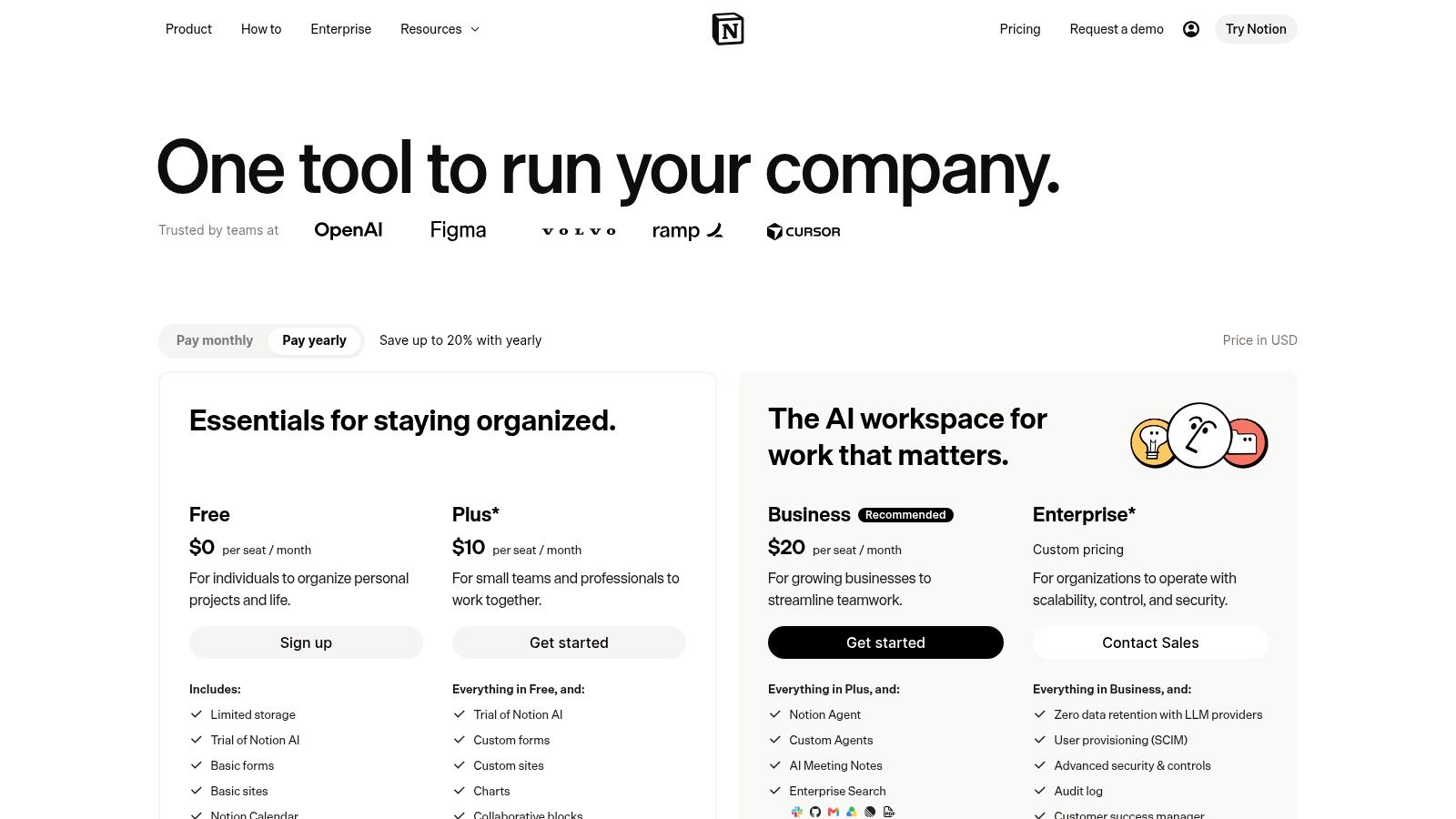
Notion earns its place when notes need to become a system. Pages are built from blocks, so text, tables, checklists and databases sit in the same document, and linked pages turn a pile of notes into a wiki. For personal use the Free plan costs $0 and includes the core workspace tools, per Notion's pricing page.
What the free plan covers
- Block-based pages: text, lists, tables, media and bookmarks in any combination.
- Databases: reading lists, project trackers and content calendars that filter and sort.
- Linking: connect documents into a wiki-style structure.
- Sharing and publishing: share pages with a team or publish them to the web.
The limit that decides it. Free file uploads are restricted, and the caps are small enough that a folder of screenshots and PDFs fills them fast. Video attachments are effectively out of reach. If your notes are mostly text, you will rarely feel the restriction. If they are scans, exports and slides, check the current upload limits on Notion's pricing page before committing, because this is the constraint that decides whether the free plan works for you at all.
The second trade-off is setup cost. Notion rewards structure and punishes improvisation. A quick shopping list takes longer here than in Keep or Simplenote, because even a simple note sits inside a page hierarchy you have to design and maintain. People who enjoy building their own system get real value from that effort; people who want to open the app and type will feel friction on day one.
Speed and structure pull in opposite directions here, so decide which one your notes need before you pick. Readers who want a wiki-first tool rather than a full workspace can compare options in KeenVerdict's review of the Outline knowledge base app. Official app: Notion.
5. Obsidian
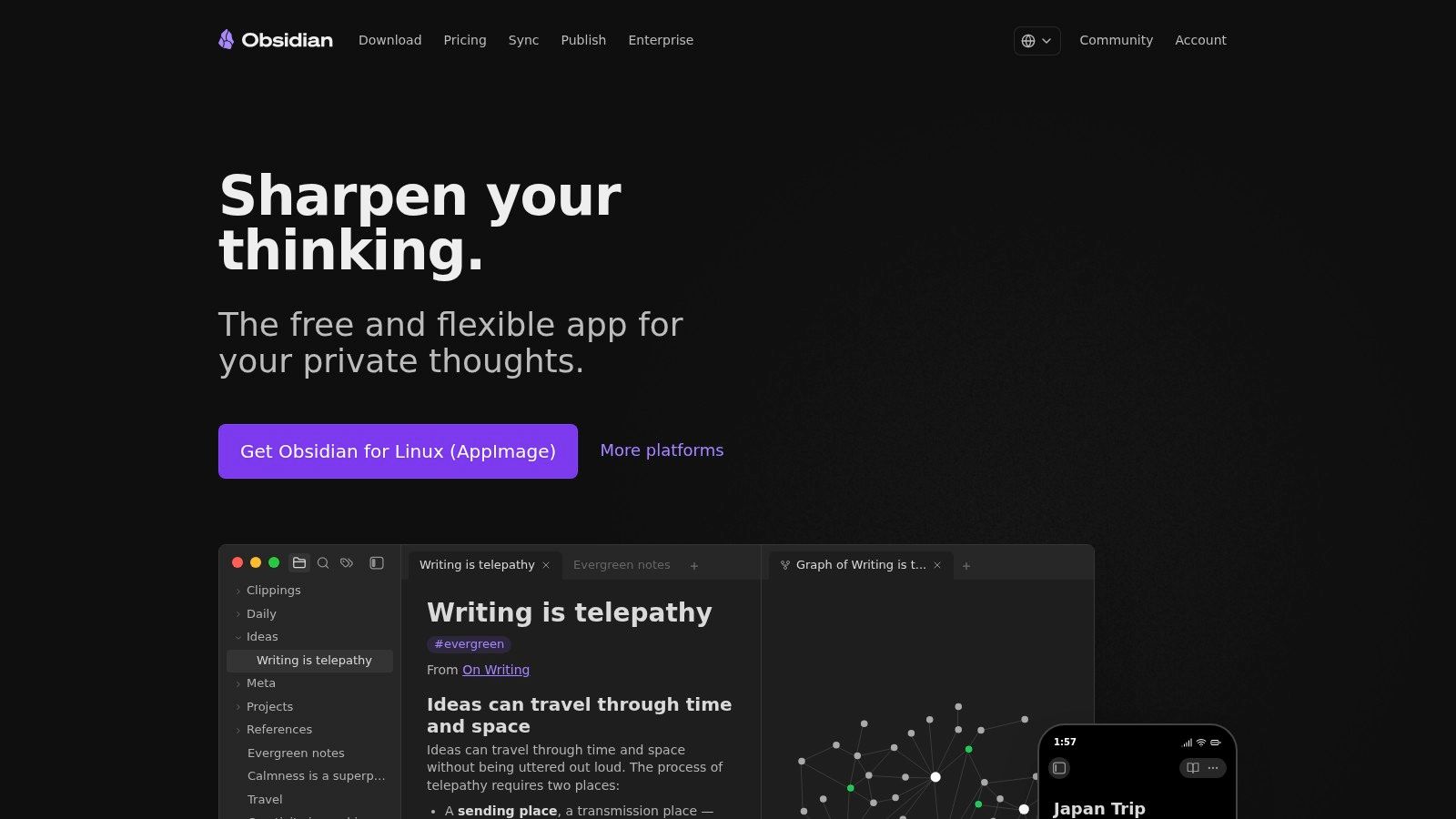
Obsidian is the safest long-term home for research notes because of where the files live. Notes are stored locally as Markdown files, not inside a vendor's cloud, and the core app is free for personal and commercial use without an account, per Obsidian's site.
What the free app does
- Local Markdown storage: files open in any text editor, with or without Obsidian.
- Internal links: connect notes into a graph of related ideas.
- Plugins and themes: add kanban boards, calendars, AI tools and layouts.
- Optional paid services: Sync and Publish are add-ons, not requirements.
The limit that decides it
Free multi-device syncing isn't included. You either pay for Obsidian Sync or handle it yourself through a folder service such as iCloud Drive, Dropbox or a Git repository. That's a feature, not a flaw, for people who want their notes independent of any subscription, but it does mean setup work before your phone sees what your laptop wrote.
"If iA Writer disappeared tomorrow, my notes would still be there, as ordinary text files any app can open." That reasoning applies to any plain-file setup, including this one.
The cost is a learning curve. Markdown, linking and plugin choices take an afternoon to learn, and the app rewards people who enjoy tinkering. For a grocery list it's overkill. For a five-year research archive it's the most portable option here.
6. Joplin
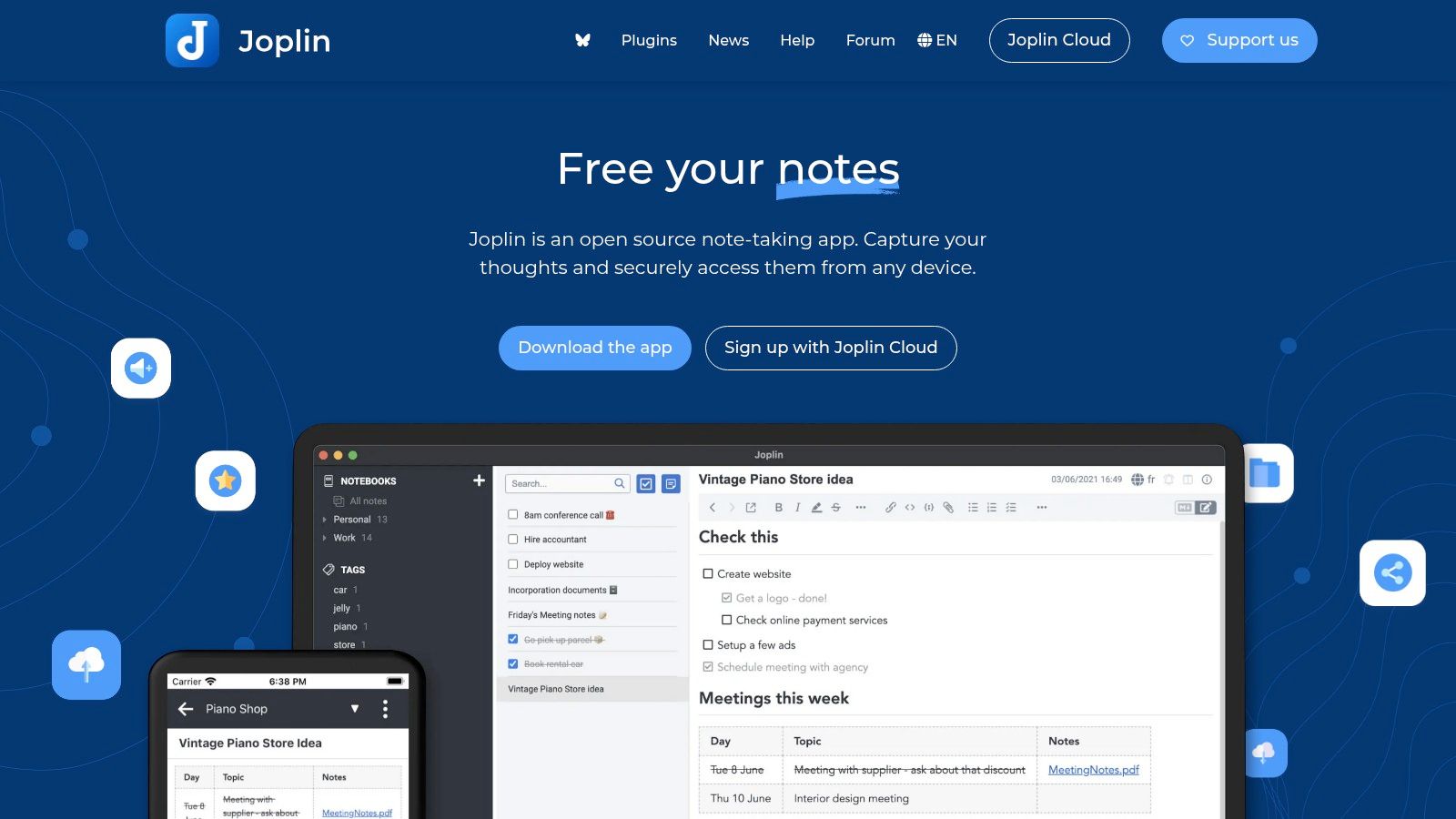
Joplin is the migration-friendly choice. It's open source, organizes notes into notebooks, works offline on desktop and mobile, and supports full-text search, tags and Markdown. Sync runs through services you may already pay for, such as Dropbox, OneDrive or Nextcloud, with Joplin Cloud as an optional paid route, per Joplin's site.
What you get without paying
- Notebooks and to-dos: notes and tasks in one place.
- Offline access: full function on desktop and mobile without a connection.
- Search and tags: full-text search plus Markdown formatting.
- Web Clipper: save pages from Firefox and Chrome.
The limit that decides it. Portability risk, and the market proves why it matters. A comparison of free note-taking apps reports that Evernote's free tier was reduced to 50 notes, one notebook and two devices after a 2025 overhaul. Joplin stores notes locally by default and imposes no restriction on core features, so a pricing change can't strand your archive. The trade-off is polish: Markdown feels less natural than a rich-text editor, and sync needs configuring before it works. Anyone leaving Evernote can import notebooks directly. Official app: Joplin.
7. Zoho Notebook
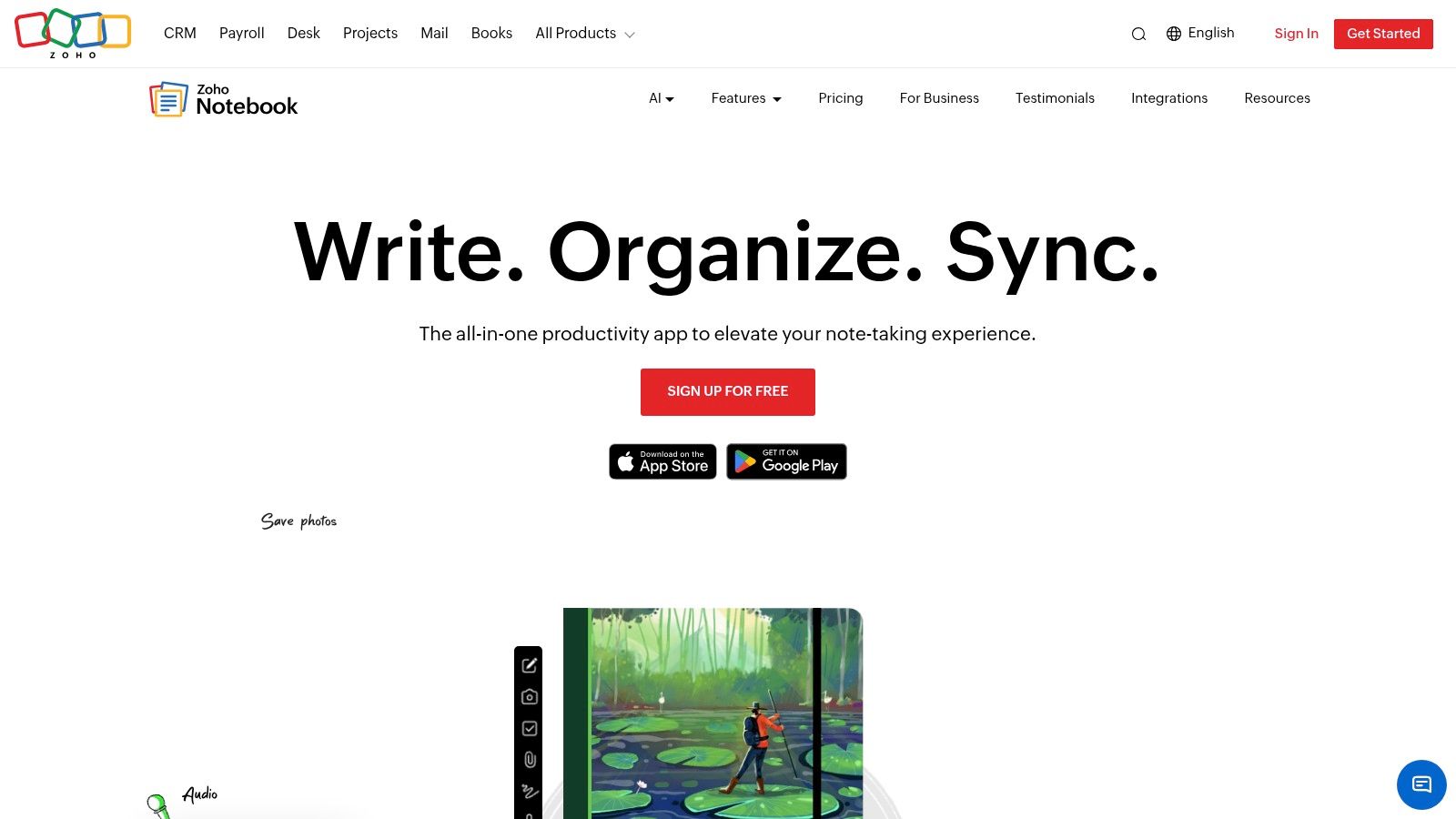
Zoho Notebook treats each note as a card, and cards come in types: text, checklist, image, audio and sketch. That matters if your notes are voice memos from a drive or photos of a whiteboard rather than paragraphs. The free Essential plan syncs across devices, works offline with changes syncing on reconnect, and includes document scanning, tags and reminders, per Zoho Notebook's site.
What the free plan includes
- Multimedia cards: text, images, audio recordings and sketches in distinct layouts.
- Offline work: edit without a connection, sync when you're back.
- Everyday tools: document scanning, tags and reminders.
- Sharing: share individual notes and whole notebooks.
The limit that decides it
The free plan carries 500 MB of cloud storage, with limits on note size, file uploads, recordings and some organization features. Audio and scanned documents consume that allowance faster than text ever will, so a semester of lecture recordings or a year of receipts will push you toward a paid tier.
Practical rule: if your notes include audio or scans, estimate the monthly volume before committing. A 500 MB allowance sounds generous until recordings arrive.
For text and checklists, the storage cap is irrelevant. For anything media-heavy, budget for an upgrade or keep the heavy files elsewhere. Official app: Zoho Notebook.
8. Notesnook
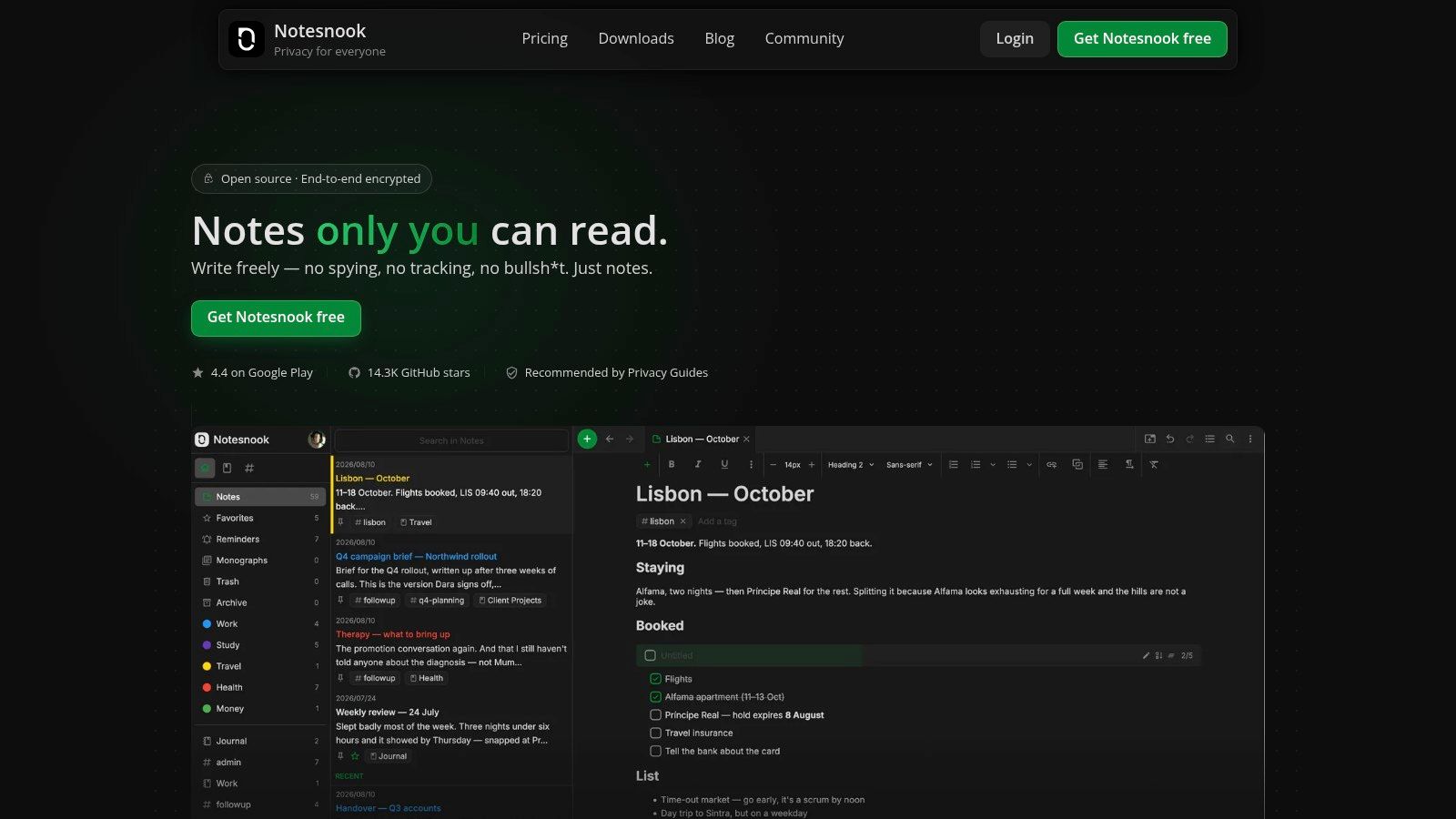
Choose Notesnook for private text notes you want protected from day one. The free tier includes end-to-end encryption, unlimited notes on unlimited devices, sync and backups, according to Notesnook's pricing page, updated in 2026.
What the free plan covers
- Encryption: end-to-end encryption included, not sold separately, per Notesnook's pricing page.
- No note ceiling: unlimited notes and devices.
- Organization: notebooks and tags for sorting private notes.
- Export: PDF, HTML, Markdown and plain text.
The limit that decides it. Attachments. The free plan allows 50 MB of attachment storage per month, and individual files are capped at 10 MB, according to Notesnook's pricing page. Text notes are unlimited, so a writer's archive fits comfortably; a folder of scanned contracts and screenshots will hit the cap fast.
If a paid plan ends, the account returns to the free tier and existing notes remain readable, editable and exportable, per Notesnook's pricing page. That gives you a clear exit path if you only need encryption for a short project. Official app: Notesnook.
9. Standard Notes
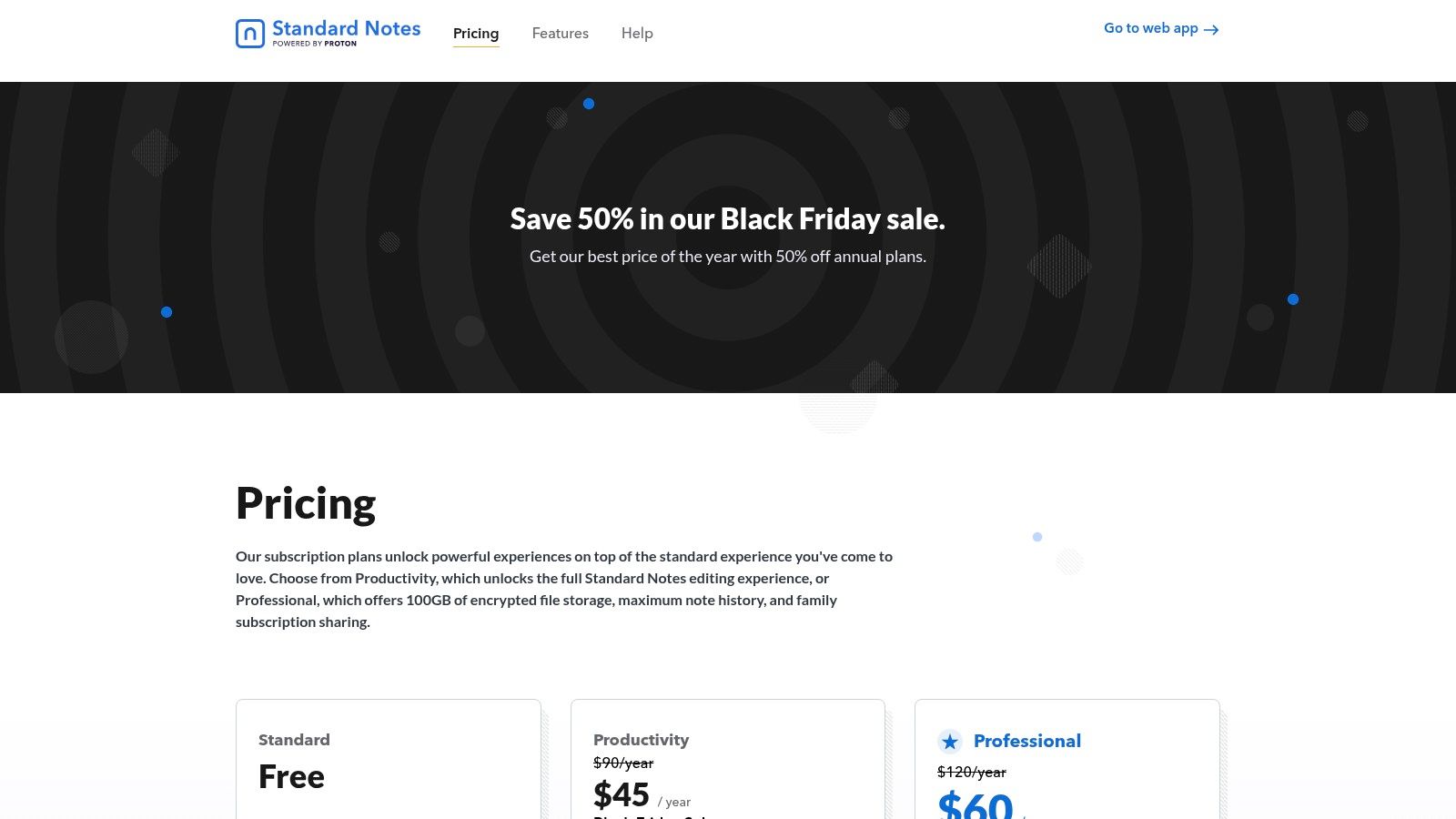
Standard Notes makes privacy the default rather than a feature tier. The free plan includes end-to-end encrypted sync, unlimited device sync, offline access, tags, password-protected individual notes and full data export, according to a comparison of free note-taking apps that contrasts it with local-first tools.
What the free tier gives you
- Encrypted sync: end-to-end encryption across web, desktop and mobile.
- Offline access: read and write without a connection.
- Note-level protection: password-protect individual notes.
- Export: download data in encrypted or plaintext formats.
The limit that decides it
Plain text. The free editor is deliberately minimal, and richer note types, advanced editors, tables and formatting sit in paid plans. That's fine for journals, meeting notes and anything you'd type into a text file. It's frustrating for checklists, tables or anything visual.
The privacy trade-off nobody spells out
End-to-end encryption removes capabilities people assume they'll have. If the provider can't read your notes, it can't run server-side search across them, can't reset a forgotten password for you, and can't hand you back content locked behind a lost key. Students and small teams often get more value from reliable recovery and fast cross-device search than from maximum confidentiality. Match the model to the content, not the marketing badge. Official app: Standard Notes.
10. Simplenote
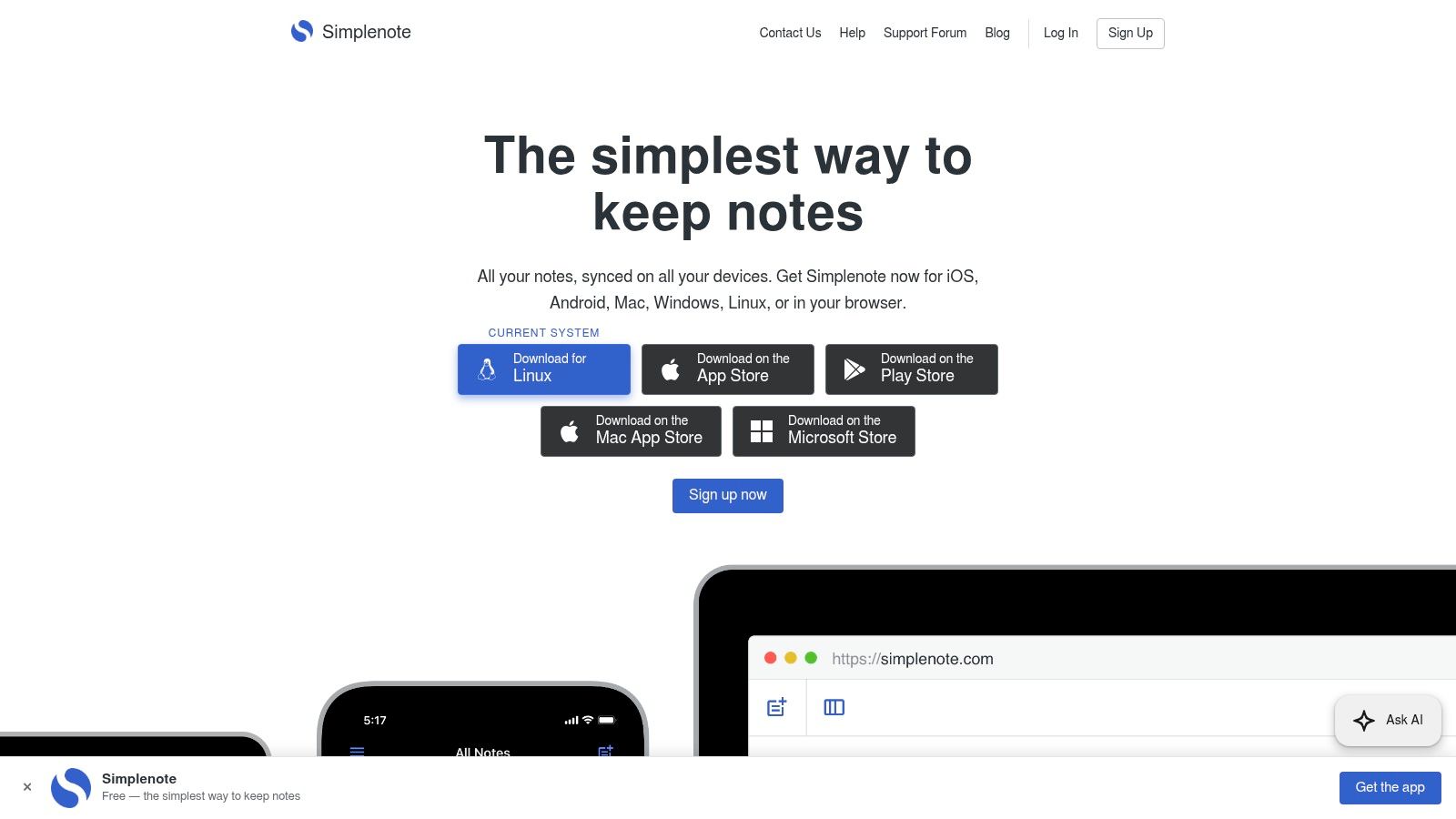
Simplenote does one thing and refuses to complicate it: text notes that sync automatically across phone, desktop and web, with tags, pins, search, Markdown and the option to publish a note to the web, per Simplenote's site. There are no image or file attachments, and that's the point.
What you get for nothing
- Automatic sync: notes follow you across every major platform.
- Tags, pins and search: organize without folders.
- Markdown and checklists: light structure when you want it.
- Sharing and publishing: send a note or publish it publicly.
The limit that decides it. No attachments at all, plus an account requirement. If your notes are words, that's a clean constraint. If they're receipts and screenshots, look elsewhere.
Why download counts mislead
A peer-reviewed evaluation of a free Cornell Note mobile app offers a useful warning. After its Google Play release the app reached 5,000 total downloads and 1,108 active installations by September 10, 2023, with monthly active users rising from 450 to 589 across the preceding three months and engagement rates of 76.91% and 77.19%, according to the study published through EAI publications. In a usability test with 14 university students, it scored a mean System Usability Scale score of 79.5 against a common benchmark of 68.
The active-to-download ratio was roughly 22%, which is why installing an app proves little. Judge a free notes app on retained use and the export path, not the install number. Official app: Simplenote.
How the 10 free notes apps differ on the limits that matter most
| Item | Best for | Free plan scope | Key limit |
|---|---|---|---|
| Apple Notes | Everyday notes in the Apple ecosystem | Notes, lists, attachments, drawings and iCloud sync | Works best on Apple devices; some features depend on device or setup |
| Google Keep | Quick notes, lists and reminders | Notes, checklists, drawings, reminders and sharing | Less suited to long-form notes; no computer offline access |
| Microsoft OneNote | Class, meeting and mixed-media notes | Notebooks, sections, flexible pages and cross-platform apps | Some premium features require Microsoft 365 |
| Notion | Personal notes, databases and project organization | Core workspace tools for individual use | File uploads limited to 5 MB each and 512 MB total per workspace |
| Obsidian | Local notes and connected knowledge bases | Core app, local Markdown files, links, plugins and themes | Sync is paid; free multi-device syncing requires another approach |
| Joplin | Open-source notes with flexible sync options | Notes, to-dos, offline access, search, tags and Markdown | Sync requires choosing and configuring an approach |
| Zoho Notebook | Multimedia notes across devices | Multimedia cards, sync, offline work, scanning, tags and reminders | 500 MB of cloud storage, with additional note and file limits |
| Notesnook | Private, encrypted notes across devices | End-to-end encryption, unlimited notes and devices, sync and backups | Attachments limited to 50 MB per month and 10 MB per file |
| Standard Notes | Private, portable plain-text notes | Encrypted sync, offline access, tags and data export | Rich editing and other note types require a paid plan |
| Simplenote | Simple, text-first notes with cross-platform sync | Notes, sync, backups, tags, search and Markdown | No native image or file attachments |
Pick One App, Test It on Real Notes, Then Decide
The shortlist writes itself once you name the job. Quick capture and shared household lists point to Google Keep or Simplenote. Long-form research and a decade-long archive point to Obsidian or Joplin. Encrypted notes with a defined exit point point to Notesnook or Standard Notes. Media-heavy notes point to Zoho Notebook, and notes that need to become a project tracker point to Notion. Apple and Microsoft users start with what's already installed, then test the exit before committing.
Notion is the pick in KeenVerdict's Best Note-Taking Apps verdict for readers who want notes and light project tracking in one workspace. KeenVerdict scores every verdict on features at 40%, ease of use at 30% and value at 30%, quotes prices word for word from vendor pages, and records the date each price was checked.
A one-week test that settles it
Don't evaluate an app with three sample notes. Move twenty real ones, including the awkward cases:
- A long note: paste your longest document and see whether a character cap or editor limit stops you.
- An attachment: add a scan or PDF and check it survives export and reopens outside the app.
- A shared list: test collaboration on something you'd share, like a shopping list or a project checklist.
- An offline session: switch off connectivity, write three notes, then reconnect and confirm nothing was lost.
- A search: look for a phrase you know exists in two different notes and time the result.
Run that on two apps. The one that survives without a workaround is your app, and the free tier is probably enough. Limits change, so confirm the current cap on the vendor's pricing page on the day you decide rather than trusting a review written months earlier.
One thing decides more arguments than feature comparisons: whether you can leave. An app that exports clean Markdown or plain text costs you nothing to abandon, which makes it a safer bet than a richer free tier with no exit. Export a folder from each app you're testing, open the files on a machine that doesn't have the app installed, and check that the notes still make sense. Keep the app whose exit path you can live with, and start moving today's notes into it this week rather than waiting for a quiet month that won't arrive.
Cite this page
KeenVerdict. 10 Best Free Notes App Options Compared for 2026. Updated November 27, 2026. https://keenverdict.com/free-notes-app
Questions or corrections: editorial@keenverdict.com