Guide · General
Best Voice to Text App in 2026: 7 Tools Compared
Compare the best voice to text app options for 2026 on accuracy, languages, features, platforms and price, with vendor pricing dates.
By the KeenVerdict research desk · Updated November 16, 2026 · 11 min read
A manager needs meeting notes, a writer needs to dictate across several apps, and a podcaster needs a transcript that helps edit the recording. Each job points to a different pick: Wispr Flow for cross-app dictation, Otter.ai for meetings, and Descript for editing recorded media. The remaining picks cover the rest of the list: Google Docs Voice Typing for drafting at no separate cost, TurboScribe for file transcription, Notta for team meetings and uploads, and Dragon Anywhere for mobile document editing.
The best voice to text app depends on where the words need to go. A searchable meeting transcript doesn't replace dictation inside an email. A document-writing tool won't help a producer cut an interview.
Each pick below names its best use, its free-tier limits, its listed price, and its main trade-off, such as Otter.ai's weaker results with accents and technical terms or TurboScribe's file-only workflow. KeenVerdict bases these recommendations on documented features and published pricing. Confirm prices, billing terms, and free-tier limits on the vendor's page before purchase.
Table of Contents
- 1. Wispr Flow
- 2. Otter.ai
- 3. Dragon Anywhere
- 4. Notta
- 5. Google Docs Voice Typing
- 6. Descript
- 7. TurboScribe
- How the leading voice to text apps compare on use, free tier and listed price
- Match Your Voice to Text App to One Real Workflow
1. Wispr Flow
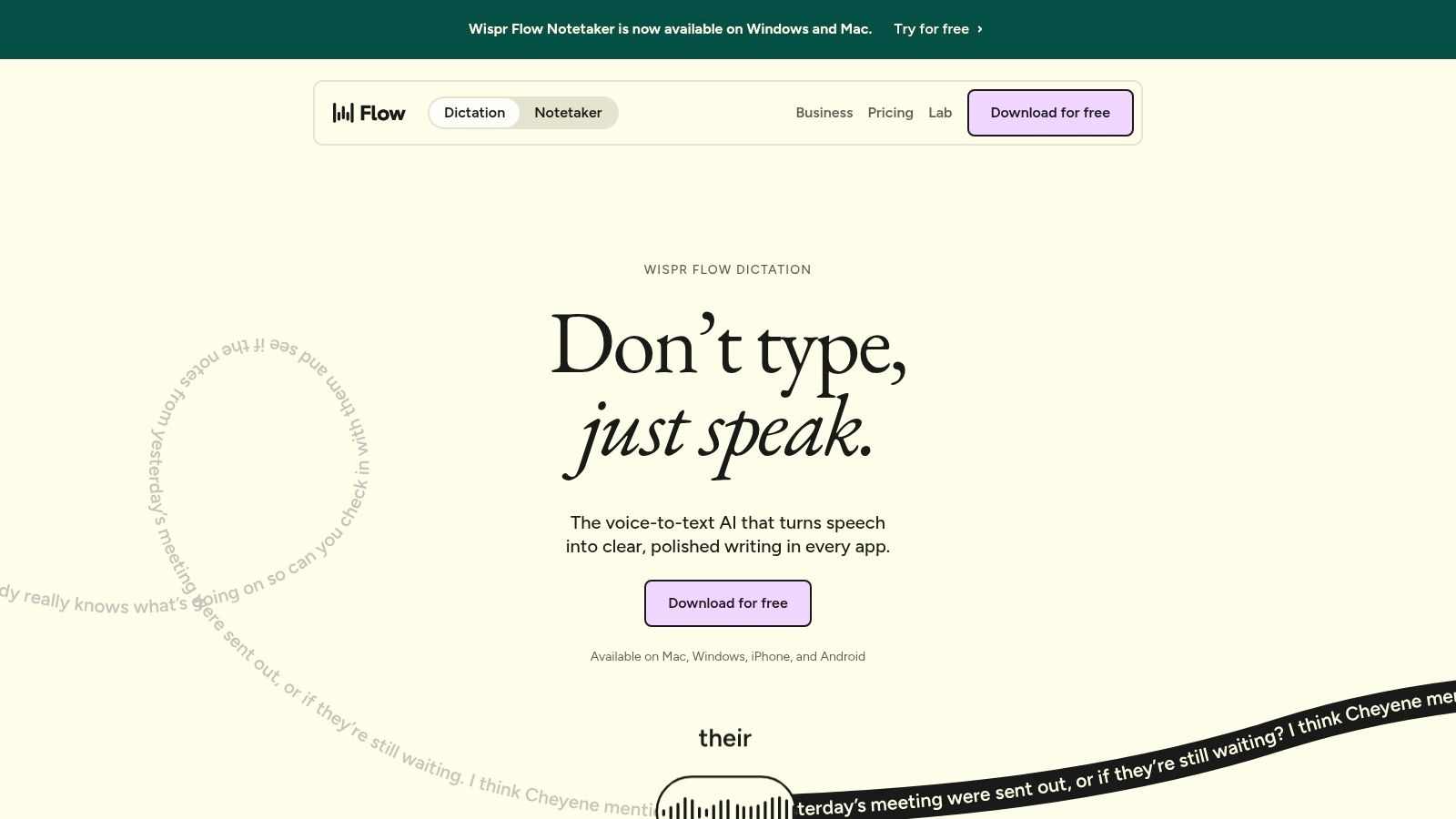
For dictating across everyday writing apps, Wispr Flow is the pick. It fits the writer moving between documents, email, messages, and business software rather than collecting everything in a transcription editor. Its main advantage is keeping voice input close to the place where the finished text belongs.
Wispr Flow lists support for Mac, Windows, iOS, and Android, more than 100 languages, a usage-capped free tier, and Pro at $12 per user per month, as listed on its website. Its personal dictionary supports names and specialized vocabulary, while AI formatting and cleanup turn spoken input into more structured text.
Choose it for writing, not verbatim records
A sales manager could dictate a follow-up email, switch to a project update, then capture an outline without treating each task as a separate recording. Vocabulary customization matters most when customer names, product names, or internal terminology recur, because one dictionary entry saves the same correction every time those words appear.
- Main trade-off: AI cleanup can change wording or tone, so the output needs review before sending.
- Free-tier limitation: Capped usage makes the free plan a trial of the workflow rather than a replacement for frequent typing.
- Meeting limitation: The optional meeting notetaker is listed for desktop platforms, not mobile.
Practical rule: Evaluate the finished paragraph, not just whether the app recognized the spoken words.
Buyers weighing cross-app dictation tools should also read KeenVerdict's Superwhisper review before deciding. Choose Wispr Flow when writing across applications is the primary job; choose a meeting tool if capturing conversations is.
2. Otter.ai
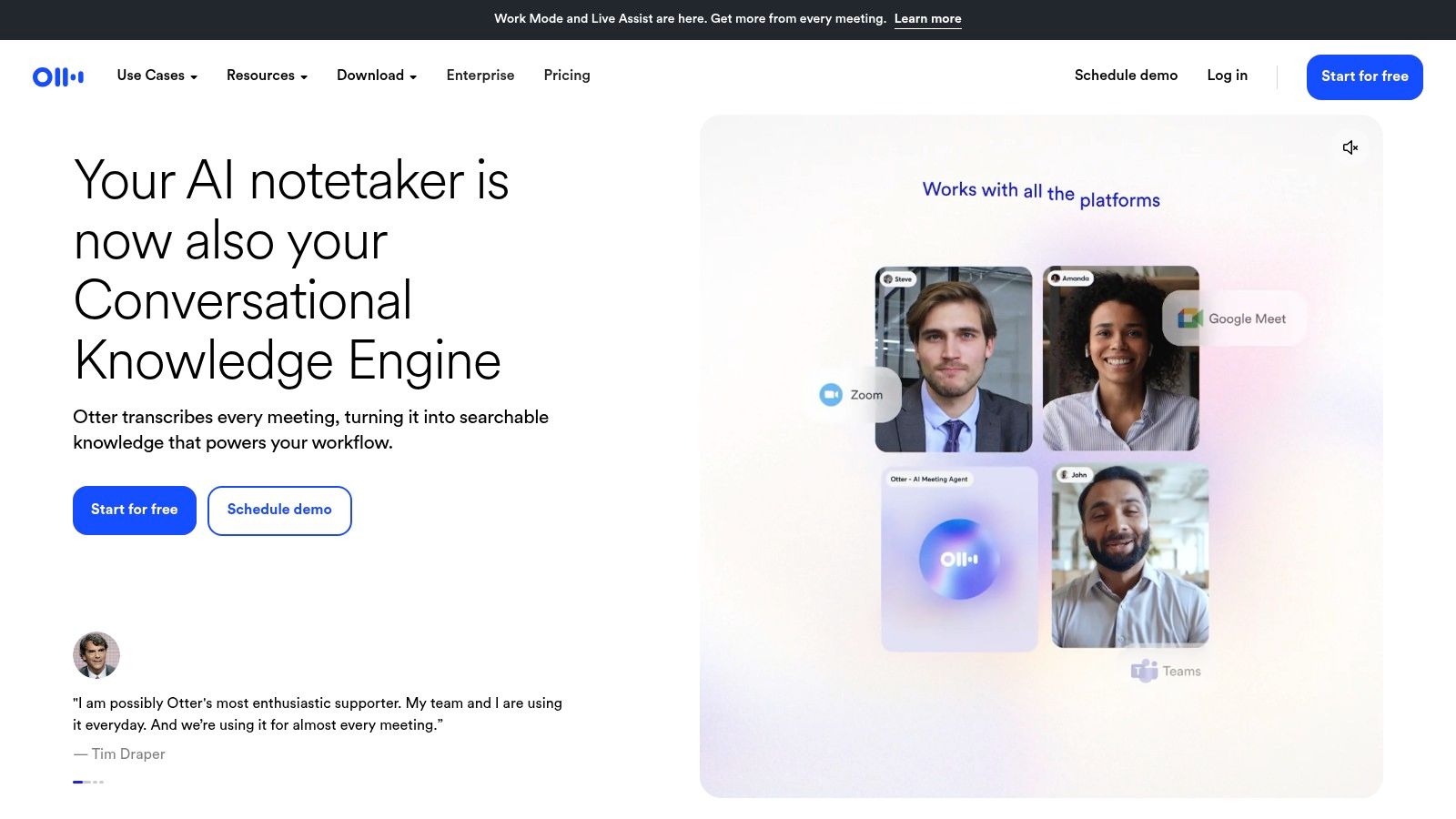
Best for meeting capture and searchable discussion notes. Otter.ai suits managers who need to stay in the conversation, then revisit decisions without digging through handwritten notes. It combines live transcription and audio recording with speaker identification, summaries, and chat for querying meeting content.
The service connects with Zoom, Microsoft Teams, and Google Meet, and offers mobile apps for in-person capture. Otter.ai's vendor listing includes 300 monthly transcription minutes on Basic; paid plans are priced on the vendor's pricing page, so confirm the current subscription cost there before buying.
Review names, accents, and technical terms
The main trade-off is correction work in difficult conversations. Accents, background noise, overlapping speakers, and technical terms can reduce transcript quality, so check meeting transcripts before sharing them.
A project lead should inspect participant names, commitments, deadlines, and specialist terms before circulating a summary. A polished summary still needs checking against the underlying conversation, especially when colleagues disagree, interrupt each other, or assign actions informally.
- Free-tier limitation: Monthly minutes and conversation-length restrictions can constrain regular meeting capture.
- Workflow boundary: Otter is a meeting service, not a replacement for dictating directly into arbitrary writing apps.
- Buying priority: Searchability and useful summaries matter only if the underlying transcript preserves the important details.
A meeting transcript is a working record, not automatic approval of every name, decision, or assigned action.
KeenVerdict's AI transcription software comparison is relevant for buyers weighing meeting capture against broader transcription needs. Choose Otter when revisiting discussions matters more than drafting original documents by voice.
3. Dragon Anywhere
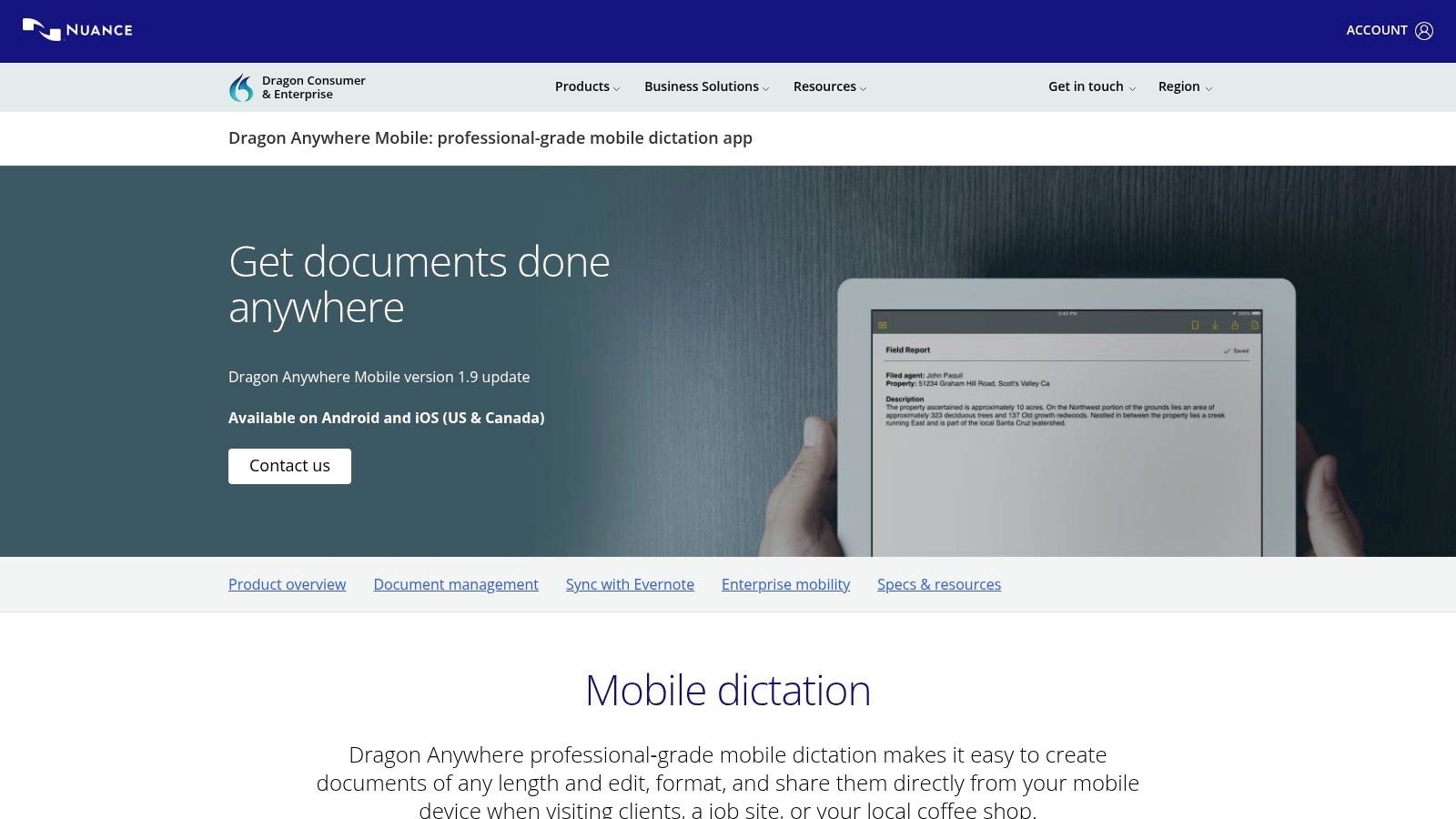
Best for creating and editing documents on mobile. Dragon Anywhere fits professionals who need to revise text by voice, not merely record speech and wait for a transcript. Its distinction is document control through voice editing, navigation, and formatting commands.
Nuance's Dragon Anywhere product page describes continuous dictation without a word limit on iOS and Android, custom vocabulary, reusable Auto-text passages, and synchronization with supported Dragon desktop products. The subscription is billed through the Apple App Store and Google Play, so check the current price, billing period, and any trial terms in your app store before subscribing; the product page does not describe a free plan.
Mobile editing comes with connectivity requirements
A field professional drafting a report can apply custom words for specialist terminology and Auto-text for passages that recur across documents. Document import, sharing, and cloud-storage workflows make this a document-production option rather than just a voice recorder.
The main trade-off is dependence on an active Wi-Fi or cellular connection. Nuance also states that speech data, which may include personal information, is stored and processed in the United States.
- Choose it for: Longer mobile documents that need voice-driven corrections and formatting.
- Check before subscribing: The app-store billing period, renewal terms, and any available trial conditions.
- Reject it for: Workflows that require dependable offline transcription or prohibit the stated processing location.
Privacy-sensitive buyers should confirm their organization permits that processing arrangement before dictating client or employee information. An internet connection is a working requirement here, not a convenience.
KeenVerdict's dictation software guide compares mobile document work against desktop dictation for buyers weighing both. Choose Dragon Anywhere for editing documents by voice away from a desk.
4. Notta
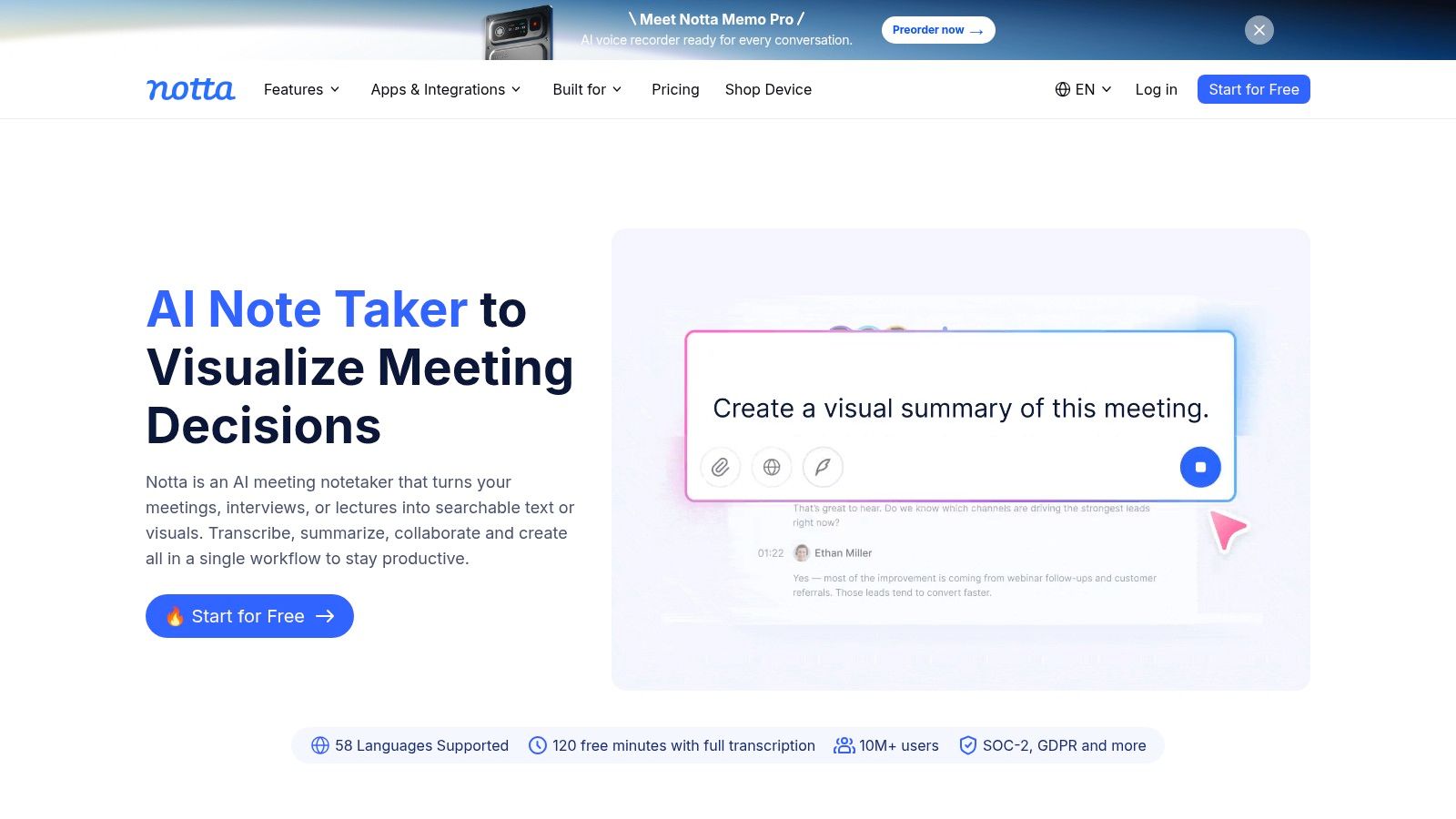
Best for teams combining live meetings with uploaded recordings. Notta is the practical shortlist choice when a department needs to capture conversations and also process existing audio or video. It supports speaker identification, transcript editing, notes, summaries, and translation features.
Meeting capture covers Zoom, Teams, Google Meet, and Webex, while integrations such as Slack and Notion help place the results alongside team work. Collaboration and administration options on higher plans make permissions and sharing part of the buying decision, not an afterthought.
The free plan limits meaningful meeting evaluation
Notta's vendor listing includes 120 transcription minutes per month, but limits each free transcription to three minutes; the check date requires verification, and a paid web subscription price isn't established in the available pricing facts. That short per-recording allowance is the main trade-off for anyone hoping to evaluate a complete meeting without paying.
- Best-fit scenario: A team transcribes a live planning discussion and imports a separately recorded customer interview.
- Plan detail to inspect: Recording-length limits, summary quotas, translation allowances, and collaboration features.
- Billing detail to inspect: App-store pricing can differ from web pricing, so comparisons must use the same purchasing channel.
The distinction from Otter is workflow breadth rather than a supported claim of superior accuracy. Buyers should choose Notta when uploaded media and team collaboration are central requirements alongside live capture.
A useful evaluation should include speaker changes, corrections, and exporting the finished transcript. Merely confirming that an upload succeeds doesn't establish whether colleagues can turn the output into usable notes without extensive cleanup.
Choose Notta for the combined workflow. Don't treat the free monthly allowance as proof that a full meeting fits within the free plan.
5. Google Docs Voice Typing
Best for drafting directly in Google Docs without a separate voice-typing subscription. Google Docs Voice Typing is the sensible starting point for someone whose writing already happens in Docs. There's no reason to buy a meeting platform merely to speak a rough document draft.
Google Docs includes voice typing with no separate voice-typing subscription listed; that vendor-listed position has no supplied check date and requires verification before purchase decisions. No separate transcription-minute allowance is established, and the feature shouldn't be treated as a file-transcription service.
Supported browsers include Chrome, Edge, and Safari. Voice commands cover supported editing and formatting actions, with language and accent selection for available options; related voice-typing functionality also serves Google Slides speaker notes and captions.
Keep the task inside the document
The main trade-off is application scope. Google Docs Voice Typing doesn't replace system-wide dictation, import long recordings for transcription, or automatically manage meeting capture.
A writer can outline a report, dictate the rough sections, then revise the document with the keyboard or supported voice commands. Browser microphone permissions and organization administrator controls should be checked before relying on the feature for work.
Start with the tool already inside the writing environment when the task is simply to produce a draft.
Language selection alone doesn't establish equivalent accuracy across speakers. A 2024 ACL study examined recognition across 25 languages and 15 writing systems and found that higher logographicity correlated with lower recognition accuracy.
That finding isn't a Google Docs performance result. It supports a practical buying rule: evaluate the actual language, script, and speaking style involved rather than assuming every supported option performs alike.
6. Descript
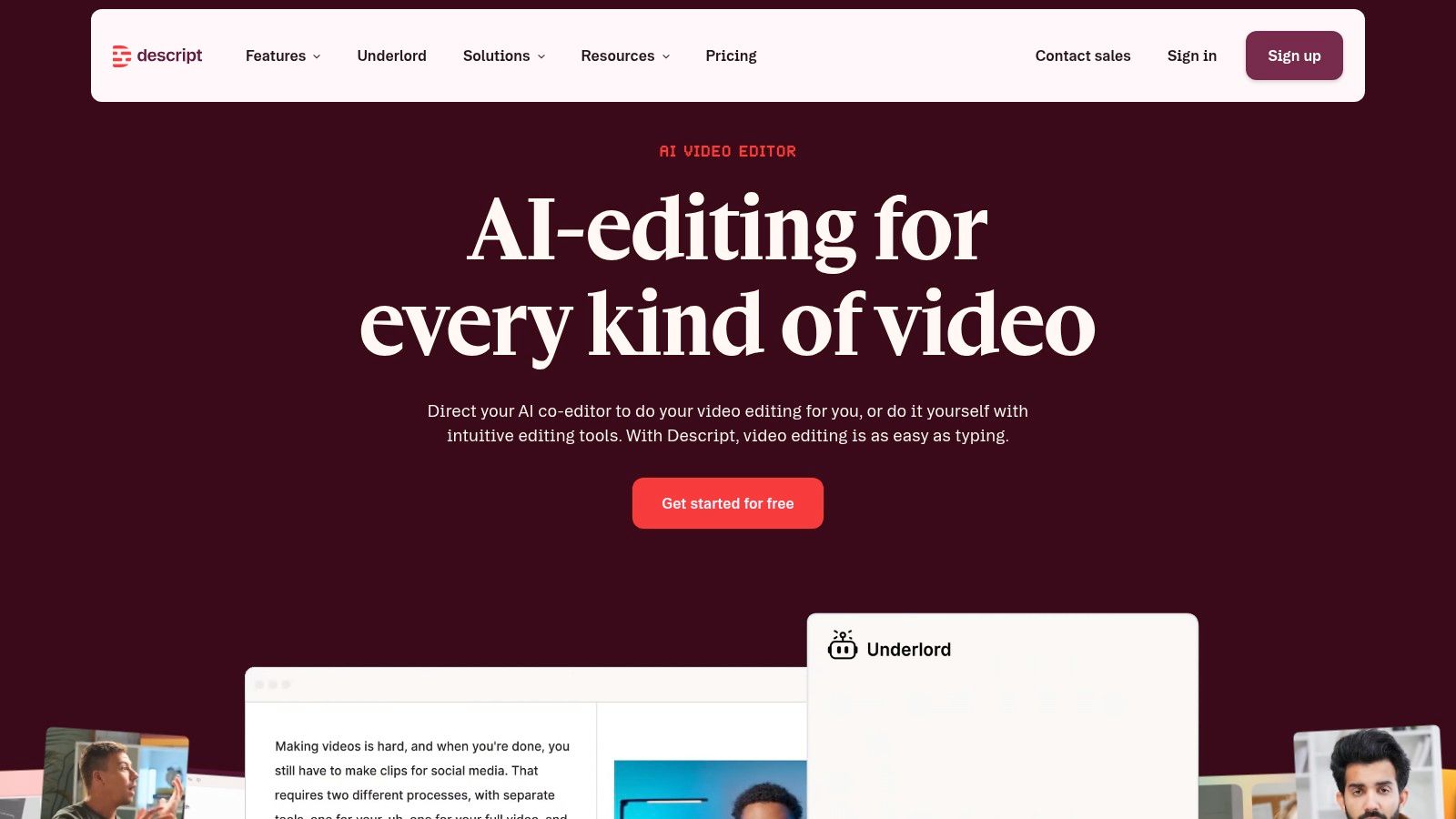
Best for editing podcasts, interviews, and videos through their transcripts. Descript belongs on a creator's shortlist when the transcript is part of producing edited media, not just the final deliverable. Deleting a sentence in the text removes that moment from the recording, so transcription and editing happen in one pass.
Descript's vendor listing includes one media hour per month on the free plan and multilingual transcription across 25 languages. Other documented features include speaker detection, captions, filler-word removal, and Studio Sound audio enhancement.
Judge the edited recording, not just the text
A podcaster needs to check whether cuts sound natural, whether captions match the final sequence, and whether speaker labels remain correct. Deleting an apparent filler word isn't automatically a better editorial choice if it changes the speaker's rhythm or intended emphasis.
- Primary advantage: Transcription and audio/video editing sit within the same production workflow.
- Main trade-off: It's more software than needed for short messages, everyday notes, or straightforward dictation.
- Plan limitation: Monthly media-hour allowances require attention when processing regular interviews or longer recordings.
Accuracy on real recordings still needs a manual check. A 2024 ACM evaluation of lecture transcription found an average word-error rate of 7.0%, with individual results ranging from 0% to 53.8%, across the services evaluated. That's not a Descript-specific score, but it shows why a reassuring average can conceal an unusable result on particular material.
For publication work, review names, quotations, caption timing, and the exported audio or video. Choose Descript when editing the recording is the job, rather than paying for production features to obtain text.
7. TurboScribe
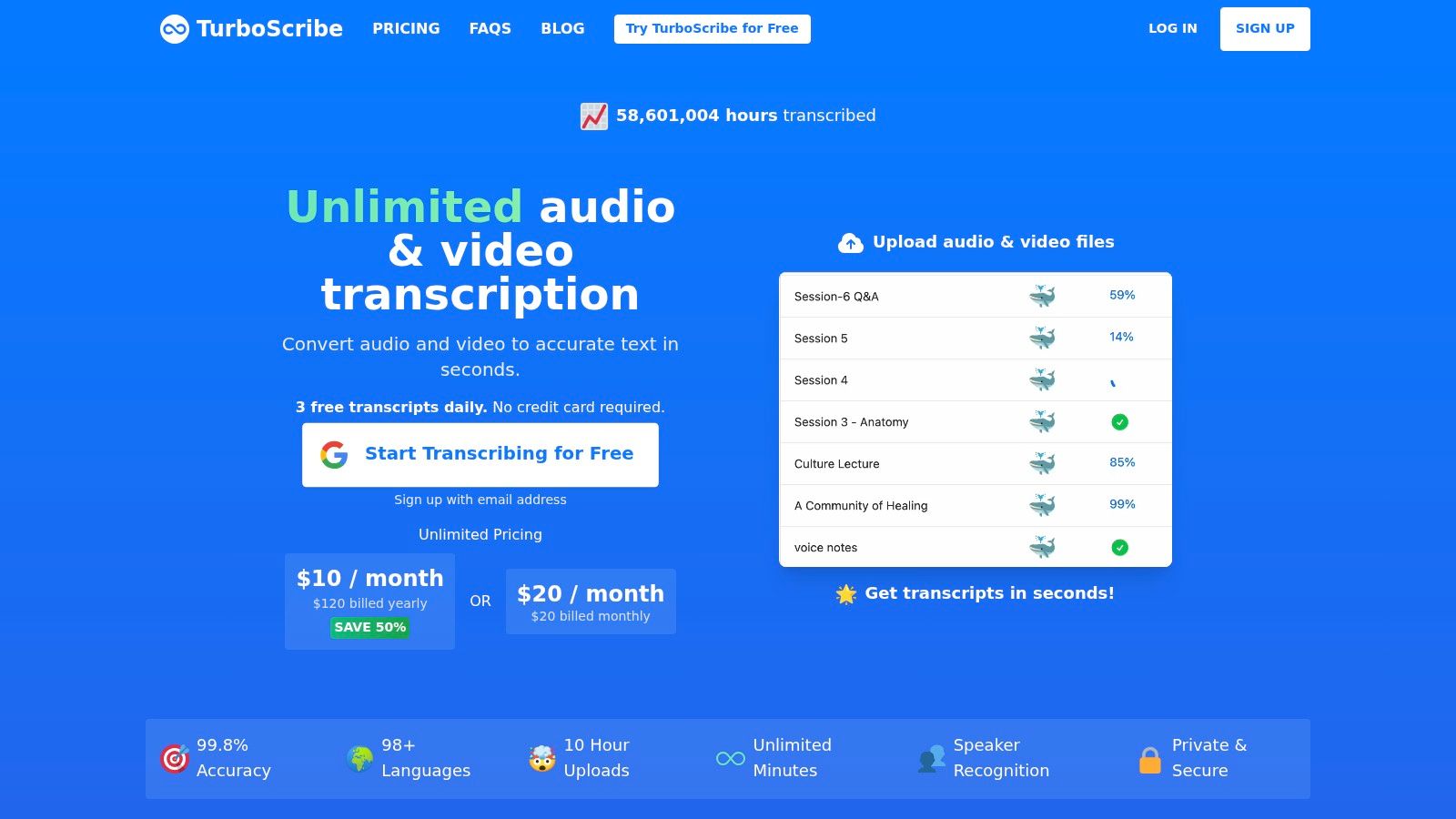
Best for transcribing existing audio and video files. TurboScribe fits researchers, interviewers, and teams with recordings ready to upload. It isn't the choice for speaking directly into email or receiving live text across applications.
TurboScribe's vendor listing advertises more than 98 languages, three free transcripts daily, uploads up to 10 hours and 5 GB, and Unlimited at $10 per month billed annually or $20 per month billed monthly; these vendor-listed terms have a check date requiring verification. The daily free allowance shouldn't be read as confirmation that every paid upload capability applies to free accounts.
File transcription without a live-writing workflow
Speaker recognition, transcription modes that prioritize speed or accuracy, and an audio-enhancement option address the practical needs of recorded material. The useful evaluation is whether the resulting transcript preserves names, specialist vocabulary, and speaker changes from the actual source file.
The main trade-off is its file-only workflow. Buyers who need live dictation or meeting attendance should choose a tool designed for that job rather than forcing uploads into a different process.
- Treat Unlimited as a plan label: Vendor wording isn't an independent guarantee of unrestricted use in every circumstance.
- Treat accuracy as task-dependent: A clean interview and a noisy group discussion are different evaluation tasks.
- Inspect privacy first: Sensitive recordings require review of processing, retention, and deletion terms before upload.
Buying distinction: An inexpensive transcription subscription is still the wrong purchase when the real requirement is live writing.
Choose TurboScribe for converting existing files into text. Choose Descript instead when the next step is editing the underlying media, and Notta when file uploads need to sit alongside collaborative meeting capture.
How the leading voice to text apps compare on use, free tier and listed price
| Item | Best for | Free tier | Listed paid price |
|---|---|---|---|
| Wispr Flow | Dictating across apps on desktop and mobile | Yes, with usage limits | Pro: $12 per user per month |
| Otter.ai | Recording and transcribing meetings | Basic: 300 transcription minutes per month | Not specified |
| Dragon Anywhere | Mobile dictation and voice-driven document editing | Not specified | Subscription price shown through app stores |
| Notta | Meeting and recording transcription with collaboration | 120 minutes per month; each transcription limited to three minutes | Not specified |
| Google Docs Voice Typing | Dictating drafts directly in Google Docs | No separate voice-typing subscription listed | No separate voice-typing subscription listed |
| Descript | Transcribing and editing audio or video | One media hour per month | Not specified |
| TurboScribe | Transcribing uploaded audio and video files | Three transcripts daily | Unlimited: $10 per month billed annually or $20 per month billed monthly |
Match Your Voice to Text App to One Real Workflow
The best voice to text app is the one that completes the primary task with acceptable correction work. Buyers should write down that task before comparing subscription tiers: composing text, capturing discussions, editing mobile documents, producing media, or transcribing existing recordings.
Shortlist no more than two suitable apps. A broad feature list shouldn't pull a buyer toward software designed for a different job.
- Writing across apps: Start with Wispr Flow.
- Drafting inside Google Docs: Start with Google Docs Voice Typing.
- Capturing team discussions: Compare Otter.ai and Notta.
- Editing mobile documents: Start with Dragon Anywhere.
- Editing recorded media: Start with Descript.
- Transcribing existing files: Compare TurboScribe with Notta if team collaboration also matters.
Run the same representative task through each shortlisted option. Include the names, terminology, pauses, accents, and background conditions that occur during normal work, then inspect the corrections and export process rather than judging only the first screen of text.
For procurement, correction effort matters alongside recognition accuracy. The Artificial Analysis speech-to-text methodology distinguishes streaming and batch evaluation, a useful reminder that live dictation and uploaded-file transcription shouldn't be treated as interchangeable tests.
Confirm support for the languages and accents the intended users speak. Before uploading sensitive audio, inspect processing location, retention controls, deletion options, account access, and whether recordings leave the device; an encryption statement alone doesn't answer those questions.
Check the vendor's pricing page on the day of purchase because listed prices, billing commitments, and free-tier limits change. Where a price or dated verification is missing, establish it before approving a subscription rather than budgeting from an assumption.
The next step is specific: select the app for the primary job, test it for one week on real work, and then decide on a paid plan. Keep the subscription only if the complete workflow, including correction, sharing, and privacy requirements, works better than the current method.
Cite this page
KeenVerdict. Best Voice to Text App in 2026: 7 Tools Compared. Updated November 16, 2026. https://keenverdict.com/best-voice-to-text-app
Questions or corrections: editorial@keenverdict.com