Guide · General
7 Best Inventory Management Software for Small Businesses
The best inventory management software for small businesses compared by features, integrations and pricing, with a clear pick for every type of seller.
By the KeenVerdict research desk · Updated November 15, 2026 · 10 min read
Most small businesses still count stock in a spreadsheet. In a 2026 survey of 400 inventory and warehouse operators across 33 industries, 84.8% used spreadsheets for stock control, including 53% of companies with at least 500 employees, according to the State of Inventory Management 2026 survey. The tools exist. The habit hasn't caught up.
The short answer: most small product businesses should start with Zoho Inventory. Retailers who ring sales on a till belong on Square for Retail, manufacturers and assemblers on Katana, wholesalers on inFlow Inventory, heavy multichannel sellers on Cin7 Core. Sortly covers equipment and supplies, and QuickBooks Online suits businesses whose stock is simple and whose books already live there. Every pick is scored on the KeenVerdict method: features 40%, ease of use 30%, value 30%. The comparison rests on documented features and vendor pricing pages, and no hands-on testing was performed.
Default pick: Zoho Inventory, because it covers the most small-business jobs per dollar: a free entry plan, multi-location stock, purchase orders and shipping connections. The one condition that should move you off it is a business built around a physical checkout on Square payments, where splitting sales and stock across two systems costs more than the subscription saves.
Table of Contents
- 1. Zoho Inventory
- 2. Sortly
- 3. Square for Retail
- 4. QuickBooks Online
- 5. Cin7 Core
- 6. Katana
- 7. inFlow Inventory
- 7 Inventory Management Platforms Compared by Price, Free Plan and Best Fit
- How to Choose and Confirm Your Pick in a Trial
1. Zoho Inventory
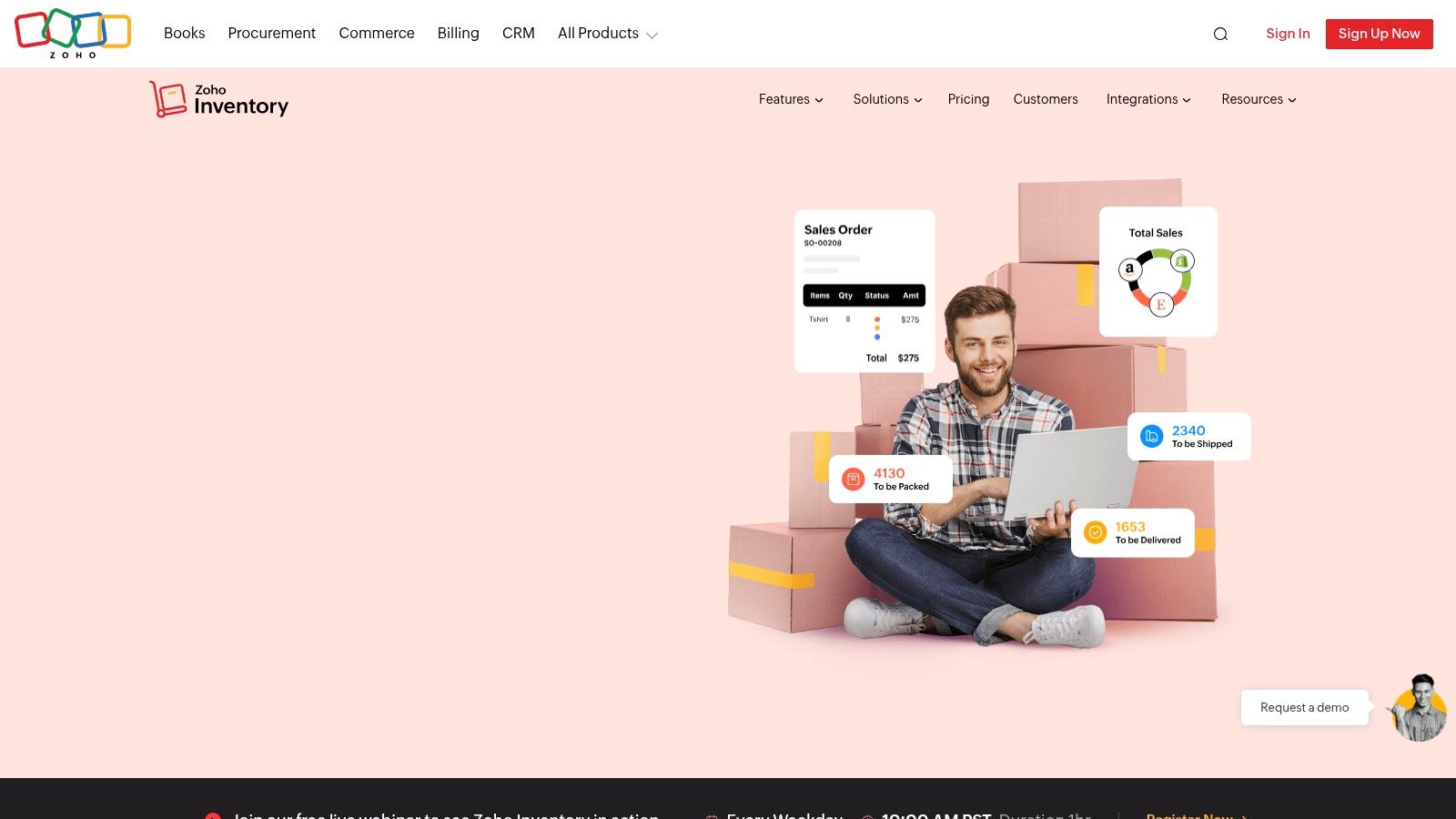
Zoho Inventory wins the default slot on cost per job covered. Paid plans start at $29 per month billed annually, with a free plan beneath that for a single warehouse and a light order volume, per the Zoho Inventory pricing page.
The category is tilting toward tools like this. Mordor Intelligence estimates the inventory management software market will grow from USD 3.17 billion in 2025 to USD 5.16 billion by 2031, and reports that large enterprises held 56.12% of market share in 2025 while projecting small and medium-sized businesses at a faster 13.12% CAGR (Mordor Intelligence).
What Zoho Inventory actually manages
- Order to shipment on one record: Items, sales orders, purchase orders and shipments share the same stock data, so a quantity moves once instead of three times.
- Multi-location counts: Stock is tracked across locations with reorder points and low-stock alerts attached.
- Zoho and beyond: Connects to Zoho Books, Zoho CRM and other Zoho apps, with multichannel and shipping integrations available.
Reviewers commonly praise ease of use, implementation and integrations, which is what matters when nobody on staff has run inventory software before. The tier limits are where it stings. Orders, users and locations are capped on the lower plans, some advanced tracking and automation sits a tier up, and reviewers flag customization gaps once a workflow gets unusual.
2. Sortly
Say a three-person events company owns 40 lighting cases, six vans and no clear idea which case is on which van. That's a Sortly job, not a purchasing system. It tracks what you have, where it is and what condition it's in, using photos instead of rows.
Most small firms sit in that position. A 2025 market estimate puts SME adoption of dedicated inventory software below 35% globally, which leaves more than six in ten small and medium businesses on spreadsheets, manual records, accounting systems or basic point-of-sale tools (DataIntelo market report).
Where the visual model pays off
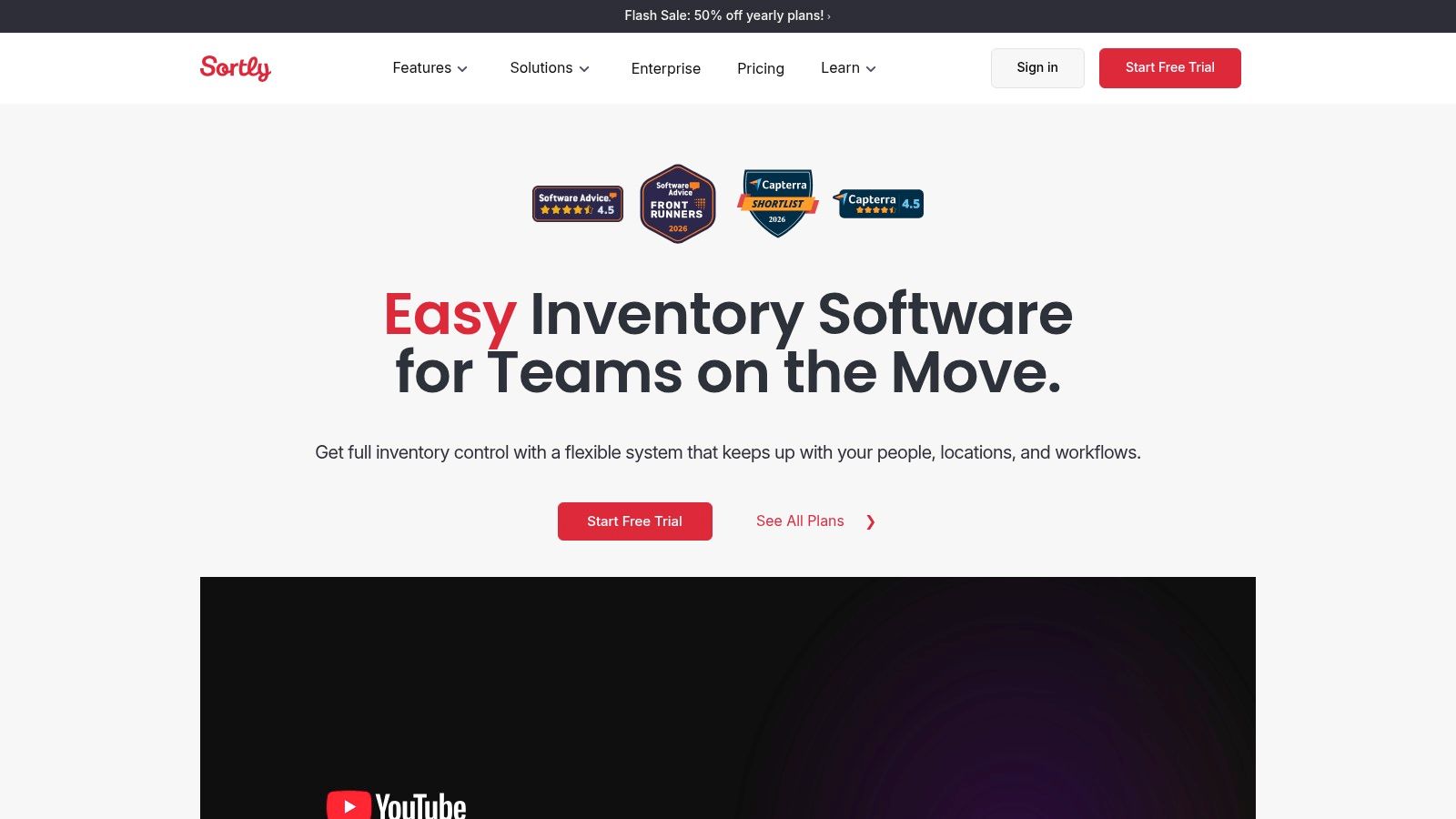
- Photo-led records: Items are organized with photos, folders, tags and custom fields, so staff identify equipment by sight rather than by SKU code.
- Scanning from a phone: Barcode and QR-code scanning runs through the mobile app.
- Alerts and reporting: Low-stock alerts and inventory reports come with the core product.
- Paid-tier additions: Purchase orders, more users and larger item limits become available as you move up.
Practical rule: If nothing you track gets shipped to a customer, you don't need order management. Track location, condition and quantity, and skip modules you'll never open.
A free plan makes it a low-risk way to test the workflow. Item, user and active-job limits vary by plan, and it's less extensive than dedicated order-management or warehouse systems. Promotional pricing can be temporary, so check the renewal rate on the Sortly site before you commit.
3. Square for Retail
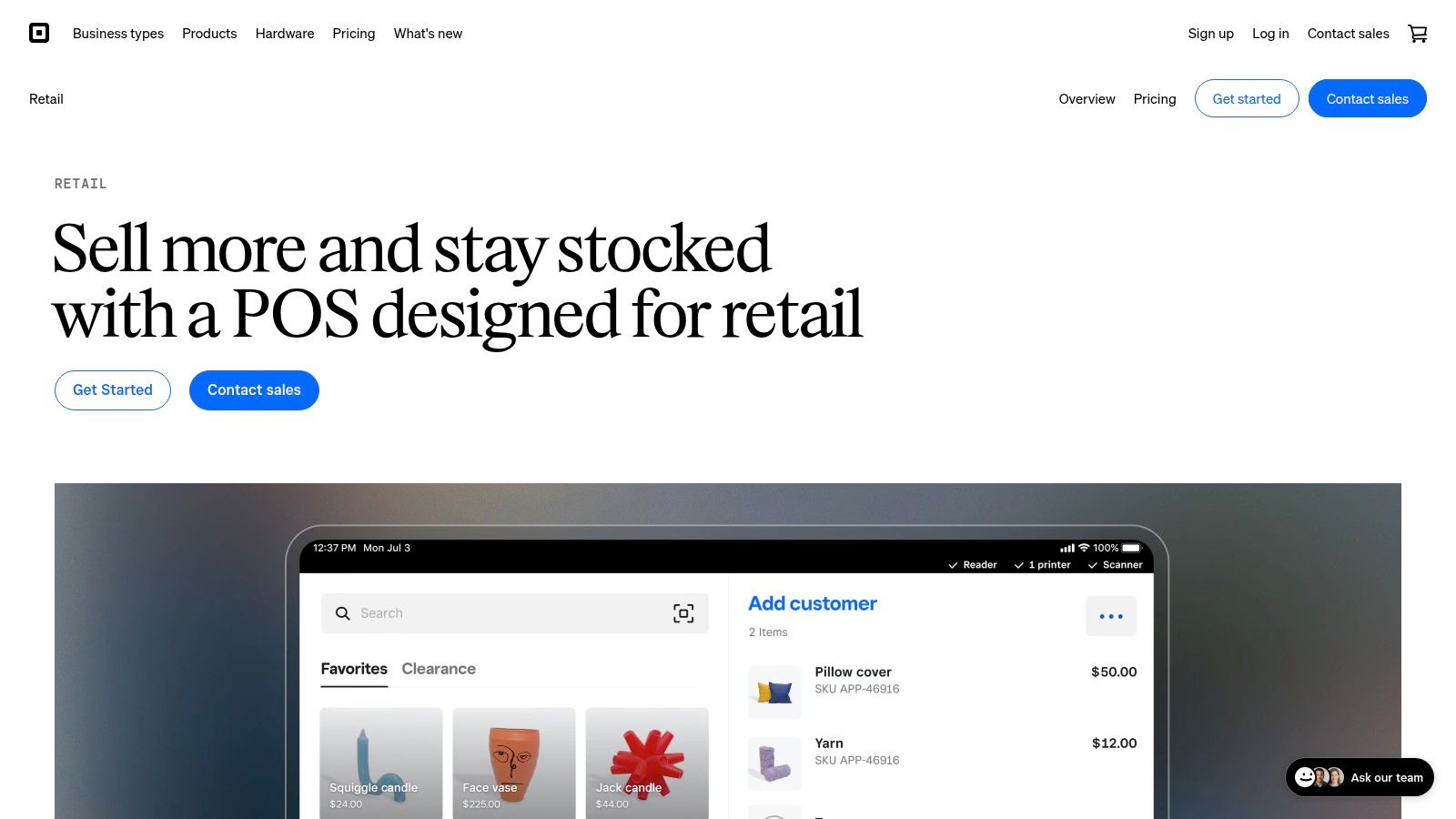
Square for Retail has a structural advantage: the till and the stock ledger are one system, so a counter sale moves inventory without anyone reconciling two exports at day's end. A Free plan covers the basics, paid Retail plans sit above it, and Plus and Premium come with a 30-day trial. Payment processing fees apply on top of the subscription (Square for Retail).
What a retailer gets
- Catalog tied to checkout: Products and stock tracking sit on the same record as the sale, so counts update as items ring through.
- Online and in-store sync: Stock and orders can stay aligned across both, and a Square catalog can connect to an online store, including Wix.
- Purchasing by plan: Retail purchasing and inventory-management features are included depending on which tier you buy.
If you're building the counter setup around it, the roundup of the best POS systems for retail covers terminals, readers and the hardware side.
The limits are real. Complex inventory and multi-location requirements may still push you to a specialist system, and the value is greatest for businesses already processing payments through Square. Processing fees and plan costs belong in the same budget line, not separate ones.
4. QuickBooks Online
QuickBooks Online answers one narrow case well: the books already live there, the stock is simple, and nobody wants a second login. Inventory tracking is included in Plus and Advanced, not in Simple Start or Essentials.
Pricing moves. The U.S. pricing page listed Plus at $70 per month and Advanced at $170 per month during a promotion, so confirm the live figure on the QuickBooks site before you budget for it.
What inventory tracking includes
- Stock updates from transactions: Quantities move as bills, sales and adjustments are recorded, keeping the count close to the ledger.
- Replenishment basics: Low-stock alerts, inventory reports and purchase orders cover simple restocking.
- Books and stock together: Inventory activity links to bills and accounting records rather than a separate system.
Inventory inside an accounting tool is a bookkeeping convenience, not a warehouse system. Buy it for the ledger, not for the stock.
It doesn't replace advanced warehouse, manufacturing or multichannel software, and upgrading a tier purely for inventory is costly when nothing else in the higher plan matters to you. The best accounting software for ecommerce guide covers where bookkeeping-led inventory stops working and a dedicated stock system takes over.
5. Cin7 Core
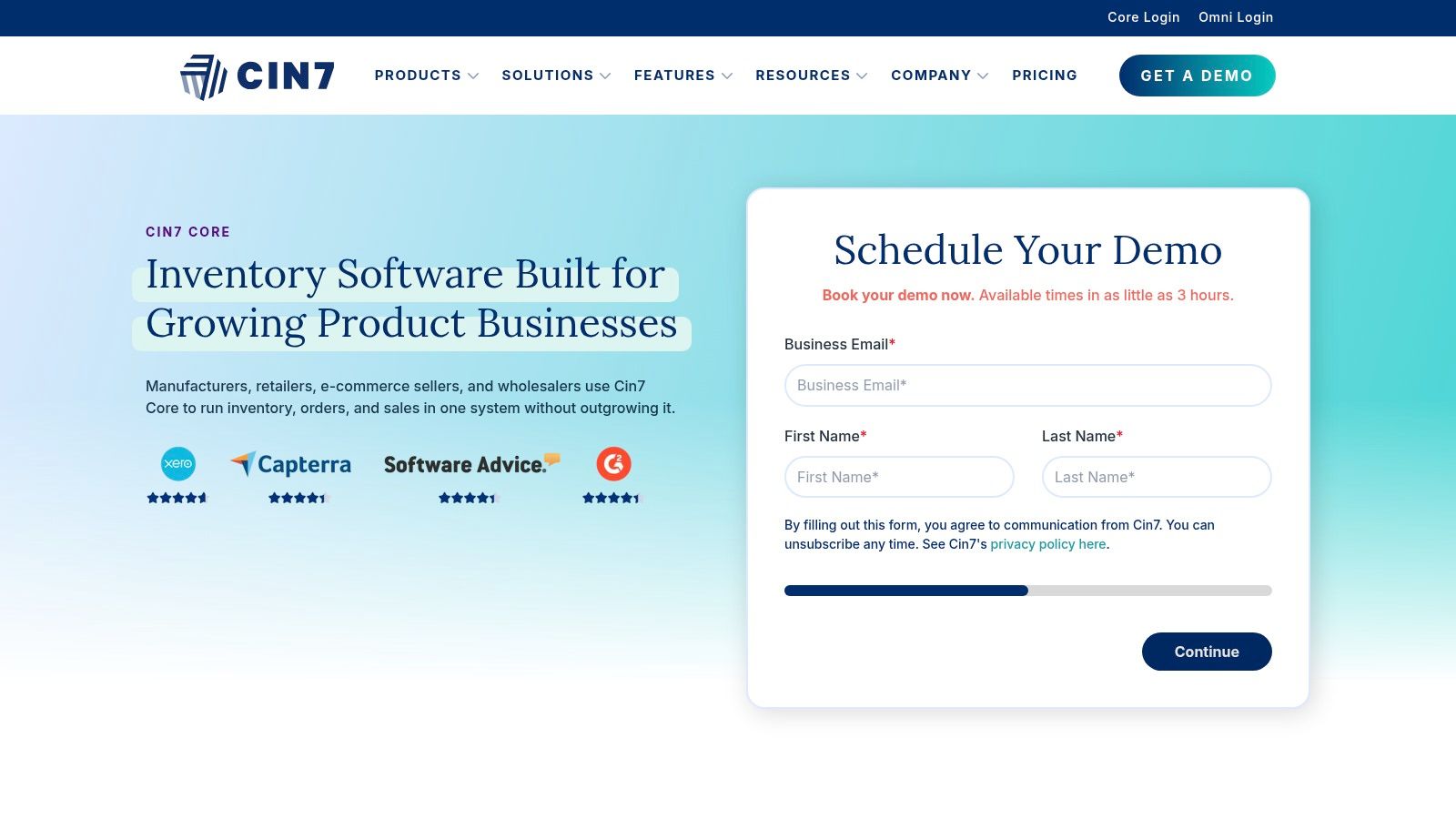
Cin7 Core is the pick when channel sprawl is the problem, not the counting. Manual reconciliation is the cost it removes. A 2025 Cin7 study of small and medium businesses found manual data syncing consumed an average of 16 hours per week, about $21,632 annually for an entry-level employee, and that 27% struggled with multichannel synchronization (Cin7).
The capacity is published rather than quoted. Standard starts at $349 per month for five users, two e-commerce or app integrations and up to 6,000 sales orders annually; Pro is $599 per month and Advanced is $1,199 per month, per the Cin7 Core page.
What the tiers include
- Purchasing to fulfilment: Products, purchase orders and sales orders managed in one system instead of three.
- Locations without a cap: Unlimited inventory locations on the listed plans.
- Scanning and warehouse work: Standard warehouse management and barcode scanning, with advanced features depending on plan.
- Integrations by count: E-commerce and accounting connections, subject to tier-specific integration limits.
The starting price is several times a spreadsheet-replacement tool, and integration counts plus annual order limits are tied to the plan you buy. Onboarding and configuration take real work before the system earns its keep.
6. Katana
Katana is built for the business that buys components and sells finished goods, where stock isn't a list, it's a bill of materials. Those decisions aren't only about avoiding stockouts. A 2025 report found 63% of small and medium businesses experienced direct tariff impacts and 30% viewed some excess inventory as a strategic hedge against disruption (Netstock supply chain planning report).
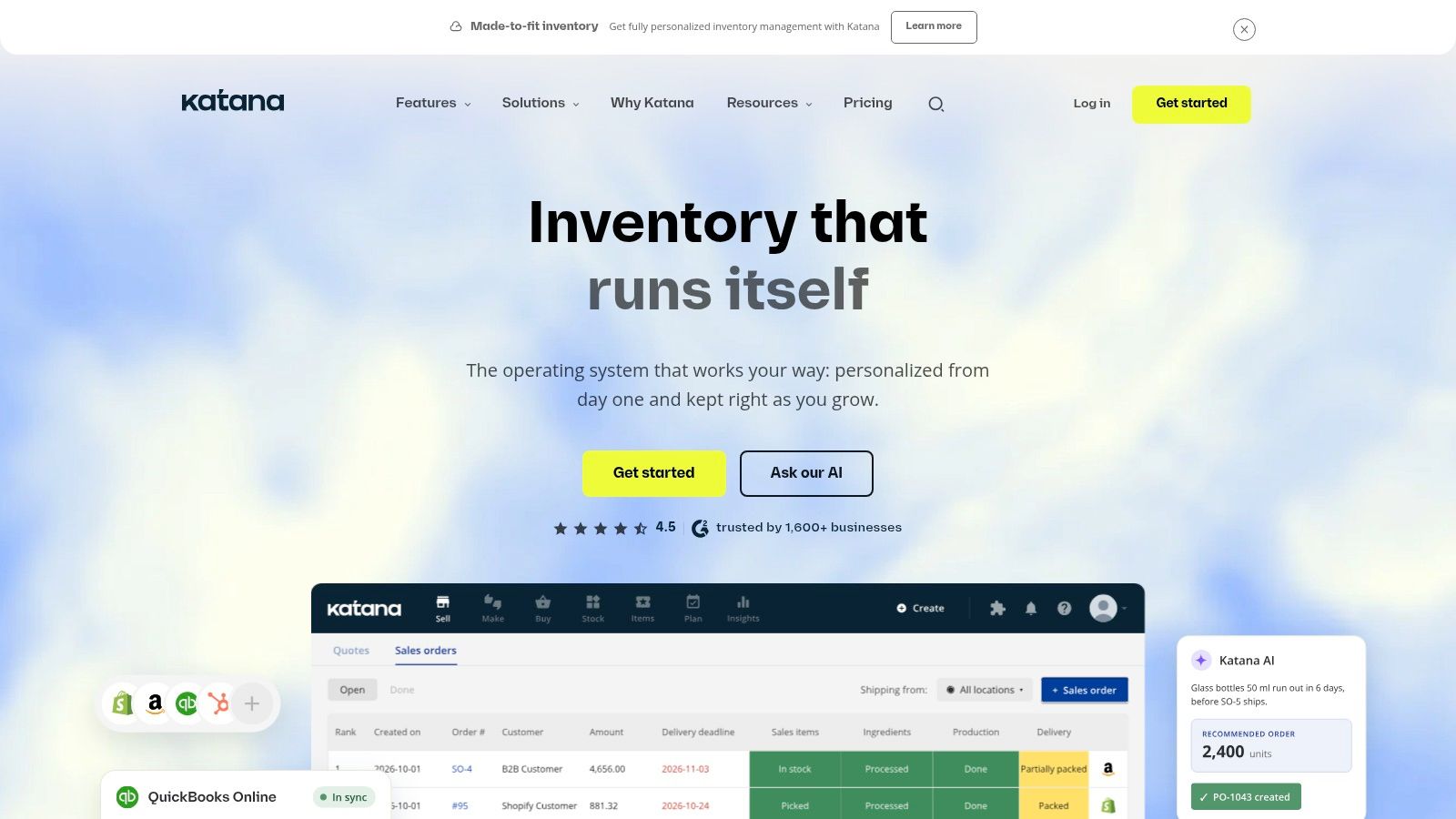
Essential is listed at $99 per month, and Pro is $299 per month billed annually or $349 monthly, with a 14-day trial available, per the Katana site.
Production planning, not stock counting
- Materials to finished goods: Stock, purchasing and production sit on one workflow, so a component's cost and availability show up where the product is planned.
- Sales channels: Integrates with e-commerce platforms such as Shopify and WooCommerce.
- Accounting: Connects to Xero and QuickBooks Online.
- Pro additions: Batch and lot tracking, barcode scanning, an API and a shop-floor app.
Essential includes one user and fewer advanced production features, and additional users, operators and higher-tier capability raise the bill. Businesses that only count finished retail stock should look elsewhere. For a heavier production option, the Fishbowl Manufacturing review covers a system built for larger floors.
7. inFlow Inventory
inFlow Inventory suits the business that ships cases and pallets to other businesses, not single parcels to consumers. Picking accuracy is where that model lives or dies. A survey of inventory and warehouse operators found 54.5% reporting order-accuracy rates of 95 to 98%, with 28.5% sitting below 95%, per the inFlow inventory metrics benchmark.
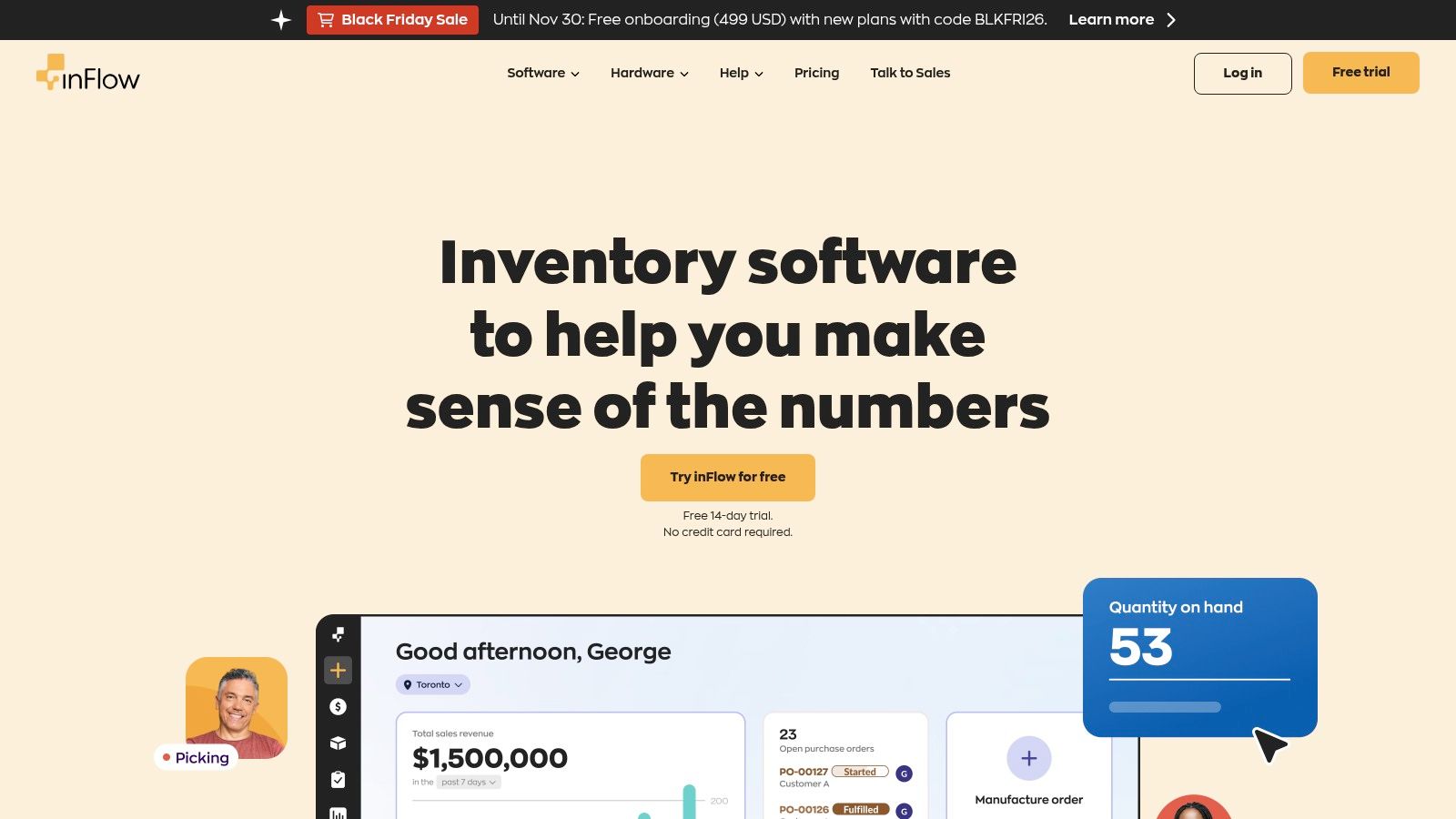
Pricing is published per team size. Lite is $99 per month billed annually for two team members and one location; Core is $299 per month for five team members and five locations, with a 14-day trial (inFlow Inventory).
Barcode work and assembly
- Across locations: Inventory and orders tracked per location, which matters once receiving and storage split apart.
- Scanning: Barcode scanning through its Stockroom offering supports receiving, picking and counts.
- Assembly: Bills of materials and assembly workflows, with some features sold as add-ons.
- Accounting handoff: QuickBooks Online or Xero integration transfers inventory value on eligible configurations.
Test to run: Count one aisle, pick five real orders with the scanner, then compare the system's error record against your own tally. Wholesale accuracy problems show up fast under that load.
It costs more than entry-level tools, especially for a two-person team with a short catalog. Team members, locations and add-ons lift the total, and plan inclusions can differ, so confirm current terms before you switch.
7 Inventory Management Platforms Compared by Price, Free Plan and Best Fit
| Starting price | Free plan | Best for | Standout capability |
|---|---|---|---|
| Zoho Inventory, paid plans from $29/month, billed annually | Yes | Small product businesses, especially Zoho users | Multi-location stock tracking and connected order workflows |
| Sortly, paid plan pricing not specified | Yes | Teams tracking equipment, supplies, and straightforward inventories | Photo-based item records with barcode and QR-code scanning |
| Square for Retail, paid plan pricing not specified | Yes | Small in-person retailers using Square POS | Connects checkout activity with in-store and online inventory |
| QuickBooks Online, Plus from $70/month during the cited promotion | No; inventory is included in Plus and Advanced | QuickBooks users with straightforward inventory needs | Links stock activity to accounting records and transactions |
| Cin7 Core, Standard from $349/month | Not specified | Multichannel sellers and wholesale businesses | Combines purchasing, inventory, and sales-order management |
| Katana, Essential from $99/month | No; 14-day trial available | Small manufacturers and product makers | Connects inventory, purchasing, and production planning |
| inFlow Inventory, Lite from $99/month, billed annually | No; 14-day trial available | Small wholesale and B2B businesses | Supports barcode scanning, fulfillment, and assembly workflows |
How to Choose and Confirm Your Pick in a Trial
Choosing comes down to one question: how do you sell? A shop ringing sales at a counter needs a till and a stock ledger that agree. A workshop assembling products from components needs materials tied to finished goods. A wholesaler needs purchase orders, receiving and picking that hold up under volume. Name your model, and the shortlist writes itself.
Zoho Inventory stays the default for most small product businesses, because it runs order, purchase and shipment workflows on a free tier and scales on a paid plan without a large upfront commitment. Move to Square for Retail if most revenue arrives at a physical checkout on Square payments, to QuickBooks Online if the books already live there and stock is simple, to Katana if you manufacture or assemble, to inFlow Inventory if you sell business to business, and to Cin7 Core if order volume and channel count have outgrown a light tool. Sortly remains the right call for equipment and supplies that never ship.
Run the trial on your own stock
- Name the operating model first. Retail counter, wholesale desk, production floor, or asset tracking. Every other decision follows from this.
- Shortlist two tools from this list, not seven. One default plus one alternative gives a clean comparison.
- Import real data. Load a live product set with variants, bundles and returns, then place a sale, a purchase order and a partial receipt.
- Put the daily users in the trial. The person who counts stock and the person who packs orders will find the workflow gaps a buyer never sees.
- Confirm prices on the vendor page before subscribing. Vendor pricing moves, and the figures here were checked against each vendor's own page. QuickBooks' figures were promotional, and tier inclusions at inFlow and Cin7 change with plan.
KeenVerdict publishes sourced buyer statistics and clear verdicts on software, scored on the same features 40, ease of use 30, value 30 method used here, so adjacent decisions such as accounting or point-of-sale can be checked the same way. Every price in this article links to the vendor page it came from.
Start with Zoho Inventory's free plan this week, load 20 real SKUs, and run one sales order and one purchase order end to end with the person who'll do it daily. Then test the single alternative that matches your operating model, and browse KeenVerdict's software rankings and sourced statistics before you sign anything annual.
Cite this page
KeenVerdict. 7 Best Inventory Management Software for Small Businesses. Updated November 15, 2026. https://keenverdict.com/best-inventory-management-software-for-small-businesses
Questions or corrections: editorial@keenverdict.com